Usually not as a cold first-contact default. Google Chat can work for recruiter outreach when you already share a real Google Workspace, alumni, or event context, but email or LinkedIn is usually safer for privacy, verification, and follow-up.
If you use it at all, use Google Chat as a short bridge rather than the main record of the hiring conversation, and move serious discussion to email or a scheduled call quickly.
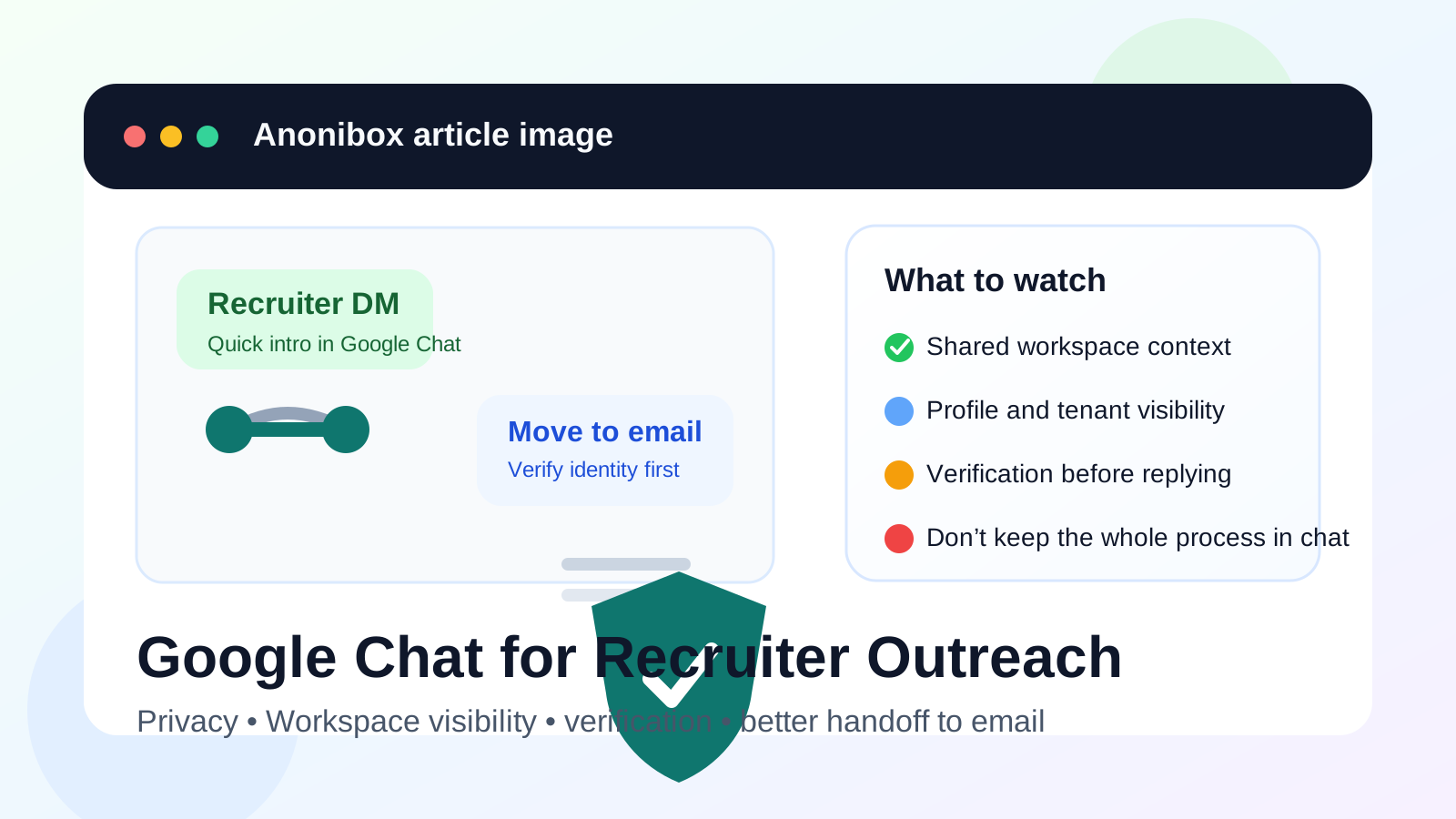
Google Chat feels harmless because it sits inside tools many people already use every day. For that same reason, it is easy to forget that a recruiter message there can expose more context than a plain email ever would. Your display name, profile photo, organization, account type, and even the fact that you are reachable in a specific workspace can all shape the interaction before you have decided whether you even want the conversation.
That does not make Google Chat automatically bad. It just means it works best in narrow situations. If a recruiter contacts you through a shared professional community, a Google-hosted event, or an existing warm introduction, a short message can be reasonable. As a cold first-contact default, though, it usually creates more privacy and recordkeeping problems than it solves.
Why Google Chat comes up in recruiter outreach
Recruiter outreach no longer lives only in email. Recruiters show up in alumni spaces, niche professional groups, founder communities, industry webinars, and event follow-up threads. Some of those environments already run on Google Workspace, which makes Chat feel like a convenient shortcut.
There is also a trust effect at work. People often assume a Google-branded chat message must be more legitimate than a random text or social DM. Sometimes that instinct is fair. Sometimes it is exactly what makes people lower their guard too early. A polished interface is not proof that the recruiter is real, the role is real, or the next step deserves immediate trust.
When Google Chat can be reasonable
1. You already share a real professional context
If the recruiter reached out after a webinar, alumni event, conference session, or shared introduction where Google Chat was already part of the experience, the contact is less random and easier to interpret. Context matters. A message from someone you just interacted with is very different from a cold ping with no explanation.
2. The first message is only a lightweight opener
Google Chat is most defensible when the first exchange is short: a brief introduction, a note that they would like to continue by email, or a quick request to schedule a call. That keeps the convenience without turning Chat into the whole hiring system.
3. You can verify the recruiter independently
A real recruiter should be easy to verify outside the chat window. You should be able to confirm their company, role, and public presence through the employer’s website, a legitimate company email, or a professional profile that clearly matches what they are claiming. If verification is difficult, treat the chat as a warning sign, not a shortcut.
4. You are not exposing a work-managed identity
A personal Google account is usually less risky than a current employer’s managed Workspace account. If your present employer controls the identity, retention, or device policies attached to the account, that is the wrong place to start a confidential job-search conversation.
Why Google Chat is usually not the best default
Workspace visibility can reveal more than you expect
One of the biggest Google Chat issues is that it often comes bundled with a wider workspace identity. Depending on the setup, a recruiter may see your display name, organization, profile photo, availability cues, or other context that tells them more about your current situation than a plain email would. Even when none of those details are highly sensitive, they can still create unnecessary exposure.
Work and personal accounts can spill into each other
Many people have more than one Google identity open at once: a personal Gmail account, a work Workspace account, maybe an old school account, and several browser sessions that blur together. That makes it surprisingly easy to reply from the wrong account or expose the wrong profile details. If you care about keeping your search discreet, that is not a small problem.
Chat is weaker than email for verification
Email is far from perfect, but it still gives you clearer identity signals: a company domain, a formal signature, a subject line, and a cleaner record of who said what. Chat tends to feel informal and immediate. That can make rushed outreach sound more legitimate than it deserves. A recruiter who wants to stay only in Google Chat and avoid email is not necessarily fake, but they are asking you to give up one of the simplest verification tools you have.
Important details are easier to lose
Recruiter outreach usually starts light, but it can quickly turn into screening questions, scheduling notes, role summaries, compensation hints, or document requests. Those things are easier to manage in email. Chat threads get buried. Messages split across windows and devices. Search works differently. You can still miss a good opportunity simply because the channel is noisier than it needs to be.
A practical rule: use Chat for the bridge, not the process
The cleanest way to think about Google Chat is as a handoff channel. If the recruiter seems real and the opportunity sounds relevant, move the conversation to a more stable system quickly. That usually means email first and a scheduled call second.
A short response can do the job:
- Thank them for reaching out.
- Ask for the role summary or job description by email.
- Confirm the company domain you expect to hear from.
- Offer a time for a short call if the opportunity looks promising.
That keeps the exchange polite without leaving the whole relationship inside a chat window.
Best practices if you do use Google Chat for recruiter outreach
Verify before you volunteer more information
Before sending a resume, phone number, salary expectations, or availability details, make sure the person is who they say they are. Look them up independently. Check the company site. Compare names and titles. If the role is real, there should be evidence outside the chat.
Use the least revealing account possible
If you choose to reply, do it from the account that gives away the least unnecessary context. A neutral personal account is usually better than a work-managed account tied to your employer, internal groups, or current role.
Move anything important to email
Once the conversation becomes real, ask for the details in email. That includes the job description, the recruiter’s contact information, scheduling details, and any follow-up documents. Email is still easier to archive, forward, search, and revisit later.
Keep your own notes outside the chat
Write down who contacted you, what role they mentioned, and what next step you agreed to. That matters when you are juggling several conversations at once. It also helps you spot inconsistencies later.
Separate early-stage outreach from your main inbox
If your broader goal is to reduce clutter while still responding to opportunities, a separate email workflow is usually more useful than turning to chat-first communication. Some people keep a dedicated recruiting inbox for serious conversations and use a tool like Anonibox only for low-trust signups, one-off event registrations, or early lead capture they do not want tied to their main address forever. That preserves inbox control without giving up verification and recordkeeping.
Red flags that make Google Chat a poor choice
- The recruiter refuses to continue from a company email address.
- The role description is vague, rushed, or inconsistent with the company’s site.
- You are being pushed to switch accounts, open files, or click links before basic verification.
- The contact wants sensitive personal data too early.
- You would need to use a current employer-managed Google account to keep the conversation going.
- The recruiter is treating chat like the only legitimate record of the opportunity.
Any one of those may be enough to slow down. Several together are a strong sign to step back.
Better alternatives for first contact
Email is still the strongest default for early recruiter outreach. It gives you clearer identity signals, cleaner archiving, and less accidental profile exposure.
LinkedIn is not perfect either, but at least the context is explicitly professional. It is usually better than Google Chat for cold first contact because the platform itself is designed around work identity and career conversations.
Scheduled calls or calendar-backed meetings
If speed matters, a verified call or meeting invite is often better than a long string of casual chat messages. It creates clearer expectations and a cleaner next step.
So should you use Google Chat for recruiter outreach?
Usually not as a cold first-contact default. Google Chat can work when you already share a legitimate professional context and the recruiter is easy to verify, but it is usually weaker than email or LinkedIn for privacy, identity checks, and message organization.
The best approach is simple: if the message seems real, use Chat briefly, verify the sender, and move the conversation to email or a scheduled call before anything important happens there. That gives you the convenience of a fast opener without letting workspace visibility, account spillover, or weak recordkeeping drive the whole recruiting process.