If a recruiter wants a quick live conversation, Zoom can work for recruiter outreach—but it is safest after you already have some context in email or messages. Use it when a short intro call will move the conversation forward, and protect your privacy by controlling your meeting links, display name, calendar details, and follow-up channels.
In other words: Zoom is useful, but it should not be the first thing you hand out blindly. Verify the recruiter first, keep a written contact trail, and then use Zoom as a structured next step rather than your only outreach method.
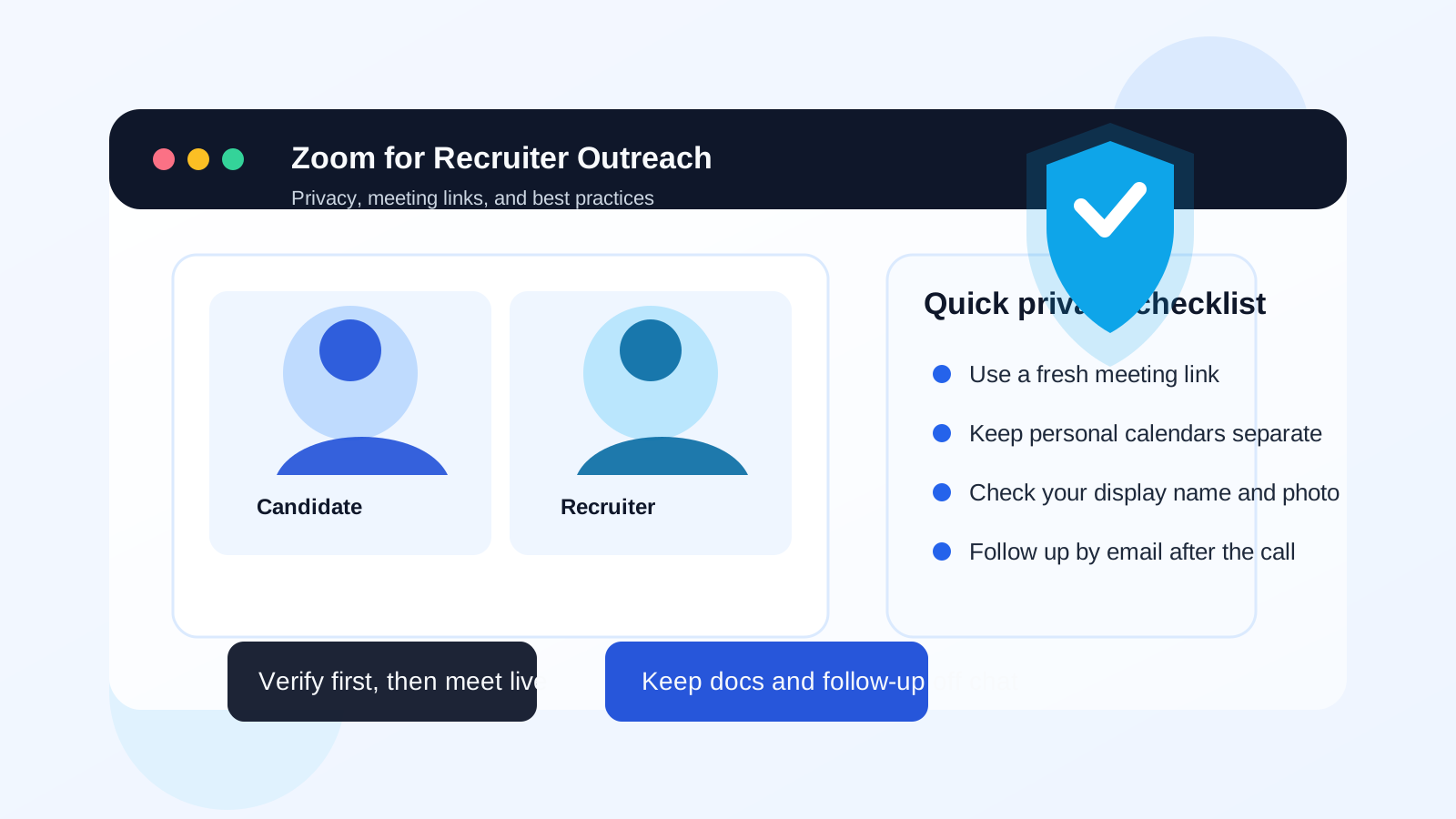
Why Zoom comes up in recruiter outreach
Recruiter outreach usually starts in writing, but it often moves to a live call fast. A recruiter may want a 10- to 20-minute introduction, a quick calibration conversation about your background, or a first-screen chat before they invest more time. Zoom is familiar, easy to join, and widely accepted across companies, so it is an obvious tool for that step.
That convenience is the reason people like it, but it is also why job seekers should slow down a little. A Zoom invite can reveal more than just a meeting time. Depending on how the invite is handled, it can expose your full name, personal email habits, time zone, profile photo, meeting history patterns, and even parts of your home or workspace if you join on camera. None of that means Zoom is bad. It just means it is worth using deliberately.
When Zoom is a good choice for recruiter outreach
Zoom makes the most sense when a real conversation would help both sides quickly decide whether to continue. Good examples include:
- A recruiter wants a short introductory conversation after reading your LinkedIn profile or résumé.
- You want to ask clarifying questions about a role before entering a longer interview process.
- The recruiter is legitimate, the company is identifiable, and the conversation has already been established in email or on a trusted platform.
- You are dealing with a remote or international opportunity where a video call is the normal next step.
- You want a more personal conversation than email can provide, but you still want a clear boundary around time and topic.
In those situations, Zoom can save time. A short call can tell you more about the recruiter, the urgency of the role, and whether the opportunity sounds serious than a long message thread can.
When Zoom is a poor first move
Zoom is a worse choice when the recruiter has not earned basic trust yet. If someone contacts you from a vague address, refuses to identify the company, pushes for an immediate meeting, or wants to move off-platform before answering simple verification questions, a live call should not be your first response.
There are also practical reasons to avoid jumping into Zoom too early. Writing creates a record. It gives you time to verify names, compare job details, and notice red flags. A rushed call can make sketchy outreach feel more legitimate than it is. If you are not sure whether the opportunity is real, ask for details by email first.
The main privacy issues to think about
1. Meeting links can travel
Zoom links are easy to forward. If a recruiter sends a meeting invite carelessly or uses a reusable meeting setup, the link may circulate more widely than you expect. That does not automatically create danger, but it is a good reason to prefer single-purpose meeting invites over a standing personal room.
2. Your display name and profile can reveal more than you meant to share
Before you join, check what name Zoom will show. Some people use a full legal name, a nickname, or an old profile photo without thinking about it. For job-search calls, a simple professional name is usually best. If your account profile contains extra personal details, clean those up before the meeting.
3. Calendar invites can leak context
Sometimes the privacy issue is not the video app itself but the calendar around it. A meeting invite sent to your main personal calendar may sit next to family appointments, medical reminders, or other information you do not want mixed into job-search logistics. Using a dedicated job-search calendar or inbox keeps those worlds separate.
4. Camera, background, and screen-share mistakes happen
A live video call shows more than your résumé. Your room, whiteboard, notifications, browser tabs, and even other people in the background can become visible. If you are going to use Zoom for recruiter outreach, take a minute to test your camera framing, background, microphone, and notification settings first.
5. Recordings and chat are not always under your control
Some recruiters record calls, save chat logs, or keep meeting notes in systems you do not see. That can be completely normal, but it means you should treat the call like a professional screening conversation, not a casual off-the-record chat. Do not overshare sensitive personal details just because the interface feels informal.
Best practices before you accept or suggest a Zoom call
Verify the recruiter in writing first
Before you click anything, make sure you know who you are dealing with. Confirm the recruiter’s name, company, role, and the job they are contacting you about. If something feels off, ask for an email from a company domain or look for the role on the company’s careers page.
Prefer email-first scheduling
Email gives you a paper trail and lets you confirm the basics before a live conversation. If you want extra separation during early-stage outreach, keep recruiter traffic in a dedicated job-search inbox instead of your everyday personal account. That is one place where a tool like Anonibox can fit naturally: it helps you separate early, low-trust contact from the inbox you use for long-term relationships. Once the recruiter and role look legitimate, you can move the conversation to a more persistent address if needed.
Use a fresh meeting invite, not a personal room
If you are the one proposing a Zoom call, avoid sharing a standing personal meeting room. A fresh, one-off link is cleaner and reduces the chance that an old link will keep circulating.
Check your profile details before joining
- Use the name you want recruiters to see.
- Remove joke profile photos or old branding that does not fit your current search.
- Make sure your time zone is correct so scheduling is accurate.
- Turn off distracting notifications.
Keep documents and sensitive information off the live call unless necessary
A recruiter intro call is rarely the right place to share identity documents, salary paperwork, or anything sensitive. If documents are needed later, send them through a verified company channel after you have confirmed the opportunity.
How to use Zoom well in recruiter outreach
The best use of Zoom is as a middle step, not the entire process. A practical flow looks like this:
- Initial contact in email or a trusted professional platform.
- Basic verification of the recruiter and role.
- A short Zoom call for fit, context, and next steps.
- Follow-up in writing so expectations, materials, and timelines are clear.
That pattern gives you the human benefits of a live conversation without losing the clarity and audit trail of written communication.
If you want a simple line to use, something like this works well: “Happy to do a brief Zoom call once I have the role details and company information by email. If it still looks like a fit, feel free to send a 15-minute invite.” It is polite, professional, and privacy-aware without sounding paranoid.
What not to do on a Zoom recruiter call
- Do not join a vague meeting request with no clear host identity.
- Do not install unusual software from suspicious links when the browser version would do.
- Do not reveal personal identifiers that are unrelated to an introductory conversation.
- Do not assume a video call proves legitimacy; scammers can use Zoom too.
- Do not let a recruiter pressure you into immediate commitments just because the conversation feels more personal live.
When another channel may be better
Sometimes Zoom is fine, but not ideal. If the first step only requires a few clarifying questions, email may be better. If the recruiter wants a quick yes-or-no availability check, a short phone call may be simpler. If the company clearly operates in Google Workspace or Microsoft 365, they may prefer Google Meet or Teams for internal convenience. The point is not to force Zoom into every situation. It is to use it when a live conversation helps and when the privacy trade-off is reasonable.
A quick checklist before the call
- Have I verified the recruiter and company?
- Do I know what the role is and why they want to speak?
- Am I using the right name, photo, and background?
- Is the meeting invite tied to a clean job-search inbox or calendar?
- Do I know what I am willing to discuss and what should wait for a secure follow-up?
If you can answer yes to those questions, Zoom is usually a reasonable outreach tool.
Final answer: should you use Zoom for recruiter outreach?
Yes, Zoom can be a good tool for recruiter outreach when the recruiter is verified and the live conversation has a clear purpose. It is especially useful for short intro calls, remote opportunities, and situations where both sides need a faster signal than email can provide.
But Zoom works best as a controlled second step, not as a blind first jump. Keep the early verification in writing, protect your meeting links and profile details, and separate your job-search contact channels when possible. Used that way, Zoom can help you move opportunities forward without giving away more privacy than necessary.