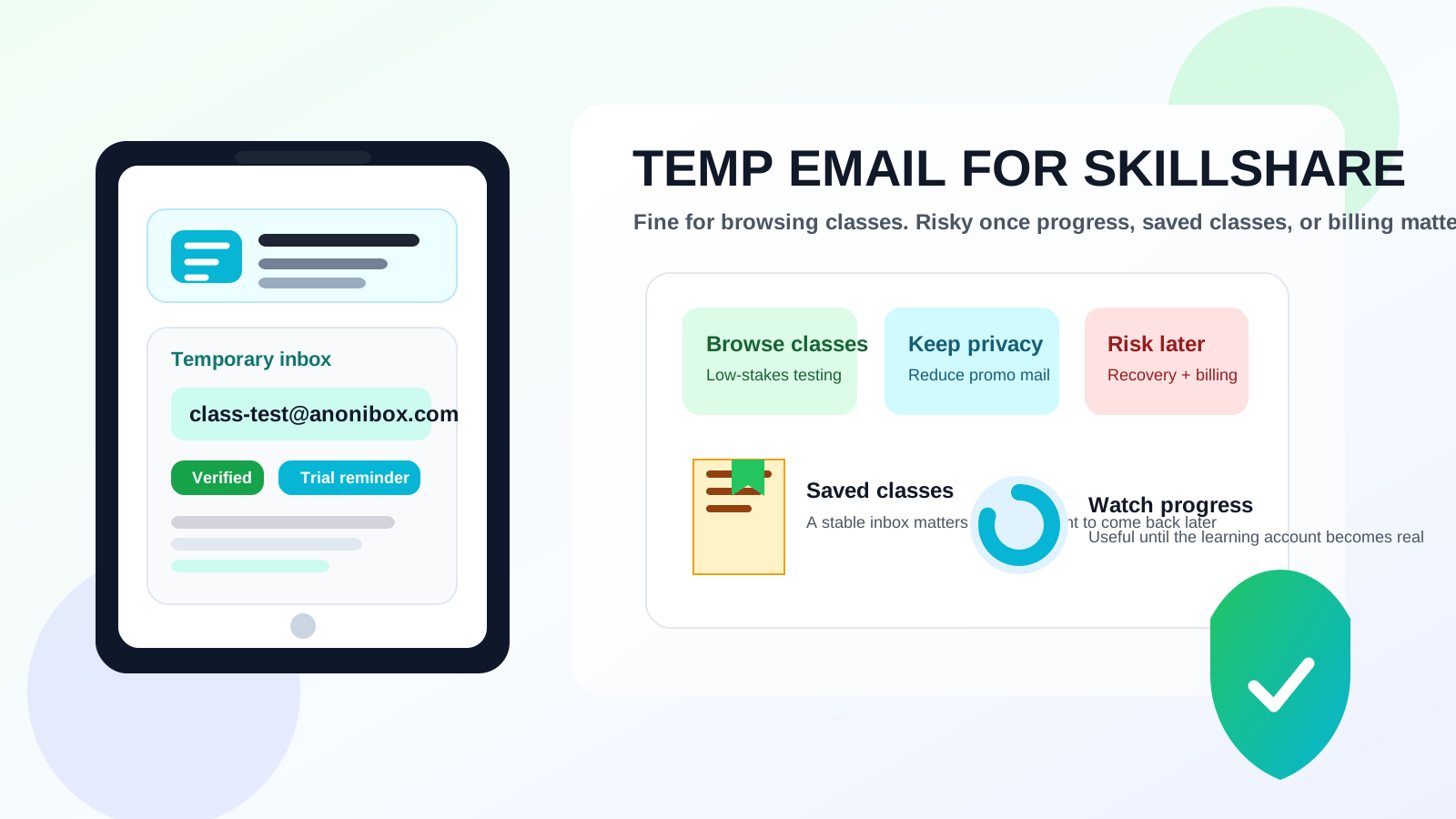
A temp email for Skillshare is fine if you are only browsing classes, testing the signup flow, or deciding whether the platform fits your learning style.
It becomes risky once you care about saved classes, watch progress, possible billing messages, or recovering the account later.
That is the practical answer most people need. They are not usually asking because they want to do anything unusual. They just want a little more privacy, less promotional email, or a cleaner way to test a learning platform before it becomes yet another account tied to their everyday inbox.
Skillshare is exactly the kind of service where that instinct makes sense. You may want to check a few classes, compare instructors, explore the platform layout, or see whether the library feels useful before you decide the account matters. A temporary inbox can help during that early stage. The problem starts when a short-term test quietly turns into a real learning account you expect to keep.
If you use a privacy-first inbox from a tool like Anonibox, the best approach is to think in stages: temporary email for early exploration, stable email for anything you may want to rely on later.
Why people want a temp email for Skillshare
Online learning platforms often send more email than people expect. Even when the messages are legitimate, they can add up quickly. That may include verification links, class recommendations, reminders to keep learning, trial or membership prompts, receipts, feature announcements, and general marketing email.
If you are simply checking whether Skillshare feels worthwhile, handing over your main personal address can seem like too much too soon. A temporary inbox appeals to people who want to:
- browse classes without feeding their main inbox another stream of promotional mail
- test the signup experience before deciding whether they want a lasting account
- keep educational experiments separate from work or personal email
- reduce how many platforms immediately get their permanent address
- compare several learning tools without mixing everything into one mailbox
Those are sensible reasons. The issue is not whether privacy matters. It is whether the account stays disposable after you start using it for something real.
When a temporary inbox actually makes sense
1. You are only browsing classes
If your goal is just to look around, inspect class topics, compare teachers, or see whether the platform style suits you, a temporary inbox can be a reasonable low-commitment option. In that situation, you are not relying on the account to hold anything especially valuable yet.
2. You want to test the platform before committing
Maybe you want to see how easy it is to find useful classes, whether the production quality feels strong enough, or whether the platform seems worth revisiting. A temporary address lets you do that without instantly folding the account into your permanent digital life.
3. You want to keep low-stakes signups separate
Some people regularly test tools, communities, and learning platforms. If every experiment uses the same inbox, the clutter builds fast. Temporary email can be a simple way to keep early-stage curiosity from becoming long-term inbox noise.
Where using temp mail becomes risky
Once you start saving classes you care about
The moment you begin bookmarking or saving classes you genuinely want to return to, the account stops being throwaway. You may think, “I will sort it out later,” but later is exactly when you may no longer have easy access to the inbox that controls the account.
Once your progress matters
A learning account becomes more valuable once it stores your actual behavior. Watch progress, finished lessons, ongoing class plans, and your own learning rhythm all become part of why you would want reliable access later. If the email behind the account was only meant for a short test, that convenience can age badly.
Once billing or membership matters
If you ever move from casual exploration to a paid relationship or any long-term membership setup, the account infrastructure needs to be dependable. Even if you mainly care about privacy, you do not want receipts, renewal notices, support replies, or account messages tied to an inbox you may not control for long.
Once recovery would be annoying
This is the classic failure point. A temporary inbox feels clever until you need a password reset, login link, or account confirmation later. Then a small privacy win turns into an access problem that did not need to exist.
What can go wrong if you keep the temp email too long?
- Lost access: you cannot easily reset the password or confirm ownership when you come back later.
- Broken continuity: you wanted a casual account, but now your saved classes or progress live behind an inbox you no longer treat as stable.
- Missed account messages: important notices go somewhere you rarely check or no longer use.
- Messier support: account support gets harder when the email address was never meant to be permanent.
- Unnecessary friction: coming back to continue learning becomes more annoying than it should be.
None of this means temporary email is always the wrong choice. It only means its best use is narrow: early exploration, not durable ownership.
A better approach: temporary email for testing, stable email for real learning
For most people, the smartest workflow is simple and staged.
- Use temp mail for the first look. That is when you want privacy, less clutter, and a clean evaluation environment.
- Switch to a stable inbox before the account becomes important. If you start saving classes, caring about progress, or depending on the account, move it to an email you actually plan to keep.
- If privacy still matters, use a separate permanent inbox instead of a disposable one. That gives you separation without creating recovery problems later.
That third option is often the real answer. Many people think they need a throwaway address when what they actually need is a dedicated secondary inbox. That setup still protects the main inbox while giving the account a durable foundation.
Temp email vs alias vs separate permanent inbox
If your goal is simply to reduce clutter or protect privacy, you have a few workable options:
- Temporary inbox: best for quick tests, browsing, and low-commitment signups.
- Email alias: better when you want privacy and separation but still need long-term control.
- Separate permanent inbox: best when you expect ongoing use, saved content, billing, or recovery to matter.
For a platform like Skillshare, the alias or separate-inbox route is usually the better long-term move once you know you want the account to stick around.
How to use a temp email for Skillshare more safely
Use it only for genuine evaluation
If you know you are just exploring the platform, a temporary inbox is appropriate. If you already suspect you will keep the account, skip the short-term trick and start with something stable.
Save anything important during the same session
If a confirmation message, reminder, or helpful setup email matters, capture it while you still have it. Temporary inboxes are best when you do not assume future continuity.
Set a clear migration point
Decide in advance when you will switch away from the temporary inbox. For example: “If I save more than a few classes,” or “if I return after the first session,” or “if I ever attach payment information.” That makes the transition deliberate instead of forgotten.
Do not confuse curiosity with ownership
A learning platform can feel casual at first. The trick is noticing the moment it stops being casual. That moment usually arrives earlier than people expect.
Practical situations where temp mail is reasonable
- you want to inspect the platform before deciding whether it deserves a lasting place in your routine
- you are comparing several online learning platforms and want to contain the email noise
- you only need short-term access for a quick evaluation
- you care more about initial privacy than long-term continuity at this stage
Situations where you should avoid it
- you expect to keep returning to saved classes
- you care about your watch progress or account history
- you may need support, recovery, or account confirmations later
- you are likely to move into any longer-term paid or membership relationship
- you know even a small access problem would frustrate you
A quick decision checklist
Before using a temp email for Skillshare, ask yourself:
- Am I only browsing, or do I think I will genuinely use this account later?
- Would losing access to the inbox be mildly annoying or actually disruptive?
- Do I care about saved classes, progress, billing, or support messages?
- Am I trying to avoid clutter, or do I really need the account itself to be disposable?
If the honest answer is that you are simply looking around, temporary email can be fine. If the account may become part of a real learning habit, stable email is the safer choice.
Bottom line
A temp email for Skillshare is a practical choice for class browsing, short-term testing, and keeping another promotional stream out of your main inbox while you decide whether the platform is worth your attention.
It becomes the wrong tool once the account carries value. If you want reliable access to saved classes, progress, possible billing messages, or future recovery, switch to an email you control for the long haul. The best setup is usually simple: temporary inbox for early curiosity, durable email for real learning.