Yes, a temp email for DataCamp can be useful if you only want to browse courses, test the signup flow, or try a low-stakes free trial without feeding your main inbox more marketing mail.
But once your DataCamp account starts holding real progress, certificates, billing details, saved tracks, or recovery value, a stable long-term inbox is usually the smarter choice.
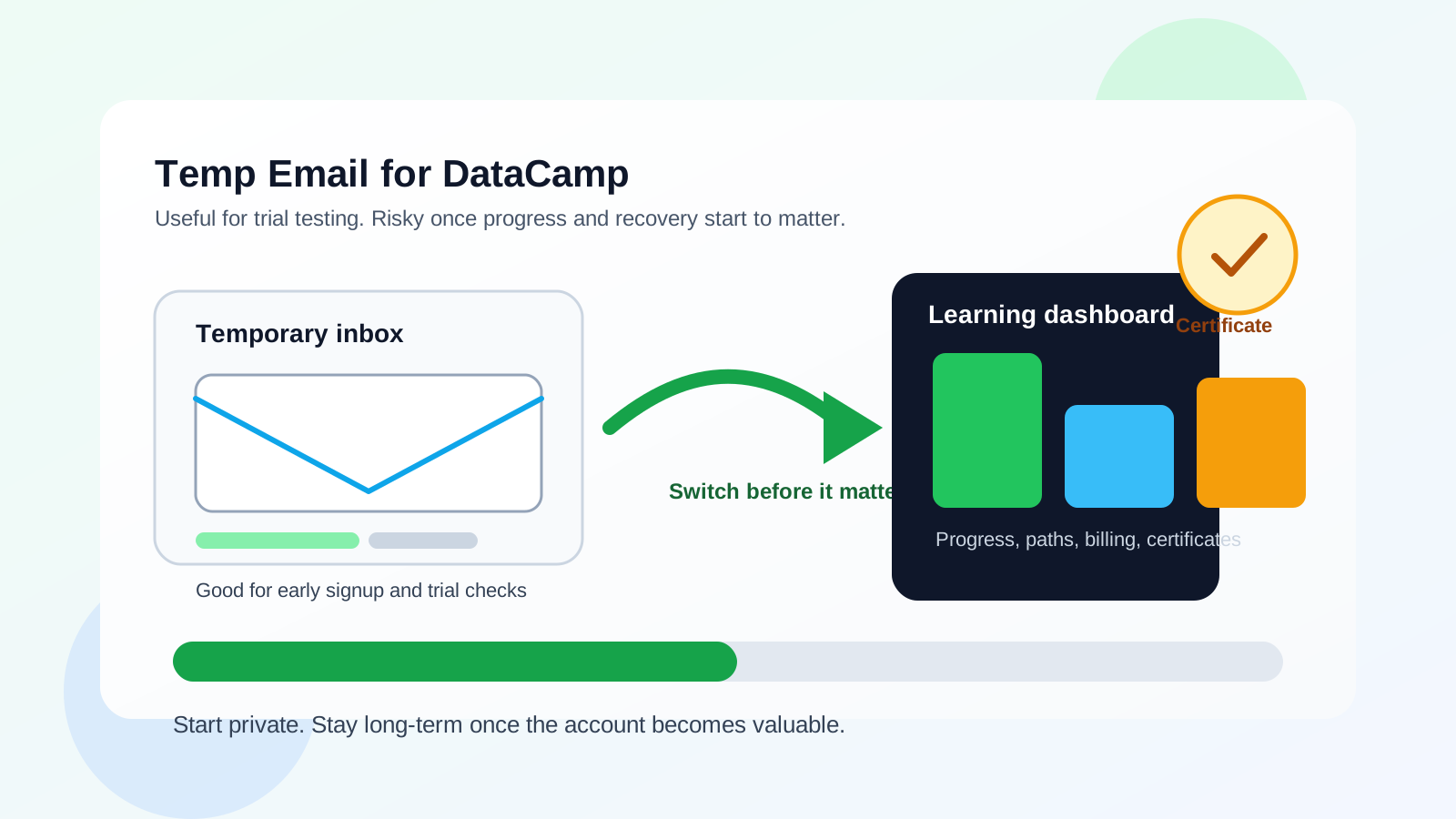
Why people look for a temp email for DataCamp
Online learning platforms are useful, but they can also be noisy. If you are comparing several course tools at once, it is easy to end up with a steady stream of welcome emails, streak reminders, lesson nudges, certificate prompts, upgrade offers, and product announcements.
That is why the query temp email for DataCamp makes practical sense. Many people are not trying to hide from the platform. They just want to explore whether the course catalog, free content, or trial experience is worth deeper commitment before they tie another service to the inbox they use every day.
For a privacy-conscious learner, a temporary inbox creates breathing room. You can verify the account, look around, and decide whether DataCamp deserves a lasting place in your learning stack. If it does, you can always switch to a more durable address before the account becomes important.
When a temp email makes sense on DataCamp
You are only testing the platform
If your goal is simply to see how DataCamp feels, a temp inbox can be reasonable. Maybe you want to compare its data-science tracks with alternatives like Coursera, Codecademy, or Udemy. Maybe you want to inspect how much content is available before you commit. In those early moments, a temporary inbox can keep that experiment separate from your main email.
You want to reduce inbox clutter
Learning tools often send a lot of motivational mail. Some users like that. Others do not. If you are the kind of person who already has too many unread course reminders, using a temp inbox for the very first test can stop that clutter from reaching your primary address too soon.
You are comparing multiple learning platforms at once
DataCamp is often evaluated alongside other education and career-upskilling tools. A temporary inbox helps you keep one trial from blending into the rest. You can review what DataCamp sends, how fast it sends it, and whether the onboarding feels helpful instead of overwhelming.
You are still in the low-trust phase
There is a difference between “I want to glance at this platform” and “I plan to build part of my skill-development workflow here.” A temp inbox fits the first phase much better than the second.
When using a temp email for DataCamp becomes risky
Your progress starts to matter
The moment you actually begin working through courses, projects, skill assessments, or structured paths, the account stops being disposable. Lesson history, completed modules, saved progress, and streaks may all become things you care about. That is usually the point where a throwaway inbox starts creating more risk than convenience.
You want certificates or proof of completion
If you plan to use certificates on a résumé, LinkedIn profile, internal promotion packet, or portfolio, you do not want the email tied to that account to feel temporary or unreliable. Even if the platform works fine in the short term, recovery and verification matter more once the account produces something you may want to reference later.
You add billing or upgrade details
As soon as a learning account connects to subscriptions, invoices, refunds, renewal reminders, or payment troubleshooting, a stable inbox becomes the safer default. Billing messages are not the kind of thing you want landing in an address you may stop monitoring.
You need dependable account recovery
Temporary inboxes are not built for long-term continuity. If you forget your password months later, want to return to a saved track, or need to confirm ownership of the account, a short-lived address can become a serious obstacle.
You are using team or employer-sponsored access
If your company, bootcamp, school, or manager is involved in the account, the stakes are higher. Shared programs, assigned coursework, or sponsored licenses usually call for an inbox you can keep under control and monitor consistently.
A practical way to use a temp email for DataCamp safely
1. Decide what stage you are really in
Be honest with yourself. Are you just browsing, or do you already suspect you will want to stay? If you already know you care about course completion, certificates, or long-term access, starting with a stable inbox may save you time later.
2. Use the temp inbox only for early exploration
A temporary address is best for the first look: signup, verification, maybe a small amount of browsing, maybe one light test. It is not the ideal foundation for an account you expect to keep for months.
3. Save anything important right away
If the platform sends an activation link, onboarding note, or useful setup message, save it immediately while you still have easy access. Do not assume you will remember where everything was later.
4. Switch before the account becomes valuable
The best time to move from a temp inbox to a long-term one is before you care deeply about the account. Do it before paid access, before serious course progress, before certificates, and before the account becomes part of your regular learning routine.
5. Keep one source of truth for serious learning accounts
If you actively use online learning tools, consider a dedicated long-term education or career-upskilling inbox. That often works better than bouncing between your main inbox and disposable addresses.
What kind of inbox is better than a temp one for long-term use?
The best alternative is usually not your oldest personal inbox and not a disposable inbox. It is often a dedicated permanent address you control specifically for professional growth, courses, and career development.
That gives you several advantages:
- you can keep promotional mail separate from family and personal communication
- you do not lose access when a temporary address disappears
- password resets and recovery messages go somewhere reliable
- course completions, certificates, and invoices stay searchable later
- you can still keep your primary inbox cleaner without treating important accounts as throwaways
For many learners, that is the sweet spot: temporary inboxes for early testing, stable category-specific inboxes for accounts that become real.
Common mistakes people make with temp email on learning platforms
Waiting too long to switch
This is the biggest one. People sign up casually, then unexpectedly like the platform, then keep going with the same throwaway inbox out of convenience. Weeks later, the account contains progress they do not want to lose.
Using a temp inbox for paid subscriptions
That is asking for future friction. If money is involved, the inbox should be dependable.
Forgetting that recovery matters more than signup
Almost every account works on the best day. The real test is what happens later when you need to get back in, confirm ownership, or find an old message. Recovery is where temporary addresses are usually weakest.
Treating all course platforms like one-time downloads
DataCamp is not just a gated PDF or one webinar signup. It can become an ongoing account with projects, progress, and evidence of learning. That changes the email decision.
Where Anonibox fits naturally
Anonibox makes the most sense when you are still protecting your main inbox from low-commitment or uncertain signups. That is exactly the kind of early-stage use case where temporary email tools are helpful: you want the verification email, but you do not yet want a lasting relationship.
For DataCamp, that can be a sensible fit during platform evaluation. You can use Anonibox to explore whether the onboarding, sample lessons, or trial value justify deeper use. Once the answer becomes yes, the smart move is usually to switch to a long-term address you control well.
That keeps the privacy benefit in the right place: early caution, followed by durable access when the account starts to matter.
A quick decision checklist
- Am I only testing DataCamp, or do I expect to keep using it?
- Will I care about progress, saved tracks, or certificates later?
- Could billing, refunds, or renewals become relevant?
- Do I need this account to stay recoverable months from now?
- Would a dedicated long-term learning inbox solve the problem better?
If your answers lean toward short-term exploration, a temp inbox can be reasonable. If they lean toward long-term value, use a stable address sooner rather than later.
Simple examples
Good use: You want to compare DataCamp with two other course platforms this weekend, see how the trial looks, and avoid another batch of promotional emails in your main inbox.
Bad use: You are halfway through a structured data-analysis path, you may buy a subscription next week, and you want to share course completion proof later. At that point, a temp inbox is the wrong tool.
Final takeaway
A temp email for DataCamp can be a smart privacy move when you are only browsing, comparing platforms, or testing the early experience without giving your main inbox one more source of course marketing and reminders.
But DataCamp stops being a disposable account the moment its progress, certificates, billing, or recovery value starts to matter. That is when a stable long-term inbox becomes the better choice. Use a temporary inbox for cautious exploration, then switch before the account becomes important and hard to replace.