Yes — a temp email for Capacities is fine if you only want to test the sign-up flow and look around without tying the account to your main inbox. No — it is a bad long-term choice once your notes, sync, or account recovery actually matter.
That is the practical answer. A temporary inbox can keep one more software trial out of your personal or work email while you decide whether Capacities fits your note-taking style. But if you start saving real notes, building a second brain, or depending on the account across devices, move to a stable address early.
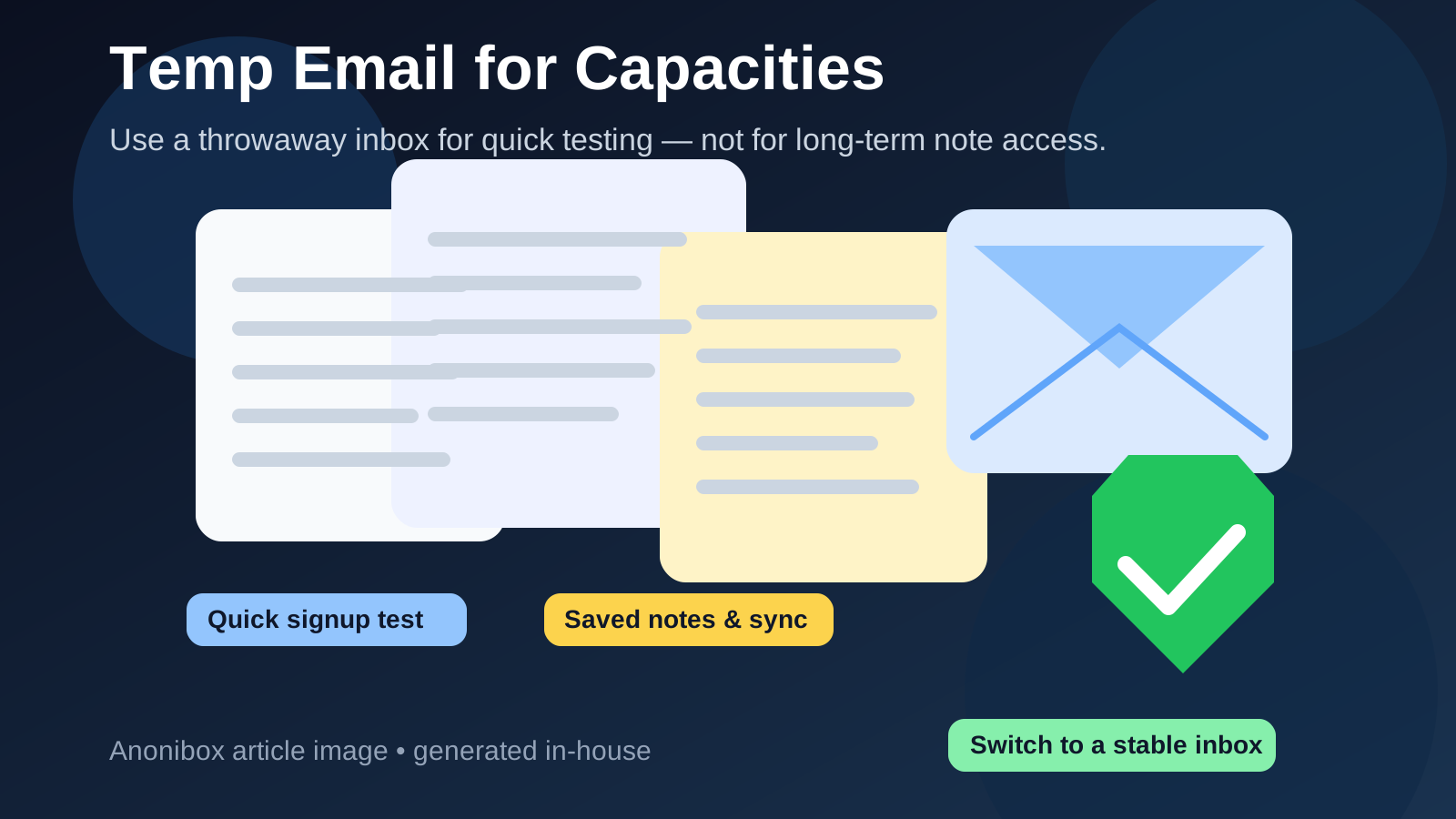
Short answer: use a temp email only for low-stakes testing
If your goal is simply to explore the app, see how the workspace feels, and decide whether Capacities is worth keeping, a disposable inbox is reasonable. It helps you avoid marketing follow-ups, onboarding sequences, and trial nudges in your main inbox before you have even decided whether the product belongs in your daily workflow.
But the moment you start treating the account like a real home for notes, ideas, or research, the trade-off changes. At that point, the email attached to the account stops being a small sign-up detail and becomes part of your access, recovery, and long-term reliability.
Why someone would use a temp email for Capacities
People usually reach for a temp inbox for one simple reason: they want to evaluate the tool without opening the door to permanent inbox clutter. That is especially understandable with note-taking tools, because many people compare several apps before settling on one.
You might be trying to answer questions like these:
- Does the interface click with the way I think?
- Can I capture notes quickly enough for daily use?
- Do I like the structure well enough to keep using it?
- Is this something I want to trust with real writing or research?
In that early stage, a temp inbox can be useful. It lets you verify the account, enter the product, and test the experience without mixing exploratory sign-ups with your personal email history. That is the part where Anonibox fits naturally: quick evaluation, low commitment, less inbox residue.
When a temp email for Capacities makes sense
A throwaway inbox is usually fine when all of the following are true:
- You are only doing a short test, not building a long-term system.
- You have not moved important personal or work notes into the app.
- You are not relying on the account across multiple devices yet.
- You do not care if the test account disappears after the evaluation.
That covers the classic “I just want to look around for 20 minutes” scenario. Maybe you want to see how note capture feels, whether the structure makes sense to you, or whether the app is even worth a second session. A temp email can be perfectly fine for that.
It can also help if you are comparing several note or productivity tools at once and want to keep their onboarding mail separate until one clearly wins.
When it becomes risky
The risk starts the moment the account becomes useful enough that losing email access would hurt. With Capacities, that can happen faster than people expect because note tools often start as “just a quick test” and turn into daily systems once they click.
A temp email becomes a poor choice when:
- You begin storing notes you would not want to lose access to.
- You start using the app on more than one device and depend on sync.
- You want reliable password resets or account recovery later.
- You keep important links, drafts, research, or planning material there.
- You expect to keep using the account beyond the first trial window.
Once any of those are true, the disposable inbox is no longer a harmless convenience. It becomes a weak point.
What you can lose if the inbox disappears
People sometimes think the only job of the email address is to pass the first verification step. In reality, the attached inbox often matters later in ways that only become obvious when something goes wrong.
If the temp inbox expires or becomes inaccessible, you may lose the easiest path to:
- password reset emails
- sign-in confirmations or security notices
- important product messages tied to the account
- recovery options after a device switch or login issue
Even if the app itself still works on your current device, that kind of fragile setup can become a headache later. The account may feel safe until the day you sign out, change devices, forget a password, or need to confirm ownership.
A better way to test Capacities privately
If you want both privacy and a realistic trial, use a staged approach instead of treating the temp inbox as the permanent answer.
1. Use the temp email only for first-pass evaluation
Sign up, verify the account, and spend a short session learning the basics. Keep the test focused on feel, not commitment.
2. Avoid putting valuable notes into the account right away
Use dummy notes, throwaway ideas, or a small test outline. Do not pour real research, client material, private journal entries, or your planning system into a temporary-email account on day one.
3. Decide quickly whether the tool is a keeper
If Capacities is not for you, great — close the tab and your main inbox stays cleaner. If it does seem promising, do not wait too long to switch the account to a stable email.
4. Move to a durable inbox before the account matters
A long-term inbox does not have to be your oldest personal address. It can be a separate email you control for productivity tools, or an alias that forwards to your main inbox. The key is permanence and recoverability, not public exposure.
5. Treat privacy and recoverability as two separate goals
This is the part many people miss. A disposable inbox helps with privacy from sign-up spam. A durable inbox helps with recovery and account stability. The best setup usually combines both goals by using a stable but compartmentalized address once the test becomes real.
What a temp email does and does not protect
A disposable address can reduce follow-up email and keep your primary inbox out of low-commitment testing. That is useful. But it does not magically make the account anonymous or secure by itself.
It does not automatically hide every signal connected to your usage, and it does not replace normal account hygiene. If you eventually depend on the account, you still need a sensible long-term email strategy, a strong password, and a recovery path you control.
Think of a temp inbox as a filter for early sign-up noise, not as a full privacy shield.
Better alternatives once you know you want to keep the account
If you already suspect you will stick with Capacities, an email alias or separate permanent inbox is usually smarter than a one-time inbox. That gives you several benefits at once:
- your main address stays less exposed
- you still control recovery messages
- you can organize app sign-ups in one place
- you avoid the “I loved the app but lost the inbox” problem
This is often the sweet spot for privacy-conscious users. You still separate the account from your everyday personal identity, but you do not sacrifice reliability.
Who should skip the temp email approach entirely?
You should probably avoid a disposable inbox from the start if you already know any of these are true:
- You plan to make Capacities part of your daily notes right away.
- You will use it for real work, research, or personal writing immediately.
- You know you want the account to survive for months or years.
- You dislike account maintenance and want the simplest possible recovery path.
In those cases, the privacy gain is usually not worth the future friction. Use a stable address from day one, preferably one that is separate from your most exposed inbox if privacy still matters to you.
Final verdict
A temp email for Capacities is a good idea for a short, low-stakes evaluation and a bad idea for a serious long-term account. If you only want to inspect the interface, verify the sign-up, and decide whether the app belongs in your workflow, a disposable inbox is practical.
But once you start saving notes you care about, relying on sync, or expecting dependable account recovery, switch to an email address you control for the long haul. The smart move is simple: use temporary email for exploration, then move to a durable inbox before the account becomes important.