Yes — a temp email can be fine for Yoodli if you only want to test the signup, try a few practice sessions, and keep follow-up emails out of your main inbox. It becomes risky once you want to keep saved feedback, coaching reminders, billing emails, or a long-term account you may need to recover later.
That is the real trade-off behind using a temp email for Yoodli: it works well for short-term privacy and trial hygiene, but it is not the best choice if Yoodli becomes part of your ongoing interview-prep routine.
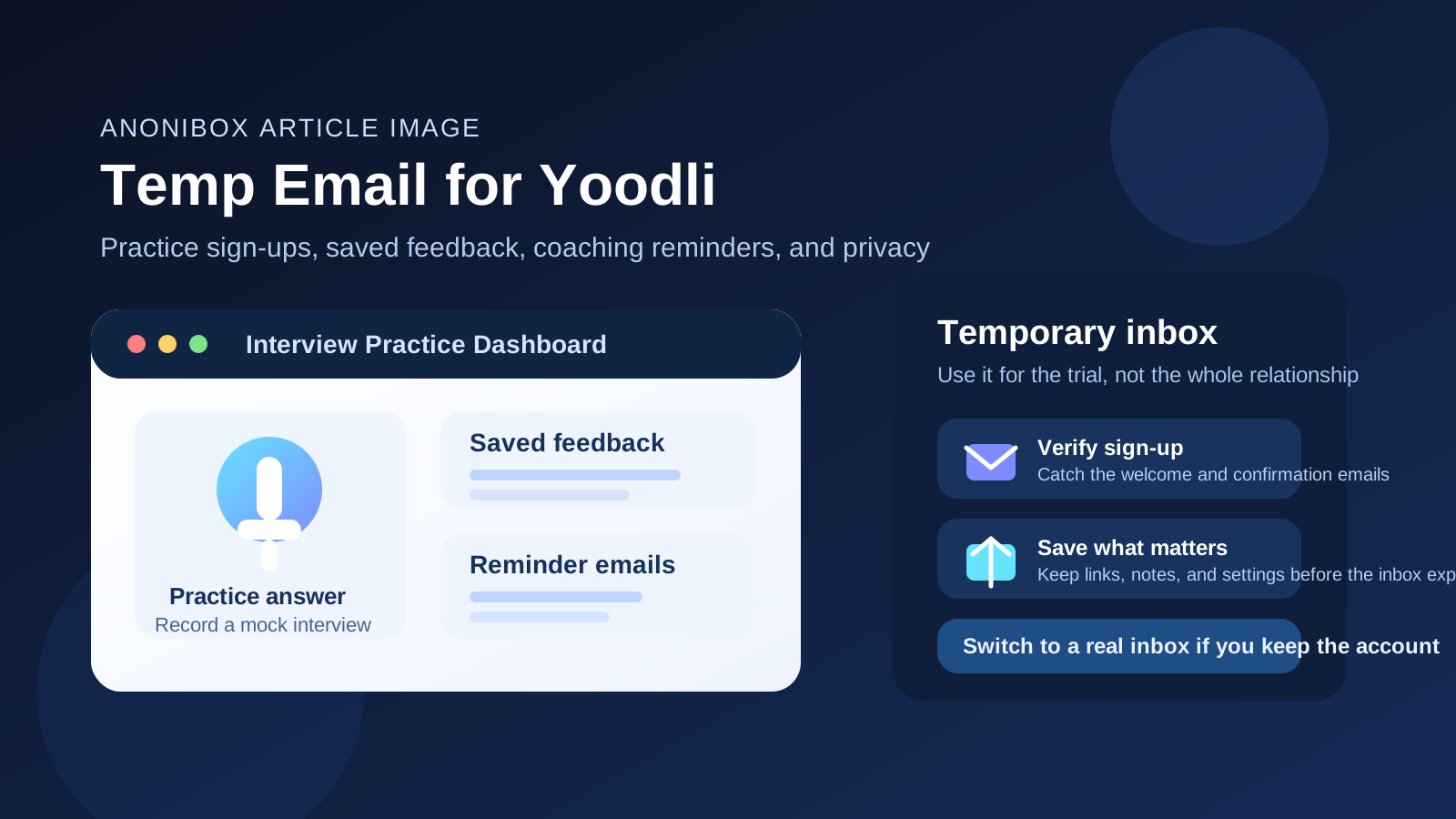
Why people consider a temp email for Yoodli
Yoodli sits in a category where curiosity is high and commitment is often low at first. A lot of people want to test an interview-practice or speaking-feedback tool before they decide whether it deserves a permanent spot in their workflow. That makes a temporary inbox appealing.
If you are preparing for job interviews, practicing behavioral answers, or comparing AI-based speaking tools, you may not want every trial signup tied to your everyday inbox. Even one short test can trigger welcome messages, reminders, product updates, feature announcements, and upgrade nudges. None of that is unusual, but it adds up fast when you are comparing several tools at once.
Using a temporary inbox lets you verify the account, review the onboarding flow, and decide whether the product is actually useful before you open the door to long-term email clutter.
When a temp email works well for Yoodli
A temporary email usually makes sense when your goal is simple: try it first, decide later. That includes situations like these:
- You only want a quick first look. Maybe you want to see how the signup works, what the dashboard looks like, and whether the product feels polished enough to keep exploring.
- You are comparing several interview-prep tools. If you are testing Yoodli alongside tools like Exponent, Hello Interview, Pramp, or Final Round AI, a separate inbox keeps that evaluation phase organized.
- You want fewer recruiter-adjacent and coaching emails in your main inbox. Interview prep often overlaps with a busy job search, and your real inbox may already be crowded with applications, calendar invites, and follow-ups.
- You are not ready to commit to a long-term account. A temp inbox gives you a low-friction way to experiment before you decide whether the tool is worth keeping.
In short, a burner inbox is a good fit for trial access, curiosity-driven testing, and privacy-first evaluation.
When using a temp email for Yoodli becomes risky
The downside is not about the signup itself. The risk starts when the account becomes useful enough that you care about what is attached to it.
A temp email can become a bad idea if you start depending on the account for things like:
- Saved practice history you want to revisit later
- Feedback reports you may want to compare over time
- Coaching or reminder emails that help you stay on schedule
- Premium plan receipts or billing notices you may need later
- Password resets and account recovery if you forget a login or change devices
Once the temporary inbox expires or becomes inaccessible, you may lose an easy way to receive reset links, confirm changes, or prove ownership of the account. That is fine for a disposable trial. It is a headache for something you actually plan to keep.
The smartest way to use a temp email for Yoodli
If you want privacy without making future recovery harder, the best approach is to treat the temporary inbox as a testing layer, not a forever identity.
1. Use the temp inbox only for the first signup
Create the temporary address before you register. Use it to receive the first confirmation email, open the product, and see whether the tool is worth more of your time.
2. Evaluate the product quickly and deliberately
During the first session, do not just click around. Try to answer the real question: Would I keep using this?
Look at practical details such as:
- Whether the feedback is actually useful or just generic
- Whether the interface feels fast and clear
- Whether the practice flow matches the kinds of interviews or speaking drills you care about
- Whether the product gives you a reason to come back next week
3. Save important messages early
If the welcome email contains setup links, onboarding instructions, or anything you may want later, save it right away. Temporary inboxes are helpful precisely because they are temporary. Do not assume the message will still be there when you come back days later.
4. Switch to a permanent inbox if the tool makes the shortlist
The moment Yoodli stops being a quick test and starts becoming a real part of your interview-prep workflow, move the account to an address you control long term. That is the point where convenience and recoverability matter more than short-term isolation.
A practical privacy workflow for job seekers
For many people, Yoodli is not a random signup. It is part of a broader interview-prep stack that may also include resume tools, mock-interview platforms, job boards, and networking products. That stack can get noisy fast.
A cleaner workflow looks like this:
- Use a temporary inbox for early experimentation.
- Keep your main personal inbox out of low-commitment trials.
- Promote only the tools you actually keep to a permanent address.
- Use one stable inbox for the small number of products tied to your real job search process.
If you want a lightweight way to do that, a service like Anonibox is useful during the first step. It lets you catch verification emails and trial onboarding without turning every experiment into a long-term inbox relationship.
Signs you should stop using a burner inbox and switch
Not every trial stays disposable. Here are the clearest signs it is time to switch away from a temp email:
- You have saved sessions or feedback you would be annoyed to lose
- You are using the tool repeatedly over more than a few days
- You may upgrade, subscribe, or store billing information
- You rely on reminder emails to keep your practice routine going
- You want the account to survive device changes, password resets, or a long break
If any of those apply, the account is no longer acting like a throwaway test. At that point, a real email address is the safer choice.
Common mistakes to avoid
Using the temp inbox too long
This is the biggest one. A lot of people start with a temporary email for good reasons, then forget to switch after the tool proves useful. That is how a privacy shortcut turns into an account-recovery problem.
Assuming every message is unimportant
Welcome emails, verification links, settings confirmations, and change notices can matter later. Save anything that looks important while you still have easy access.
Testing too many tools without a system
If you are evaluating multiple interview-prep platforms, keep notes. Otherwise you end up with scattered logins, half-remembered impressions, and no clean basis for deciding which tool helped most.
Confusing privacy with invisibility
A temp inbox reduces inbox exposure. It does not make you anonymous in every possible sense, and it does not guarantee that a service stops learning from normal account activity. Treat it as an inbox-management and sign-up-isolation tool, not magic privacy armor.
Is a temp email better than using your main personal inbox?
For a first test, yes, often. Using your main personal inbox for every interview-prep trial means you carry the cost of each experiment long after the experiment ends. That cost is usually not dramatic, but it is annoying: more promotional mail, more reminders, more archived clutter, and more noise during an already stressful job-search period.
A temporary inbox gives you cleaner boundaries. You can test the tool, read the first messages, and decide whether it deserves a longer relationship. That is especially helpful when you are signing up for several services in the same week.
But for anything long-term, your own stable inbox still wins. Reliability, account recovery, and continuity matter more once the tool becomes useful.
So, should you use a temp email for Yoodli?
Yes, if you are only testing Yoodli and want to keep early sign-up noise out of your main inbox. That is a reasonable, practical use case.
No, if you expect to keep saved feedback, rely on reminders, pay for a plan, or want a dependable long-term account. In that situation, a permanent address is the better move.
The simplest rule is this: use a temporary inbox for evaluation, then switch to a real inbox for commitment. That gives you the privacy benefit without creating unnecessary recovery problems later.
Final takeaway
A temp email for Yoodli is a smart option for short-term testing, interview-practice experiments, and keeping another trial out of your everyday inbox. It is less smart once the account starts holding anything you actually care about.
If you treat the temp inbox as a first-step filter rather than a permanent home for the account, you get the best of both worlds: cleaner privacy during signup and fewer long-term problems if the tool ends up being worth keeping.