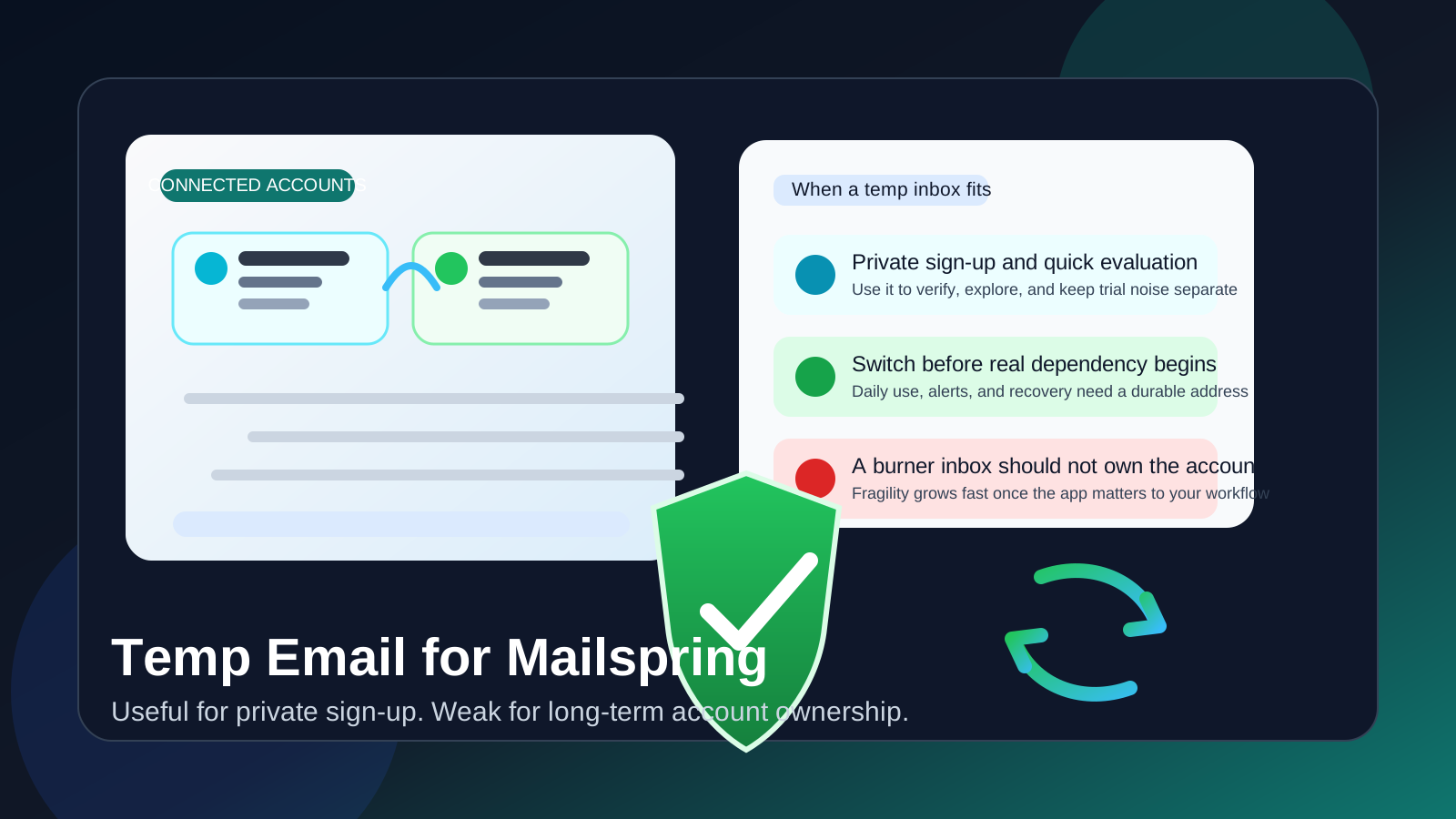
Yes, a temp email for Mailspring can work if you only want private sign-up, quick verification, and a short product test without giving another company your long-term inbox too early.
No, it is a poor long-term owner address once connected accounts, daily use, login alerts, or account recovery start to matter.
Why people look for a temp email for Mailspring
Email tools are different from random low-stakes web apps. When you test one, you are not just sampling a dashboard. You are exploring something that could sit close to your real communication workflow. That makes people more careful about sign-up privacy, trial clutter, and whether they really want another service collecting their main address before they have even decided the product is worth keeping.
That is the appeal of a temporary inbox. It gives you a clean way to receive the first verification message, review the onboarding flow, and evaluate the product without immediately tying the trial to your primary personal or work mailbox. If you already use Anonibox for early-stage sign-ups, this is exactly the kind of situation where the approach feels sensible.
But there is a limit. A temporary inbox can help at the sign-up stage, yet it becomes much less practical once the account stops being an experiment and starts becoming part of how you actually handle email.
When a temp email for Mailspring makes sense
A temporary address is most useful at the very beginning, when your goal is privacy during evaluation rather than long-term account ownership.
- You want private sign-up: You do not want another trial tied to your main address before you know whether the product is even relevant.
- You only need the first verification message: A disposable inbox is fine when the immediate goal is simply to open the product and look around.
- You are comparing several email tools: Keeping each trial separated can make the evaluation less messy.
- You want less promotional follow-up: A temp inbox can reduce the chance that a quick test turns into months of product emails.
- You expect to decide quickly: If the trial is either going to be an obvious fit or an obvious pass, a temporary inbox can be a clean filter.
In short, a temp inbox is helpful when the relationship is still disposable. It is a trial buffer, not a durable identity.
Why it becomes risky once the tool matters
The privacy upside of a burner address is real, but it belongs to the earliest stage of the workflow. If Mailspring becomes useful to you, the costs of a temporary owner address start to outweigh the initial convenience.
Connected accounts increase the importance of stability
With an email tool, the account on file eventually matters more than the sign-up moment. Once you rely on the app for connected accounts, access, setup details, or account-related notices, you need an address that will still be there when you actually need it. A temporary inbox is the opposite of that.
Daily use turns small account problems into real friction
When a product becomes part of your routine, even a minor access issue becomes annoying. If the address on file is temporary, missing an alert, reset message, or account notice is no longer a harmless inconvenience. It can interrupt the very workflow you wanted the tool to improve.
Recovery is where disposable choices usually break down
People often think about sign-up privacy but forget about the boring parts of long-term ownership. Password resets, sign-in verification, account changes, billing notices, support follow-ups, or security-related emails all work better when they go to a monitored inbox you control consistently.
Temporary sign-up privacy does not make the whole setup private
This is an important distinction. Using a temp email for sign-up can reduce marketing exposure and keep your primary address out of one more registration form. It does not magically make the broader email workflow private if you later depend on the account for real use. The privacy benefit is narrow and useful, but it is not permanent.
A better approach: use the temp inbox only for the test stage
If you want the privacy benefit without the long-term fragility, the middle-ground workflow is straightforward.
1. Start with the disposable inbox
Use it to get through the first gate: verification, onboarding access, and initial product review.
2. Evaluate the product quickly
Do not let the account sit in limbo for weeks. Open the app, inspect the setup, test the interface, and decide whether it actually solves a problem for you.
3. Switch to a durable address before serious use
If the product makes the shortlist, change the account email to a stable inbox you monitor. Do that before you depend on the account for long-term access, not after something breaks.
4. Keep ownership separate from experimentation
This is the key principle. Disposable tools are for disposable stages. Durable tools need durable ownership details. Treating those as the same thing is where people create avoidable recovery headaches.
What to evaluate during the trial instead
The sign-up address is only one small part of the decision. Once you are inside the product, the real question is whether Mailspring fits the way you actually work.
Does it improve your inbox routine?
An email app should make triage, reading, and replying feel better in real use, not just look polished during onboarding. Test it against the way you already manage email instead of judging it by the first impression alone.
Can you imagine relying on it every day?
Email tools live inside habit. If the workflow feels impressive for a few minutes but awkward by the time you try real tasks, that matters more than any privacy trick at sign-up.
Does the product reduce friction or just move it around?
Sometimes a new email tool looks cleaner, but the underlying effort stays the same. A good trial should answer whether the product makes your real workflow lighter, faster, or more organized.
Would you trust it with ongoing account ownership?
If the answer is yes, it deserves a proper monitored address. If the answer is no, then the disposable inbox did its job and saved you from attaching another dead-end trial to your main mailbox.
Common mistakes to avoid
- Leaving the burner inbox attached too long: Fine for testing, bad for anything important.
- Confusing fewer marketing emails with full privacy: The burner address only solves one slice of the problem.
- Forgetting to save useful setup details: Keep the verification and onboarding information you actually need before the temporary inbox disappears.
- Switching into real use without switching the account email: This is how recovery issues become self-inflicted.
- Evaluating the sign-up flow instead of the software: The actual test starts after verification, not before it.
Quick decision checklist
Before you use a temp email for Mailspring, ask yourself:
- Am I only testing the product, or am I already planning to rely on it?
- Do I want to keep the trial separate from my long-term inbox for now?
- How quickly will I know whether the product is worth keeping?
- If I keep it, am I ready to switch the account to a stable monitored address?
- Would missing a future account or recovery message be annoying or costly?
If you are still in pure evaluation mode, a temporary inbox is reasonable. If the product is about to become part of your daily workflow, the safer move is to switch to a permanent address before you depend on it.
Conclusion
A temp email for Mailspring is useful for private sign-up, quick verification, and early evaluation. It keeps trial noise away from your main inbox and gives you room to decide whether the product deserves deeper attention.
It becomes a poor long-term choice once connected accounts, everyday use, recovery, and account continuity matter. Start private if you want the buffer, but do not leave a temporary inbox owning something that may become part of your real email workflow. That way, you get the privacy benefit upfront without creating avoidable friction later.