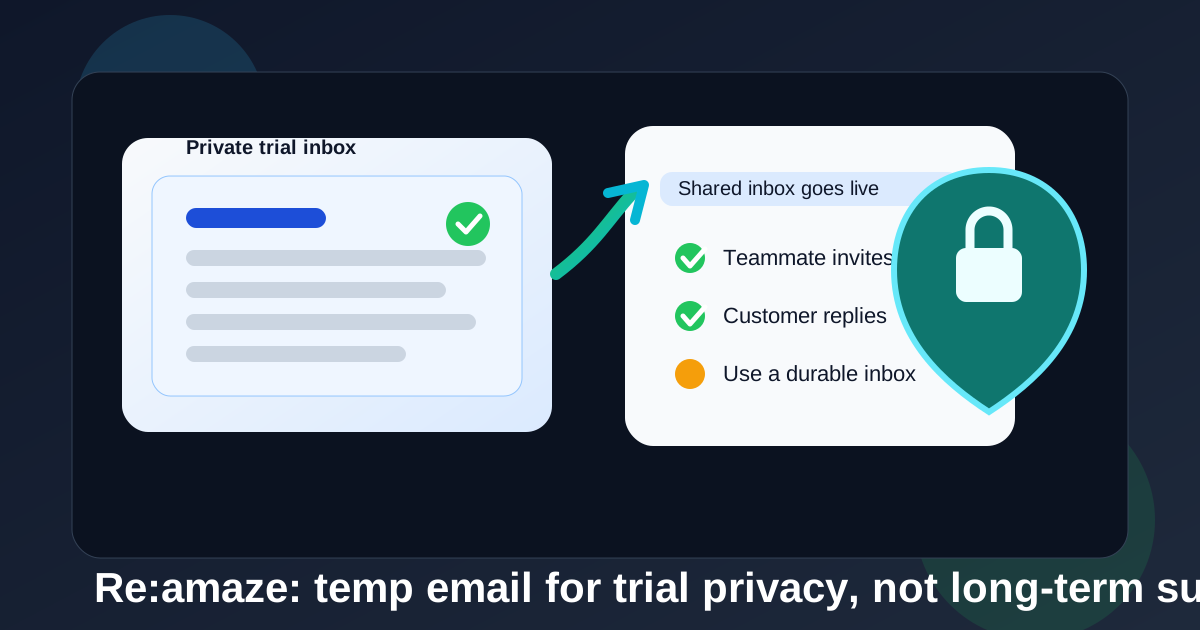
Yes, a temp email can be fine for a quick Re:amaze trial if you only need the verification email and want to keep vendor follow-up out of your main inbox.
No, it is a poor long-term choice once that Re:amaze workspace becomes a real shared inbox for customer replies, teammate invites, automation notices, or account recovery.
Why this question matters
Re:amaze sits in the part of the stack where email stops being a simple signup detail and starts becoming operational infrastructure. A help desk or shared support inbox is not just another SaaS account. It can hold customer conversations, internal notes, macros, routing rules, billing notices, and the access path for multiple teammates.
That is why the answer is not a blanket yes or no. A temporary inbox is useful during the low-trust, low-commitment phase. It gives you a clean way to test the product, confirm the account, and avoid turning one experiment into weeks of lifecycle email. But the moment the workspace matters to daily work, you want a stable inbox you control for the long haul.
When a temp email makes sense for Re:amaze
A temp inbox is most useful when you are still deciding whether Re:amaze belongs on your shortlist at all. Typical examples include:
- spinning up a one-person test workspace just to see the interface
- checking what setup emails, onboarding guides, and trial prompts look like
- comparing Re:amaze with tools like Help Scout, Intercom, Front App, Gorgias, or other shared-inbox products without flooding your main inbox
- keeping early vendor follow-up separate while you decide which platform deserves a serious internal review
In those situations, a temporary inbox can be practical. You get the confirmation link, the welcome email, and the first few onboarding steps without immediately tying the trial to an inbox that also handles real work.
When a temp email stops being a good idea
The risk changes as soon as the account becomes more than a throwaway test. If you expect the workspace to handle real conversations, billing, ownership, or team access, a disposable address becomes fragile fast.
That is especially true when the account starts touching shared inboxes, customer replies, macros, and account recovery. At that point, missing one email can create real operational friction.
1. Shared ownership needs continuity
If multiple people are being invited into the workspace, the original sign-up inbox can still matter for owner-level confirmations, billing changes, export requests, and recovery flows. A temporary inbox is weak at exactly the moment continuity matters most.
2. Customer-facing systems are hard to rebuild under pressure
Maybe the test starts as a private experiment, then turns into a real inbox with customer replies, macros, routing rules, live chat widgets, or knowledge-base workflows. Once that happens, you do not want the account anchored to an address that may expire, disappear, or be hard to revisit later.
3. Recovery and security emails are not optional
Password resets, login alerts, invoice notices, and suspicious-activity warnings only help if they arrive in an inbox you actually monitor. Disposable email works best when losing the account would not matter much. That is not how most support platforms end up being used.
The practical rule: use temp email for evaluation, not ownership
The cleanest rule is simple: use a temporary inbox only while you are evaluating Re:amaze. Once you are inviting teammates, connecting live channels, or expecting ongoing access, switch to a durable email address that belongs to a real person or a team-managed mailbox.
That gives you the best of both worlds. You protect your primary inbox during the noisy research phase, then move to something dependable before the workspace becomes operational.
A safer workflow if you want privacy without breaking future access
- Start with a temp inbox for the trial. Use it only for account creation, initial verification, and the first round of product exploration.
- Decide whether the product is a real contender quickly. Do not leave an important workspace stranded in a disposable inbox for days or weeks just because it seems easier.
- Switch to a durable inbox before real use begins. That could be a stable work address, a founder-owned address, or a support-admin mailbox your team actually monitors.
- Save the important early emails. Keep the first verification email, workspace details, and any setup links while you still have them.
- Document ownership. If the workspace is moving from experiment to production, make sure the owner email, billing contact, and recovery path are intentional rather than accidental leftovers from the trial.
What to look at during the trial besides the email question
If you are testing Re:amaze, the inbox choice is only part of the evaluation. The better question is whether the platform actually fits your support workflow. During the trial, look at practical things such as:
- how easy it is to assign, route, and track conversations
- whether macros, automation, and templates reduce real support workload
- how clearly teammates can collaborate without stepping on each other
- what the customer chat or shared inbox experience feels like in practice
- whether reporting, permissions, and account ownership feel trustworthy enough for production
That is where a temporary inbox actually helps. It keeps signup clutter out of the way so you can judge the tool itself instead of getting distracted by follow-up sequences.
Common mistakes people make
Leaving the trial on a throwaway inbox too long
This is the classic problem. A disposable inbox is supposed to be temporary, but the workspace quietly becomes important before anyone changes the owner email.
Using one temp inbox for too many SaaS trials
If you are comparing multiple support tools, give each serious trial its own clean path. Otherwise verification links, onboarding nudges, and billing prompts turn into a confusing pile.
Assuming recovery will be easy later
It might be easy. It might not. Support platforms often need a clear ownership trail. If you wait until you are locked out, in the middle of a customer issue, or trying to add billing access, that temporary inbox can become a very annoying bottleneck.
Where Anonibox fits naturally
Anonibox makes sense in the exact early-stage moment where you want to explore tools without volunteering your everyday inbox to every vendor. That is useful when you are testing a crowded category like shared inbox, help desk, or live-chat software.
But Anonibox is best thought of as a privacy buffer during evaluation, not a forever control point for a customer-facing support stack. Once the account matters, durability beats disposability.
A quick decision checklist
- Am I only testing Re:amaze, or am I about to rely on it?
- Will teammates need this workspace soon?
- Would losing access to the sign-up inbox create a recovery problem?
- Is the account still just an experiment, or is it becoming operational?
- Have I already connected live workflows that would be painful to rebuild?
If the account is still an experiment, a temp inbox is usually fine. If the workspace is becoming real, move it to a durable inbox before that decision becomes urgent.
Final answer
A temp email for Re:amaze is a smart privacy move for short trial signups and early product comparison. It helps you verify the account, look around, and avoid long-term inbox clutter while you decide whether the platform is worth deeper evaluation.
It is not a strong long-term choice for a live support workspace. Once customer conversations, teammate access, billing, or recovery matter, use an inbox you will still control later. That keeps the privacy benefits of temporary email where they help most, without creating an avoidable ownership problem down the line.