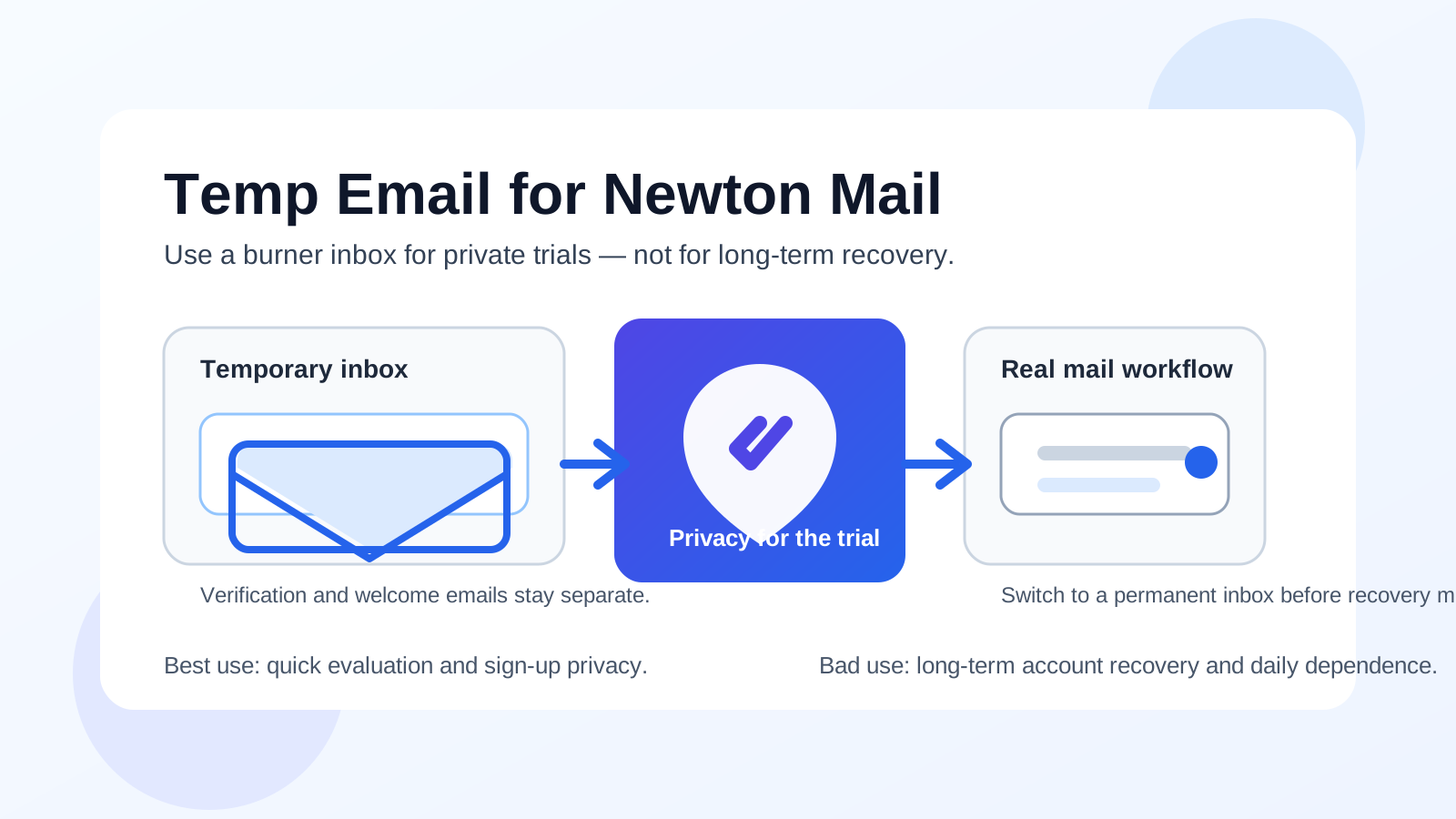
A temp email for Newton Mail is fine for private sign-up testing, but it is a weak long-term choice once connected accounts, daily use, or account recovery depend on that address.
Use a disposable inbox to verify the account and explore Newton Mail, then switch to a permanent monitored email before the app becomes part of your real email routine.
That answer sounds simple, but the reason people ask this question is reasonable. When you test an email app, you often want a quick look without inviting weeks of onboarding emails, upgrade prompts, feature announcements, and other follow-up into your main inbox. If you are comparing several tools in the same week, a disposable address can feel like the cleanest way to stay organized.
Newton Mail fits that pattern well. It is the kind of app people may want to try before deciding whether it deserves a place in their everyday workflow. A temporary inbox can help at that early stage. The catch is that once you connect real inboxes, start using the app across devices, or expect the account to matter later, the sign-up email becomes much more important than it looked on day one.
Why people look for a temp email for Newton Mail
Most people searching for this are not trying to do anything shady. They usually want one of four things: a little privacy, less inbox clutter, cleaner app comparisons, or a low-commitment way to test a mail app before handing over a long-term address.
That is completely fair. Mail apps tend to trigger welcome messages, setup advice, product updates, and promotional nudges the moment you create an account. If you already test productivity software regularly, those messages stack up quickly. A disposable address from a service like Anonibox can keep the early sign-up stage separate from the inbox you actually live in every day.
Where people get tripped up is assuming that sign-up privacy and long-term account reliability are the same thing. They are not. A burner inbox can be perfect for the front door, but it is a shaky foundation for anything you may later need to recover, troubleshoot, or keep synchronized across devices.
Short answer: yes for a trial, no for long-term dependence
If your goal is simply to open Newton Mail, confirm the sign-up email, click around, and decide whether you like the interface or workflow, a temp email for Newton Mail makes sense. It keeps the trial private and reduces clutter in your primary inbox.
If you expect the account to matter beyond that first look, the disposable address becomes a liability. Password resets, login checks, support replies, billing notices, and recovery messages all become harder when the original sign-up address is temporary or already gone.
So the practical answer is this: use a temp inbox only for the short evaluation phase. If Newton Mail makes the shortlist, replace that address early, before the account becomes tied to real work or personal communication habits.
When using a temp email for Newton Mail makes sense
You want a quick first impression
Sometimes you only want to see whether the app feels promising. Is the setup smooth? Does the layout make sense? Does it seem worth a deeper test? A temporary address is fine for that kind of low-stakes evaluation because you are not yet trusting the account with anything important.
You are comparing several mail apps side by side
This is one of the best use cases. If you are testing Newton Mail alongside Spark Mail, Airmail, Mailspring, or another client, separate inboxes help you keep each trial contained. Verification emails, welcome notes, and early product messages do not all pile into the same personal mailbox.
You want less promotional follow-up
Even good software companies send more email than most people want during the first few days. Product tours, “getting started” sequences, feature introductions, webinar invites, and upgrade reminders are common. A burner address keeps that noise away from the inbox you use for actual work.
You care about privacy during early research
Not every trial deserves your long-term identity immediately. If you are still deciding whether Newton Mail is relevant to you, protecting your main email at the start is reasonable. That is especially true if you test many tools and do not want every experiment tied directly to your permanent address.
Where a temp address starts becoming risky
The account stops being disposable once your workflow is not
The moment you start treating Newton Mail as a real part of your setup, the sign-up address matters more. You may connect actual inboxes, adjust settings, depend on notification behavior, or use the app across multiple devices. At that point, the account is no longer a casual experiment.
Cross-device use makes recovery more important
Mail apps rarely stay on one device forever. You may install the app on a laptop after starting on a phone, replace a computer, reinstall after a bug, or sign back in after a password change. Those are normal moments, but they are exactly when temporary addresses become inconvenient. If the recovery or verification message goes to an inbox you no longer control, you create friction for yourself for no good reason.
Support and troubleshooting become harder
Even when everything starts smoothly, real life happens. You might need help with a login, a subscription question, a sync issue, or an account change. Support conversations often assume you still control the email attached to the account. If that address was only meant to last for a trial, you have made a routine support task more annoying than it needed to be.
Billing or premium features raise the stakes
If you ever attach payment details, purchase a plan, or rely on the account for ongoing access, a stable inbox matters. Receipts, renewals, account notices, and support replies belong in an address you own and monitor long term, not in a disposable mailbox that was only useful for a quick first look.
Account recovery is the obvious weak point
This is where burner-email decisions usually fail. A temporary inbox feels clever until the day you need it again. Then the privacy benefit you got at sign-up is outweighed by the hassle of not being able to receive a reset link or verification message when it actually matters.
A safer way to test Newton Mail without creating future problems
1. Create the temporary inbox before you sign up
Start with the disposable address so the entire trial stays separate from your main mailbox. That way the verification email, welcome messages, and any early follow-up all land in the same self-contained place.
2. Use it only for the first-stage evaluation
Keep the temp email limited to narrow early tasks: sign-up, verification, and first-run exploration. That is where the privacy benefit is strongest. Do not let it quietly become the permanent account anchor just because the first few days went smoothly.
3. Evaluate the app like a real user
While you are inside Newton Mail, focus on the questions that actually matter:
- Does the app feel fast and stable enough for daily use?
- Is the interface comfortable for your real inbox habits?
- Would you trust it on both desktop and mobile?
- Does it seem worth connecting to the accounts you care about?
- Would you still want it in your workflow a month from now?
Those answers matter far more than whether the first sign-up was private.
4. Switch to a permanent email before the account matters
If Newton Mail seems useful, update the account email early. Do it before you depend on the app, before you forget which burner you used, and before a recovery event forces you to solve the problem under pressure. Early cleanup is easy; late cleanup is where people get stuck.
5. Use a boring, reliable long-term address
The best permanent account email is not special. It is simply stable, monitored, and under your control. That is what you want for support replies, password resets, billing notices, and anything else you may need months later.
Signs it is time to stop using the burner inbox
- You have decided Newton Mail is staying in your workflow.
- You have connected real inboxes you care about.
- You installed it on more than one device.
- You would be annoyed if you lost access tomorrow.
- You expect to contact support or manage billing later.
- You cannot clearly remember which temporary inbox you used.
If several of those are true, the privacy upside of the temp address is already shrinking while the recovery risk is growing.
Common mistakes people make
Leaving the temporary address in place “for now”
This is the classic mistake. People mean to change it later, but later turns into weeks or months. By then the app has real value, and a five-minute housekeeping task becomes a future support problem waiting to happen.
Thinking a mail app account is low-stakes forever
It can feel low-stakes because the app is not your actual mailbox provider. But the app account can still control access, settings, paid features, and device continuity. That is enough for the sign-up address to matter.
Overvaluing privacy at the start and undervaluing reliability later
Early privacy matters. So does long-term access. The smartest workflow respects both: use the disposable address for the trial, then move to a permanent one once the tool proves useful.
Waiting until a problem happens
Do not wait for a reinstall, a password issue, or a support request to realize the burner inbox is now a weak link. If you know the app is worth keeping, switch the account email before you need it.
A quick checklist before you use a temp email for Newton Mail
- Am I only testing Newton Mail, or am I planning to rely on it?
- Would I care if I lost the sign-up inbox next week?
- Will I connect real accounts and use the app across devices?
- Do I want privacy only for the trial, or for the whole life of the account?
- Have I already decided the app is likely to stay?
If your answers point to a short private trial, a temp email for Newton Mail is reasonable. If they point to ongoing use, account continuity matters more than the small privacy win of keeping the burner address attached.
Conclusion
A temp email for Newton Mail is a good tool for early evaluation, not a good permanent home for an account you may depend on later. It works well when you want to verify sign-up, explore the app privately, and avoid inbox clutter while you decide whether the tool is worth keeping.
Once Newton Mail becomes part of your real setup, move the account to a stable address you control. That gives you the best of both worlds: privacy during the trial and reliability once the app starts to matter.