Yes, you can use a temp email for Richpanel if you only need private access for a short trial, demo request, or early product evaluation.
But once Richpanel starts handling shared support, customer tickets, team invites, channel connections, or recovery-critical account notices, a temporary inbox becomes the wrong long-term choice.
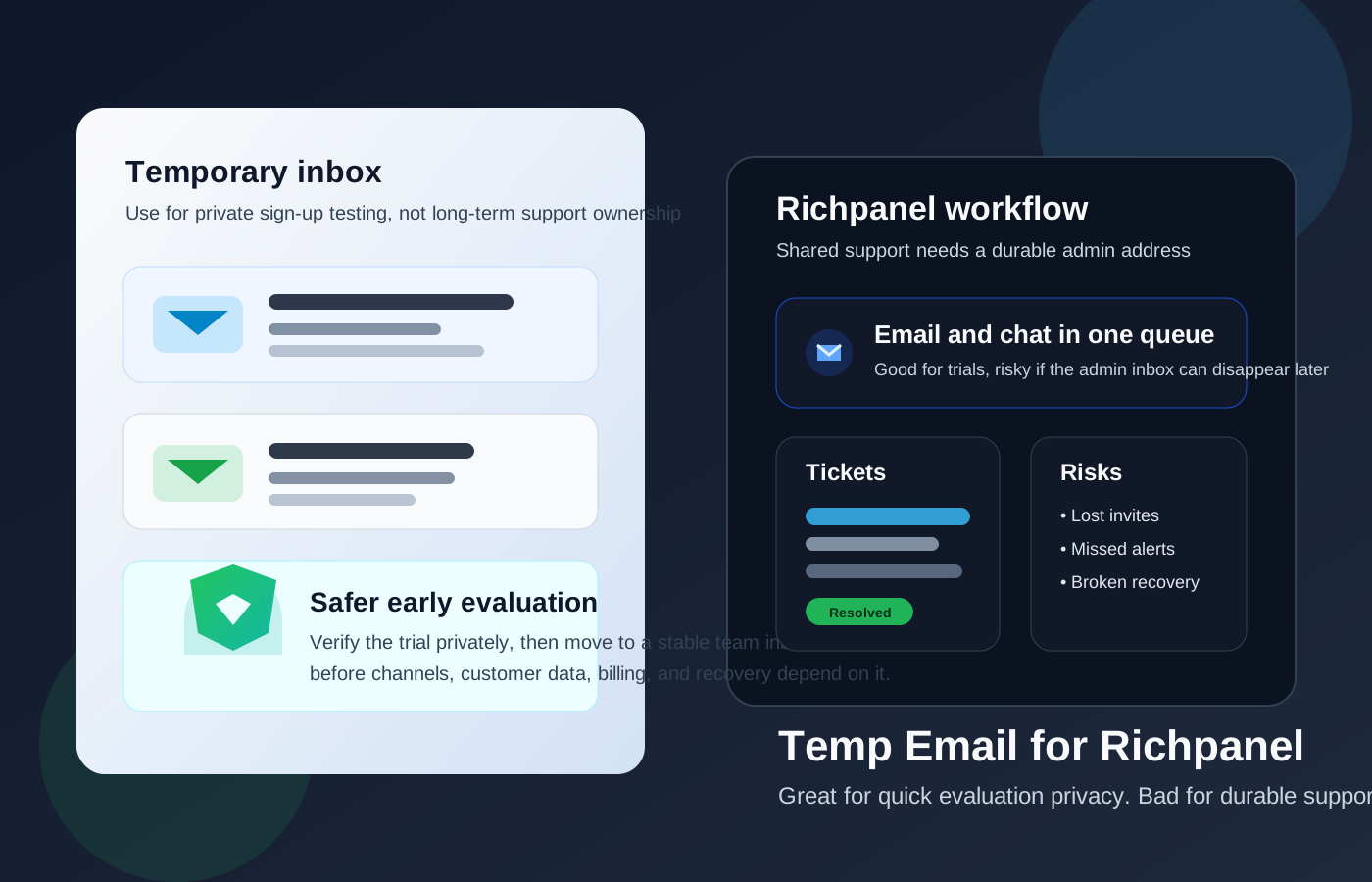
That distinction matters because Richpanel is not just a simple signup form. It is built to centralize customer-service work across channels, give agents one working queue, and keep customer context close to the conversation. When a platform sits that close to your support operation, the email address used to create and manage the account stops being a throwaway detail. It becomes part of your operational safety net.
Why people look for a temp email for Richpanel
The question usually comes up for a sensible reason: you want to test the product without committing your main inbox too early. If you are comparing support platforms, asking for a proof of concept, or checking whether a helpdesk fits your store and team, it is reasonable to hesitate before giving another vendor a long-term email address.
A temporary inbox can help during that early stage because it lets you:
- verify a signup or demo request without exposing your main inbox right away,
- keep trial follow-up separate from your real support or operations email,
- compare multiple helpdesk vendors without mixing all their onboarding emails together, and
- avoid months of sales or nurture emails from tools you may never adopt.
That is the same privacy logic many people use with Anonibox: keep early evaluation clean, controlled, and reversible until you know the product deserves a place in your real workflow.
When a temp email is a reasonable choice for Richpanel
A temporary inbox makes the most sense when your goal is narrow and short-term. Think of it as an evaluation tool, not an operations tool.
Good use cases
- Quick trial access: you want to see the interface, test the signup flow, or review the basic setup.
- Vendor comparison: you are comparing Richpanel with tools like Gorgias, Zendesk, Gladly, or other support platforms and want each trial to stay isolated.
- Short proof-of-concept work: you only need a one-off verification link, a welcome email, or a calendar confirmation for an early conversation.
- Inbox hygiene: you do not want your primary work address pulled into another long sales sequence before your team has even shortlisted the tool.
If that is all you are doing, a temp email can be practical. You get the confirmation messages you need, and your permanent inbox stays cleaner.
Where a temp email starts to become risky
The risk changes the moment Richpanel moves from “interesting trial” to “real support system.” At that point, the account email is tied to access, continuity, and accountability.
1. Shared inbox and team ownership
Richpanel is designed for customer-service operations, not just solo tinkering. Once your team starts inviting agents, routing work, or using shared support workflows, a disposable inbox becomes fragile. If the original admin address disappears, you can create confusion around ownership, alerts, invitation flows, and who controls the account.
2. Customer ticket continuity
Even if customer conversations do not all route through the original signup email, the account owner inbox can still matter for important notices about configuration, workflow changes, security events, and operational updates. A short-lived inbox is fine when nothing important is happening. It is a liability when the platform becomes part of your live support stack.
3. Integrations and channel setup
Richpanel is positioned around bringing support work into one queue across channels such as email, chat, and other customer touchpoints. The more deeply you connect your store, channels, and support process, the more expensive it becomes to discover that the original admin inbox is gone or inaccessible.
That does not always mean immediate disaster, but it does increase friction exactly where you do not want it: admin changes, confirmations, troubleshooting, and account recovery.
4. Billing, security, and recovery
This is usually the biggest practical reason to stop using a temporary email. Billing notices, password resets, verification messages, suspicious-login alerts, and ownership confirmations are not the sort of messages you want landing in an inbox that may vanish.
If your team eventually pays for Richpanel, runs active support through it, or depends on it during busy periods, the admin email should be a stable, team-controlled address that you can keep for the life of the account.
A safer workflow if you want privacy during evaluation
You do not need to choose between total exposure and total throwaway behavior. The better approach is to use different levels of email permanence for different stages.
Step 1: Use a temp email only for the earliest test
If you are just checking whether Richpanel is worth attention, use the temporary inbox for the first signup or demo gate.
Step 2: Save the messages that matter
Keep any verification links or onboarding details you may need during the trial. Temporary inboxes are useful because they are lightweight, but that also means they are easy to lose track of.
Step 3: Decide fast whether the tool is serious
Do not keep a support platform in the gray zone forever. After your first pass, make a call: ignore it, shortlist it, or move forward with a more durable setup.
Step 4: Switch to a stable team-controlled email before deeper setup
If Richpanel becomes a real candidate, move the account to an inbox your business controls before you connect important channels, invite more teammates, or depend on the platform for day-to-day support.
Step 5: Use role-based ownership, not one person’s throwaway address
A role-based address like a support-admin or operations-admin inbox is often safer than tying ownership to a disposable mailbox or to one employee’s personal inbox. It gives your team continuity if responsibilities change.
What to use instead of a temp email for long-term Richpanel use
If you like the privacy benefits of temporary email but know you need something more durable, better options include:
- a dedicated evaluation inbox for software trials and vendor conversations,
- an email alias that forwards to a controlled mailbox,
- a separate team-owned admin address for helpdesk and support software, or
- a role-based operations inbox that more than one authorized person can access.
These options keep some separation and privacy without creating the recovery problems that come with a true throwaway inbox.
Common mistakes to avoid
- Using a temporary inbox after the trial phase: what is fine for a test becomes risky for production.
- Forgetting who owns the account: shared tools need clear ownership and access rules.
- Connecting important channels too early: do not wire up real customer-service operations to a setup you still consider disposable.
- Ignoring recovery implications: if you cannot reliably receive a reset or security email later, the inbox is not appropriate for long-term admin use.
Simple decision checklist
Ask yourself these questions before you use a temp email for Richpanel:
- Am I only testing signup privacy, or am I setting up a real support operation?
- Will this account need stable ownership for teammates, billing, or recovery?
- Am I likely to connect live customer channels or store data soon?
- Would a separate permanent inbox or alias give me the same privacy with less risk?
If your answers are mostly about quick evaluation, a temp email is reasonable. If they are mostly about real operations, switch to a durable address now instead of later.
Final verdict
A temp email for Richpanel is useful when you want sign-up privacy for a short evaluation, demo request, or vendor comparison. It helps you keep your main inbox cleaner while you decide whether the platform is worth your time.
It becomes a bad fit once Richpanel is tied to shared support ownership, team invites, customer-service workflows, billing, or account recovery. At that point, privacy still matters, but durability matters more. Use a temporary inbox to explore. Use a stable team-controlled inbox to operate.