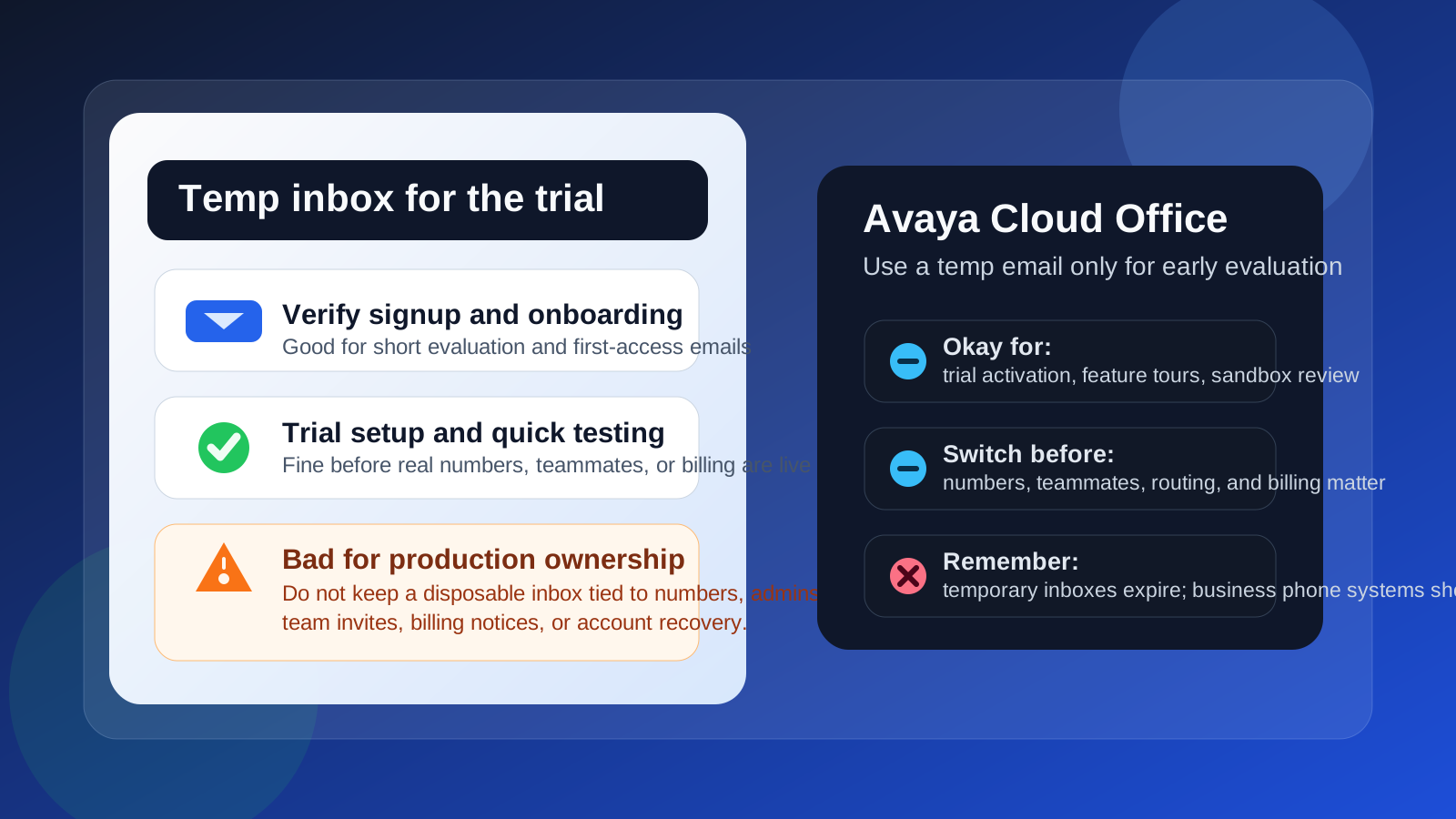
You can use a temp email for Avaya Cloud Office if you only need to start a trial, verify the account, or review the first onboarding emails. You should not keep a disposable inbox attached once phone numbers, admin access, billing notices, team invites, or recovery start depending on that address.
That is the practical answer: a temporary inbox is useful during early evaluation, but it becomes a liability when the account turns into a real communications system. If the inbox disappears, your team can lose access to important alerts, user invitations, and account recovery steps right when you need them most.
Why people use a temp email for cloud phone trials
Business phone platforms often ask for an email address before they show pricing flows, trial dashboards, setup checklists, or admin tours. If you are comparing several systems at once, that can mean a lot of sales outreach in a very short time. A temporary inbox gives you a buffer. You can verify the account, click the welcome links, and judge the product without immediately feeding your everyday work inbox into another vendor sequence.
That is a reasonable use case. It is especially common when a team is comparing products like RingCentral, Webex Calling, Zoom Phone, net2phone, or Avaya Cloud Office and wants to keep the first round of evaluation separate from long-term account ownership.
When a temp email makes sense for Avaya Cloud Office
A disposable inbox is most useful during the short window where you are still deciding whether the product deserves deeper testing. That usually includes:
- starting a free trial or guided evaluation
- confirming the signup email
- reading the first onboarding or feature-tour messages
- checking what the admin interface looks like
- reviewing call flow, extension, or device setup options before you commit
In that stage, the inbox is acting like a gatekeeper rather than a permanent control point. If you only need to unlock the account and look around, a temp address can be perfectly practical.
Where it starts to become risky
The risk changes as soon as Avaya Cloud Office stops being “just a trial” and starts becoming part of how your business actually communicates. At that point the email on the account is not just a signup detail. It can become the destination for password resets, admin notices, user invites, number-management messages, billing alerts, and security notifications.
That is where disposable email stops being clever and starts being fragile.
1. Number ownership and porting discussions
If you are choosing numbers, porting existing ones, or reviewing service changes, you want those messages tied to an inbox your business controls. Losing access to them can slow down onboarding or create confusion during a move.
2. Team invites and admin access
Phone systems are usually not solo tools for long. Even a small company may need to add reception, sales, support, or operations users. If invites and admin changes go to an address that expires, you create a preventable access problem for yourself later.
3. Billing and service alerts
You do not want invoices, payment notices, failed renewal warnings, or account-change confirmations going to an inbox that might vanish. A communications platform is too central to leave that to chance.
4. Account recovery
This is the big one. If you ever need to reset the password, confirm a login challenge, or recover an admin account after a staff change, the email address on file matters. A temporary inbox is fine until the day it is not there anymore.
A safer way to use a temp email for Avaya Cloud Office
If you want the privacy benefit without the long-term mess, use a two-stage workflow.
- Use the temp inbox only for the first evaluation. Keep the goal small: verify the account, review the trial, and decide whether the platform is worth serious consideration.
- Switch to a stable company-controlled inbox before real setup begins. Do this before numbers, user invitations, billing, or production routing matter.
- Make the permanent inbox shared and intentional. For many teams, that means an address controlled by the business rather than one person’s personal mailbox.
- Store important setup emails outside the temp inbox. If there are instructions or links you may need later, save them before the temporary mailbox ages out.
This approach gives you the best of both worlds. You keep early trial noise out of your main inbox, but you also avoid building real operations on top of a disposable address.
What to move before the trial becomes production
Before you treat the account as your real phone system, check that these items are connected to a durable inbox:
- primary admin login
- password reset and recovery destination
- billing and renewal notices
- team invitation emails
- number setup or service-change notices
- security alerts and account confirmations
If even one of those still points to a disposable inbox, fix it before the tool becomes business-critical.
Common mistakes teams make
Treating the trial inbox as “good enough for now”
This is the most common failure mode. A team signs up quickly, gets busy, and forgets to replace the temporary address. Weeks later, the same inbox is quietly carrying real admin responsibility.
Using one person’s throwaway workflow for a shared system
A cloud phone platform affects multiple people. Even if one person starts the trial, the account should not stay anchored to an inbox that only they can access or that might disappear.
Focusing only on spam reduction
A temp inbox can reduce follow-up email, which is nice, but the more important question is operational reliability. Once the platform matters, inbox stability matters more than inbox cleanliness.
Is Anonibox useful here?
Yes, for the early step. If you want to test Avaya Cloud Office without immediately opening your main address to trial follow-ups, a temporary inbox from a service like Anonibox can help you get through signup and collect the first messages. Just keep the purpose narrow. Use it for evaluation, not for the long-term identity of the account.
Who should skip the temp inbox entirely?
If you already know the account will move straight from trial to production, you may be better off using the final team-controlled inbox from day one. The same is true if multiple admins will be involved immediately, if number porting will start right away, or if the account will hold anything operationally important within the first setup session.
Bottom line
A temp email for Avaya Cloud Office is fine when your goal is simple: start a trial, confirm the account, and see whether the platform is worth deeper evaluation. It is a bad long-term choice once the account begins to own phone numbers, routing, user access, billing, or recovery.
Use the disposable inbox early if you want privacy and less sales clutter. Then switch to a real, stable inbox before the system becomes part of your business operations. That small handoff keeps the trial convenient without turning the production account into a future headache.