A temp email can work for a short Respond.io trial, but it becomes risky once shared inboxes, WhatsApp routing, teammate invites, or account recovery depend on that address.
If you only want to verify the signup, look around the workspace, and compare Respond.io with other customer-conversation platforms, yes — a temporary inbox is a reasonable privacy move. If you expect the account to hold live customer chats, channel connections, broadcasts, or long-term team ownership, move it to a permanent mailbox early.
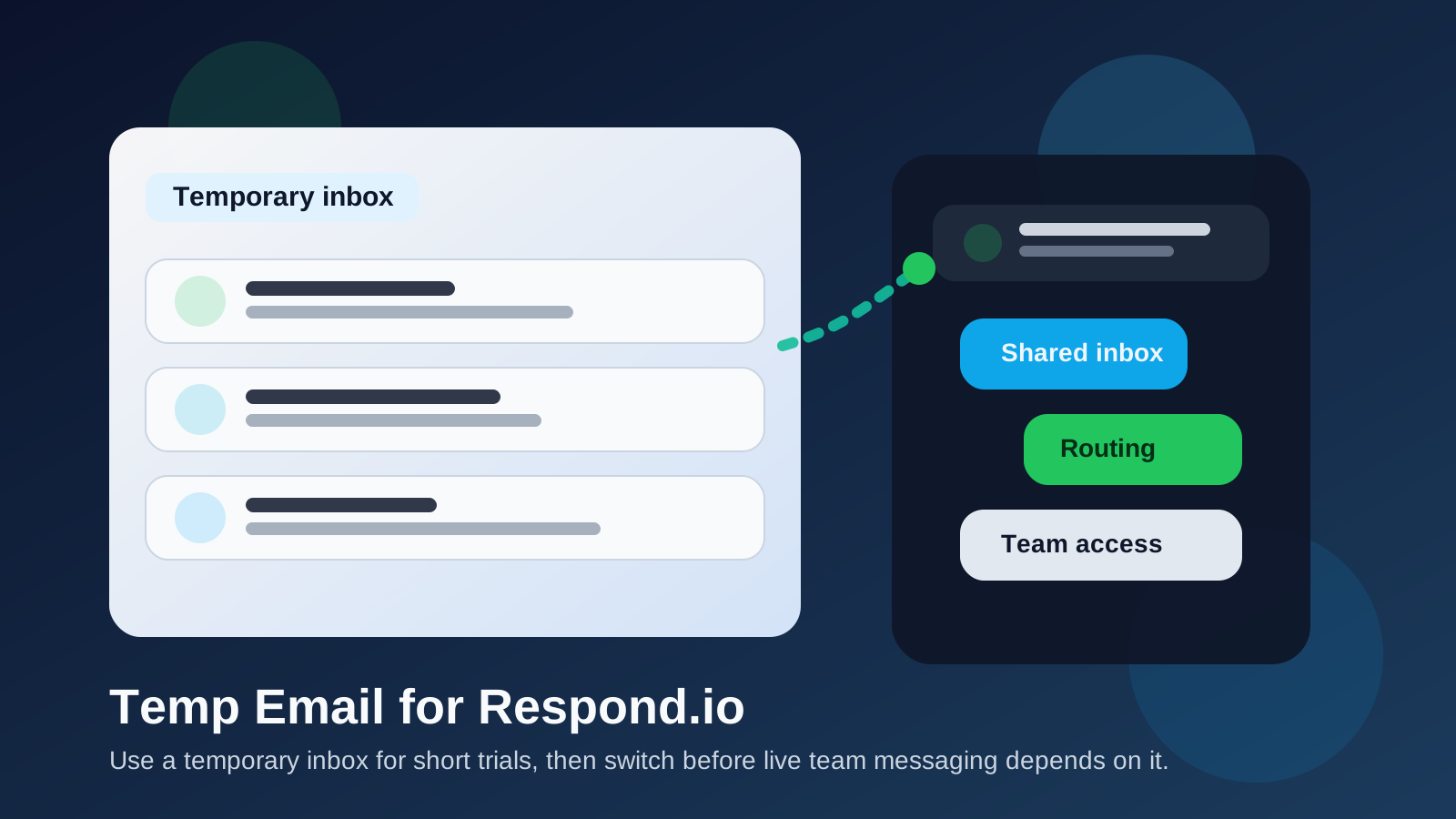
That distinction matters because Respond.io is not a lightweight newsletter signup or a one-purpose utility. It is the kind of tool teams open when they want to bring several communication channels into one place, route conversations, invite teammates, and test whether a shared messaging workflow can actually support sales or support work. During that early stage, a disposable inbox can be useful. Later, the same shortcut can become weak account hygiene.
If your goal is to protect your main inbox while you experiment, Anonibox-style temp email workflows make sense here. The trick is using them for the right phase: trial privacy first, durable ownership later.
Why people look for a temp email for Respond.io
Most people searching for this are not trying to do anything sneaky. They usually want separation. They want the verification email, the welcome messages, and maybe the first product tour without handing a permanent work inbox to another vendor before they know whether the platform belongs in their stack.
That is especially common when someone is:
- comparing multiple shared-inbox or customer-messaging platforms in the same week,
- testing a tool before involving the rest of the team,
- reviewing a client recommendation or implementation option,
- trying to avoid months of trial follow-up and sales outreach, or
- keeping vendor evaluations separate from an operations or support mailbox that is already busy.
Those are all sensible reasons. Messaging and support platforms can generate a surprising amount of email quickly: verification links, onboarding checklists, teammate invites, channel-connection notices, campaign prompts, webinar nudges, pricing follow-ups, and account alerts. A temp inbox gives you a buffer between “I want to test this” and “I am ready to make this part of daily operations.”
When a temporary inbox makes sense for Respond.io
1. You are doing a first-pass trial
If you only need to get inside the product and judge the basics, a disposable inbox is fine. You can confirm the account, click through the dashboard, inspect the interface, and decide whether the platform is even worth deeper setup.
2. You are comparing several conversation platforms at once
Trial evaluations get messy when every vendor sends email to the same address. Separate trial inboxes make it easier to keep verification links, welcome sequences, and follow-up messages attached to the right product.
3. You are exploring it solo before teammates join
Sometimes one person is doing the shortlisting before operations, support, or sales leadership gets involved. In that case, temporary email can keep the exploration lightweight and reversible.
4. You want to test narrow workflows, not launch production
Maybe you only want to see how the shared inbox feels, whether routing logic is understandable, or how channel switching looks in practice. That kind of contained evaluation is exactly where a temp inbox helps.
Where a temp email stops being a smart choice
The risk usually does not begin at signup. It begins when the account starts to matter.
Shared inbox ownership changes the stakes
Once a workspace is more than a toy trial, the owner email becomes part of your control model. If the original address is disposable, forgotten, or inaccessible later, account recovery and admin handoffs can become more annoying than they should be.
Live channel connections raise the cost of bad account hygiene
If you connect real customer-facing channels, the workspace is no longer just a curiosity. It may now sit closer to active conversations, routing, and response expectations. That is not the moment to keep the account tied to a mailbox nobody plans to monitor long term.
WhatsApp routing and automation are not throwaway details
Respond.io is often evaluated for routing, inbox organization, automation, and multi-channel follow-up. Once you are testing anything that could plausibly survive into a pilot or real rollout, the login email matters more because teammates, alerts, and future changes may depend on it.
Team invites deserve a durable mailbox
The moment you start inviting coworkers, agencies, or client-side operators, the account becomes shared infrastructure. A burner inbox is fine for a solo look. It is a weak foundation for an account other people may need to trust later.
Billing and recovery are the wrong place for shortcuts
If the trial becomes a serious contender, do not leave invoices, admin notices, password resets, or recovery messages connected to a temporary address. That saves a little inbox clutter now but creates avoidable fragility later.
How to use a temp email for Respond.io without creating cleanup later
Generate the inbox before you sign up
Create the temporary address first so the entire trial stays separate from your main inbox from the start. That gives you the full privacy and organization benefit.
Use it for verification and the first walkthrough
Temp email is best for the stage where you need the confirmation email, the welcome note, and enough access to explore the workspace. That is the cleanest low-commitment use case.
Save the details that matter right away
Do not assume you will want to keep digging through a temporary inbox forever. Save the workspace URL, invite details, any setup notes, and the specific trial observations you care about. Use your own docs, not the inbox, as the lasting record.
Judge the product by workflow, not by the email sequence
Inside Respond.io, the real evaluation questions are operational:
- Does the team inbox feel clear when conversations stack up?
- Can you understand routing and handoffs without unnecessary friction?
- Does the workspace make multi-channel follow-up easier or just more complicated?
- Will teammates know who owns what?
- Does the channel mix actually fit how your business talks to customers?
A temporary inbox helps only if it keeps trial noise out of the way while you answer those more important questions.
Switch early if the tool survives the shortlist
If Respond.io looks promising, move the account to a stable work-controlled address before the workspace starts collecting real operational weight. Do it before billing, channel dependencies, or shared admin habits build up.
What to evaluate while the account is still temporary
If you are using a disposable inbox during a trial, spend that time testing the product areas that actually matter for long-term fit:
- Inbox clarity: Can people triage and respond without confusion?
- Channel mix: Does the platform handle the channels you genuinely care about?
- Routing logic: Are assignments, handoffs, and queue rules understandable?
- Team usability: Would a real team learn this quickly?
- Context and follow-up: Does the workspace make it easier to preserve conversation history and next steps?
That is the real point of the trial. The email choice is just a tool for keeping the experiment tidy while you evaluate those questions honestly.
Temp inbox vs alias vs permanent work mailbox
Not every situation needs the same level of separation.
- Temp inbox: best for quick trials, one-off testing, and low-commitment evaluation.
- Email alias or secondary mailbox: better if you may revisit the tool, run a longer pilot, or want some privacy without full disposability.
- Permanent team mailbox: the right choice once ownership, billing, recovery, and daily operations matter.
If you already suspect the platform may become important, an alias or dedicated secondary work mailbox may be a better starting point than a fully disposable address.
Common mistakes to avoid
- Using one temporary inbox for several vendors and losing track of which messages belong to which trial.
- Letting a disposable owner address linger after the product becomes a real candidate.
- Inviting teammates before ownership is cleaned up.
- Connecting meaningful channels while the account is still anchored to a throwaway inbox.
- Focusing more on onboarding emails than on whether the actual workflow fits your team.
Bottom line
A temp email for Respond.io is a practical choice when you want sign-up privacy, cleaner vendor evaluation, and a short trial that does not immediately feed another long-term sales sequence into your main inbox.
It becomes a bad long-term choice once the workspace starts carrying shared inbox ownership, teammate access, WhatsApp routing, live customer communication, billing, or recovery responsibility. Use the disposable inbox for early testing, then switch to a stable monitored address before the account becomes part of real operations.
That gives you the privacy benefit without turning a trial convenience into a long-term account headache.