Yes, usually. A separate browser profile is one of the easiest ways to reduce autofill mistakes, account mix-ups, and tracking spillover during apartment applications.
It will not make you anonymous, but it does give you a cleaner workspace for rental portals, screening links, document uploads, and landlord follow-up.
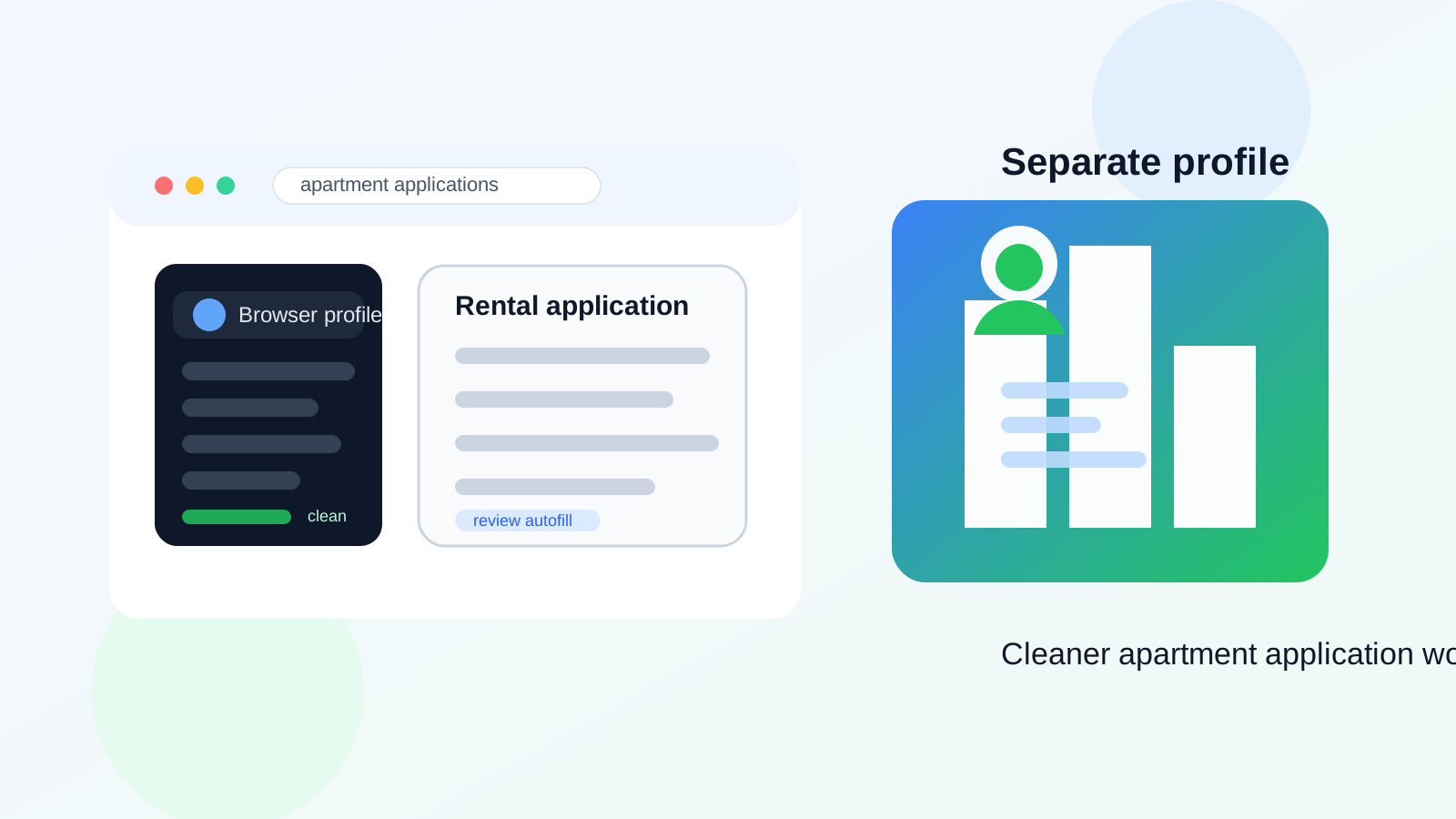
That matters because apartment applications are a different stage from casual apartment inquiries. Once you start applying, the information gets more sensitive and the workflow gets messier. You may move from a listing site into a property portal, then into a screening system, then into email threads about pay stubs, income verification, co-applicants, pets, move-in dates, and deposits. When all of that happens inside the same everyday browser profile you use for work, banking, shopping, and personal email, it becomes much easier to leak the wrong details or simply lose track of what belongs where.
Why apartment applications create more browser risk than apartment inquiries
Sending a quick message to ask whether a unit is available is relatively low stakes. Submitting an application is not. At the application stage, your browser may end up handling your full legal name, current address, employer details, income documents, landlord references, copies of IDs, and screening links. Even when a property manager is legitimate, the process can still be cluttered and error-prone.
That clutter creates a few common problems:
- Autofill leaks: your browser may suggest your main work email, old addresses, saved payment details, or other information you did not mean to drop into a form yet.
- Account mix-ups: you open a portal while signed into the wrong Google or Microsoft account, save confirmations to the wrong drive, or reply from the wrong inbox.
- Tracking sprawl: listing sites, ad networks, and portal cookies all pile into the same profile you use for normal life.
- Password clutter: one-off property portals and screening services get mixed into the same saved-login pool as your important daily accounts.
- Document confusion: you upload the wrong PDF, keep downloading files into a crowded folder, or forget which application packet went to which property.
None of that means apartment websites are automatically unsafe. It means apartment applications involve enough forms, uploads, and account switching that ordinary browser convenience can start working against you.
What a separate browser profile actually helps with
A separate browser profile is basically compartmentalization. It gives your apartment search its own cookies, history, saved logins, bookmarks, and autofill data. That sounds simple, but the practical benefits are real.
1. Fewer autofill mistakes
This is the biggest reason to do it. Apartment applications often ask for detailed contact and household information. If your everyday browser has years of saved form entries, it can surface the wrong email address, the wrong phone number, an old employer, or a previous address at exactly the wrong moment. A clean profile makes those accidental overshares much less likely.
2. Cleaner portal and email separation
If you are already using a separate apartment-search inbox, a dedicated browser profile makes that strategy much easier to maintain. You can keep rental portals, screening notices, and landlord follow-up tied to the account you actually want to use for housing. That lowers the chance of replying from your personal inbox by accident or missing messages because you opened the portal under a different login.
3. Better document handling
Apartment applications create a small flood of PDFs and attachments: application receipts, fee confirmations, disclosures, screening notices, proof-of-income requests, and lease drafts. A dedicated profile makes it easier to keep the browser bookmarks, downloads, and recent files relevant to the apartment search instead of mixed with everything else on your machine.
4. Less spillover from listing-site tracking
Rental search often moves through aggregators, management companies, CRM tools, and third-party schedulers. A separate profile will not block all tracking by itself, but it does keep that tracking environment from blending as easily with the profile you use for normal shopping, travel, personal communication, and account recovery.
5. Less friction if multiple people are involved
If you are applying with a partner, roommate, or guarantor, the process can become chaotic fast. A separate profile gives you one consistent place for the shared housing workflow so you are not chasing links across random tabs and mixed logins.
When a separate browser profile makes the most sense
You will probably get the most value from a separate profile if any of these sound familiar:
- You are applying to several properties at once.
- You use more than one email address and occasionally mix them up.
- You are saving documents, disclosures, and screening links for multiple buildings or managers.
- You want to keep apartment-search tracking and saved passwords out of your normal browser life.
- You share a device with a partner, roommate, or family member.
- You are trying to stay organized while moving quickly on competitive listings.
Apartment applications are one of those workflows where a small amount of setup can prevent a lot of small mistakes. That is why this is usually worth doing before you start submitting serious applications, not after things already feel messy.
When it is probably overkill
If you are only applying to one apartment, using one stable email, and handling everything slowly on a device that is already organized, a separate browser profile may not be strictly necessary. It is a convenience and privacy upgrade, not a universal rule.
In other words, you do not need to turn a simple rental search into a security ritual. The point is to reduce avoidable mix-ups. If your current setup is already clean and deliberate, the benefit may be smaller. But for most people juggling listings, portals, and deadlines, the separate profile is useful enough to justify the few minutes it takes to set up.
Separate browser profile vs incognito mode vs a separate email
These tools solve different problems, so it helps to keep them straight.
- Separate browser profile: best for compartmentalizing the whole workflow over days or weeks.
- Incognito or private browsing: useful for quick one-off checks, but not ideal for an ongoing application process because sessions disappear and organization gets weaker.
- Separate stable email: important when actual applications, screenings, and lease follow-up matter.
- Temporary email: helpful only for very early low-trust listing experiments, not for real applications you may need to follow for days.
That last distinction matters. A temporary inbox can be handy when you are testing unfamiliar forms or trying to avoid instant lead spam. Anonibox fits naturally at that early stage. But once you are paying application fees, waiting for screening updates, or uploading documents, a stable inbox is the safer choice. The separate browser profile works best alongside that stable contact channel.
How to set up a separate browser profile for apartment applications
1. Create one profile just for housing
Name it something obvious like Apartment Search or Rental Applications. The goal is clarity. If you create three overlapping profiles, you have only created a different kind of confusion.
2. Sign into the email account you want tied to real applications
Use the inbox you plan to monitor consistently. If you start with a temporary inbox for rough listing experiments, switch to a stable address before serious applications and keep the application profile signed into that stable account.
3. Turn off or prune risky autofill data
Check what the profile is saving. Keep useful contact details available, but think carefully before leaving payment information or old addresses ready to autofill. The safer the profile is at the start, the fewer accidental disclosures you will create later.
4. Add only the bookmarks you actually need
Good defaults include your apartment-search inbox, a calendar, your document folder, and the handful of portals or listing sites you are actively using. Do not dump your whole normal browsing life into the profile.
5. Keep downloads organized
Create a clear folder for apartment-related files. That makes it much easier to find receipts, saved PDFs, and screening notices later without reusing the wrong document by mistake.
6. Keep extensions minimal
Only install what you genuinely need. A browser profile overloaded with random extensions is not cleaner; it is just noisy in a new way.
What a separate browser profile will not do
It will not hide your identity from a landlord, prevent every kind of tracking, or make a sketchy property listing trustworthy. It also does not replace basic caution. You still need to verify who you are dealing with, review what information a portal is asking for, and avoid uploading sensitive documents before you are confident the application is legitimate.
Think of the separate profile as an organization and privacy boundary, not a magic shield.
Best practices during the application stage
- Review every autofill suggestion before you submit. Do not assume the browser picked the right email, address, or phone number.
- Keep one stable inbox for serious follow-up. Screening results and lease questions should not depend on a throwaway address.
- Verify the property and portal before uploading sensitive documents. A clean browser profile helps, but judgment still matters more.
- Save confirmation emails and receipts promptly. Apartment application timelines move fast, and proof matters.
- Archive or retire the profile after the search is over. Once you move in or stop searching, you can keep the profile for records or close it out so rental clutter does not follow you forever.
Final answer
Yes, in most cases a separate browser profile is a smart way to handle apartment applications. It reduces ordinary but costly mistakes like autofill leaks, wrong-account replies, document confusion, and portal clutter. That makes the application process easier to manage without demanding a complicated setup.
If you are only casually browsing, it may be optional. But once you move into real applications, screening links, and document-heavy follow-up, a dedicated profile is often one of the simplest privacy upgrades you can make. Pair it with a stable separate email for serious application steps, use temporary inboxes only where they make sense, and you will have a much cleaner rental-search workflow overall.