Yes — if you plan to register for multiple career fairs, sign in to event platforms, and message recruiters, a separate browser profile is usually a smart idea because it reduces account mix-ups, limits tracking spillover, and keeps your job-search activity out of your everyday browsing life.
It is not mandatory for every candidate, but it is one of the easiest low-effort privacy habits you can adopt before a fair starts generating registrations, resumes, follow-up emails, and recruiter chat links.
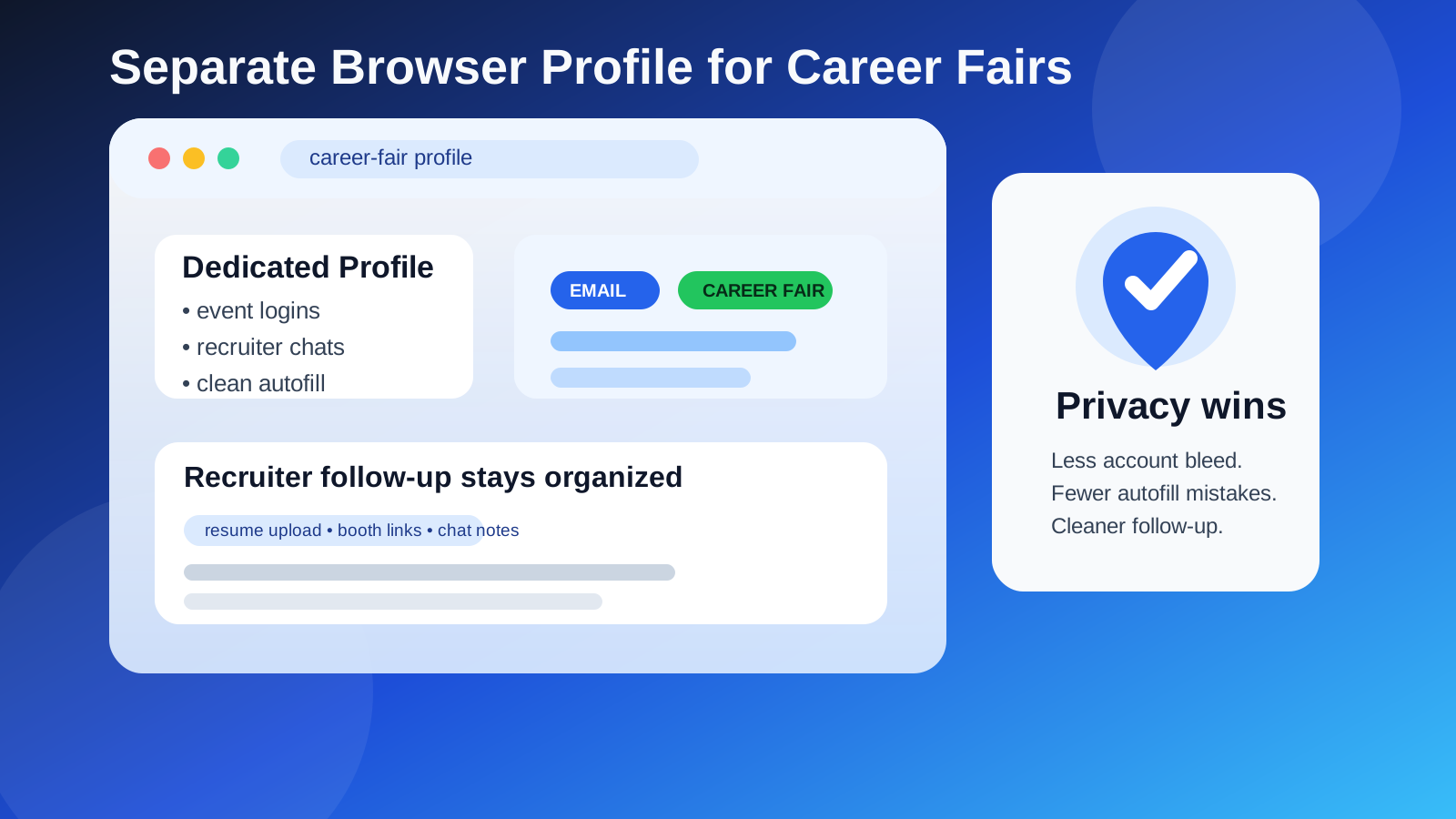
Why this question matters for career fairs
Career fairs look simple from the outside. You register, upload a resume, book chat slots, maybe join a webinar or virtual booth, and follow up afterward. In practice, though, that process can touch a surprising number of services: event platforms, applicant tracking systems, calendar links, recruiter scheduling tools, resume portals, and email sign-in pages. If all of that runs inside the same browser profile you use for everything else, it becomes easier to leak the wrong account, autofill old details, or leave your job-search activity mixed into your normal browsing environment.
That does not mean your default browser setup is dangerous. It just means career fairs create a lot of little opportunities for confusion. A separate browser profile gives you a cleaner workspace for registrations, resume uploads, and follow-up without forcing you into a complicated security routine.
What a separate browser profile actually does
A browser profile is not the same as using a different browser entirely, although that can work too. A profile is simply a separate environment inside your browser with its own cookies, saved logins, autofill history, bookmarks, extensions, and browsing sessions.
When you create one profile specifically for career fairs or job searching, you reduce the odds that:
- you accidentally sign up with the wrong email account,
- a work or personal account auto-logs you into an event platform,
- old autofill data inserts outdated phone numbers or addresses,
- recruiter links get buried among unrelated tabs and login sessions,
- your everyday browsing history gets blended with job-search research.
Think of it as a low-friction privacy boundary. It does not make you anonymous, and it does not replace good judgment, but it does reduce a lot of avoidable mistakes.
When using a separate browser profile is worth it
A separate profile is especially useful if any of the following apply:
- You are attending several virtual or hybrid career fairs in the same month.
- You are creating accounts on multiple event platforms and employer portals.
- You want to keep recruiter messages, application tabs, and follow-up links organized in one place.
- You are already using a separate email address, alias, or Anonibox workflow for job-search privacy.
- You share a device with family members or regularly switch between personal and work accounts.
- You rely heavily on browser autofill and want to reduce form mistakes.
If you are only attending one small fair and speaking to a few employers, a separate profile may feel optional. But once multiple registrations and follow-up threads pile up, the value becomes obvious very quickly.
The main privacy and organization benefits
1. Fewer account mix-ups
This is the biggest practical win. Many career-fair portals remember your last sign-in or silently reuse a session from another tab. If your default browser profile is already full of everyday accounts, it becomes easier to register with the wrong email, attach the wrong resume version, or join a recruiter event through a personal profile you did not intend to use.
A separate profile gives you a single identity lane for the fair. That makes it easier to stay consistent across registrations, employer chats, scheduling links, and follow-up messages.
2. Cleaner autofill behavior
Autofill is convenient until it inserts stale information into a form you barely reviewed. Career-fair forms often ask for names, phone numbers, links, locations, majors, graduation dates, or resume uploads. If your primary browser profile contains years of saved form data, you can accidentally submit outdated or over-shared details.
Inside a separate profile, you can keep autofill minimal and deliberate. That means fewer accidental submissions and less cleanup later.
3. Less tracking spillover
Career-fair sites and event vendors can set cookies, retain sessions, and connect browsing behavior across related tools. A separate profile will not stop all tracking, but it does keep those sessions from blending as easily with your general browsing activity. That is useful if you want a bit more separation between job-search research and everyday personal use.
4. Better follow-up organization
After the fair, you may need to reopen employer booths, review saved pages, revisit application links, and confirm which recruiter asked for what. If those tabs, bookmarks, and cookies live in one dedicated profile, the cleanup and follow-up process gets much easier.
What a separate browser profile does not do
It helps, but it is not magic. A separate profile does not hide your identity from employers, erase your IP address, or guarantee that event platforms cannot connect your actions to the account you used to register. It also will not protect you if you knowingly send sensitive information to a scammer or upload private documents to an untrustworthy site.
In other words, a separate profile is a privacy-and-organization tool, not a total security solution. It works best alongside normal job-search habits like checking employer legitimacy, using a professional email strategy, and avoiding suspicious links or rushed requests.
How to set up a useful career-fair browser profile
Start with one clear purpose
Name the profile something obvious like “Career Fairs” or “Job Search.” That sounds minor, but it makes it easier to remember why it exists and what should belong there.
Sign in only with the accounts you actually want to use
If your goal is to keep the fair separate from your normal browsing life, do not immediately load the new profile with every account you own. Add only the email address, calendar account, resume links, and communication tools you want tied to this stage of your search.
Keep bookmarks small and practical
A few good bookmarks help more than a giant pile. Save the event portal, your resume folder, your preferred follow-up template, and maybe a spreadsheet or notes document for tracking recruiter conversations.
Be selective with extensions
Extensions can leak data, clutter pages, or create compatibility problems on event platforms. Only install what you really need. The cleaner the profile, the easier it is to troubleshoot sign-in issues or weird page behavior.
Review notification settings
If you use this profile during live fairs, decide whether browser notifications are actually helpful. In some cases, event reminders or recruiter chat prompts matter. In others, constant pop-ups make it harder to stay focused.
Should you pair this with a separate email strategy?
Usually, yes. A separate browser profile works especially well when paired with a deliberate email setup. If you are using a dedicated job-search inbox, an alias, or a privacy-first tool like Anonibox for low-stakes registrations, keeping those sign-ins inside the same browser profile creates a cleaner system overall.
The benefit is not just privacy. It is consistency. Your event registrations, inbox checks, scheduling links, and recruiter follow-up all happen in one place. That lowers the chance that you miss a message because it landed in the wrong account or because the event platform opened under the wrong session.
That said, use common sense. A throwaway inbox may be fine for basic event registration, but if a real employer starts serious follow-up, you should move important communication to an address you can monitor reliably over time.
When you may not need a separate profile
Not everyone needs this level of separation. You may be fine with your normal browser setup if:
- you are attending one fair only,
- you are very disciplined about saved logins and autofill,
- you already keep your browser environment clean and minimal,
- you do not mind some crossover between your job-search activity and personal browsing.
Even then, the setup cost is low enough that many people still find it worth doing. A separate profile takes minutes to create and can save you from surprisingly annoying mistakes later.
Common mistakes to avoid
Using the profile but signing into the wrong account anyway
The profile only helps if you stay intentional about which accounts live inside it. If you immediately sign into multiple personal, school, and work accounts at once, the boundary becomes messy again.
Saving too much sensitive information
A dedicated profile should reduce oversharing, not encourage it. Be cautious about saving payment details, identity documents, or unnecessary autofill data in a profile that touches lots of event and hiring platforms.
Forgetting to monitor the linked inbox
Privacy is useful, but missed recruiter replies are not. If you create separation, make sure you still check the inbox and tabs tied to that profile consistently during active follow-up periods.
Treating the profile like a security guarantee
It is a practical boundary, not a legal or technical guarantee. You still need to verify employers, watch for phishing, and avoid sending sensitive information too early in the hiring process.
A simple workflow that works well for career fairs
- Create one browser profile dedicated to career fairs or broader job searching.
- Use only the email account, resume links, and calendar tools you want tied to that process.
- Register for fairs, employer booths, and event chats from that profile only.
- Bookmark recruiter follow-up links and employer pages inside the same profile.
- After the fair, use that profile to review chats, send follow-up messages, and track applications.
- Clean up or retire the profile once the event cycle is over if you want a fresh start.
This kind of setup is simple enough for almost anyone, but structured enough to reduce the most common privacy and organization problems that pop up around career fairs.
Final answer
For most people, using a separate browser profile for career fairs is a good idea. It helps prevent account mix-ups, keeps autofill and saved sessions under control, and makes it easier to organize recruiter follow-up without blending everything into your normal browsing environment.
You do not need it for every single event, but if you care about privacy, clean organization, or avoiding small mistakes that turn into missed opportunities, it is one of the easiest upgrades you can make. Pair it with a sensible email strategy, stay careful about what you save and share, and you will have a cleaner, calmer career-fair workflow from start to finish.