Yes — Zoho Mail can be a good choice for career fairs if the inbox is private, professional, and checked consistently after the event.
No — it is a poor choice if the address is employer-linked, cluttered, or so experimental that recruiter follow-up becomes harder instead of easier.
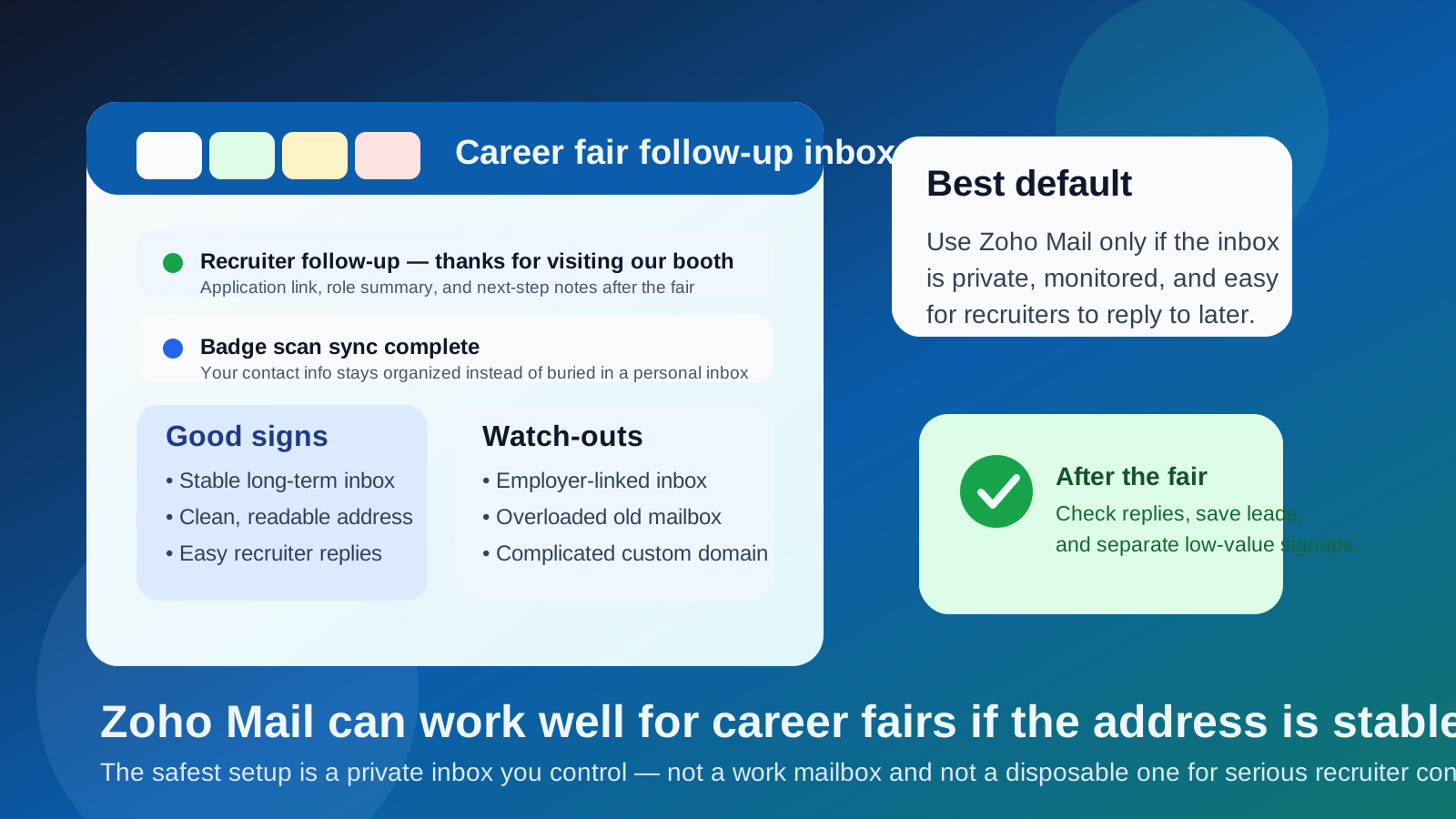
That is the practical answer behind the question should you use Zoho Mail for career fairs. At a career fair, your email address does more than sit on a résumé. It gets copied into recruiter notes, badge-scan exports, event apps, follow-up forms, and sometimes mass nurture workflows before you even get home. The inbox you use has to be good at two different jobs at once: it needs to look normal and trustworthy to recruiters, and it needs to protect you from the clutter that career fairs often generate.
Zoho Mail can fit that job well when you use it intentionally. It can give you a dedicated inbox that is separate from your oldest personal mailbox and separate from any employer-controlled account. That separation is useful because career fair outreach tends to mix high-value opportunities with low-value noise. One recruiter may send a serious interview follow-up. Another company may add you to a generic student or early-career newsletter. A stable, well-managed mailbox helps you keep those two streams from blending together.
Why career fairs make email choice more important
Career fairs are unusually messy compared with a direct application on a company site. You might talk to several recruiters in one afternoon, scan into an employer system, upload a résumé to an event platform, register for follow-up sessions, and receive several automated emails before the day ends. That means the address you share needs to survive a lot of different use cases:
- thank-you messages from recruiters who actually want to continue the conversation
- requests to submit a full application after the fair
- calendar links or interview scheduling messages
- talent community signups and event recaps
- future outreach weeks or months later when a role opens
If your email setup is too flimsy, too noisy, or too hard to monitor, you create follow-up risk at exactly the moment when follow-up matters most.
What makes Zoho Mail a reasonable option
It can give you a dedicated inbox without using your main personal address
For many job seekers, the appeal is simple: Zoho Mail can function as a clean, separate inbox for professional outreach. That can be helpful if your oldest personal email is full of newsletters, shopping receipts, family threads, and random signups from the last ten years. Career fair follow-up tends to get lost in that kind of clutter.
It can feel more deliberate than a throwaway account
Recruiters do not need your email provider to be famous. They need the address to look stable, readable, and worth replying to. A real inbox you control usually beats a disposable-looking setup when the goal is ongoing contact after an event.
It supports a cleaner privacy boundary
If you do not want every event signup and recruiter interaction landing in the same place as your daily life, a dedicated Zoho Mail inbox can create cleaner boundaries. That is especially useful when you are attending multiple fairs, quietly exploring a job change, or trying to keep your search organized without using your work account.
When Zoho Mail is a good choice for career fairs
Zoho Mail is usually a sensible option when most of these are true:
- You personally control the inbox. It is not owned by your employer, a client, or a school IT department.
- You check it consistently. Career fair follow-up often happens quickly, and missing a message for several days can kill momentum.
- The address looks simple. Recruiters should be able to read it off your résumé or badge profile without wondering whether they copied it correctly.
- You want a job-search-only mailbox. A separate inbox makes it easier to filter fair traffic from the rest of your life.
- You plan to keep the inbox long enough for delayed follow-up. Some employers move fast; others circle back later.
If that sounds like your situation, Zoho Mail can work very well. It is not magic, but it is a perfectly reasonable home base for career fair communication.
When Zoho Mail is the wrong default
When the inbox is tied to your current employer or business identity
This is the biggest red flag. If your Zoho Mail setup is attached to your employer, your side business, or another identity you would rather keep separate from a private job search, do not use it for career fairs. The problem is not Zoho Mail itself. The problem is the overlap.
When you will not actually monitor it
A separate inbox only helps if you remember it exists. Some people create a “professional” mailbox and then forget to check it while the real follow-up lands there. If you are more likely to respond quickly from another stable inbox, use that instead.
When the address is too complicated
Career fairs still involve a lot of manual data entry. A recruiter may type your email from a résumé, a name tag, or quick booth notes. If the address is hard to read, full of punctuation, or attached to an unfamiliar custom domain that people mistype, you increase the odds of lost follow-up.
When you only need spam shielding, not long-term continuity
Sometimes the real need is not a dedicated communication channel. It is a shield against noisy signups. In those cases, a temporary email solution may be better for low-trust resources, event downloads, or gated employer marketing pages. That is where a tool like Anonibox is useful. But once a recruiter may reply personally or revisit your profile later, a stable inbox is usually the smarter choice.
Zoho Mail vs other common career fair options
Versus Gmail or Outlook
Gmail and Outlook are familiar defaults, and familiarity has value. Most recruiters will never care which provider you use as long as the message goes through and the address looks normal. Zoho Mail is not automatically better than Gmail or Outlook. It is better only if it gives you cleaner organization or a stronger privacy boundary without making follow-up harder.
Versus your school email
A college address can be fine if you are still actively using it and expect to keep it. But many people eventually want a longer-lived inbox that is not tied to student status. If that is your situation, a personal Zoho Mail setup may be a stronger long-term contact point.
Versus your work email
Your work inbox is usually the wrong answer for a private career fair search. Even if it feels convenient, it can expose your search to employer systems, mix your personal next steps with company controls, and create awkward continuity problems if you leave the job.
Versus a temporary inbox
Temporary email has a role, but not usually for the serious part of career fair communication. If a booth offers a low-value PDF, a generic webinar, or a signup you do not fully trust, temporary email can help you avoid long-term clutter. But for real recruiter contact, you usually want a mailbox that still exists and still gets checked weeks later.
Will recruiters see Zoho Mail as unprofessional?
Usually no. Most recruiters are not evaluating the provider in a vacuum. They are making a more practical judgment: does this email look human, stable, and easy to reply to? If your address is straightforward and your replies are timely, the provider is rarely the deciding factor.
The bigger professionalism issues tend to be things like sloppy usernames, confusing custom domains, or missed follow-up. In other words, inbox management matters more than brand recognition.
Best practices if you use Zoho Mail for career fairs
1. Keep the address simple and readable
Use a name-based address if possible. Avoid unnecessary punctuation, odd nicknames, or anything that makes manual typing harder. At a career fair, easy beats clever.
2. Treat it like a real professional inbox
Turn on notifications, check it daily after the event, and respond promptly when a recruiter reaches out. A dedicated mailbox only helps if it behaves like a live communication channel.
3. Keep high-value and low-value traffic separate
Not every fair interaction deserves direct access to the inbox you want to keep long term. Use your stable Zoho Mail address for recruiter conversations, interview steps, and application follow-up. Use temporary email for low-trust or obviously promotional signups when continuity is not important.
4. Make your résumé and event profile consistent
Use the same email on your résumé, registration profile, and follow-up notes. Consistency makes it easier for recruiters to match your message to the person they met at the booth.
5. Set up basic organization before the fair
Even a simple folder or label system can help. One folder for recruiter follow-up and another for event marketing noise is enough to keep your priority messages visible.
A practical setup that works for most people
- Use a Zoho Mail inbox that you personally control.
- Make sure the address is simple enough for manual typing and easy recognition.
- Use it consistently for résumés, recruiter follow-up, and application next steps after the fair.
- Check it heavily for at least a couple of weeks after the event.
- Use temporary email only for low-stakes resources, marketing-heavy signups, or event extras you do not want following you forever.
This gives you the real advantage of a dedicated mailbox without making the mistake of turning serious recruiter communication into a disposable interaction.
Common mistakes to avoid
- Creating a separate inbox and forgetting to monitor it.
- Using a work-linked identity for a private search.
- Choosing an address that is too complicated for quick booth follow-up.
- Letting every low-value signup into the same inbox as serious recruiter conversations.
- Assuming any non-Gmail provider looks suspicious by default.
So, should you use Zoho Mail for career fairs?
Yes, if the inbox is private, stable, and easy to manage after the event. In that case, Zoho Mail can be a smart way to keep recruiter conversations separate from your everyday personal inbox while still looking professional and reachable.
No, if the setup is employer-linked, rarely checked, or harder to trust than a simpler alternative. The best career fair email is not the most exotic one. It is the one that helps real recruiters reach you reliably while keeping the fair from turning into a long-term inbox mess.