Yes — usually. A separate browser profile for informational interviews is a practical way to keep networking research, meeting links, and follow-up separate from your everyday browsing.
It is not mandatory, but it does reduce wrong-account sign-ins, autofill leaks, awkward history suggestions, and screen-sharing surprises while keeping you organized and easy to reach.
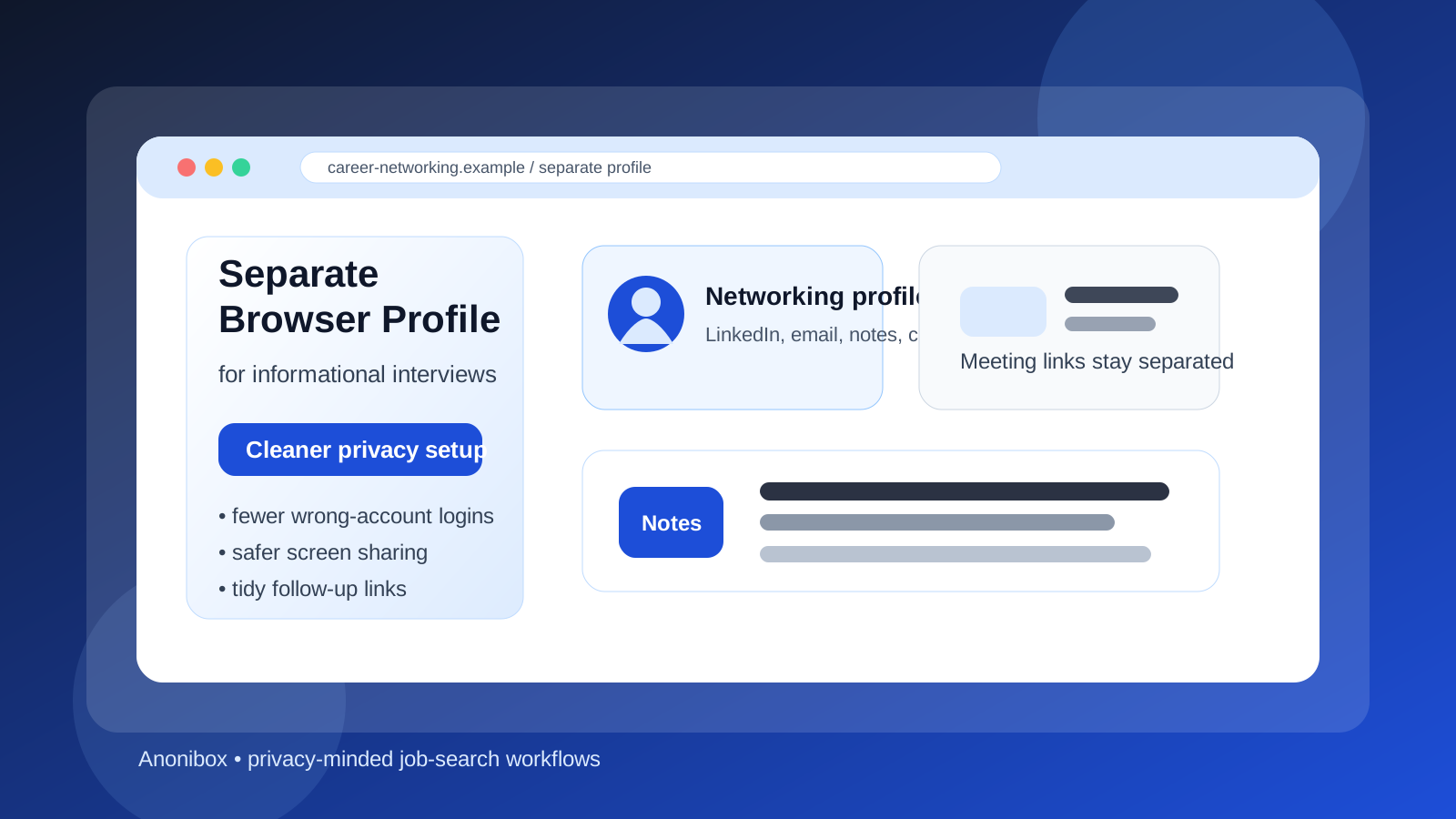
Why this question matters for informational interviews
Informational interviews are more casual than formal job interviews, but they still create a privacy trail. You may start on LinkedIn, move to email, open a Calendly or Google Calendar link, join a Zoom or Google Meet call, look through a company site, review someone’s background, save notes, and then come back weeks later for a follow-up. That is a lot of activity for one conversation that technically is not even an application yet.
If all of that happens inside the same browser profile you use for everything else, the lines can blur quickly. A browser profile remembers history, cookies, saved logins, autofill suggestions, bookmarks, extension behavior, synced tabs, and sometimes profile photos or display names. During networking, that can create small but annoying problems: the wrong Google account opens a meeting link, your employer-managed account tries to auto-sign in, an old autofill entry appears while you are sharing your screen, or your research gets buried in the same browser clutter you use for shopping, banking, and personal browsing.
A separate profile is not about secrecy for its own sake. It is about giving career networking its own clean workspace.
What counts as a separate browser profile?
A separate browser profile does not mean buying another laptop or turning your life into an undercover operation. In most cases, it simply means creating one clean profile in Chrome, Edge, Firefox, Brave, or another browser and using that profile only for job-search networking activity.
- A dedicated Chrome or Edge profile on your personal device
- A clean Firefox profile used only for outreach, networking, and light research
- A profile that is signed into your preferred personal account, but not your employer account
- A profile with only a few job-search bookmarks, minimal extensions, and no unrelated saved sessions
The point is separation, not complexity. You want a controlled space where informational-interview links, notes, and follow-up tools are easier to manage.
Why a separate profile is often a smart idea
1. It reduces wrong-account sign-ins
Informational interviews often happen through account-heavy tools. A LinkedIn connection sends a scheduling link. An alum shares a Google Meet invite. A recruiter introduces you to someone through email. A founder sends a Notion page or asks you to review a portfolio. If your main profile is logged into several Google, Microsoft, or social accounts, the wrong one can easily take over.
That matters more than people think. You might join a call with the wrong display name, open a shared document under the wrong account, or have your employer-managed browser session push itself into the conversation. None of these mistakes are fatal, but they create friction where you want calm and professionalism. A separate profile makes your default identity predictable.
2. It keeps your networking research out of your everyday browsing mess
Informational interviews usually involve a lot of background reading. You may look up the person’s career path, their company, recent news, industry trends, role descriptions, old posts, and mutual connections. That research is useful, but it can clutter your normal browsing history fast.
A separate profile keeps networking activity together. Your bookmarks, tabs, and history stay focused on career exploration instead of getting buried between errands, entertainment, and unrelated work. That makes follow-up easier because you can reopen the same environment later and immediately find the context again.
3. It lowers the chance of autofill and screen-sharing mistakes
Even informational interviews can involve screen sharing. Maybe you show a portfolio, walk through a project, open a calendar, or share a document. Browser suggestions can get weird at the worst possible moment. Address-bar history, saved logins, extension pop-ups, synced tabs, and autofill entries are all forms of accidental oversharing.
A clean profile reduces that noise. You are less likely to surface an unrelated email address, an old employer bookmark, a personal search suggestion, or another account’s saved data while someone is looking at your screen.
4. It makes follow-up more organized
Informational interviews are rarely one-and-done conversations. A useful chat can turn into a second call, a referral, a job lead, or an introduction to someone else. A separate profile helps because all the related links live in one place: the original LinkedIn message, the meeting link, the notes doc, the person’s company page, your thank-you draft, and any later follow-up resources.
That kind of organization is worth more than it sounds. Networking falls apart when you forget context, lose a link, or cannot remember which contact came from which conversation. A dedicated profile gives you a lightweight system without much effort.
5. It creates a better boundary if you are still employed
If you are exploring new directions quietly, browser separation helps you avoid mixing career networking with employer-managed sessions. That does not make a work device private, and it does not protect you from employer monitoring if you are using company hardware or accounts. But on your own device, it can keep your personal career activity away from your work browser state and reduce accidental crossover.
When it is especially worth doing
A separate browser profile is most useful when:
- You are having multiple informational interviews over several weeks
- You use more than one Google, Microsoft, or LinkedIn identity
- You are still employed and want cleaner boundaries on your personal device
- You share a household computer account and want less visible history or autofill overlap
- You are researching companies in the same industry and want a consistent place for notes and links
- You tend to accumulate too many tabs and bookmarks in your main profile
If any of those sound familiar, a separate profile is usually worth the five minutes it takes to set up.
When it might be overkill
If you are only planning one coffee chat with someone you already know well, a dedicated profile may be more nice-to-have than necessary. The same is true if your browser environment is already very clean and you only use one personal account everywhere.
Still, there is a big difference between “not required” and “not useful.” Many people skip this step because it feels too technical, when in reality it is one of the simplest privacy upgrades in a job search. You do not need a perfect setup. You just need a cleaner one.
What a separate browser profile does not solve
It is worth being realistic about the limits.
- It does not make a work laptop or employer-managed browser private.
- It does not replace a separate email, phone number, or calendar if you need those boundaries too.
- It does not stop phishing, scam links, or bad security decisions.
- It does not guarantee that every networking platform will handle your data well.
- It does not make a temporary inbox reliable enough for long-term follow-up on its own.
Think of it as a practical compartment, not a magic shield.
A good setup for informational interviews
Use a personal device you control
If privacy matters, start there. The best browser profile in the world cannot undo the risks of doing career networking on an employer-controlled device.
Sign in only to the accounts you actually want attached
That might be one personal Google account, one LinkedIn login, and one calendar. Keep it minimal.
Keep extensions light
Do not drag every extension from your main profile into the new one. The fewer pop-ups, trackers, shopping tools, coupon widgets, and random helpers, the better.
Create a small bookmark set
Useful bookmarks might include LinkedIn, your networking email inbox, a notes document, your resume or portfolio, your calendar, and a folder for target companies.
Pair it with a sensible email strategy
This is where Anonibox or another separate inbox workflow can fit naturally. If you are signing up for directories, newsletters, event lists, or one-off networking platforms, a separate inbox can reduce long-term spam and keep outreach more organized. But informational interviews often involve real follow-up, so the address you use should still be monitored and stable. A disposable inbox that expires too soon can cost you a valuable relationship.
Store notes somewhere consistent
Whether you prefer a plain document, notes app, or lightweight spreadsheet, keep a simple record of who you spoke with, what you learned, and whether you owe a follow-up. The browser profile works best when it supports a repeatable process instead of just becoming another tab graveyard.
Separate profile vs. incognito vs. a separate browser
People often ask whether private browsing mode is enough. Usually, no.
- Incognito/private mode: useful for one-off tests, but it does not preserve organized sessions, bookmarks, or stable sign-ins for ongoing networking.
- Separate browser profile: usually the best balance of convenience, continuity, and privacy for repeated informational interviews.
- Entire separate browser: can work too, especially if you already prefer one browser for personal life and another for career tasks, but it is not always necessary.
For most people, a separate profile is the sweet spot. It gives you continuity without mixing everything together.
Red flags that suggest you should stop using your main profile
- Your employer account keeps auto-signing you into Google or Microsoft services
- Your browser autofills personal addresses, phone numbers, or unrelated forms too aggressively
- You are seeing networking links mixed into shared household browsing history
- You have too many saved accounts and keep landing in the wrong one
- You feel nervous sharing your screen because your browser is cluttered and unpredictable
If your current setup feels messy, that is the signal. You do not need to wait for a serious mistake before cleaning it up.
Simple checklist before your next informational interview
- Use a personal device, not a work-managed one
- Open the meeting from the dedicated browser profile
- Check which Google or Microsoft account is active
- Close unrelated tabs and keep only the notes or links you need
- Test camera, mic, and calendar links inside that profile beforehand
- Make sure any separate email or alias you use is stable enough for replies
Final answer
Yes — in most cases, using a separate browser profile for informational interviews is a smart and low-effort privacy habit. It helps keep your networking activity organized, reduces account mix-ups, lowers the chance of awkward oversharing, and gives you a cleaner environment for follow-up.
You do not need to turn a simple career conversation into an elaborate security project. But if you want better boundaries during a job search, a separate browser profile is one of the easiest upgrades you can make. Pair it with a monitored networking inbox, thoughtful follow-up, and a personal device you control, and you will usually have a setup that feels both more private and more professional.