Yes — in most cases, using a separate email for job referrals is a smart move. It keeps networking follow-ups, recruiter replies, and referral handoffs out of your everyday inbox while still giving people a professional way to reach you.
No — a short-lived throwaway inbox is usually the wrong tool once a real referral is in motion. For job referrals, the best setup is a separate stable email address, not one that might disappear before a recruiter sends an interview invite.
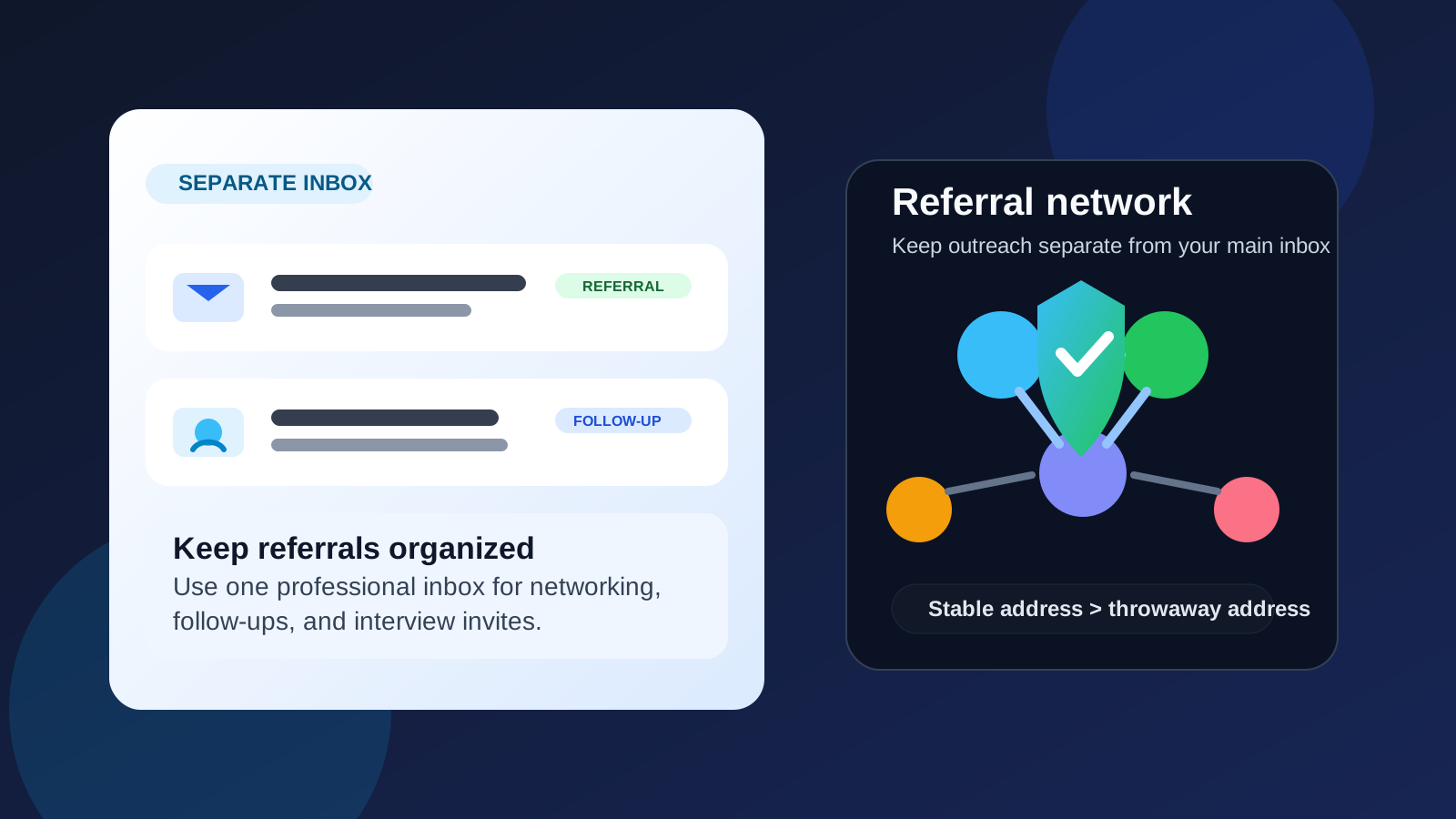
That distinction matters. A referral is not the same thing as a random signup, a one-off download, or an early-stage job board experiment. When someone inside a company is willing to forward your resume, introduce you to a recruiter, or recommend you to a hiring manager, you need an email address that looks normal, stays active, and can handle multiple rounds of follow-up. At the same time, you may not want that entire process tied to the same inbox you use for banking, newsletters, personal travel, family logistics, and everything else in your life.
That is why many privacy-conscious job seekers land on a middle path: they use a dedicated job-search email for referrals and serious applications, then reserve temporary inboxes for low-trust forms, one-time signups, or very early exploratory activity. For Anonibox users, that is the practical line to draw. A temporary inbox can be useful at the edges of a search, but a real referral deserves a reliable address you control.
Why job referrals are different from ordinary applications
Referral-based hiring usually creates a longer email trail than people expect. The employee who refers you may send a note first. A recruiter may reply later. Then you might get a request for availability, a link to an application portal, a screening email, a calendar invite, an assessment, and a follow-up from a hiring manager. Even if the process goes nowhere, the conversation often stretches across days or weeks rather than minutes.
That means your email choice needs to solve two problems at once:
- Privacy: you do not necessarily want your main inbox exposed across every referral conversation, CRM, and talent pipeline.
- Reliability: you cannot afford to lose a message because the address expired, looked suspicious, or was not monitored closely enough.
A separate job-search email handles both better than either extreme. It gives you cleaner boundaries than your primary personal inbox, but it behaves more professionally than a one-time disposable address.
When a separate email for job referrals makes the most sense
This approach is especially useful when your search is active enough that referral traffic can become messy.
- You are networking broadly. If you are talking to former coworkers, alumni, recruiters, and friends-of-friends, one inbox helps you track those threads without mixing them into daily life.
- You are running a confidential search. A dedicated address helps reduce accidental crossovers, especially if you still work full time.
- You expect follow-up beyond one company. Referral conversations often lead to “send me your resume” or “I know someone else hiring too” moments. A separate inbox keeps that expansion manageable.
- You want better organization. Referral emails can be labeled, starred, filtered, or grouped without touching your main inbox rules.
- You care about future cleanup. After the search ends, you can keep, archive, or phase down the referral inbox without changing your primary personal address.
Why your main personal inbox is not always ideal
Your personal email is not automatically wrong. In fact, if it is professional-looking and you only expect a small amount of referral activity, it may be perfectly fine. But there are a few reasons people outgrow that setup quickly.
1. Referral messages arrive in bursts
Networking conversations are uneven. You may hear nothing for a week, then get five threads at once from different people introducing you to different teams. A dedicated inbox makes those bursts easier to manage.
2. Recruiter follow-up can continue long after the referral
Once your information enters an employer or agency workflow, you may get future outreach that has little to do with the original conversation. Keeping that activity separate from your main inbox is often calmer.
3. Your main inbox may already be noisy
If your everyday address is full of subscriptions, receipts, personal messages, and account notifications, important referral emails are easier to miss than most people realize.
Why your work email is usually the worst choice
If the referral is part of a confidential job search, using your current employer’s email is usually a bad idea. Even if nobody is actively monitoring you, it creates unnecessary risk and confusion.
- Your employer may control retention, logging, and access.
- Messages can appear on company devices and synced apps.
- It blurs boundaries between your current job and your next one.
- It can make you look careless to the person referring you.
In short: for real referral conversations, a work address is usually the least private and least sensible option.
Separate email vs. temporary email for job referrals
This is the key decision. A temporary inbox and a separate inbox are not the same thing.
A temporary inbox is useful when you want to limit exposure during one-off signups, low-trust forms, gated downloads, or exploratory platforms you may never use again. A separate referral inbox is different: it should be stable enough for follow-up, password resets, interview scheduling, and delayed recruiter replies.
If someone is genuinely referring you into a company, use an address you can keep active for the full process. If you are just poking around a community, downloading a salary guide, or testing whether a platform is worth joining, a temporary inbox from Anonibox can make sense. The mistake is treating both situations as if they need the same tool.
How to set up a good referral email
You do not need anything fancy. The goal is clarity and reliability.
1. Use a normal-looking address
Pick something simple, readable, and professional. Your name plus a straightforward variation is usually enough. Avoid gimmicky handles or anything that looks obviously throwaway.
2. Keep it separate, but check it daily
A separate inbox only helps if you monitor it. Referral processes move at awkward times, and a reply that sits for three days can cool momentum.
3. Turn on basic organization early
Create labels or folders for referrals, recruiter follow-ups, applications, and interviews. That small bit of structure pays off fast once conversations branch.
4. Save important contacts outside your inbox too
If someone important refers you, add their name, company, and context to your notes or contacts. Do not rely on memory alone when multiple threads are active.
5. Keep access long enough
Do not abandon the inbox the moment you send a resume. Some recruiters reply late, some hiring teams move slowly, and some referrals resurface weeks later.
How to use the inbox without looking secretive
You do not need to explain your privacy workflow to everyone. Just use the email naturally and professionally. Most referrers and recruiters will not care which non-work address you use as long as it works.
If someone asks whether they should send materials there, the answer is simple: yes, that is the best address for your job-search communication. No drama required.
Common mistakes to avoid
- Using a truly disposable address for a live referral. This is the biggest mistake because it creates avoidable reliability risk.
- Forgetting to monitor the inbox. Separation is helpful only if you still respond promptly.
- Mixing work and personal identities. Do not bounce between your employer address, a temporary inbox, and a personal account unless there is a clear reason.
- Making the address look suspicious. If it resembles obvious spam or a fake account, you create friction for no benefit.
- Assuming a separate inbox solves every privacy problem. It helps, but you still need basic scam awareness and good judgment.
Red flags in referral-related email threads
Even referral conversations can go sideways if they move into recruiter outreach, staffing intermediaries, or unknown third parties. Be careful if:
- someone pushes you off email and into a less traceable channel immediately
- the “referral” turns into pressure to buy something, pay fees, or share sensitive documents early
- the company name, sender identity, or role details stay vague
- the address asking for information is not connected to the organization it claims to represent
A separate inbox keeps your primary address cleaner, but it does not replace verification. If something feels off, slow down and confirm who you are dealing with.
A simple rule of thumb
If the interaction is disposable, use a disposable tool. If the interaction is relationship-based, use a stable one.
Job referrals are relationship-based. They depend on trust, timing, and follow-through. That makes them a poor fit for an inbox that may vanish and a good fit for an address that is separate from your main account but reliable enough for a real hiring process.
Final answer
Yes — a separate email for job referrals is usually a smart choice. It gives you better privacy, cleaner organization, and more control over where referral-driven outreach lands.
Just do not confuse separate with temporary. For serious referral conversations, use a stable inbox you can monitor every day. Save truly disposable addresses for one-off signups, low-trust forms, and early exploratory activity. That balance lets you protect your main inbox without making yourself harder for real opportunities to reach.