Yes — you can use AOL Mail for employment verification, but it is usually better as a temporary or secondary contact address than as the only inbox handling a serious hiring process.
If the employer, recruiter, or screening partner is legitimate, AOL Mail will usually work for basic communication, but a separate organized inbox or a more actively managed professional address is often the safer choice for privacy, follow-up, and document-heavy stages.
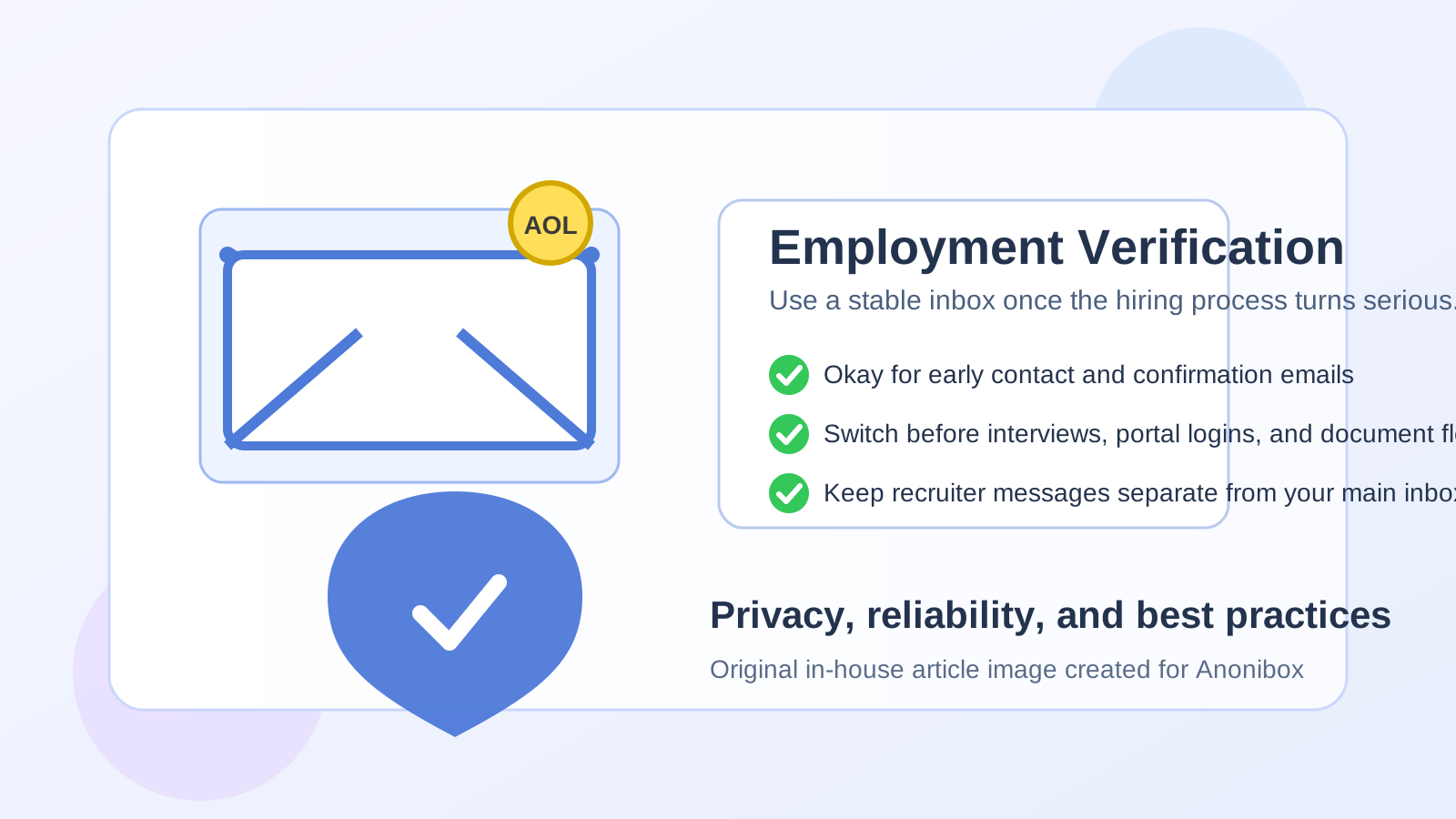
What employment verification usually involves
Employment verification is the stage where a prospective employer, recruiter, or third-party screening company confirms details about your work history. That can include job titles, dates of employment, past employers, and sometimes follow-up requests for pay stubs, offer letters, or contact details for human resources teams. Sometimes it happens before a final offer. Sometimes it happens after a conditional offer. In either case, it is a more sensitive workflow than a casual job alert signup.
That is why the question is not just “Will AOL Mail receive the email?” It is “Is AOL Mail the right inbox for this kind of communication?” Those are different questions. The first is mostly technical. The second is about privacy, organization, reliability, and how much control you want during a process that may involve personal details and time-sensitive documents.
Short answer: workable, but not always ideal
AOL Mail is not automatically disqualifying. Plenty of employers care much more about whether they can reach you than about which mainstream inbox provider you use. If your AOL address is stable, monitored, and professional-looking, it can absolutely function for employment verification emails.
Still, “it works” is not the same as “it is the best option.” Employment verification threads can get messy. Messages may come from a recruiter, a background screening vendor, an HR coordinator, and an automated portal. If your AOL inbox is older, cluttered, tied to lots of unrelated subscriptions, or not something you check carefully, it can create unnecessary friction. That is the real risk.
When using AOL Mail is usually fine
Using AOL Mail for employment verification is usually acceptable when the setup is simple and you are confident you will not miss anything important.
- You actively monitor the inbox: if you check it consistently and respond quickly, the provider itself is not the main issue.
- The address looks professional enough: an address based on your name is generally better than something jokey or confusing.
- The verification request is lightweight: for example, confirming dates, answering routine follow-up questions, or receiving portal links.
- You already use AOL as part of your job-search workflow: if it is the inbox you purposely use for hiring communication, consistency can help.
- You keep the inbox organized: folders, starred messages, and search discipline matter more than brand loyalty here.
In other words, AOL Mail is workable when it is functioning as a real professional communication channel rather than an old personal account you barely open.
When AOL Mail may be the wrong choice
There are also situations where AOL Mail is technically usable but strategically weak.
- The inbox is overloaded: if marketing mail, old subscriptions, and personal clutter bury time-sensitive messages, employment verification can slow down or break.
- You rarely check it: a verification delay of even one or two days can create a bad impression or slow your start date.
- The address looks unprofessional: the problem is not “AOL” by itself; the problem is an address that looks unserious or hard to trust.
- You are sharing documents: if pay records, identity paperwork, or other sensitive files are involved, you may want a cleaner, more tightly managed inbox.
- You need strict separation: some job seekers prefer one inbox just for serious hiring steps so nothing gets mixed with newsletters, family mail, or old account noise.
If any of that sounds familiar, the better move is not panic. It is simply to switch to a dedicated, stable address before the process gets more complex.
Privacy questions people often overlook
Most people focus on whether a prospective employer will judge the domain. The bigger issue is usually privacy hygiene. Employment verification often brings together personal information from multiple parties, sometimes in a hurry. A crowded or poorly organized inbox raises the odds of mistakes.
Here are the privacy questions worth asking:
- Do I want employment verification emails mixed with my everyday personal conversations?
- Is this inbox easy to search when I need an old attachment or confirmation message quickly?
- Will I notice if a screening company asks for missing information?
- Am I comfortable with this address becoming part of several recruiter, HR, and vendor systems?
If the answer to those questions is mostly no, AOL Mail may still work in theory, but a separate inbox will work better in practice.
AOL Mail vs a separate job-search inbox
This is where the decision gets clearer. A dedicated job-search inbox usually beats a general personal inbox for employment verification, regardless of provider. The goal is not to chase trendy email branding. The goal is control.
A separate inbox helps because it lets you:
- Keep recruiter, HR, and screening traffic in one place
- Spot urgent action items faster
- Reduce accidental misses caused by everyday inbox clutter
- Retire or repurpose the address later if your job search ends
- Maintain better boundaries between personal life and hiring paperwork
If you already have an AOL address that serves this role well, that is fine. If your AOL account is really just a legacy personal inbox, a separate address is often smarter than forcing it into a workflow it does not fit well.
Where Anonibox fits naturally
Anonibox makes the most sense earlier in the funnel, before employment verification becomes document-heavy and sensitive. For example, it can be useful when you are testing job boards, creating early recruiter accounts, checking whether a staffing platform sends relevant alerts, or protecting your main inbox from broad outreach while you decide which channels are worth taking seriously.
Once you reach employment verification, though, the standard changes. At that point you usually want a stable inbox you control closely, not a disposable one. The best privacy workflow is often: use a temporary or separate address during early exploration, then move serious hiring communication to a reliable professional inbox before verification, portal access, and paperwork begin.
Best practices if you do use AOL Mail for employment verification
1. Make sure the address itself is professional
An employer is much more likely to notice a sloppy handle than to care that the domain is AOL. If your address is based on your name and easy to read, you are already in much better shape.
2. Clean the inbox before the process starts
Archive or clear obvious clutter, and create a folder or label for this employer or screening vendor. Employment verification often involves multiple back-and-forth messages, and a messy inbox is a preventable problem.
3. Watch spam and junk folders carefully
Portal invitations and automated messages sometimes land in the wrong place. If you choose AOL Mail, treat the spam folder as part of the workflow until the process is finished.
4. Reply from the same address consistently
If verification starts on one address and continues on another without explanation, you increase the chance of confusion. If you need to switch, do it deliberately and clearly.
5. Move sensitive documents only when you trust the request
Before sending attachments, verify that the sender is legitimate, the request makes sense, and the stage of hiring matches what they are asking for. Never assume an email is real just because it references employment verification.
Red flags to watch for during verification emails
Whether you use AOL Mail or not, a few warning signs matter more than the provider name:
- Unexpected urgency: pressure to send personal documents immediately without context
- Inconsistent sender identities: the company name, recruiter name, and email signature do not line up
- Requests for unnecessary sensitive data: especially very early in the process
- Odd links or attachments: messages pushing you into unfamiliar portals without a clear explanation
- Channel switching pressure: being pushed away from email into chat apps before trust is established
These are the moments where good inbox discipline matters. A clean, separate inbox makes suspicious messages easier to evaluate because they are not buried inside everything else.
A quick decision checklist
Before you use AOL Mail for employment verification, ask yourself:
- Do I check this inbox reliably every day?
- Does the address look professional enough?
- Will important messages get buried under old clutter?
- Would a separate hiring-only inbox make this easier to manage?
- Am I using this because it is actually convenient, or just because it already exists?
If your answers are strong, AOL Mail can be fine. If they are mixed, a dedicated alternative is usually worth the small setup effort.
Final answer
Yes, you can use AOL Mail for employment verification, and in many cases it will work perfectly well. But the better question is whether it is the best inbox for a process that can involve deadlines, identity details, portal invitations, and sensitive follow-up. For many job seekers, the safest approach is a clean, professional, closely monitored inbox used specifically for serious hiring communication.
If your AOL account already meets that standard, you probably do not need to change it just because the domain is older. If it does not, switch to a more organized separate address before the verification process gets complicated. That gives you the privacy and control you actually need, without turning a manageable hiring step into an avoidable inbox problem.