Usually, no—Facebook Messenger should not be your first choice for recruiter outreach. It can work in a narrow set of cases, but it exposes more of your personal identity and social profile than email or LinkedIn.
If a recruiter already contacted you there or the opportunity lives inside a Facebook group, use Messenger cautiously, verify the person, and move the conversation to a more professional channel as soon as possible.
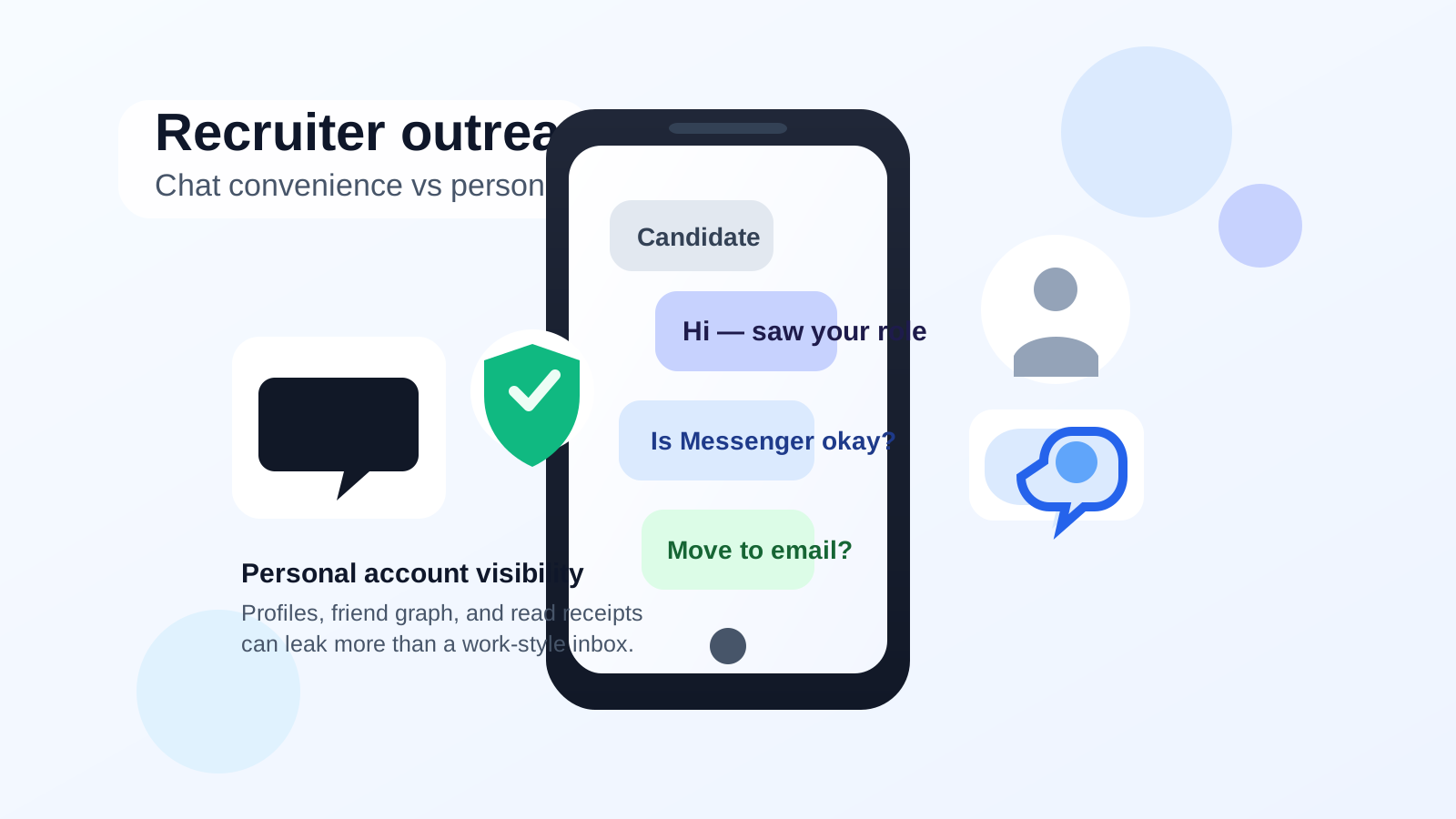
Why people consider Facebook Messenger for recruiter outreach
It is easy to see the appeal. Many people already have Facebook installed, notifications arrive quickly, and Messenger feels less formal than drafting a polished cold email. In some industries, local groups, community job boards, alumni groups, or neighborhood business pages are active enough that job seekers do end up seeing recruiters or hiring managers there first.
That convenience is real, but Messenger also collapses a lot of personal context into one place. A recruiter may not only see your message thread. Depending on your privacy settings and how the interaction begins, they may also be one tap away from your profile photo, public posts, mutual friends, hometown clues, relationship hints, old comments, or other identity details that have nothing to do with your qualifications.
That is why Messenger works better as an occasional bridge than as a default outreach channel. It is fast, but it does not create the same professional boundary that a dedicated inbox does.
The biggest privacy risks
1. Your personal profile rides along with the conversation
This is the biggest difference between Messenger and email. With email, the recruiter mainly sees your address, your name, and whatever you choose to say. With Messenger, the conversation often sits next to your social identity. Even if your account is not wide open, a lot of people reveal more on Facebook than they realize.
That can create avoidable issues:
- Your profile may reveal age-adjacent clues, family details, hobbies, political opinions, or lifestyle information you would rather keep separate from a hiring conversation.
- Public posts and comments can shape first impressions before a recruiter ever opens your resume.
- Mutual friends and group membership can blur lines between personal life and professional outreach.
2. It is easier to mix casual tone with professional intent
Messenger encourages short, informal messages. That can help you sound human, but it can also make outreach feel underprepared. Recruiters usually expect a clear professional introduction, a quick statement of interest, and a reason to continue the conversation. Messenger nudges people toward fast one-liners instead.
A casual opening like “hey, saw your post” is not fatal, but it rarely makes the strongest first impression unless the context is already informal and warm.
3. Scam and impersonation risk is higher
Messenger is full of legitimate people, but it is also full of fake profiles, cloned recruiter identities, and half-verified business pages. A message from someone claiming to be a recruiter can look convincing long enough to pull you into an off-platform chat, an application fee scam, or a phishing link.
When outreach starts through email or LinkedIn, it is usually easier to verify the sender against a company domain, company page, or employment history. Messenger gives you less structural trust by default.
4. Read receipts and response pressure can work against you
Messenger creates a stronger sense of immediacy than email. Seen status, active indicators, and mobile push notifications can make a normal professional exchange feel oddly personal. That is not always a deal-breaker, but it can create pressure to respond quickly even when you want time to research the company, think about the role, or verify whether the recruiter is real.
When Messenger might be acceptable
There are situations where Facebook Messenger is not ideal, but still usable.
- You found the opportunity in a legitimate Facebook group where recruiters and candidates normally interact there first.
- A small local business genuinely prefers Messenger for initial replies and also has a verifiable website or business presence.
- You are following up on a conversation that already started elsewhere and Messenger is only being used for quick coordination.
- You are dealing with an informal freelance, seasonal, or community-based role where Facebook is part of the normal communication flow.
Even in those cases, Messenger is usually best for the first touch or a short reply, not for the entire hiring process. Once the conversation becomes serious, you usually want the recruiter to move to email, phone, or a formal interview platform.
When you should avoid it
Messenger is a poor choice when:
- You are cold-outreaching recruiters at larger companies that already have professional contact channels.
- You are applying for roles where a polished first impression matters more than speed.
- Your Facebook profile is personal, opinionated, or loosely managed.
- The recruiter will not identify the company clearly or refuses to move to a verifiable work channel.
- The conversation jumps quickly into urgency, vague promises, or requests for sensitive details.
If you would hesitate to let that person browse around your profile, Messenger is probably the wrong place to begin.
Better first-choice channels for recruiter outreach
If your goal is privacy plus professionalism, the safer order is usually:
- Email using a dedicated job-search address when possible.
- LinkedIn messages when the recruiter is clearly tied to a real company or role.
- A separate phone number for scheduling calls or text follow-up once the opportunity looks real.
- Messenger only when the context makes it genuinely practical.
This is where contact separation matters. If you do not want early job-search outreach tied to your main personal identity, it helps to use a dedicated inbox instead of pushing everything through social apps. For example, a separate address or an Anonibox workflow for early-stage signups and initial replies can keep first contact organized without exposing your personal Facebook account to every recruiter-adjacent interaction.
If a recruiter contacts you on Messenger first
You do not need to panic or ignore them automatically. Just slow down and verify before sharing much.
Check the basics
- Look for a real company website and confirm the role exists there.
- Check whether the person has a consistent identity on LinkedIn or the company team page.
- Notice whether the page or profile is newly created, thin, or oddly generic.
- Watch for pressure to move to Telegram, WhatsApp, gift-card purchases, or “training fees.”
Move the conversation to a professional channel
A good, simple response is something like: “Thanks for reaching out. I’m happy to continue by email if you can send details from your company address.” Legitimate recruiters may prefer convenience, but real ones can usually handle a professional channel change.
Best practices if you still decide to use Messenger
Lock down your Facebook privacy settings first
Review what is public on your profile, who can see your friends list, whether old posts are visible, and whether your profile photo or cover image says more about your life than you want a recruiter to infer. Messenger risk often comes from account exposure, not the message text alone.
Keep the message professional and short
If you are sending the first note, treat it like a professional introduction, not a casual DM. State who you are, why you are reaching out, and what role or team you are asking about. Clear beats clever.
Do not send sensitive documents there first
A resume may be okay once you are confident the opportunity is real, but avoid sending identity documents, banking details, tax forms, or anything account-recovery-related through an unverified Messenger conversation.
Save important details outside the app
Messenger is not a great long-term record system for job search organization. If a conversation becomes real, copy the role details, recruiter name, and next steps into your own tracking system.
Switch once the conversation gets serious
Interview scheduling, document exchange, salary discussion, and formal next steps usually belong in email or another work-style channel. Messenger should not be the place where your entire process lives.
A quick decision checklist
- Is the recruiter verifiable outside Facebook?
- Does your profile reveal anything you would rather keep separate from a hiring conversation?
- Would email or LinkedIn do the job better?
- Is the role informal enough that Messenger is normal rather than sloppy?
- Can you move the conversation to a professional channel quickly?
If several of those answers make you uneasy, that is your sign to avoid using Messenger as the main outreach path.
Bottom line
Facebook Messenger can work for recruiter outreach, but it is usually a weak first-choice channel. The problem is not just professionalism. It is that Messenger brings personal-profile exposure, weaker boundaries, and more scam surface than email or LinkedIn.
Use it only when the context genuinely supports it, verify the recruiter carefully, and move the conversation to a cleaner professional channel as soon as you can. If your real goal is to stay reachable without opening up your whole personal identity, separate job-search contact methods will usually serve you better than leading with social messaging.