Yes — Fastmail can work well for employment verification if you use it as a stable inbox you monitor closely through the full process.
It is usually a better choice than a temporary address, but you still need consistency, quick replies, and a plan for any long-term HR or verification follow-up.
That distinction matters because employment verification sits in an awkward middle stage. It is often more formal than early job applications, but it may still involve third-party vendors, portal invites, document requests, status updates, and identity checks that arrive over several days or weeks. The email address you use needs to protect your privacy reasonably well without making you harder to reach when timing matters.
Fastmail can be a strong fit for that balance. It gives you a controlled inbox, clean organization, and optional alias separation without looking disposable or temporary. For many job seekers, that makes it a better employment-verification address than a throwaway inbox, especially if they want to keep their oldest personal email out of every HR and screening workflow they touch.
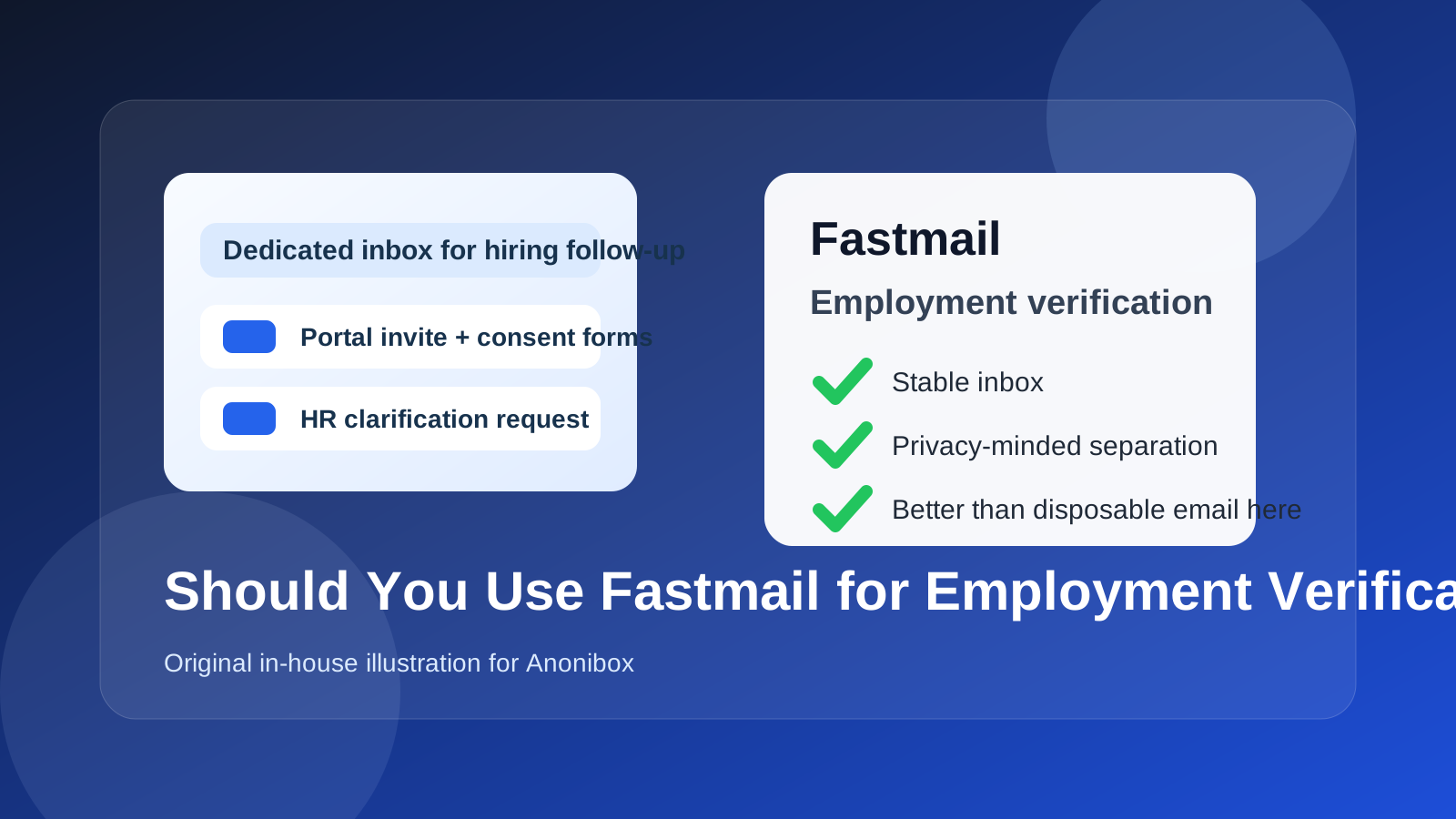
Short answer: Fastmail is usually fine for employment verification
Most employers and verification vendors do not care whether your email provider is Gmail, Outlook, iCloud Mail, Proton Mail, or Fastmail. They care about whether the address works, whether you reply quickly, and whether the process keeps moving without confusion.
Fastmail is usually a good choice if:
- you check it consistently during the verification window,
- you plan to keep access to it for as long as follow-up might continue,
- you use it as a serious inbox rather than a throwaway shield, and
- you keep your contact details consistent across the hiring steps where possible.
If those points are true, Fastmail can be a privacy-conscious, professional option for employment verification.
Why employment verification email matters more than people expect
Employment verification is often treated like a small administrative step, but the communication around it can be surprisingly important. A company, recruiter, staffing firm, or verification service may email you about:
- portal invitations,
- requests to confirm dates or past employers,
- document-upload links,
- identity-related follow-up,
- deadline reminders, and
- clarifications if a form is incomplete or inconsistent.
Those messages are often time-sensitive. If you miss one, the delay can make you look unresponsive even when the real problem is just inbox chaos. That is why the best email for employment verification is not simply the most private one. It is the one that gives you enough privacy while still being dependable under pressure.
What makes Fastmail a good fit for employment verification
1. It looks stable, not disposable
One of the main benefits of Fastmail is that it can give you separation without making the address feel temporary. Employment verification is not the stage where you want to experiment with a short-lived inbox. Employers expect you to remain reachable, and Fastmail supports that expectation much better than a temp inbox does.
That matters if you are privacy-conscious but still want to appear organized and professional. Fastmail helps you create a distinct hiring-related inbox without sending the signal that the address may vanish before the process is finished.
2. It supports cleaner organization
Employment verification messages can easily get buried if they land in an everyday inbox packed with receipts, newsletters, family mail, and account notifications. A dedicated Fastmail inbox or clearly managed folder structure can make the process much easier to follow.
That organizational advantage is not just about convenience. It can directly reduce mistakes. If a verifier sends a correction request with a short deadline, you want to see it immediately instead of discovering it after the link expires.
3. It can reduce unnecessary exposure of your main inbox
Even when the employer is legitimate, employment verification may involve outside systems or vendors. Using a separate inbox can limit how widely your oldest personal email is distributed. That does not create anonymity, and it does not guarantee anything about how third parties handle data, but it can reduce unnecessary exposure compared with giving the same long-term inbox to every platform involved in your job search.
If you already use Anonibox or similar privacy-first workflows earlier in the funnel for low-trust job boards, signup forms, or one-off contact steps, Fastmail can be a stronger “real inbox” upgrade for the later stage when continuity matters more than disposable distance.
4. It can work well if you use aliases carefully
Fastmail users sometimes like aliases because they help compartmentalize who has what address. That can be useful for job-search organization. But for employment verification, the benefit only holds if you stay disciplined. If you use an alias, make sure it forwards correctly, is monitored closely, and will still make sense to you later when you need to search old threads.
Where Fastmail can create friction
Fastmail is not automatically the best choice in every situation. There are a few ways it can create friction if you use it casually.
1. If you do not monitor it like a primary inbox
A separate inbox only helps if you actually watch it. Employment verification can slow down over a missed message, an unsigned form, or a clarification request that sits unanswered. If Fastmail is not already part of your daily habit, you need to treat it like a main inbox for the duration of the process.
2. If you overcomplicate alias management
Aliases are useful, but they are not automatically better. If you create too many layers, forget which address you used, or switch identities mid-process, you increase the chance of confusion. That may not matter for a newsletter signup, but it absolutely matters when HR or a verification vendor is trying to match your records quickly.
3. If the employer already has a good thread with you elsewhere
Sometimes the simplest answer wins. If you have already been communicating smoothly through another professional inbox and there is no privacy concern pushing you to change, switching addresses at the verification stage may create more moving parts than benefits. Fastmail is strongest when it is part of a deliberate workflow, not a late-stage detour for its own sake.
4. If you expect a privacy provider to solve every risk
Fastmail can improve inbox control and separation, but it does not remove the need for caution. You still need to verify unexpected requests, watch for phishing, and avoid assuming that a privacy-friendly provider makes every message trustworthy.
When Fastmail makes the most sense
Fastmail is often a strong employment-verification choice when:
- you want a dedicated professional inbox for job-search and hiring steps,
- you care about keeping your oldest personal email out of more vendor systems,
- you already use Fastmail regularly and know you will monitor it closely,
- you want better organization than your everyday inbox provides, and
- you prefer a stable privacy-conscious address rather than a disposable one.
In those cases, Fastmail can be a very practical middle ground between a mainstream all-purpose inbox and a temporary address that is too fragile for formal verification workflows.
When another email may be better
You may want to use a different address if:
- you rarely log into Fastmail,
- your entire application and interview process already used another stable inbox,
- you are likely to forget which alias or mailbox you gave the employer,
- you need the simplest possible setup with no extra layers, or
- the hiring process is moving fast and your most actively monitored inbox is somewhere else.
The right answer is not always “use the most privacy-oriented option.” The right answer is “use the one that keeps you reachable without oversharing more than necessary.”
Best practices if you use Fastmail for employment verification
Keep the address consistent once the process starts
If possible, stick with the same inbox throughout the verification stage. Consistency makes it easier for recruiters, HR staff, and vendors to keep your records straight and reduces the chance of missed updates.
Check the inbox multiple times a day
During active verification, treat Fastmail as if it were your primary inbox. Search it before assuming a message never arrived, and watch both the inbox and any filters you created for hiring-related mail.
Be careful with aliases
If you use a Fastmail alias, document which one you gave out. Make sure replies come from the identity you expect, and avoid juggling too many variants at once.
Save important messages outside the inbox too
Portal links, case numbers, signed-form confirmations, and support contacts are worth keeping somewhere easy to find. That can save time if a thread gets buried or you need to reference details later.
Reply promptly and clearly
Professionalism matters more than the provider name. If someone needs clarification, a fast and direct response helps far more than any email-brand choice.
Fastmail vs temporary email for employment verification
This is one of the most important comparisons. A temporary email workflow can be useful earlier in a job search when you are testing a site, shielding your main inbox from spam, or deciding whether a source deserves long-term access. That is exactly the sort of early-stage exposure Anonibox can help reduce.
Employment verification is different. At this stage, you usually want an inbox that stays alive, stays searchable, and supports real back-and-forth communication. That is why Fastmail is usually a much better fit than a disposable address here. It preserves privacy better than handing out your oldest personal email everywhere, but it still supports continuity when the process becomes more formal.
What about using your main personal inbox instead?
There is nothing inherently wrong with using your main personal inbox for employment verification. In fact, it may be the best option if it is the address you check constantly and the one you already used throughout the hiring process.
The trade-off is mostly about exposure and organization. A dedicated Fastmail inbox can keep verification messages cleaner and reduce how many systems end up tied to your long-term personal address. Your main inbox may be simpler, but it may also be noisier and more broadly exposed.
Neither choice is universally right. The better choice depends on which inbox you will monitor most reliably and whether you value cleaner separation enough to justify it.
A quick decision checklist
- Will I monitor this Fastmail inbox closely until verification is fully done?
- Can I keep access to it without interruption?
- Have I already used it consistently in the hiring process, or can I transition cleanly?
- Will it help me stay organized rather than create extra confusion?
- Am I using it as a stable contact method, not a vanishing one?
If most of those answers are yes, Fastmail is probably a sensible choice.
Final answer: should you use Fastmail for employment verification?
Yes, usually — if you use it as a stable, professional inbox that you monitor carefully. Fastmail can give you cleaner organization, better inbox separation, and less exposure for your oldest personal email without creating the fragility of a temporary address.
Just keep the main goal in mind: reliability first, privacy second, and avoidable friction nowhere. If Fastmail helps you stay reachable, organized, and consistent through the verification process, it can be an excellent fit.