Yes — Fastmail can be a good choice for informational interviews if you want a stable, professional inbox that is separate from your main personal email.
It usually works better than a throwaway address because informational interviews often lead to follow-up messages days or weeks later, but it only helps if you use a clean address, monitor replies, and keep the account active.
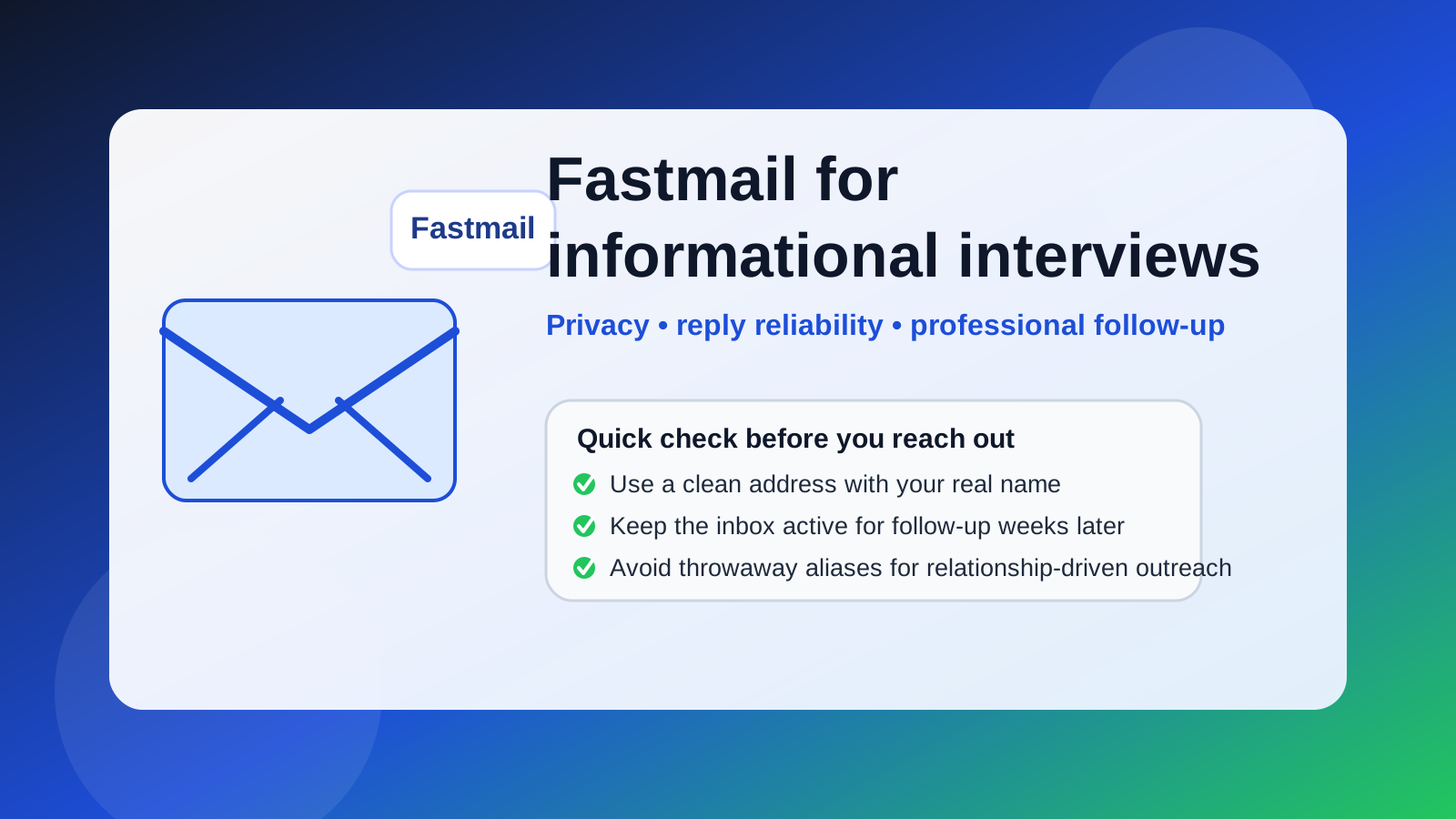
That question comes up for a simple reason: informational interviews are not quite the same as job applications, and they are definitely not the same as signing up for a random newsletter or one-off free trial. When you reach out to someone for career advice, industry perspective, or a networking conversation, you are starting a relationship-driven exchange. The email address you use affects how professional you look, how organized you stay, and how much privacy you keep while you explore opportunities.
Fastmail sits in an interesting middle ground. It is more controlled and customizable than a typical free mailbox, but it is also much more stable than a disposable inbox. That makes it a strong fit for informational interviews in many cases — especially if you want a cleaner job-search identity without relying on your work email, college email, or everyday personal inbox.
Why people consider a separate email for informational interviews
Informational interviews are usually low-pressure, but they are still part of your broader career footprint. A few messages can quickly turn into introductions, follow-up questions, meeting invites, and future referrals. If all of that lands in the same inbox as receipts, family messages, app notifications, and random subscriptions, it is easy to miss something important.
That is why many people create a more intentional communication setup before they start networking. They want to:
- keep career outreach separate from everyday personal email
- avoid using a work-controlled inbox for private career exploration
- reduce spam and list growth in their primary address
- present a cleaner, more organized identity to people they are trying to impress
- track networking conversations without mixing them into everything else
Fastmail can help with all of those goals, but the details matter.
What makes Fastmail a strong option?
For informational interviews, the best email address is usually not the one with the most features. It is the one that looks credible, stays reliable, and helps you follow through. Fastmail can do that well for a few reasons.
1. It feels more deliberate than a throwaway inbox
If you are emailing an alum, a hiring manager, or someone in your target field, you usually want to look thoughtful rather than temporary. A disposable or burner address can be useful for signups that may create spam, but informational interviews are different. You are asking a real person for their time. A long-lived mailbox signals that you expect an actual conversation, not a one-click transaction.
2. It can keep your networking separate from your main life
One of the biggest advantages of Fastmail is separation. You can create a mailbox or alias structure dedicated to career outreach, which makes it easier to search, follow up, and stay organized. That is especially helpful if you are speaking to several people across different companies or industries at the same time.
3. It can look cleaner than a cluttered personal address
If your main personal email is something old, quirky, or tied to lots of noise, a cleaner Fastmail-based address can be an upgrade. Informational interviews are not formal legal transactions, but first impressions still matter. A straightforward address built around your real name generally works better than something casual, outdated, or overloaded with numbers.
4. It is better for longer follow-up cycles than temporary email
Informational interviews do not always pay off immediately. Someone may reply next week, forward your note later, or tell you to circle back in a month. That is why a stable mailbox matters. If you want disposable inboxes for one-off signups, something Anonibox-style can be useful in the right context, but informational interviews usually reward persistence and continuity more than short-term privacy.
When Fastmail is a particularly good fit
Fastmail is often a smart choice when you want a dedicated networking identity without looking anonymous or hard to reach. It makes the most sense if:
- you are actively setting up a separate career-search inbox
- you do not want to use your current employer’s email for private outreach
- you want better inbox control than your everyday personal account gives you
- you plan to send thoughtful follow-up notes after meetings
- you may reuse the same address for referrals, introductions, and future conversations
In those cases, Fastmail is usually strong because it supports a professional rhythm: outreach, reply, calendar coordination, thank-you note, and occasional follow-up later on.
What are the downsides or risks?
Fastmail is not a bad choice, but it is not automatically the best choice in every setup.
Your address still needs to look normal
The main risk is not “using Fastmail” itself. The real risk is using a confusing address. If the mailbox name looks overly anonymous, gimmicky, or temporary, the provider does not save you. A clean address like your name or a professional variation of it works much better than something that looks improvised.
You still have to monitor it closely
An informational interview can stall fast if you do not answer promptly. If you open a separate mailbox and then forget to check it, you create the exact problem you were trying to solve. Separation only helps if you stay disciplined.
It should not become a disposable identity
Some people treat every privacy tool like a burner tool. That is usually the wrong mindset here. You do not need your informational-interview address to last forever, but it should stay alive for the full relationship window. If someone writes back two weeks later and your setup no longer works, you lose credibility.
How to set up Fastmail for informational interviews the right way
Use a real-name format
Choose an address that feels easy to trust at first glance. Your full name, first name plus last name, or a simple professional variation is usually enough. Keep it readable and boring in the best possible way.
Write a simple signature
You do not need a corporate-style block, but a short signature with your real name and a relevant context line can help. If you are a student, career changer, or early-career professional, a small bit of context makes your note feel grounded.
Separate networking from noisy signups
If you use privacy tools for other parts of your search, keep those workflows distinct. For example, disposable addresses can be fine for downloading resources, exploring low-trust forms, or testing newsletters, while your Fastmail address stays reserved for real people and ongoing career conversations.
Check spam and forwarding behavior before you start
Before sending outreach, test the inbox. Send messages to and from another account, make sure replies are obvious, and confirm that your notifications work. You do not want to discover a configuration issue after someone important has already responded.
Keep follow-up organized
Create a simple folder, label, or naming habit for networking outreach. Informational interviews go better when you can see who replied, who needs a thank-you note, and who said to reconnect later.
How Fastmail compares with other common options
- Main personal email: convenient, but often noisier and less intentional.
- Work email: usually the worst privacy choice if you are exploring outside opportunities.
- College email: can work in school, but may become less stable after graduation and may look too tied to student status in some contexts.
- Temporary or burner email: better for one-off signups than relationship-based outreach.
- Fastmail: strong middle ground if you want a dedicated, persistent, professional inbox for career conversations.
That comparison is why Fastmail often makes sense here. Informational interviews need enough privacy to protect your boundaries, but enough stability to support real follow-up.
A practical outreach workflow
- Create or choose a clean Fastmail address you are willing to keep active.
- Use your real name in the display field.
- Send short, personalized outreach rather than generic mass messages.
- Reply quickly if someone answers — ideally within a day.
- Send a thank-you note after the conversation.
- Keep the address active long enough for referrals, reconnects, and future opportunities.
This is where Fastmail shines: it supports a repeatable process without pushing all of that activity into your primary inbox.
So, should you use Fastmail for informational interviews?
Yes — for many people, Fastmail is a smart choice for informational interviews. It is more professional and durable than a throwaway address, more private than using a work account, and often easier to keep organized than an overused personal inbox.
The catch is simple: the provider is only part of the equation. Use a normal-looking address, keep it active, monitor replies carefully, and treat it like a real communication channel rather than a temporary trick. If you do that, Fastmail can be an excellent setup for networking conversations that may turn into referrals, opportunities, or long-term professional relationships.