Yes, Fastmail can be a good choice for networking events if you want a clean, professional inbox that keeps follow-up organized and protects your oldest personal address from extra noise.
If you are asking should you use Fastmail for networking events, the practical answer is yes when you want a dedicated long-term networking inbox, not a throwaway address you will forget to check.
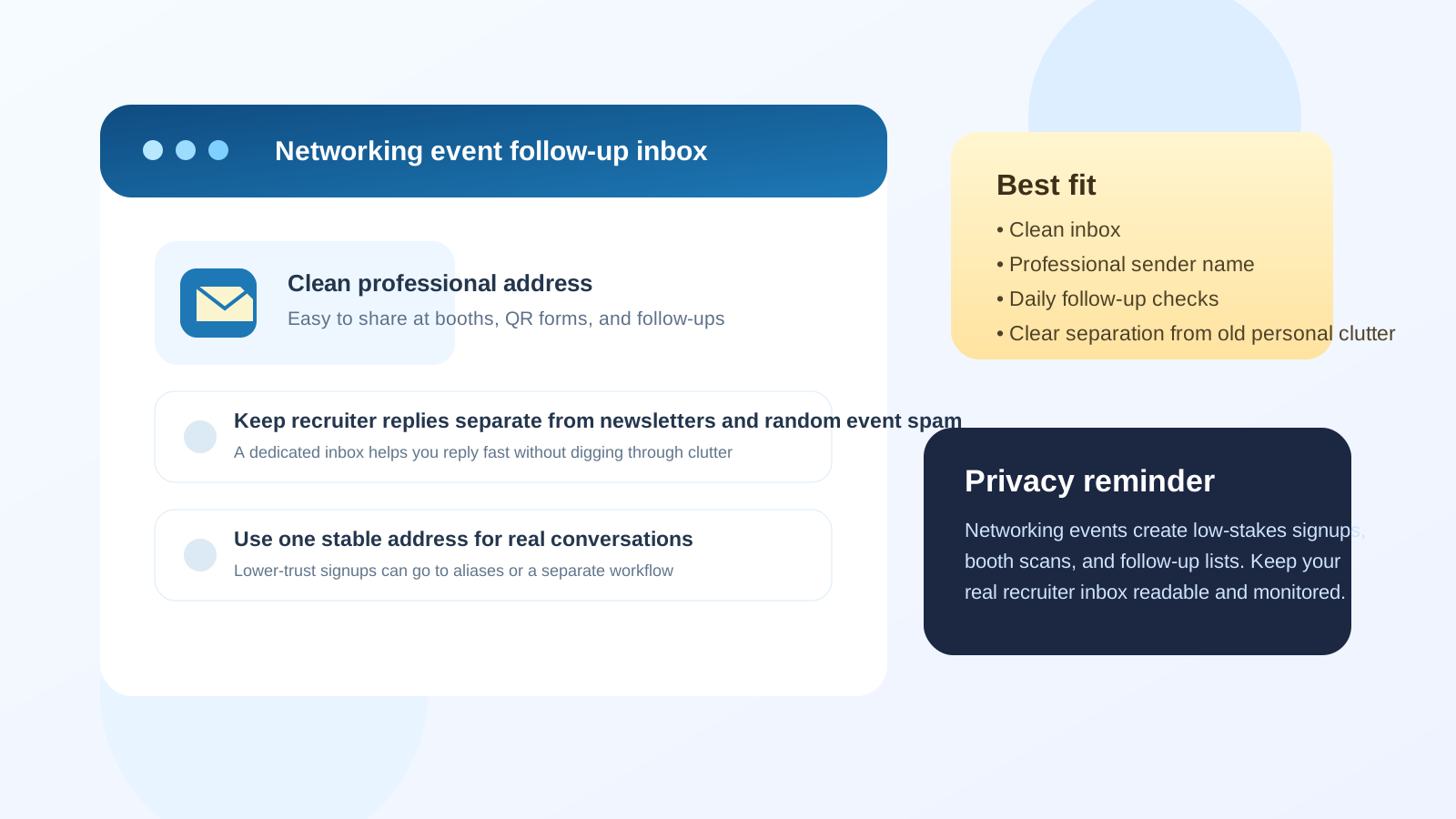
Short answer: Fastmail works well when you want a clean networking identity
Networking events create a strange mix of high-value and low-value email traffic. One booth may lead to a useful career conversation. Another may add you to a generic talent newsletter. A speaker you admire may reply personally, while a sponsor table may send five follow-up promotions you never asked for. That is exactly why inbox choice matters.
Fastmail can be a strong fit because it is easy to treat as a dedicated professional inbox rather than an old personal account that already carries years of clutter. The real benefit is not the brand name by itself. The benefit is that a separate, well-managed inbox makes networking follow-up easier to track and harder to lose.
Why networking events create a real email-management problem
At networking events, you often share your address in several different ways on the same day. You might enter it into an event app, scan QR codes at booths, swap contact cards, send a follow-up to someone you met on a panel, or register for future updates from organizations you only vaguely care about. Those actions do not all deserve the same level of access to your main inbox.
That matters because networking events sit between casual lead generation and real relationship building. Some interactions are one-and-done. Others can turn into coffee chats, informational interviews, referrals, or interview loops months later. Your inbox needs enough stability for the serious conversations and enough separation to keep the noisy ones from taking over.
When Fastmail is a good fit for networking events
Fastmail makes sense when you want one professional address that you can use repeatedly across networking, job-search outreach, and recruiter follow-up without exposing the personal inbox you have used for everything else online.
It is usually a good fit if most of these are true:
- You want a dedicated inbox for networking and job-search communication.
- Your main personal inbox is full of newsletters, receipts, and old signups.
- You prefer a more intentional, privacy-conscious workflow.
- You will actually check the inbox daily while actively following up.
- You want one long-term address for real conversations instead of a disposable email that may not age well.
In other words, Fastmail is most useful when you are trying to create a cleaner professional communication lane, not when you just want to avoid one afternoon of follow-up.
What people at networking events usually care about
Most people you meet at networking events are not judging your email provider in a deep technical way. They care more about whether your address looks credible, whether your note is thoughtful, and whether you reply like a normal person. If your message is clear and your address looks professional, Fastmail is unlikely to create a problem on its own.
What matters more is:
- Does the address use your real name or a clean professional version of it?
- Can someone easily type it from a badge, resume, or LinkedIn message?
- Will you actually see the reply quickly?
- Does the inbox help you stay organized after the event?
A clean address with consistent follow-up beats a familiar provider with messy habits every time.
Where Fastmail can help more than an old personal inbox
Many people reach for whatever email account they already have. That works sometimes, but networking events expose the weaknesses of an overloaded inbox very quickly. If your oldest personal email has years of shopping mail, random signups, social notifications, or stale filters, event follow-up can get buried.
A separate Fastmail inbox can help in a few practical ways:
- Cleaner signal: replies from people you met stand out more clearly.
- Better boundaries: career outreach is not mixed with family, bills, and personal subscriptions.
- Less long-term spillover: if the event generates extra mailing-list noise, it lands in the networking lane instead of your oldest personal address.
- More intentional follow-up: it becomes easier to notice who replied, who you still need to thank, and which conversations deserve a second message.
Those are workflow wins, not magic privacy guarantees. But they are real advantages if you are serious about keeping networking organized.
Where Fastmail can create friction
Fastmail is not automatically the best choice for everyone. It becomes a weak option if the inbox is theoretically tidy but practically ignored. Networking follow-up often depends on speed. Someone may reply with a short opening like “Happy to chat next week” or “Send me your resume and I will pass it along.” If you miss that message for three days, the provider did not fail you. The workflow did.
It can also create friction if:
- You use a username that feels too obscure or not obviously connected to your real name.
- You create the inbox but never fully adopt it as your main networking address.
- You split conversations across too many identities and confuse people about where to reply.
- You expect the inbox alone to solve bad follow-up habits.
The provider is only one piece of the system. A separate inbox helps, but it still needs disciplined use.
Fastmail vs a temporary or disposable email approach
This is where people sometimes overcorrect. They know networking events can create spam, so they start thinking about throwaway addresses for everything. That is usually too aggressive for serious networking.
A temporary inbox can be useful for low-trust signups, generic downloads, raffle entries, or one-off forms where you mainly want to protect your main address from noise. That is a reasonable place for a tool like Anonibox. But real networking follow-up should go to an address you plan to keep and monitor. If someone you met today wants to reconnect next month, a disposable inbox is the wrong tool.
Fastmail fits the middle ground well. It can give you stronger separation and better privacy boundaries than an old personal inbox without creating the fragility of a short-lived email address.
A practical best practice: one stable inbox for people, another path for noise
The smartest setup is usually not “one inbox for everything” or “a disposable address for everyone.” It is a layered approach:
- Use one stable, professional inbox for real human follow-up.
- Share that inbox on your resume, contact card, LinkedIn profile, and serious one-to-one conversations.
- Use a separate alias or lower-stakes workflow for broad booth forms, promotional signups, or event extras if you expect a lot of noise.
- Check the main networking inbox consistently during the week after the event.
If Fastmail is the inbox you trust for that first lane, it can be a very strong choice. The key is that it stays stable. The moment you start treating it like a disposable experiment, the benefit disappears.
How to tell whether Fastmail is the right inbox for your next event
Before the event, ask yourself a few simple questions:
- Would I feel good putting this address on my resume or badge signup?
- Will I notice a reply from a recruiter, founder, alumni contact, or hiring manager quickly?
- Is the inbox clean enough that a real opportunity will not drown in low-value mail?
- Am I willing to keep using this address for longer-term networking follow-up?
- Does this setup give me more control than my default personal inbox?
If the answers are mostly yes, Fastmail is probably a solid fit. If the inbox is new, forgotten, or disconnected from your actual habits, it may be better to use a cleaner account you already monitor well.
Common mistakes to avoid
- Creating a separate inbox and then forgetting to check it during the crucial follow-up window.
- Using one address on your resume and a different one in every conversation.
- Giving a recruiter-style contact address to every low-stakes booth form without any filtering strategy.
- Letting networking messages mix with years of old personal clutter.
- Assuming privacy only comes from the provider instead of from your overall workflow.
Most networking email problems come from inconsistency rather than from choosing the “wrong” platform.
Final answer: should you use Fastmail for networking events?
Yes, Fastmail can be an excellent choice for networking events if you want a professional long-term inbox that helps you separate meaningful follow-up from event noise.
The best setup is not just a different provider. It is a clean address, a stable identity, and a habit of checking replies quickly after the event. If Fastmail gives you that structure, use it. If another inbox already does the job better, the principle still holds: keep serious networking in a reliable inbox, and keep low-value signup noise away from the address that matters most.