Yes — Firefox Relay can be reasonable for salary negotiations if you want to protect your real email address and you keep the alias active, tested, and easy to monitor.
It works best as a privacy layer for early-to-mid negotiation emails, not as a promise of perfect deliverability for final offer paperwork, payroll setup, or anything you cannot afford to miss.
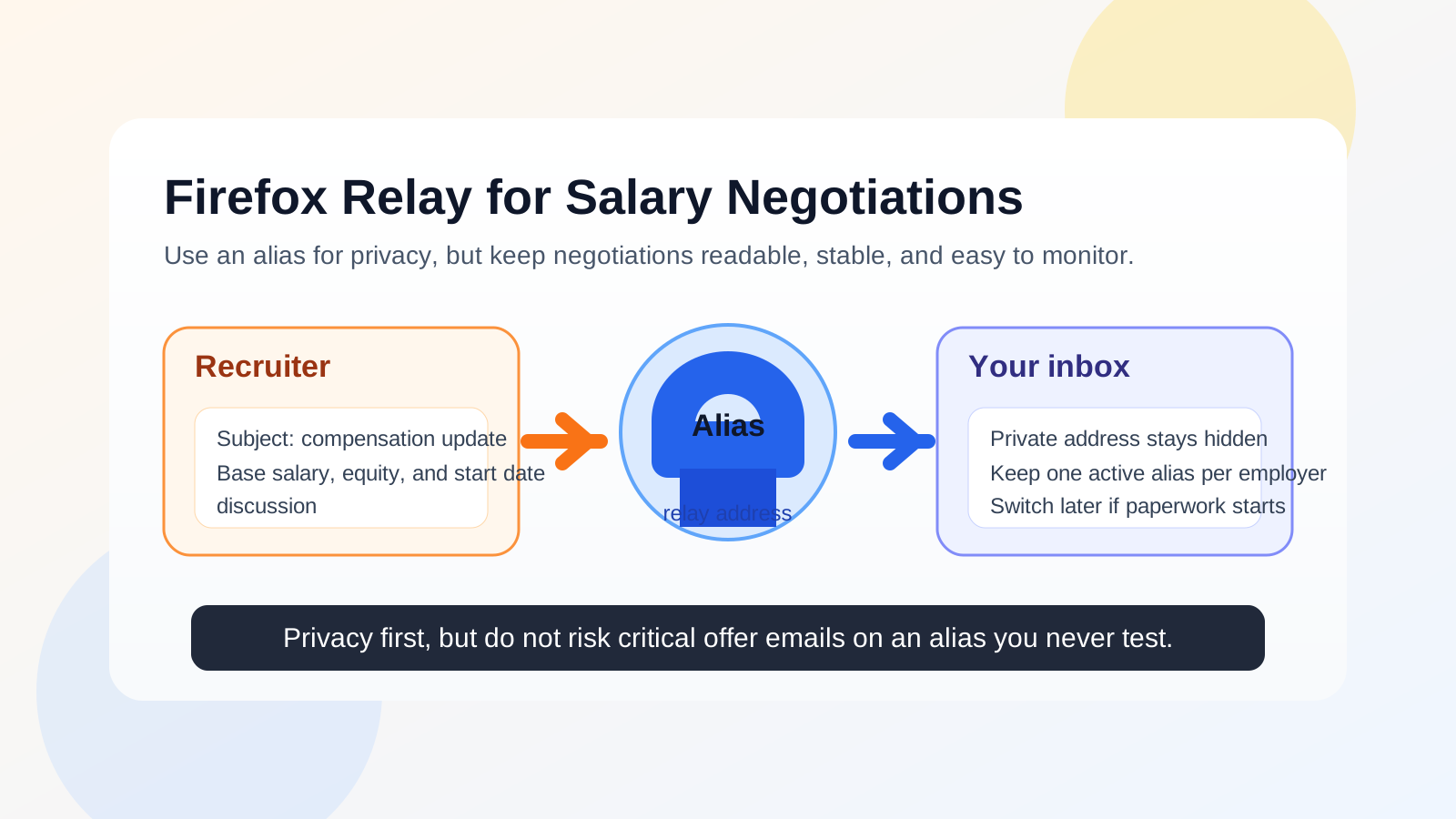
Why people consider Firefox Relay during salary negotiations
Salary negotiations often start after an interview process that already touched multiple systems: company career pages, recruiter inboxes, scheduling tools, applicant tracking systems, and sometimes third-party staffing firms. By the time compensation comes up, many job seekers realize they have shared their personal email more widely than they wanted. Firefox Relay appeals to privacy-conscious candidates because it lets you use an alias instead of exposing your main address immediately.
That can be useful when you want a cleaner boundary between your job search and your everyday life. Negotiation emails can include compensation ranges, counteroffers, benefit summaries, signing bonus notes, start-date discussion, and back-and-forth scheduling. Those are not messages most people want spread across marketing systems or left attached to every recruiter they spoke with once.
Short answer: good for privacy, but only if the alias is stable
The main question is not whether Firefox Relay is “allowed.” The real question is whether it gives you enough continuity for a conversation that may affect your pay, timing, and leverage. If the alias remains active, forwards reliably, and you are checking the destination inbox often, it can work well. If you treat it like a disposable throwaway and forget about it, it becomes a risk.
Salary negotiations are more sensitive than a first newsletter signup. You may need to compare written terms carefully, preserve an email trail, and respond on a deadline. That means convenience matters almost as much as privacy.
How Firefox Relay fits this use case
Firefox Relay is closer to an email alias tool than a classic temporary inbox. That distinction matters. A true disposable inbox is often best for one-off verification messages or short-lived signups. A Relay-style alias is more useful when an ongoing conversation may continue over days or weeks. Salary negotiations usually fall into that second category.
If your goal is to keep your real address out of early recruiter traffic while still receiving every compensation update in a normal inbox, an alias can be a sensible middle ground. You gain some separation without creating a completely isolated mailbox that you may stop checking.
When Firefox Relay usually makes sense for salary negotiations
- You are still in the recruiter stage: compensation expectations are being discussed, but you are not yet signing final HR documents.
- You want one alias per company: this makes it easier to identify where messages come from and shut off future outreach later if needed.
- You are managing multiple processes at once: separate aliases reduce inbox clutter and make threads easier to track.
- You care about personal privacy: especially if you do not want your long-term personal address shared more broadly than necessary.
- You already trust the forwarding destination: the real inbox receiving the forwarded messages is one you monitor consistently.
In those situations, Firefox Relay can help you stay reachable while keeping a layer between your identity and the outside world.
When it is a bad idea
Firefox Relay becomes much less attractive when the conversation is moving from general negotiation into high-stakes execution. If the employer is about to send a final offer letter, benefits enrollment instructions, onboarding links, or requests for identity-sensitive paperwork, your priority should shift from privacy-first screening to communication stability and clarity.
- Do not rely on an alias you barely test.
- Do not negotiate through an address you may disable impulsively.
- Do not use a forwarding setup as an excuse to ignore deadlines.
- Do not assume every employer will be comfortable with unusual contact patterns if identity verification gets more formal.
That does not mean you must expose your oldest personal inbox forever. It means there is a point in the process where a dedicated primary job-search address or another stable professional inbox may be the smarter choice.
The real risks to think about
1. Missing a time-sensitive message
Salary negotiations can move fast. A recruiter may send revised numbers late in the day and expect an answer the next morning. If your forwarding setup, filters, or attention habits are weak, the privacy benefit is not worth the risk of losing momentum.
2. Confusing the employer
Most employers care more about response speed and professionalism than about the specific address you use. Still, if the alias looks random, disposable, or inconsistent across documents, it can create friction. Use a professional display name and keep the rest of your contact details consistent.
3. Mixing short-term and long-term communication
Negotiation may start as an exploratory thread but end with formal documents. If you never decide when to switch from alias mode to stable long-term contact, you can create an avoidable handoff problem right when the details matter most.
4. Overestimating what privacy tools do
Firefox Relay can reduce exposure of your real email address. It does not guarantee anonymity, perfect deliverability, or protection from every tracking, logging, or security issue. Treat it as one privacy layer, not as a blanket promise.
Best practices if you use Firefox Relay for compensation conversations
Create one alias per employer or recruiter relationship
This is the cleanest workflow. If one company becomes noisy later, you can isolate or retire that alias without disrupting other job leads. It also helps you see instantly which organization a message belongs to.
Test the alias before the negotiation gets serious
Send yourself a message through the alias flow and confirm that it lands where you expect. If there is a problem, discover it before a recruiter sends a revised package or a deadline-sensitive response.
Keep your destination inbox organized
Use a label, folder, or filter for negotiation emails. Compensation threads are easier to manage when salary ranges, benefits summaries, interview follow-ups, and final revisions are not buried in general inbox noise.
Preserve important messages
When a negotiation starts getting specific, save the emails that matter. Written records help you compare versions of an offer and reduce misunderstandings about what was promised.
Switch deliberately if the process advances
There is nothing wrong with telling a recruiter something simple like, “For final paperwork, please use this dedicated address instead.” That keeps early privacy protection in place while reducing operational risk later.
Firefox Relay versus a temporary inbox like Anonibox
This is where many people choose the wrong tool for the stage they are in. A service like Anonibox is useful when you want fast, low-friction protection for signups, verifications, or early contact that may not last. It is great for reducing spam exposure and keeping one-off interactions away from your main inbox.
Firefox Relay-style aliases are often better when the thread needs continuity. A salary negotiation is rarely a single confirmation email. It can include recruiter follow-up, manager notes, revised compensation terms, questions about benefits, and scheduling. In other words, it behaves more like an ongoing professional conversation than a disposable one-time event.
If you expect a discussion to last more than a few messages, a stable alias generally makes more sense than a purely temporary inbox. If you only want to protect your address during initial intake or low-trust outreach, the temporary approach may be enough. The key is matching the tool to the stage of the process.
A practical decision checklist
- Is this still an early or mid-stage negotiation rather than final onboarding?
- Will I actively monitor the inbox that receives forwarded messages?
- Does the alias look professional enough for recruiter communication?
- Have I tested the setup before relying on it?
- Do I know when I would switch to a more permanent address if the offer becomes final?
If you can answer yes to those questions, Firefox Relay is probably a reasonable choice. If not, a more stable dedicated inbox may be safer.
What employers usually care about most
In practice, most employers are not evaluating you based on whether your email is a Firefox Relay alias. They care whether you respond clearly, behave professionally, and keep the process moving. A clean message, timely replies, and consistent communication matter more than the branding of the mailbox.
The only time the address itself tends to matter is when it creates confusion or missed messages. That is why professionalism and monitoring are more important than clever privacy setups. Use the tool, but do not let the tool become the story.
Final answer
Yes, you can use Firefox Relay for salary negotiations, and for many privacy-conscious job seekers it is a smart option during the early and middle parts of the conversation. It gives you separation from your personal inbox while keeping the thread more manageable than a true disposable address.
But it is best used as a controlled privacy layer, not as a forever address for every stage of hiring. Once negotiations turn into signed offers, onboarding, or sensitive HR paperwork, it is often wiser to move the conversation to a dedicated long-term inbox you fully control and check constantly.
That balance is what matters: protect your privacy, keep communication organized, and never let a forwarding setup get in the way of a message you really need to see.