Yes — you can use GMX Mail for job offers if the address looks professional, the inbox is stable, and you control it personally through the full offer and onboarding conversation.
No — it is a poor choice if you treat it like a semi-throwaway account, rarely check it, or plan to switch addresses right when salary details, offer letters, and background-check instructions start arriving.
A job offer is the point where email stops being a simple contact method and becomes part of a high-stakes workflow. Compensation discussions, written offers, benefits summaries, start-date confirmations, identity-verification steps, e-signature requests, and onboarding documents may all move through the same thread. That changes the standard privacy question. At the application stage, some people mainly worry about spam and recruiter noise. At the offer stage, the bigger concern is whether your inbox is dependable enough to handle sensitive, time-sensitive information without confusion.
If you are asking should you use GMX Mail for job offers, the practical answer is that GMX can work perfectly well as long as you use it like a real long-term mailbox. It is not a disposable inbox, and most employers will care far more about responsiveness, professionalism, and consistency than about the brand of your email provider. Still, offer-stage communication is more fragile than application-stage communication. If your GMX account is old, cluttered, easy to ignore, or paired with an awkward username, the problem is not GMX alone. The problem is that job offers leave less room for friction.
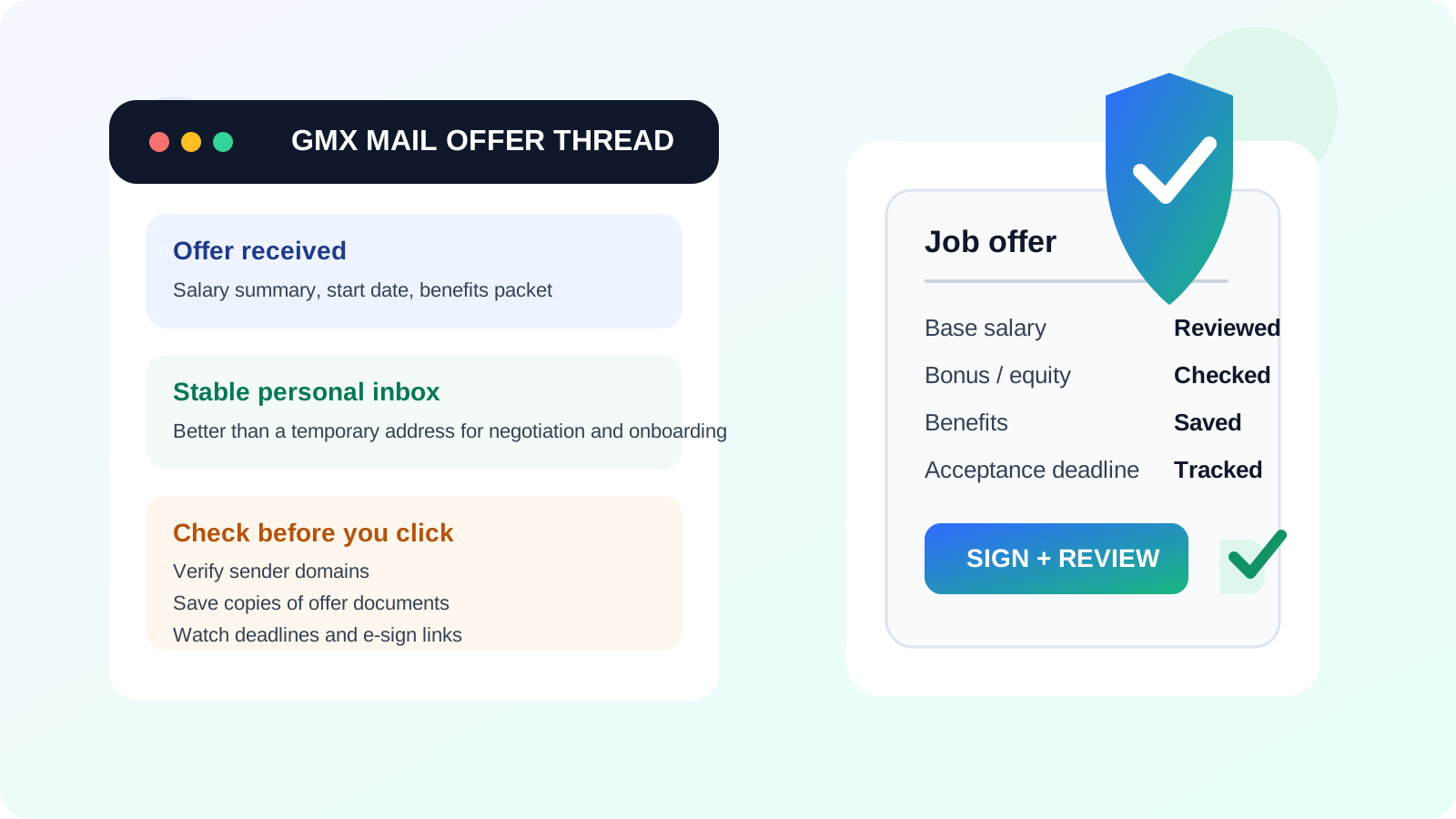
Why the offer stage changes the email question
An employer can forgive a slower reply during early applications more easily than they can forgive confusion during the offer stage. Once a company decides you are a serious candidate, email threads often start carrying information that matters financially and legally, even if the actual contract is finalized elsewhere.
Offer-stage emails may include:
- written offer letters or summaries,
- salary, bonus, or equity details,
- deadline reminders to accept or negotiate,
- benefits packets and enrollment information,
- background-check or identity-verification links,
- onboarding forms, start-date planning, and payroll setup instructions.
That means your inbox needs to do more than receive a message. It needs to help you keep a clear record, notice deadlines, and avoid losing important documents in a pile of unrelated mail. A stable GMX account can do that. A messy or poorly monitored one can make a stressful moment harder than it needs to be.
Where GMX Mail works well for job offers
1. You want a dedicated inbox that is still a real inbox
Some job seekers do not want offer-related communication mixed into their oldest personal mailbox. That is reasonable. Offer threads can continue for weeks, especially if there is negotiation, relocation discussion, references, or onboarding prep. GMX can be a useful middle ground: separate enough to give you privacy and organization, but durable enough to support a real conversation.
2. You already use the account consistently
If GMX is already part of your routine, that matters. Familiarity reduces mistakes. An account you know how to search, organize, and monitor is often better than creating a brand-new inbox in the middle of an offer process just because you think another provider looks more neutral.
3. Your address looks professional
The provider name usually matters less than the address itself. A clean, name-based GMX address is usually fine. A cluttered handle full of jokes, random numbers, or old internet-era leftovers can undermine confidence much faster than the domain name ever will.
4. You want to keep your current employer out of the loop
One of the clearest wins is simply using a personal inbox you control instead of anything managed by your current workplace. A GMX account that belongs fully to you is usually a much better place for offers than a work email address, a work-managed calendar thread, or anything routed through employer-controlled devices and apps.
Where GMX Mail can create friction
It may be less familiar in some hiring markets
GMX is a legitimate provider, but in some countries and industries recruiters see Gmail and Outlook far more often. That does not make GMX a bad choice, but it does mean the rest of your presentation should be especially clean. A clear display name, fast replies, and well-organized communication remove most of the risk.
Your inbox may be too cluttered for offer-stage detail
An offer is not the time to lose a benefits attachment between newsletters, shopping receipts, and years of general account traffic. If your GMX account is noisy, consider cleaning it up aggressively or using folders and filters before the offer process gets busy.
You might respond from the wrong account
Many privacy-conscious job seekers use multiple inboxes during a search. That can be smart earlier on. But by the time an offer arrives, jumping between aliases or accounts can create confusion. If the recruiter sent the written offer to one address and you answer from another, the thread can become harder to track for both sides.
You may outgrow a temporary top-of-funnel setup
If you used Anonibox or another temporary inbox earlier to protect your main address from low-trust signups, newsletter gates, or one-off job board exposure, that made sense for the top of the funnel. A written offer is different. At that point you usually want a stable mailbox you expect to keep checking for as long as the hiring process and onboarding continue.
GMX Mail vs a temporary inbox for job offers
This comparison is where the answer becomes very clear. A temporary inbox is useful when your goal is to reduce spam exposure, test a low-trust form, or keep exploratory activity out of your main mailbox. A job offer is not exploratory anymore. It is a real business conversation tied to deadlines, documents, and next steps.
For offer-stage communication, GMX is almost always the better tool than a disposable inbox because it offers continuity. Employers may need to resend forms, clarify compensation details, confirm start dates, or follow up after a delay. A stable inbox matters because you do not want that conversation landing in an address that expires, gets ignored, or looks too fragile for a serious employment process.
The useful rule is simple: temporary email can help you stay cautious early; a real mailbox should take over once the conversation becomes valuable and ongoing.
What matters most at the offer stage
When employers send offers, they usually care about a few practical things:
- Can you be reached quickly? Offer deadlines and negotiation windows can be short.
- Will documents stay organized? HR, recruiting, and hiring managers may all join the thread.
- Does your communication feel stable? Employers want low-friction follow-up when they are trying to close a hire.
- Can you handle sensitive details carefully? Salary discussions, forms, and identity-related steps require more attention than ordinary recruiter mail.
If your GMX account supports those needs, it is probably fine. If it slows them down, the problem is not privacy strategy in theory. It is workflow in practice.
Offer-stage security and scam checks you should not skip
Email provider choice is only part of the picture. Offer scams exist, and they often look more convincing than early-stage recruiter spam. Whether you use GMX or another provider, pause and verify before you click or sign.
Check the sending domain carefully
Look at the full sender address, not just the display name. Real companies sometimes use recruiting platforms or background-check vendors, but the domains should still make sense when you inspect them.
Compare the email with the process you already experienced
If you never interviewed and suddenly receive a high-paying offer with urgent paperwork, that is a red flag. A credible offer should fit the path that led to it.
Be cautious with attachments and login links
Benefits documents and offer letters are normal. Unexpected password-reset pages, software downloads, or pressure to move the conversation to odd channels deserve more scrutiny.
Do not send unnecessary sensitive information too early
Some companies legitimately need identity or payroll details later, but you should understand who is asking, why they need it, and whether you are using the correct system before you provide anything sensitive.
Best practices if you use GMX Mail for job offers
Use one stable address through the offer cycle
Once the offer stage starts, pick the address you want to carry through negotiation and onboarding and stick with it. Consistency reduces mistakes.
Clean the inbox before the offer gets busy
Create folders or labels for the company, archive unrelated noise, and make sure important messages are easy to spot. Offer-stage stress is easier to manage when the inbox is quiet.
Turn on notifications you will actually notice
Deadlines matter here. If you use GMX for offers, treat it like an active channel, not a backup account you remember to check eventually.
Keep copies of important documents
Download offer letters, benefits summaries, and attachments to a secure place you control. Email is convenient, but it should not be the only place your records live.
Match your display name to your professional identity
Your name in GMX should line up with your resume, portfolio, and LinkedIn profile so recruiters and HR never wonder whether they are looking at the right person.
Know when to move to a different inbox
If your GMX account is genuinely too messy, too old, or too hard to monitor well, it may be smarter to move future communication to a cleaner personal inbox before the offer process gets dense. Do that early and clearly, not halfway through a document exchange.
When another inbox may be the better choice
GMX is not automatically wrong, but another inbox may be easier if:
- your GMX address looks outdated or unprofessional,
- you rarely log in and do not trust your notification setup,
- the account is overloaded with unrelated traffic,
- you want the most neutral possible address for a global hiring process, or
- you are already managing active offers from multiple companies and need an even cleaner dedicated workflow.
In that case, the answer is not that GMX is unsafe or unacceptable. It simply may not be the most efficient inbox for this stage of the process.
A quick decision checklist
- Does my GMX address look professional at a glance?
- Will I see an offer-related message the same day it arrives?
- Can I keep using this address through negotiation and onboarding if needed?
- Is the inbox organized enough for attachments, deadlines, and forms?
- Am I using a real long-term mailbox instead of a disposable or confusing setup?
If most of those answers are yes, GMX Mail is probably a reasonable choice for job offers.
Final answer
GMX Mail can work well for job offers if the address is professional, the inbox is stable, and you treat it like a serious communication channel. It is usually far better than a temporary inbox once compensation details, offer letters, and onboarding steps are in motion.
The real standard is not whether the provider is fashionable. It is whether your setup makes it easy for you and the employer to handle a sensitive, deadline-driven conversation without missed messages or avoidable confusion. If your GMX account helps you do that, it is a solid option. If it adds friction, switch to a cleaner long-term inbox before the offer stage gets deeper.