Yes — HEY Email can be a good fit for data broker removal services if you want a separate, stable inbox you can keep checking for confirmations, rescans, support replies, and renewal notices.
It is usually a better choice than a throwaway inbox once the service relationship becomes real and ongoing, but it still works best as a dedicated mailbox rather than the same address tied to your oldest everyday accounts.
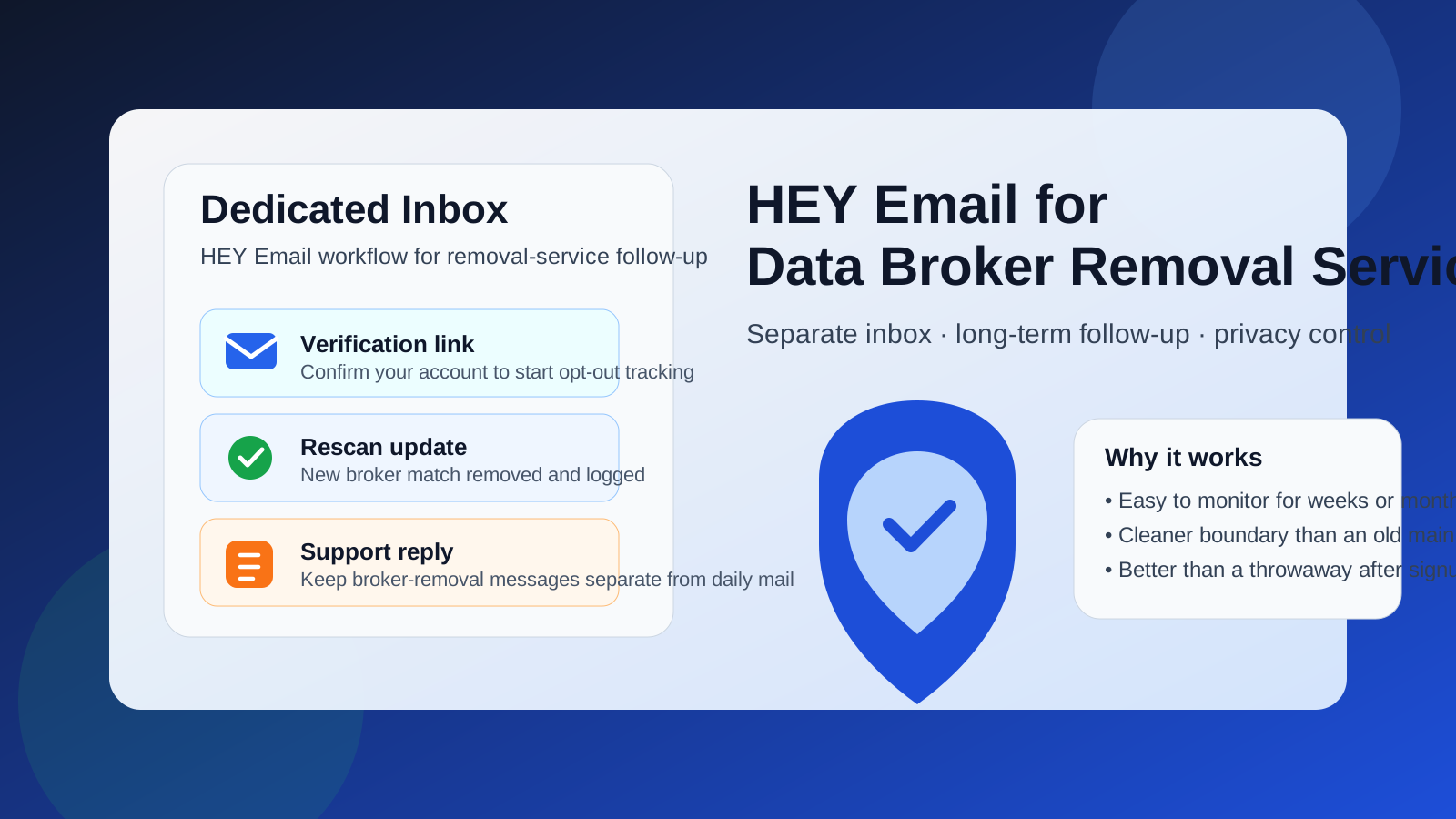
That is the practical answer behind searches for HEY Email for data broker removal services. The email you attach to a removal service matters because these services are not always one-and-done. They may send signup confirmations, broker-match reports, opt-out progress updates, support messages, billing notices, account-security alerts, and reminders to review new results later. If you use your oldest personal inbox, you may be exposing an address that is already tied to years of logins, newsletters, purchases, and recovery flows. If you use an inbox that expires quickly or goes unchecked, you may miss messages you actually need.
HEY Email can make sense in the middle of those two extremes. It gives you a real inbox with continuity and separation. That does not make you invisible, and it does not magically protect you from every privacy tradeoff, but it can help you keep data-broker-removal traffic away from your main identity while still staying reachable over time.
Short answer: HEY is usually a strong fit when the removal workflow is real and ongoing
Many people first think about temporary or burner email because they want less exposure, and that instinct is fair. But data broker removal services often require more follow-up than casual signups. You may need to confirm your address, respond to support, review new scans, or keep the account active over weeks or months. That makes a stable inbox more useful than a purely disposable one once you commit to a real service.
HEY Email works well in that scenario if your goal is a clean, separate inbox you can monitor without mixing those messages into your main personal account. If you want better boundaries, fewer distractions, and more control over what lands in your day-to-day inbox, it can be a sensible choice.
Why the email choice matters for data broker removal services
When you sign up for a data broker removal service, you are not just opening a generic newsletter subscription. You are creating an account connected to privacy work. That email address may appear in verification messages, case updates, suppression confirmations, support conversations, security notices, or renewal reminders. In some cases, the account may stay relevant long after the first signup.
That is why the best email choice is not simply the most private-sounding brand. It is the address you can reliably control, monitor, and keep separate from the rest of your life. The key questions are:
- Will you still have access to this inbox if the service emails you later?
- Does the address create cleaner boundaries than your oldest personal mailbox?
- Can you use it without tying even more routine life activity to the same inbox?
- Will you actually check it when something important arrives?
HEY Email can answer those questions well for people who want a durable but compartmentalized address.
Where HEY Email helps
1. It gives you a stable inbox for long-term follow-up
Data broker removal services often send more than an initial welcome message. You may get progress summaries, support replies, rescan notices, and occasional account updates. A real inbox is better suited to that than a temporary mailbox that might disappear or be forgotten.
2. It keeps the workflow separate from your oldest personal address
If your main personal email is tied to banking, family messages, receipts, health portals, subscriptions, and years of account recovery links, attaching it to every privacy-related service expands the surface area of that address even more. A separate inbox helps reduce that overlap.
3. It can reduce clutter in your everyday mail
Even a useful privacy service can generate a steady trickle of updates, reminders, and marketing follow-up. Putting those messages in a dedicated account makes it easier to review them on purpose instead of letting them blend into your everyday personal or work correspondence.
4. It gives you better continuity than a pure throwaway
Temporary email has a place, especially for low-trust signups or quick testing. But once you decide a service is worth using, a stable inbox is usually safer operationally. The last thing you want is to lose access to an account that later sends a security confirmation or a rescan result you actually care about.
Where HEY Email does not solve the whole problem
It helps to be clear about what HEY Email does and does not do in this context.
- It does not make you anonymous. A separate inbox gives you compartmentalization, not invisibility.
- It does not remove the need to trust the service itself. You still need to evaluate whether the removal provider is reputable, clear about its process, and worth linking to your data.
- It is not always the best first-step inbox. If you are only testing a low-trust form or comparing options at arm’s length, a temporary address may still be the better first move.
- It does not replace good account hygiene. You still need a strong password, sensible recovery settings, and a habit of checking the mailbox when it matters.
When a temporary email is better first
There are situations where HEY Email is not the right starting point. If you are just trying to see what a service asks for before you trust it, or if you are testing a signup flow you are not sure you want to continue with, a temporary inbox can be smarter. That is especially true when you want to keep your long-term addresses out of the process until you know the service is worth it.
This is where a tool like Anonibox fits naturally. A temporary inbox can be useful for low-trust trials, lead-capture pages, or early comparison work when you want to receive a verification email without committing a long-term address. If the service proves legitimate and worth keeping, then moving to a stable inbox like HEY often makes more sense for the ongoing relationship.
A practical workflow that works well
If you are trying to balance privacy with reliability, this sequence is usually the cleanest approach:
- Use a temporary inbox for low-trust exploration. If you are just checking what a service looks like, use a disposable address first.
- Verify the provider before committing. Review the company, pricing, cancellation terms, support quality, and what kind of follow-up it actually sends.
- Move to a stable separate inbox for serious use. Once you decide the service is real and worth keeping, use a dedicated address like HEY Email so updates stay accessible.
- Keep the account purpose-specific. Do not turn that inbox into your catch-all mailbox for everything else.
- Check it on a simple schedule. That can be daily during setup, then weekly or whenever the service is actively running scans or support conversations.
This gives you the strongest parts of both approaches: minimal exposure during early testing and dependable access once the workflow becomes real.
What to put in the account — and what not to
If you use HEY Email for data broker removal services, keep the setup clean. Use the inbox for signup, confirmations, billing receipts, support threads, and progress updates related to privacy administration. Avoid expanding it into your main identity hub if your goal is separation.
That means it is usually better not to tie the same address to unrelated shopping accounts, casual newsletters, or dozens of routine logins. The more mixed-use the inbox becomes, the less useful it is as a compartmentalized privacy tool.
In other words, the real value is not just the provider name. The value comes from the discipline of using the inbox for a specific category of activity and keeping that category narrow.
When HEY Email is probably a good choice
- You want a separate inbox that still feels like a real long-term mailbox.
- You expect the removal service to send updates over time.
- You want to avoid using your oldest personal address for more privacy-related accounts.
- You are comfortable monitoring a dedicated mailbox on purpose.
- You value inbox control and clearer separation more than one-click disposability.
When it may not be the best choice
- You only need a one-time verification and do not expect any follow-up.
- You are testing a provider you do not trust yet.
- You are unlikely to keep checking the account after signup.
- You really want a short-lived, low-commitment inbox rather than a stable separate mailbox.
In those cases, a temporary email workflow may still be better at the start.
A quick decision checklist
Before you decide, ask yourself:
- Do I expect this service to email me again weeks or months from now?
- Do I want a cleaner boundary than my oldest personal inbox?
- Am I still in the testing phase, or am I actually signing up for a real workflow?
- Will I reliably monitor this mailbox if a support or security issue comes up?
- Would a temporary inbox be enough for the first step, with HEY used later only if needed?
If your answers point toward an ongoing relationship and a need for clean separation, HEY Email is often a sensible choice.
Final answer
HEY Email is usually a good fit for data broker removal services when you want a separate, long-term inbox that keeps privacy-admin traffic away from your main personal address. It works best once you have decided the service is real and worth maintaining. For early testing or low-trust forms, a temporary inbox may still be the smarter first step. But for account continuity, follow-up access, and inbox control, a dedicated HEY mailbox can be a practical middle ground between your oldest everyday email and a throwaway address you may not be able to rely on later.