Yes — HEY Email can work on LinkedIn if you want a separate long-term inbox with stronger screening and less clutter than your main personal address. It is usually a better fit than a disposable address, but only if you treat it as a durable professional contact channel that you actually monitor.
If you want an address you can ignore, rotate, or abandon quickly, HEY is the wrong tool for LinkedIn. A LinkedIn account can matter for years, so privacy helps, but continuity matters just as much.
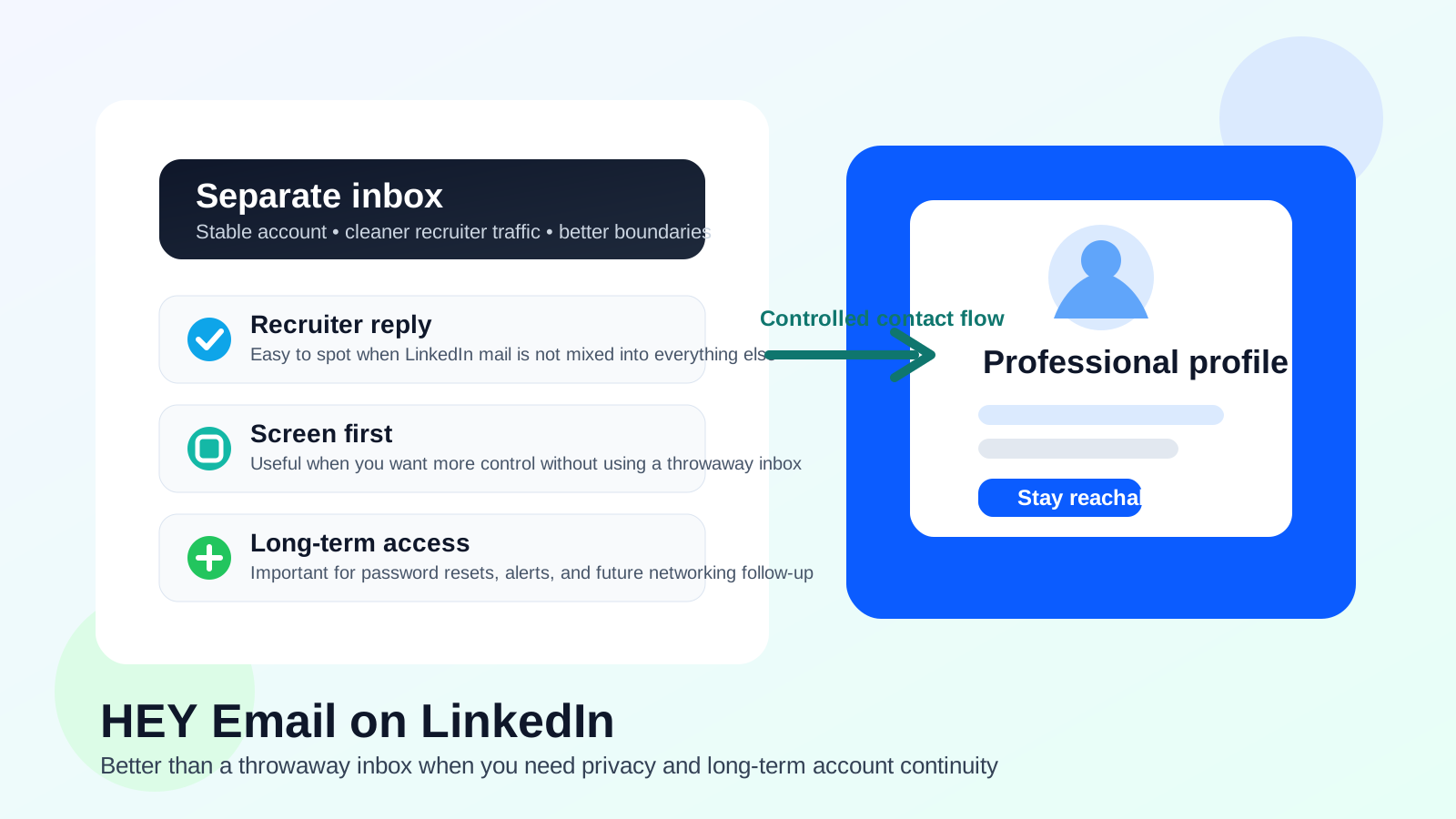
Why people ask about HEY Email on LinkedIn
LinkedIn sits in an awkward middle ground between social network and professional utility. People use it to network, keep in touch with former coworkers, follow recruiters, receive job alerts, verify identity, recover accounts, and occasionally get messages that turn into real opportunities months after they first appear. That makes the email address attached to LinkedIn more important than the email address attached to a one-time free trial or a coupon signup.
HEY appeals to people who want more control over incoming mail. They may already be tired of promotional clutter, cold outreach, newsletters, and algorithm-driven notifications landing in their main inbox. They may also want a contact address that is not tied to an employer, a school, or a personal account they use everywhere else. Those are good reasons to think about HEY. The real question is whether HEY matches the way LinkedIn works in practice.
Short answer: HEY can be a good LinkedIn address if you want a separate inbox you keep long term
For LinkedIn, the biggest advantage of HEY is not that it feels novel. It is that it gives you separation without becoming disposable. That distinction matters. LinkedIn is not just a place where you sign up once and never look back. It can send password resets, verification emails, recruiter replies, connection-related notifications, event reminders, and security alerts long after your profile is created.
That is why HEY is usually a better LinkedIn option than a temporary inbox. If you use Anonibox for short-lived signups, lead forms, or situations where you expect spam and do not need long-term access, that makes sense. LinkedIn is usually different. You want an address that still exists, still works, and still gets checked when something important shows up later.
What HEY does well on LinkedIn
1. It gives you a cleaner professional-contact lane
One of the most practical benefits is separation. A dedicated HEY address can keep LinkedIn traffic away from your everyday personal inbox. That means recruiter messages, identity checks, profile notices, and networking follow-up are not buried under travel receipts, family mail, bills, and everything else you handle day to day.
If you are actively job hunting, that separation can be especially helpful. You know exactly where LinkedIn-related mail goes, which makes it easier to spot something time-sensitive without exposing your oldest or most overloaded inbox to more noise.
2. It avoids employer-owned and school-owned email problems
A work email is often a weak choice for LinkedIn because your employer controls it. A school email can also become inconvenient after graduation or policy changes. HEY avoids both issues because the account belongs to you, not to a company or university. That gives you more continuity if you change jobs, leave school, or simply want to preserve your profile without dragging old institutional accounts behind you.
3. It supports a privacy-minded workflow without looking disposable
There is a big difference between a privacy-conscious address and a throwaway address. HEY is still a real mailbox you maintain. That matters on LinkedIn, where you may want some distance from your main inbox but still need to look stable, reachable, and organized. In that sense, HEY can hit a better balance than a burner or temporary email for a long-lived profile.
4. It can help you manage outreach more deliberately
LinkedIn can generate a strange mix of useful and low-value mail: recruiter contacts, event reminders, newsletters, people-you-may-know prompts, sales outreach, and platform notices. A more intentional inbox setup makes it easier to decide what deserves attention and what does not. That does not mean you should over-automate or aggressively hide everything. It just means a separate inbox can give you more room to keep LinkedIn mail from taking over your primary address.
Where HEY can go wrong on LinkedIn
1. You stop checking it consistently
The biggest risk is not the provider. It is your habits. A separate inbox only helps if you keep it alive and monitored. If recruiter mail, login alerts, or account-recovery notices sit unread because you rarely open the account, HEY becomes a liability instead of a privacy win.
2. You treat it like a temporary inbox
Some people like the idea of using a cleaner address on LinkedIn but still approach it with a disposable mindset. That is usually a mistake. LinkedIn may matter for networking, future job searches, and account security well beyond the week you create it. If you are likely to abandon the inbox after a short burst of activity, choose a different strategy.
3. You make yourself too hard to reach
Privacy tools are helpful until they create unnecessary friction. If your setup causes you to miss legitimate replies, forget which address is attached to your profile, or delay responding to real opportunities, then the setup is no longer serving its purpose. LinkedIn mail should feel controlled, not fragile.
When HEY Email is a good fit for LinkedIn
- You want a separate inbox for professional networking without using your oldest personal address.
- You do not want to tie LinkedIn to a work email or school email you may lose later.
- You are comfortable checking the account regularly and keeping it active long term.
- You want better inbox boundaries while staying reachable for recruiters and real contacts.
- You prefer a controlled, lower-clutter mailbox over a disposable or short-term alias workflow.
When another option is better
HEY is not automatically the best answer for everyone.
- Use your main personal email if it is already clean, stable, and easy to monitor.
- Use a different separate long-term mailbox if you want similar separation without changing your workflow much.
- Use Anonibox or another temporary option for short-lived signups, lead forms, or situations where long-term access is not important.
- Avoid a throwaway address if you expect the LinkedIn account to stay useful over time.
The key is matching the tool to the job. Temporary inboxes are great when you mainly want to dodge follow-up noise. LinkedIn usually asks for something more durable because the account is tied to identity, reputation, and future access.
Best practices if you use HEY on LinkedIn
Keep the address professional and easy to recognize
Use a straightforward name format rather than something playful, obscure, or overly anonymous. Recruiters do not need your address to look flashy. They just need it to look stable and readable.
Turn on the notifications that actually matter
If the account is supposed to catch important LinkedIn mail, do not bury it so deeply that you miss interview-related follow-up or security notices. Privacy is not useful if it comes at the cost of missing the messages you actually care about.
Save important messages outside the daily flow
If a recruiter thread, account alert, or password-reset message matters, archive it somewhere you can find it quickly. This is especially important if you are juggling job-search mail, networking mail, and everyday life across more than one inbox.
Review your LinkedIn visibility settings too
Email choice is only one part of LinkedIn privacy. Check what contact details are visible on your profile, whether your activity is broadly exposed, and how open you want your account to be. A better inbox helps, but it does not replace basic profile-privacy decisions.
Do not confuse cleaner mail with stronger account security
A separate inbox can reduce clutter and exposure, but you still need solid account practices. Use a strong password, keep recovery details current, and pay attention to suspicious login alerts or unexpected verification requests.
A simple decision checklist
Before you switch your LinkedIn address to HEY, ask yourself:
- Do I want a separate inbox for networking and recruiter traffic?
- Will I realistically check this mailbox over the long term?
- Am I trying to reduce clutter, or am I trying to hide behind something disposable?
- Would losing access to this inbox make LinkedIn recovery harder later?
- Do I want LinkedIn tied to a personally controlled address rather than work or school infrastructure?
If your answers point toward long-term control and steady monitoring, HEY can make sense. If your answers point toward convenience for a few days and then abandonment, it probably does not.
Final verdict
Yes — HEY Email is a reasonable choice for LinkedIn if your goal is a separate, privacy-minded inbox that you plan to keep. It gives you more distance from your main address without forcing you into the instability of a throwaway account.
The catch is simple: you still need to treat it like a real long-term mailbox. LinkedIn is tied to future networking, account recovery, and recruiter communication, so reliability matters as much as privacy. If you want separation without losing continuity, HEY can be a solid fit. If you want something temporary, LinkedIn is usually the wrong place to use it.