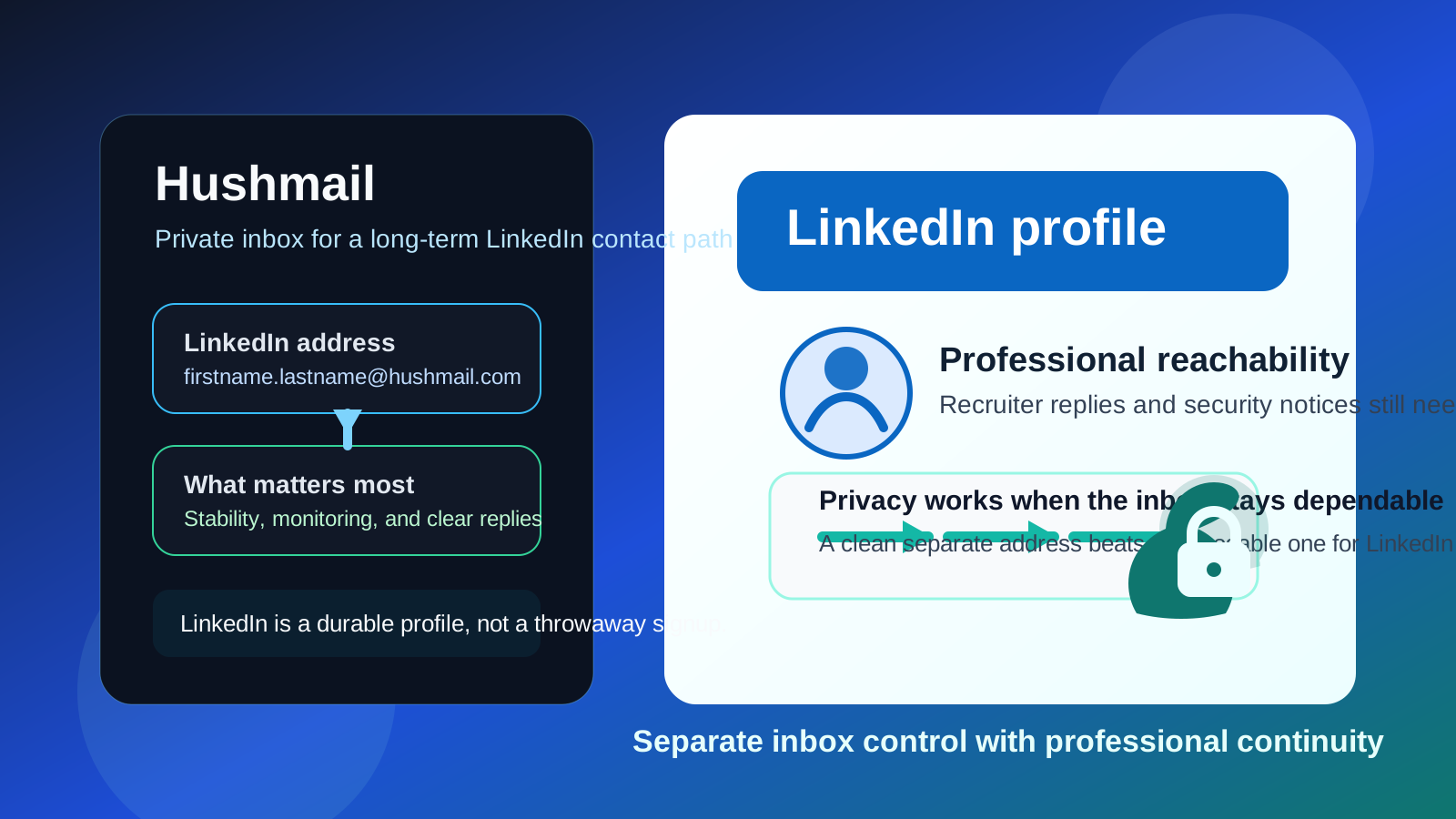
Yes — Hushmail can work on LinkedIn if you want a privacy-focused inbox you control long term. It is usually a better fit than a disposable address, but only if you monitor it consistently and use it like a real professional contact channel.
If you want something you can abandon quickly, Hushmail is the wrong tool for LinkedIn. A LinkedIn account can matter for years, so continuity matters just as much as privacy.
Why people ask about Hushmail on LinkedIn
LinkedIn creates a strange kind of inbox traffic. Some of it is useful: recruiter messages, job alerts, event reminders, security notices, and the occasional introduction that turns into a real opportunity. Some of it is just noise: connection nudges, newsletters, sales outreach, and follow-up you never asked for. That mix makes people think harder about which email address they want attached to the account.
Hushmail appeals to people who want more separation than their main personal inbox gives them. They may want less clutter, more privacy, or a more deliberate professional-contact address that is not tied to an employer or a school. Those are sensible reasons. The real question is whether Hushmail is practical enough for the way LinkedIn actually works.
Short answer: Hushmail is fine if you treat it as a durable inbox
Hushmail can be a good LinkedIn address when you want privacy without falling into the trap of using something disposable. LinkedIn is not like signing up for a one-time coupon or a random free trial. It is a long-lived account that may need to receive recruiter replies, password resets, verification messages, and networking follow-up long after you create it.
That is why a stable separate inbox often makes more sense than a temporary one. If you use Anonibox to protect your main inbox during short-lived signups, that can be smart for throwaway situations. LinkedIn usually is not one of them. Hushmail works better when your goal is long-term inbox control, not short-term anonymity for its own sake.
What Hushmail does well for LinkedIn
1. It gives you a separate professional-contact lane
One of the biggest benefits is simple separation. A dedicated Hushmail address can keep LinkedIn traffic away from your everyday personal inbox. That means recruiter messages, connection-related alerts, event confirmations, and platform notices do not get mixed into travel bookings, bills, family messages, and everything else you handle day to day.
That separation becomes even more useful if you are actively job searching or networking. Instead of wondering whether LinkedIn mail is buried somewhere in your main inbox, you know exactly where it goes.
2. It avoids employer-controlled and school-controlled email problems
A work email is often a bad long-term choice for LinkedIn because your employer controls it. A school email can also become awkward after graduation or account policy changes. A personally controlled Hushmail address avoids both problems. If you change jobs, leave school, or simply want more privacy, the account still belongs to you.
3. It fits a privacy-conscious mindset without being disposable
Some people do not want LinkedIn attached to the same inbox they have used for years everywhere else. They want a smaller, cleaner contact surface. Hushmail can support that goal while still behaving like a real mailbox you keep. That is a better balance for LinkedIn than a throwaway address that may disappear or go unchecked.
What can make Hushmail awkward on LinkedIn
1. It only works if you actually check it
The most private inbox in the world is useless if you ignore it. LinkedIn communication can move slowly, then suddenly speed up. A recruiter might send a screening request, a hiring manager might confirm an interview, or LinkedIn might send a security alert at the exact moment you are not paying attention. If Hushmail becomes your LinkedIn address, you need to treat it like a live channel, not a parking lot.
2. A niche provider does not replace good communication habits
Some people overfocus on the provider itself. Recruiters care much more about whether they can reach you and whether you reply clearly than whether you use Gmail, Outlook, or Hushmail. If your messages are slow, confusing, or inconsistent, the privacy angle will not save the workflow.
3. You can create unnecessary friction with a weird-looking address
Hushmail itself does not look unprofessional. A messy email address can. If the local part is full of random numbers, jokes, or leftover old handles, people may hesitate. A clean real-name address is much better than something that feels experimental.
4. LinkedIn still needs recovery and continuity
Your email choice is not just about notifications. It is also tied to account access. If you lose track of the mailbox, forget how you set it up, or stop monitoring it for long stretches, you can make your own account harder to recover. Privacy is useful. Account continuity is essential.
Will recruiters care that you use Hushmail?
Usually, not much. Most recruiters care about simple things: does the address work, does the candidate respond, and does the conversation move smoothly? A clear address based on your name is usually fine, even if the domain is less common than Gmail or Outlook.
The domain may be unfamiliar to some people, but unfamiliar is not the same thing as suspicious. In practice, a calm, readable Hushmail address is less likely to create friction than a mainstream inbox with a sloppy username.
When Hushmail is a good choice for LinkedIn
- You want a dedicated inbox for networking, recruiter contact, and account notices.
- You want more privacy than your oldest personal inbox gives you.
- You do not want your profile tied to a work or school address that could disappear later.
- You are willing to keep the mailbox active and check it regularly.
- You prefer a real long-term inbox over a disposable or semi-disposable setup.
In those cases, Hushmail can be a practical middle ground. It gives you separation without forcing you into a temporary-email workflow that does not match how LinkedIn is actually used.
When Hushmail is not the best fit
- You already have a clean separate inbox you trust and monitor consistently.
- You rarely check secondary mailboxes and tend to miss messages.
- You want to create an address only for a short experiment and may abandon it.
- You need the absolute simplest, most familiar setup and do not care much about inbox separation.
If that sounds like you, a dedicated mainstream inbox may honestly be the better tool. The point is not to force a privacy-first provider into every context. The point is to pick the contact path you will actually maintain well.
How Hushmail compares with other LinkedIn email options
Hushmail vs your main personal inbox
Hushmail can give you better separation and a cleaner privacy boundary. Your main personal inbox is more familiar, but it is also more exposed and usually much noisier.
Hushmail vs a work email
A personally controlled inbox is usually safer long term. Work addresses look normal, but your employer controls them, and that can become a problem if you change jobs or want more privacy.
Hushmail vs a school email
A school address may feel convenient while you are enrolled, but it is often a weak long-term bet. LinkedIn profiles tend to outlive student-email access.
Hushmail vs a temporary inbox
This is the easiest comparison. A temporary inbox is better for low-stakes verifications and short-lived signups. Hushmail is better for LinkedIn because LinkedIn needs a durable address you can keep and monitor.
Best practices if you use Hushmail on LinkedIn
Use a simple professional address
Keep the visible address clean and readable. Your name or a close variation is better than anything clever. You are trying to reduce friction, not show off the provider.
Check the inbox on purpose
If LinkedIn matters to your career, networking, or client pipeline, check the mailbox regularly. You do not need to stare at it all day, but you do need a routine. Missed messages matter more than theoretical privacy wins.
Trim notification noise
A separate inbox works best when you also control what LinkedIn sends. If every possible notification is turned on, even a dedicated mailbox becomes cluttered. Keep the useful alerts and cut the rest.
Think about your broader contact strategy
If your resume, portfolio, or outreach messages point people toward the same email you use on LinkedIn, the experience is smoother. If you use different addresses everywhere, make sure you have a reason and a system behind it.
Protect recovery access
Do not think of the inbox as just a notification bucket. It is also part of your account-security setup. Make sure you can still access it easily if you need to recover the profile later.
Common mistakes to avoid
- Using Hushmail like a disposable address and then ignoring it
- Choosing an alias or username that looks confusing or unserious
- Assuming privacy matters more than responsiveness on a professional network
- Tying LinkedIn to an inbox you do not plan to keep long term
- Letting notifications pile up until you stop checking the mailbox entirely
A quick decision checklist
Before you put Hushmail on LinkedIn, ask yourself:
- Will I keep this inbox active for the long term?
- Will I actually check it often enough to catch recruiter and security messages?
- Does the address look straightforward and professional?
- Am I choosing it for real separation, not just because it sounds more private?
- Would a dedicated mainstream inbox serve me better if I am unlikely to maintain this one?
If your answers are solid, Hushmail can be a good fit.
Final verdict
Yes — Hushmail can work well on LinkedIn if your goal is privacy, separation, and long-term control over where professional-platform mail lands. It is most useful for people who want something more deliberate than their main inbox without drifting into throwaway-email territory.
The catch is simple: LinkedIn rewards stability. If you can keep the address active, readable, and monitored, Hushmail is a sensible choice. If you are likely to neglect it or treat it like a temporary layer, pick something you will actually maintain.