Yes — Hushmail can be a good email choice for career fairs if you want a private, stable inbox for recruiter follow-up after the event.
No — it is not the best fit if you really want a throwaway address for low-value signups, sponsor downloads, or anything you do not plan to monitor after the fair.
Career fairs create a very specific inbox problem. You may hand your email to recruiters, upload a résumé, join employer talent communities, scan QR codes, and sign up for event resources in the same afternoon. Some of those messages are genuinely important. Others turn into months of newsletters, generic hiring campaigns, or sponsor follow-up you never asked for twice.
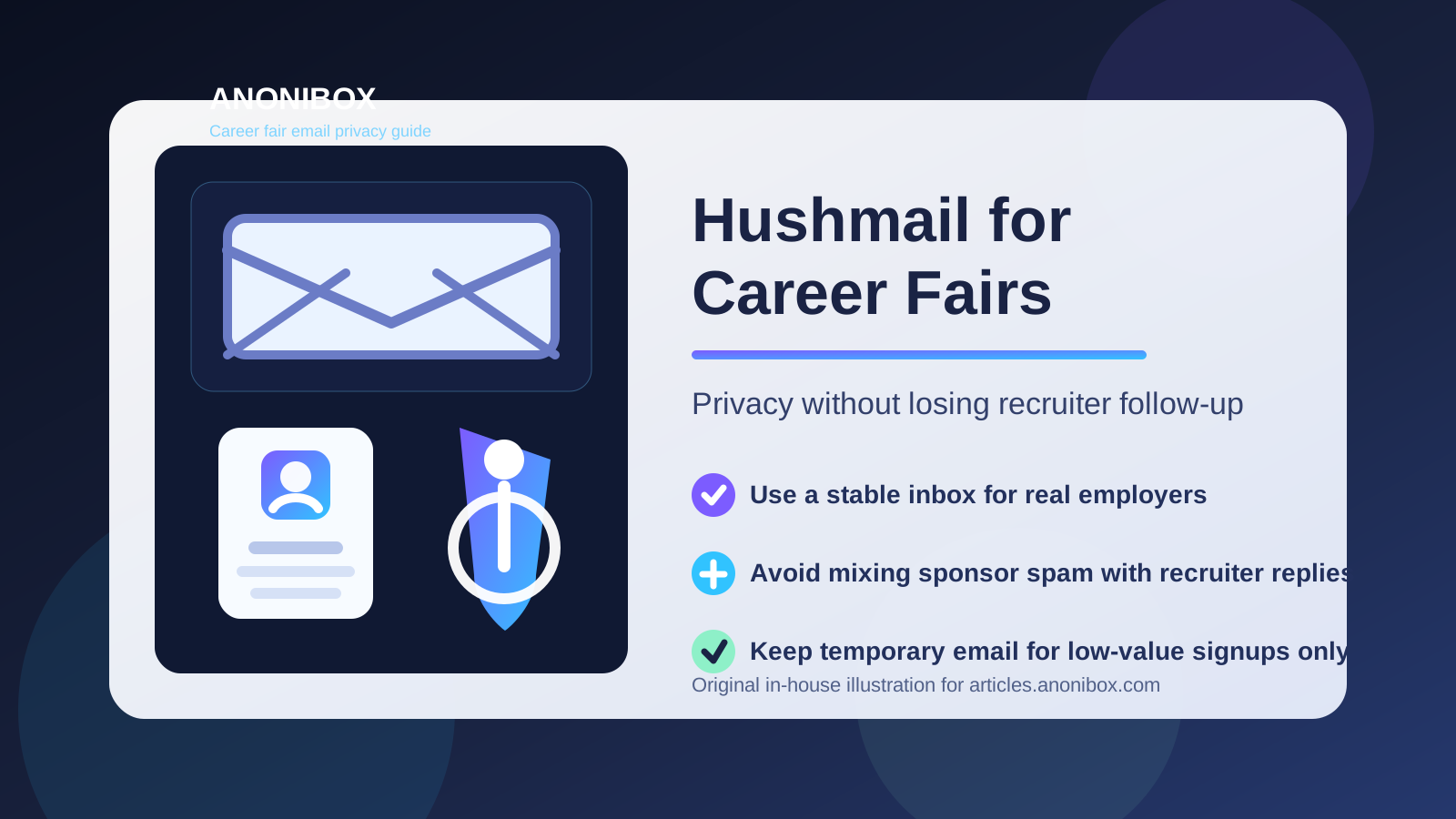
That is why the better question is not just “should you use Hushmail for career fairs?” It is “what kind of career-fair contact do you need this address to support?” If you want a professional inbox that stays available for interview invitations, application links, and recruiter messages, Hushmail can work well. If you mainly want to protect your main inbox from event clutter, a temporary email may sometimes be the better tool.
Why career fairs make email privacy messy
Career fairs bundle serious opportunities and low-value marketing into one place. A recruiter at a company you care about might use your email to send a role that matches your background. A different booth might add you to a general mailing list because you downloaded a brochure. An event app might also trigger reminders, sponsor promotions, or networking prompts.
In practice, your address can end up in several places fast:
- booth sign-up forms
- badge scan systems
- employer talent pools
- event platforms and mobile apps
- resource downloads and webinar invites
- sponsor mailing lists
Nothing about that is automatically shady. It is just noisy. If you use your oldest personal inbox for every interaction, you can end up burying real recruiter follow-up under a lot of low-priority mail.
What Hushmail does well in this situation
It gives you a stable inbox instead of a disposable one
A career fair is not over when you walk out of the venue. Sometimes the most important message arrives two days later: a recruiter asking for availability, a hiring manager sending a direct application link, or an employer inviting you to an interview. A stable inbox matters because those conversations do not always happen immediately.
Hushmail works better than a throwaway address when you expect the interaction to continue after the event. If you are serious about talking to employers, durability matters more than short-term convenience.
It creates separation from your main personal inbox
One of the simplest privacy wins is inbox separation. Using Hushmail for your career-fair activity keeps recruiter messages out of the same place as family mail, shopping receipts, newsletters, and old subscriptions. That makes it easier to spot the messages that actually deserve a response.
Separation also helps psychologically. A job search feels less chaotic when it has its own lane.
It fits a privacy-conscious job-search workflow
Some people are comfortable using Gmail or Outlook for everything. Others prefer to keep job searching a bit more isolated, especially if they are currently employed, exploring a career change quietly, or simply tired of giving their main address to every form they see. Hushmail can support that more deliberate approach without forcing you into a disposable-email mindset.
When Hushmail is a smart choice for career fairs
Hushmail makes sense when most of the following are true:
- You want an email address that still looks like a real, professional inbox.
- You plan to check it consistently for at least several days after the event.
- You want a cleaner boundary between job-search communication and everyday life.
- You expect some conversations to turn into applications, interviews, or referrals.
- You care about privacy, but you do not want to lose continuity.
That combination is common at career fairs. You want a little protection from clutter, but you also need a contact point that stays alive when something promising happens.
When Hushmail is the wrong tool
If you really want a throwaway address
Not every career-fair interaction deserves long-term access to your inbox. If a booth is offering a generic PDF, a sponsor raffle, or a broad mailing list you are not sure you even want, a temporary address can be more practical than Hushmail. In those low-stakes cases, the goal is often spam control rather than relationship-building.
That is where a disposable inbox tool such as Anonibox can be more useful. It lets you protect your main address when the interaction feels optional, early-stage, or marketing-heavy.
If you will not monitor the inbox
A private inbox only helps if you actually use it. If you create a Hushmail address for one event and then stop checking it, you may miss the exact recruiter follow-up you were trying to preserve. A less private inbox that you monitor reliably is better than a privacy-focused one that goes stale.
If you need zero friction
Most recruiters will not care which provider you use as long as your address looks normal and you respond quickly. Still, if you personally work fastest inside another inbox and you know you handle scheduling better there, convenience may matter more than provider philosophy. The best email setup is the one that keeps you reachable.
Will Hushmail look unprofessional to recruiters?
Usually no. Recruiters care far more about whether your email address looks sensible, whether messages arrive, and whether you respond clearly. A simple address based on your real name is what matters most.
For example, a clean address such as firstname.lastname@hushmail.com is usually fine. What creates friction is not the provider itself. It is the combination of a hard-to-read username, slow replies, or inconsistent contact details across your résumé, event profile, and follow-up messages.
If you want to reduce friction, keep the basics strong:
- use a real-name address if possible
- list the same address on your résumé and event profile
- reply promptly when recruiters contact you
- check spam and junk folders during the days after the fair
Hushmail vs temporary email for career fairs
This is the comparison that matters most for Anonibox readers. Both Hushmail and temporary email can be useful, but they solve different problems.
Use Hushmail when:
- you want to build on the contact after the fair
- the employer is legitimate and relevant to your search
- you may need interview invites, password resets, or later follow-up
- you want privacy with continuity
Use temporary email when:
- the signup feels low-value or purely promotional
- you want to protect your main address from likely spam
- you are downloading resources without much intent to continue
- you do not want every event booth to keep your long-term contact details
A layered setup is often the most practical answer. Use one stable inbox for employers you genuinely want to hear from. Use temporary email for optional extras that do not need a long-term relationship. That approach gives you privacy without sabotaging follow-up.
Best practices if you use Hushmail at a career fair
1. Decide in advance which address goes where
Do not improvise at every booth. Before the event, choose whether Hushmail is your main recruiter-facing inbox, and decide when you will use a temporary address instead. That keeps you from handing out the wrong contact details in a rush.
2. Keep the address easy to read
Career fairs still involve fast manual entry, quick notes, and résumé handoffs. A clean address is easier for recruiters to copy correctly than something full of numbers or old nicknames.
3. Check the inbox heavily after the event
The twenty-four to seventy-two hours after a fair are often the most important. If employers liked your résumé, that is when interview links, application instructions, and follow-up notes tend to arrive.
4. Save important messages and move fast on real opportunities
If a recruiter sends something serious, treat it seriously. Save the message, reply clearly, and move the conversation forward instead of letting it sit in a crowded inbox.
5. Filter low-value event mail early
Even with a dedicated inbox, some messages will be generic. Archive or label them quickly so they do not bury the few that matter.
Common mistakes to avoid
- Using one personal inbox for every booth, sponsor, and recruiter conversation.
- Using a disposable address for an employer you actually want to hear from later.
- Creating a separate Hushmail inbox and then forgetting to monitor it.
- Switching addresses mid-process without telling recruiters.
- Treating all career-fair signups as equally important when they are not.
A simple setup that works for most people
If you want a practical rule, use Hushmail as your stable recruiter-facing inbox and reserve temporary email for the interactions that feel optional, broad, or likely to turn into newsletter clutter. That way you do not have to choose one tool for every situation.
This matters because career fairs are mixed environments. Some conversations deserve a long-term inbox. Others do not. Matching the email type to the trust level is usually better than going all-in on either your oldest personal address or a disposable inbox for everything.
So, should you use Hushmail for career fairs?
Yes, if you want a private but durable inbox for real recruiter follow-up and you will check it consistently after the event. In that role, Hushmail can help you stay organized, reduce spillover into your main inbox, and keep your job search more separate from the rest of your online life.
No, if your real need is a throwaway address for low-value signups or if you know you will not keep the mailbox active after the fair. In those cases, temporary email is usually the better fit. The key is choosing the right level of permanence for the kind of contact you are creating.