Yes, usually — iCloud Mail is a reasonable choice for internship applications if the address looks professional, you check it consistently, and you are not exposing your oldest personal inbox to every job board and signup form you touch.
The better answer is to use iCloud Mail intentionally: a clean, separate inbox is often smarter than your long-time everyday address, and a temporary option like Anonibox can be useful for low-trust forms before a real recruiter relationship starts.
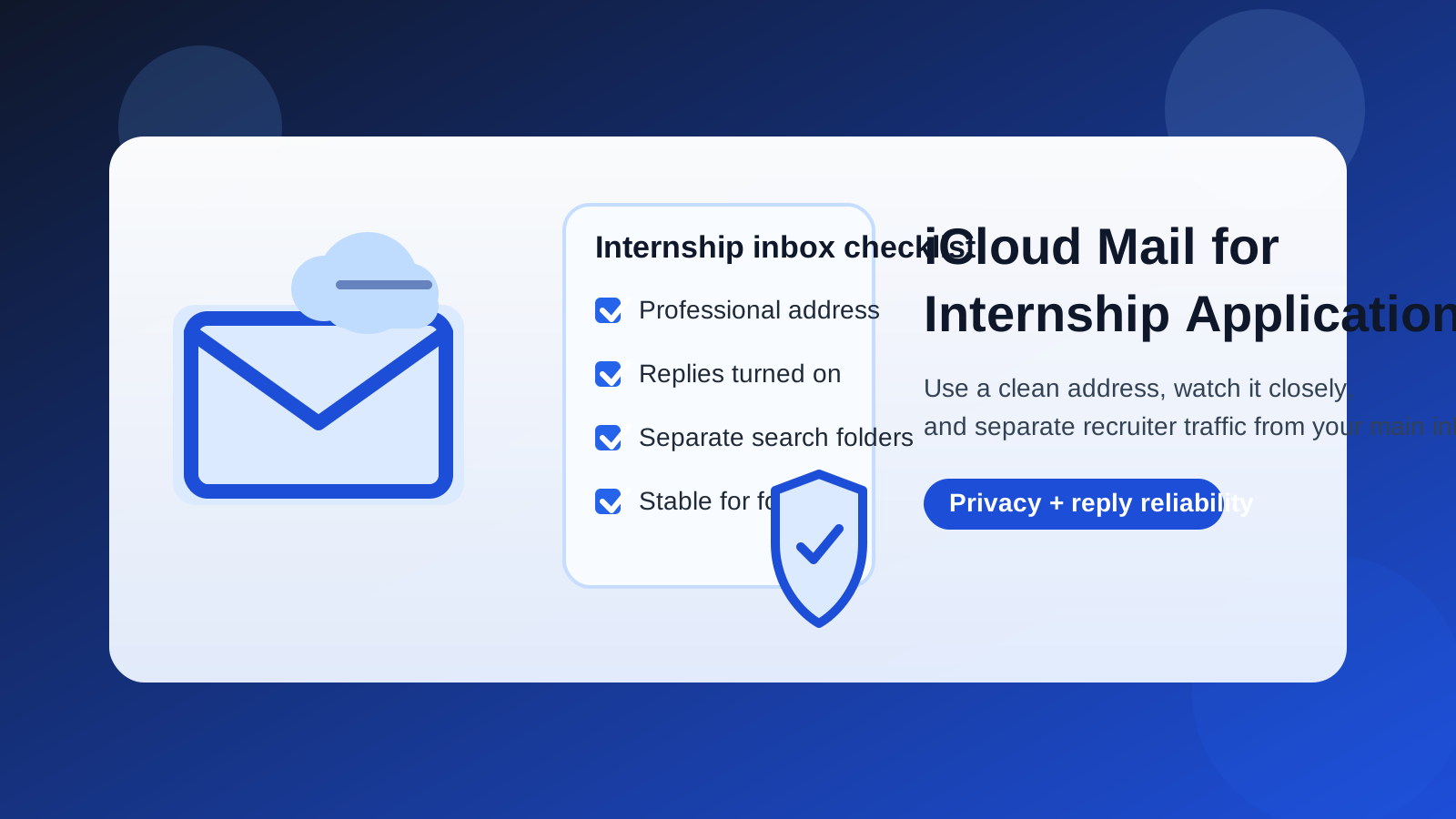
Why this question matters
Internship applications create more email than most students expect. One application can lead to confirmation messages, coding assessments, talent-network invites, interview scheduling, recruiter reminders, event announcements, and future-role marketing. If all of that lands in the same inbox you use for family messages, school alerts, shopping receipts, and account recovery, important replies get easier to miss.
That is why the real question is not just whether iCloud Mail works. It is whether your iCloud Mail setup helps you stay reachable, organized, and appropriately private during a recruiting process that can move quickly.
Short answer: yes, but use the right iCloud Mail setup
Most employers will not reject you for using iCloud Mail. It is a mainstream provider, it looks normal, and it is stable enough for real follow-up. In that sense, it is very different from a disposable inbox that might disappear before the hiring process ends.
Where people get into trouble is using the wrong iCloud address. If your main inbox is old, cluttered, tied to every part of your digital life, or full of newsletters and personal noise, the provider is not the problem — the workflow is. A dedicated internship-search inbox is usually the better move.
Why iCloud Mail can work well for internship applications
It looks familiar enough
Recruiters and hiring coordinators care much more about whether your address looks professional than whether it comes from a trendy or privacy-branded provider. A clean iCloud Mail address based on your name usually reads as normal, stable, and easy to trust.
It is stable for a multi-step hiring process
Internship recruiting is rarely one email and done. Even an entry-level internship can turn into skill assessments, interview scheduling, offer paperwork, and follow-up questions. A stable inbox matters because you may need that same address for weeks or months.
It is easy to monitor on Apple devices
If you already live on an iPhone, iPad, or Mac, iCloud Mail is convenient. That matters in internship hiring because response time matters. A scheduling email that sits unread for a day can cost you an interview slot, especially when campus recruiting cycles get crowded.
It can separate your search from school or work systems
Some students rely on college email for everything. Others already have a work or campus job inbox they should not use for outside applications. A dedicated iCloud Mail account can give you a long-term address you control directly, without tying your internship search to an institution or employer.
When iCloud Mail is a good choice
- You have a clean, name-based address that looks professional.
- You check your inbox reliably every day.
- You want a stable mailbox for interview follow-up and offer-stage communication.
- You already use Apple devices and are unlikely to miss notifications.
- You want something more stable than a temporary inbox but more separate than your oldest everyday email.
In these situations, iCloud Mail is usually perfectly fine. It is recognizable, practical, and stable enough for real recruiting.
When your main iCloud inbox is probably the wrong choice
The bigger risk is not iCloud Mail itself. The bigger risk is exposing your main personal iCloud inbox too widely.
- Your inbox is already crowded. If it handles school alerts, bills, personal correspondence, newsletters, and account logins, internship messages can get buried.
- You are applying broadly. High-volume applying spreads your address across job boards, third-party forms, and recruiter databases faster than you think.
- You want stronger privacy boundaries. Your long-term personal inbox may be too important to hand out everywhere.
- Your address looks dated or unprofessional. The provider will not save a weak username.
- You only check it casually. A “better” inbox is useless if you do not monitor it closely.
If any of those sound familiar, a separate internship-focused inbox is the smarter version of this strategy.
Main iCloud inbox vs separate internship inbox vs temporary email
Main iCloud inbox
This is the easiest choice, but it is best only when your search is small, targeted, and mostly limited to trusted employers. If you are applying to a handful of companies directly and your address already looks clean, using your main iCloud inbox can be fine.
Separate internship inbox
For many students, this is the best middle ground. A separate iCloud Mail or other dedicated inbox gives you stability for the full internship process without mixing recruiter traffic into the address tied to the rest of your life. It also makes it easier to organize interviews, assessments, and follow-ups in one place.
Temporary email
Temporary email is most useful earlier in the funnel. If you are testing a low-trust internship listing site, unlocking a gated download, or trying not to spread your permanent contact details across every career portal you see, a temporary inbox can reduce exposure. Anonibox fits that stage well. But once you are communicating with a real recruiter or hiring team, a stable inbox is usually better than a disposable one.
The practical rule is simple: use temporary email to reduce unnecessary exposure, and use a stable inbox to support real recruiting conversations.
How iCloud Mail compares with other common internship options
iCloud Mail vs school email
A school address can look credible, but it is not always the best long-term option. Some students stop checking it consistently outside the semester. Others lose access after graduation or account changes. A personal inbox you control fully is often safer for continuity.
iCloud Mail vs Gmail or Outlook
Gmail and Outlook are more common in recruiting, but iCloud Mail is still mainstream enough that most employers will not care. The deciding factor is usually not the provider brand. It is whether the address looks professional and whether you respond promptly.
iCloud Mail vs privacy-first providers
Privacy-focused inboxes can be good, but they sometimes look less familiar to recruiters scanning quickly through applications. iCloud Mail sits in an easier middle ground for many people: mainstream enough to feel normal, separate enough to be useful, and stable enough for the whole process.
Best practices if you use iCloud Mail for internship applications
Use a clean address
Name-based addresses work best. If your current inbox uses a joke, old nickname, or random string, create a cleaner one before you apply widely.
Turn on notifications you will actually notice
Internship timelines can move fast. Make sure interview requests and assessment emails do not sit unread because your alerts are buried.
Create simple organization rules
Use folders, VIP senders, flags, or filters to separate active employers from generic recruiting mail. You do not need a complicated system — just enough structure to find important messages quickly.
Do not use your work email instead
If you already have a part-time job or internship, avoid using that employer-managed inbox for your next search. A personal mailbox you control is safer and more portable.
Move from low-trust to stable channels deliberately
If you begin with a temporary or privacy-buffered workflow for broad searching, switch to your stable iCloud inbox once an application becomes real. That gives you the privacy benefits of separation without risking lost follow-up later.
Red flags that mean you should be more cautious
- The internship listing is vague and barely identifies the employer.
- You are pushed toward messaging apps or off-platform contact immediately.
- The recruiter asks for sensitive information too early.
- The application form feels more like lead collection than real hiring.
- You are suddenly getting unrelated marketing mail after one signup.
In those cases, the issue is bigger than iCloud Mail. You should slow down, verify the employer independently, and avoid giving your long-term address more broadly than necessary.
A quick decision checklist
- Does my iCloud address look professional?
- Will I check it every day during the application cycle?
- Is this a trusted employer or a broad third-party platform?
- Would a separate internship inbox give me cleaner boundaries?
- Do I need a temporary buffer before I hand out a long-term address?
If your answers point toward stability, professionalism, and active monitoring, iCloud Mail is a sensible option. If they point toward clutter, oversharing, or low-trust forms, separation is the better move.
Final answer
Yes, you can use iCloud Mail for internship applications, and for many students it is a perfectly practical choice. The smartest version is not blindly using your oldest personal inbox everywhere. It is using a clean, well-monitored address that keeps recruiter traffic organized and keeps your long-term personal inbox from absorbing unnecessary noise.
If you want a balanced setup, use a separate stable inbox for real internship conversations and keep temporary email tools like Anonibox for the low-trust, early-stage forms that do not deserve your permanent address yet. That gives you the reachability employers want without giving up more privacy than the search actually requires.