Yes, you can use iCloud Mail for job offers, and for many job seekers it is a solid, professional choice.
It works best when the inbox is stable, easy for you to monitor, and not mixed with temporary aliases or throwaway workflows that could cause you to miss an offer letter, deadline, or background-check request.
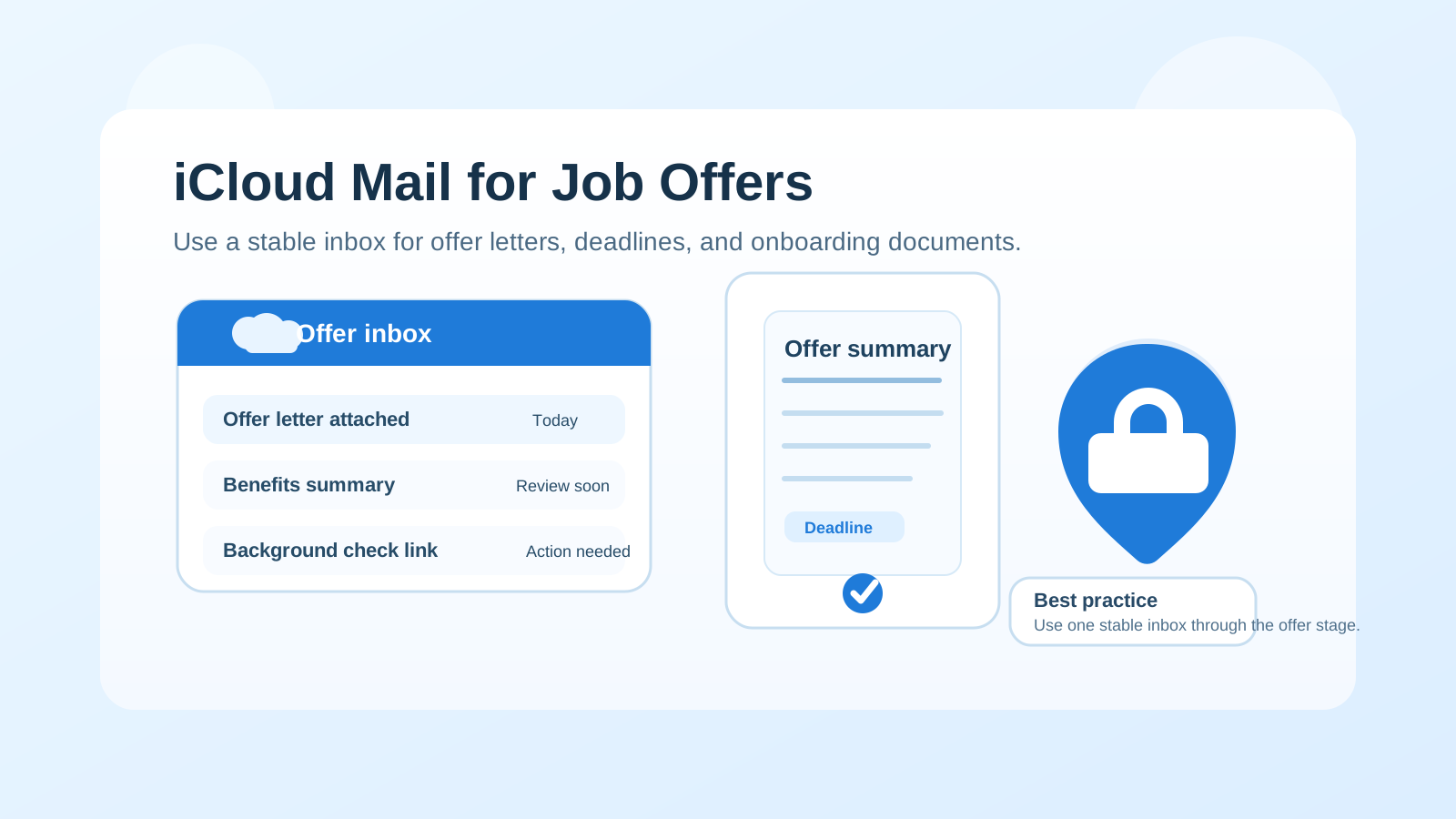
That is the real answer behind searches for should you use icloud mail for job offers. By the time you reach the offer stage, email stops being a simple contact detail and becomes part of a serious decision workflow. Employers may send compensation summaries, formal offer letters, benefit outlines, start-date options, identity-verification steps, background-check instructions, and time-sensitive follow-ups. Missing or mishandling one of those messages can slow the process or make you look disorganized even if the role is otherwise a great fit.
For that reason, the best email for offer-stage communication is usually not the most private-looking or experimental option. It is the one that is reliable, readable, and under your control. iCloud Mail can absolutely meet that standard. It is a mainstream provider, widely recognized, and easy to keep synced across Apple devices. Still, offer-stage communication raises a few practical questions: should you use your main iCloud address, should you rely on Hide My Email, is an old personal iCloud address too casual, and when should you move away from temporary inboxes and into a permanent one?
Why iCloud Mail is usually fine for job offers
Most hiring teams are not rejecting candidates because they use iCloud Mail instead of Gmail or Outlook. At the offer stage, they care about much simpler things:
- Can they reach you consistently?
- Will you see and respond to deadlines quickly?
- Does the address look professional enough in a formal HR workflow?
- Can the inbox stay active for the full hiring and onboarding process?
iCloud Mail generally passes those tests. It is familiar, stable, and unlikely to raise eyebrows on its own. If your address is a clean variation of your real name and you already monitor it regularly on your iPhone, iPad, or Mac, it can work very well for offer-stage communication.
Why the offer stage is different from applications
Early in a job search, some privacy-conscious candidates use a separate inbox, an alias, or even a temporary inbox to reduce spam from job boards, low-trust recruiter forms, and mass application sites. That can be reasonable. A tool like Anonibox makes the most sense at that earlier stage, when the goal is to protect your main inbox while you figure out which opportunities are real.
Once an employer is preparing a job offer, the priorities change. Now you need continuity, not just separation. You may need to pull up earlier salary discussions, compare attachments, confirm a deadline, or search for a benefits PDF from two weeks ago. You also need to trust that the inbox will still be available if the process stretches into background checks, negotiations, and pre-start paperwork. That is why a stable provider like iCloud Mail is usually a better choice than a disposable inbox once things become real.
Where iCloud Mail works especially well
Your address already looks professional
A clean address matters more than the provider logo. If your iCloud Mail address is some version of your real name, most employers will treat it as completely normal. A simple address is easier for HR staff to recognize, safer for document sharing, and less likely to create awkward second impressions.
You already check Apple devices constantly
One advantage of iCloud Mail is convenience. If you naturally see mail notifications on your phone, laptop, and tablet, you are less likely to miss a fast-moving message about an expiring offer, a changed timeline, or a request to confirm details. The best inbox is often the one you reliably notice.
You want one stable thread for the whole decision process
Offer-stage communication is easier when everything stays in one mailbox. Compensation notes, recruiter follow-ups, employment forms, and final confirmation emails all make more sense when they live in one place instead of being scattered across aliases or temporary inboxes.
What could go wrong if you use iCloud Mail badly?
The risks usually do not come from iCloud Mail itself. They come from how the account is set up and how you manage it.
1. The address is too casual or outdated
If your iCloud address was created years ago and still looks playful, random, or hard to read, that is the real issue. Something like a clean name-based address is fine. Something that looks like an old gaming tag or joke account is less ideal for formal offer letters and HR paperwork.
2. Your inbox is overloaded
If your iCloud inbox is full of shopping receipts, newsletters, personal conversations, and alerts from every app you own, it can be easier to miss an important hiring message. An employer may send a deadline with only a day or two to respond. Offer-stage communication is not the time to depend on a chaotic inbox.
3. You rely too heavily on aliases without thinking through continuity
Apple’s privacy features can be useful, but offer-stage communication is where you should slow down. If you have been using Hide My Email or other forwarding layers earlier in the process, ask yourself whether it is still wise to keep those in place once an employer is sending real documents and time-sensitive requests. A direct, stable inbox is often simpler and safer.
4. You mix personal identity exposure with professional communication
Some candidates like iCloud Mail because it feels private and familiar. That is fair. But if the inbox is tightly linked to the rest of your personal Apple ecosystem, remember that you are using a deeply personal account for a formal employment process. That does not make it wrong. It just means you should be deliberate about what name, signature, and recovery details are attached to it.
Should you use Hide My Email for job offers?
Usually, not as your main long-term offer-stage setup.
Hide My Email can be useful earlier in a workflow when you want separation and you do not yet trust the sender. But once an employer is extending an offer, there is value in simplicity. If the recruiter has already been corresponding through an alias and everything is working, you do not have to panic and switch immediately. Still, many candidates are better off moving the conversation to a direct, stable inbox before negotiations, document exchange, and onboarding instructions start piling up.
The core question is reliability. Can you trust that every reply, attachment, and follow-up will reach you cleanly, and will you still have a straightforward way to reference the whole thread later? If the answer is not a confident yes, a direct iCloud Mail address is usually the safer move.
How iCloud Mail compares to temporary email at the offer stage
This is where the answer becomes very clear: iCloud Mail is usually far better than temporary email for real job offers.
Temporary inboxes can help protect privacy when you are testing job boards, signup flows, and early recruiter contact. They are much less suitable once an offer is on the table. Offer-stage emails may include:
- formal PDFs and signed documents
- benefits enrollment instructions
- background-check invitations
- identity-verification requests
- deadline-sensitive negotiation follow-ups
- messages you may need again weeks later
A disposable inbox is often the wrong tool for that kind of communication. If you started the search with a privacy-first temporary setup, the offer stage is usually the moment to graduate into a normal, controlled mailbox like iCloud Mail, Gmail, Outlook, or another stable provider you trust.
Best practices if you use iCloud Mail for job offers
Create a folder or smart mailbox for the employer
Keep the full conversation organized. Offer-stage messages are easier to review when they are separated from everyday mail.
Check spam and promotional folders manually
Even good providers can misclassify a message. If you know an employer is about to send paperwork or a revised offer, check every obvious folder until it arrives.
Save attachments outside the inbox too
Download offer letters, compensation documents, benefits summaries, and onboarding files into a clearly named folder on your device or cloud storage. Do not rely on memory alone.
Reply from the same address consistently
Changing addresses in the middle of the offer stage can create confusion. If you do switch from an alias or temporary address to iCloud Mail, make the change once, explain it briefly, and keep the rest of the conversation there.
Use a simple professional signature
You do not need anything fancy. Your name and maybe your phone number are enough. The goal is clarity, not branding.
Turn on notifications you will actually notice
An inbox is only useful if you see it. Make sure important mail notifications are not buried under dozens of app alerts that you ignore automatically.
When you should not use iCloud Mail for job offers
iCloud Mail is not automatically the best option in every case. You may want another inbox if:
- your current iCloud address looks unprofessional
- you rarely check that account
- your inbox is too cluttered to trust with deadlines
- you are using a forwarding or alias setup you do not fully understand
- you want a separate inbox dedicated to your job search and onboarding paperwork
In those cases, the issue is not that iCloud Mail is unacceptable. It is that your specific setup is not ideal. A separate stable email account may give you more control.
What if you already used another address earlier in the process?
That is common, especially for people who began with a separate inbox, a forwarding alias, or a temporary privacy layer. If the company is now moving toward an offer and you want to switch to iCloud Mail, do it cleanly. Reply once from the new address, explain that you would like future offer and onboarding communication sent there, and keep the change simple. Most legitimate recruiters and HR teams will not care as long as the transition is clear and timely.
What you want to avoid is bouncing between multiple inboxes while negotiations are active. That increases the chance of missed attachments, broken threads, and confusion over which address should receive final documents.
A practical checklist before you use iCloud Mail for an offer
- Does the address look like a normal professional email?
- Do you check it multiple times a day?
- Can you easily find older recruiter messages in it?
- Is it free of risky forwarding confusion or throwaway habits?
- Have you saved space in your workflow for attachments and deadlines?
If the answer to those questions is yes, iCloud Mail is probably a perfectly good choice.
Final answer: should you use iCloud Mail for job offers?
Yes, in most cases. iCloud Mail is a mainstream, credible, stable provider, and it can handle job offer communication well when the address looks professional and the inbox is managed carefully.
The bigger issue is not whether the provider is Apple. It is whether the account is dependable enough for formal, time-sensitive hiring communication. If your iCloud Mail inbox is organized, monitored, and easy for you to control, it is usually a better option than a temporary inbox or a privacy layer that adds unnecessary complexity at the last minute.
Use temporary email tools when you need early-stage separation. Use a stable inbox when the stakes become real. For many Apple users, iCloud Mail is a reasonable place to finish the process and receive the messages that matter most.