Usually yes. Outlook is a perfectly reasonable email provider for job offers if the address looks professional, the account is yours, and you plan to keep it active long enough for offer letters, benefits forms, and onboarding emails.
Yes — Outlook can work well for job offers, but a personal or separate account is much safer than a work-managed Microsoft 365 inbox.
If you are searching for should you use Outlook for job offers, the real question is not whether recruiters respect Outlook. They usually do. The bigger question is whether your specific Outlook setup is stable, private, and organized enough for a stage of the hiring process where missing one message can cost you real money, paperwork time, or even the offer itself.
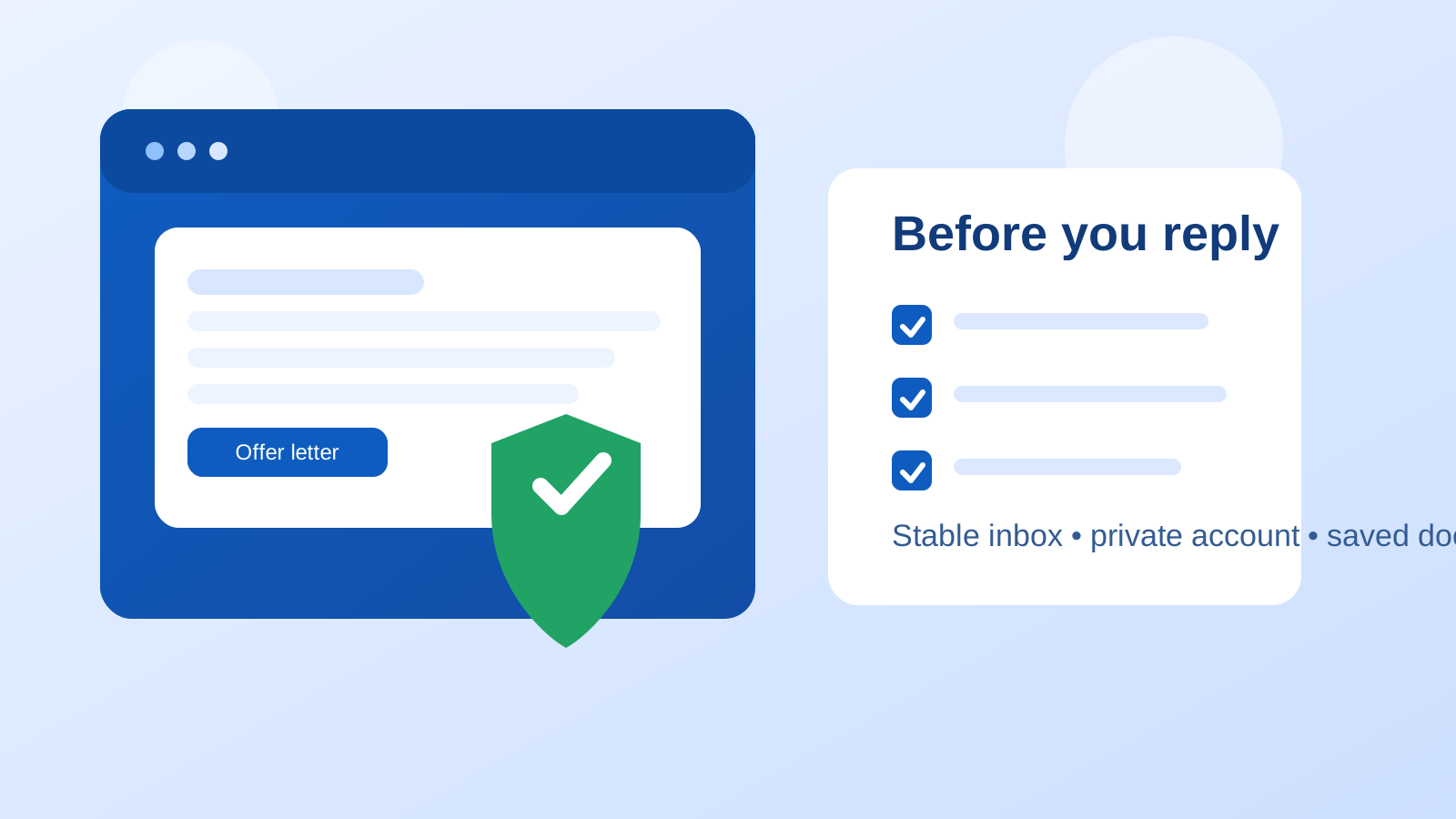
The offer stage is different from the application stage. At this point, employers may send salary details, benefits summaries, background-check instructions, onboarding forms, e-signature requests, start-date discussions, and time-sensitive deadlines. A disposable inbox, a cluttered shared mailbox, or a work-managed account can create problems fast. Outlook itself is not the issue. Account control and continuity are.
Why the offer stage changes the rules
Early in a job search, many people mainly worry about spam. That is why separate inboxes, aliases, or even temporary email can make sense when testing job boards or lower-trust signups. But once a company is ready to make an offer, you are no longer just protecting yourself from noise. You are managing important records.
A good offer-stage inbox needs to do a few practical things well:
- receive important messages quickly and reliably,
- keep attachments accessible for weeks or months,
- stay private enough for sensitive career conversations,
- make it easy to search old threads when details need to be confirmed.
Outlook can do all of that. The mistake is assuming every Outlook account is equally suitable.
When Outlook is a smart choice for job offers
Outlook is usually a strong option when you control the account, monitor it often, and use an address that looks normal and professional. Employers are familiar with Outlook.com and Microsoft-hosted email in general. They are not likely to see it as unusual, risky, or unprofessional on its own.
Outlook can be especially practical for job offers if:
- you already check the account every day,
- your address uses your real name or a clean variation of it,
- you can receive PDFs, forms, and calendar invites without friction,
- you plan to keep the account active after you accept or decline the offer,
- you want to organize recruiter, HR, and hiring-manager emails in one place.
Those are real advantages. Offer-stage communication tends to spread across several people and several messages. One thread may contain the offer letter. Another may contain benefit enrollment details. Another may come from a background-check vendor. A stable mainstream inbox is much better for that than anything disposable.
Which Outlook account should you use?
This is the part that matters most. “Outlook” can describe very different situations, and they do not carry the same privacy or reliability tradeoffs.
A separate Outlook account just for your job search
For many people, this is the best setup. A dedicated Outlook inbox for applications, interviews, referrals, and offers gives you a clean paper trail without mixing everything into your everyday email. It also makes it easier to find the exact version of an offer letter or search for one benefits email without wading through newsletters, family messages, receipts, and random subscriptions.
A separate account is especially useful if you are talking to multiple employers at once or negotiating two offers in parallel. Folders, flags, and search work better when the inbox has a single purpose.
Your normal personal Outlook account
This can also be perfectly fine. If your personal Outlook account already looks professional and you manage it well, there is no rule saying you need a second inbox. Plenty of candidates use one main personal account throughout the entire hiring process with no problem.
The only caution is clutter. If your main Outlook inbox is overloaded with promotions, shopping alerts, school notices, social sign-ins, and travel confirmations, an important offer email can get buried faster than you expect. That is not a problem with Outlook as a provider. It is a problem with inbox noise.
Your current employer’s Outlook or Microsoft 365 account
This is usually the wrong choice. Even if it feels convenient, a work-managed account is a poor home for outside offer communication. Offer-stage emails can contain compensation details, legal names, start-date planning, home-address forms, and documents you do not want tied to employer-controlled systems.
There is also a practical visibility issue. Work-managed Outlook environments can connect to shared calendars, Teams, mobile-device management, browser profiles, notification previews, retention rules, and admin policies you do not control. You do not need proof that somebody is reading your mailbox to decide that this is a bad boundary. It is enough that the account is not fully yours.
What can go wrong if you use the wrong Outlook setup?
1. You miss a deadline because the inbox is too noisy
Job offers often come with response windows, requested forms, or next-step deadlines. If your Outlook account is messy, a recruiter’s message can land next to ten unrelated emails and disappear from view. Missing an interview invite is frustrating. Missing an offer deadline is worse.
2. Sensitive details end up in an employer-managed system
If you use a work Outlook account, the risk is not only embarrassment. You may be placing private salary or onboarding information inside a system tied to your current employer’s devices, sync settings, or audit controls. That is avoidable exposure.
3. You cannot find the document later
Offer-stage communication does not always end when you reply “yes.” You may need to revisit compensation wording, check the exact start date, review benefits deadlines, or download the original signed letter again. A stable and searchable inbox matters here. A neglected account, an alias you stop checking, or a half-abandoned mailbox can become a headache later.
4. Someone else can see too much
Shared family devices, shared desktops, or browser sessions that stay signed in can create smaller but still real privacy leaks. That may not be a corporate surveillance problem, but it can still mean the wrong person sees salary details or recruiter follow-up before you are ready to discuss them.
How to make Outlook safer and more reliable for job offers
If you decide to use Outlook, a few simple habits can make the account much better suited for the offer stage.
Create a clean folder structure
At minimum, make one folder for each company that reaches the offer stage. Move offer letters, benefits summaries, and onboarding messages there immediately. That gives you a clean archive if you need to compare details later.
Flag time-sensitive emails
If a recruiter says the offer expires on Friday or HR needs documents within 48 hours, flag the message right away. Offer-stage mistakes are often not dramatic technical failures. They are simple organizational misses.
Check junk and focused inbox settings
Do not assume every important message will land in the right tab or folder. If you are waiting for an offer, background-check email, or benefits packet, check junk mail and any filtered views as well.
Make sure recovery settings are current
A locked or inaccessible Outlook account is a terrible surprise during an active offer discussion. Confirm that your recovery email, recovery phone number, and sign-in methods are still current before the process gets more serious.
Save important attachments locally
Download copies of offer letters and other critical documents to a secure place you control. Email storage is helpful, but local copies make it easier to access the paperwork later if you need it for comparison, records, or follow-up.
What if you started with a temporary email or alias?
That is not automatically a problem. Plenty of job seekers use separate inboxes, aliases, or temporary email for early-stage research because it helps limit spam and keeps job-board exposure away from their main address. A tool like Anonibox can make sense at that earlier stage when you are still testing signups or filtering low-value outreach.
But once a legitimate employer is ready to send an offer, stability matters more than anonymity. That is usually the point where you should move the conversation to a durable inbox you fully control. Outlook can be that inbox if you plan to keep it active and organized. The key is to switch before important documents start piling up, not after you have already missed a thread.
Does using Outlook make you look professional enough?
In most cases, yes. Employers generally care more about whether your address is readable and whether you respond promptly than whether you picked Outlook instead of Gmail or another mainstream provider. A clean address like your name or a simple professional variation is usually fine.
The bigger professionalism problem is not the provider. It is the address itself. If the username looks unserious, confusing, or overly personal, that matters more than the fact that the inbox runs on Outlook.
Red flags that Outlook will not solve for you
Even a good Outlook setup does not make every job offer real. Stay cautious if:
- the company sends an offer before a credible interview process,
- you are pushed to share banking or identity documents unusually early,
- the sender domain does not match the claimed employer,
- the message pressures you to act immediately without room for questions,
- the supposed recruiter refuses basic verification.
Outlook is a tool, not a trust signal. A suspicious offer is still suspicious even if it lands in a tidy inbox.
A quick checklist before you use Outlook for a job offer
- Is this a personal or separate Outlook account you fully control?
- Does the address look professional?
- Will you still have access to this inbox a month from now?
- Can you find, flag, and save important messages easily?
- Have you checked spam filters, focused inbox settings, and recovery options?
- Are you avoiding a current employer’s Microsoft 365 account for outside opportunities?
If you can answer yes to most of those, Outlook is probably a solid choice.
Final answer: should you use Outlook for job offers?
Yes, usually. Outlook is a normal, reliable option for job offers when the account is private, stable, and actively monitored. It is especially strong if you use a dedicated job-search Outlook account or a well-managed personal one.
The biggest mistake is not using Outlook. It is using the wrong Outlook account — especially a work-managed mailbox or a cluttered inbox you barely check. Pick an account you control, keep it organized, save the important documents, and treat the offer stage like the record-keeping moment it is. That gives you the convenience of a mainstream inbox without creating unnecessary privacy problems.