Yes, iCloud Mail can work well on a resume if the address is personal, professional, and tied to an inbox you actually monitor. A clean @icloud.com address is usually fine for job searching, but a messy old Apple address, a relay you rarely check, or an inbox mixed into too much personal noise can still hurt you.
In practice, the provider name is not the real issue. Recruiters care more about whether your resume email looks trustworthy, stays under your control, and makes follow-up easy. That is why a stable iCloud Mail address can be a solid choice, while a hard-to-manage Hide My Email relay or an ancient nickname-based Apple address is often the wrong one.
Why iCloud Mail is usually acceptable on a resume
Most hiring teams are not ranking candidates by email brand. They are asking a simpler question: if they send an interview request here, will you actually receive it, recognize it, and respond without friction?
iCloud Mail usually passes that test. It is a mainstream personal email provider, it does not look disposable, and it is tied to an account many people keep for years. That long-term stability matters more than people think. Recruiters reopen resumes, applicant tracking systems keep candidate records, and hiring processes can stretch far longer than expected. A durable inbox is part of looking organized.
A normal iCloud address also tends to feel personal rather than employer-controlled. That is a good thing on a resume. You want an account you still own if you change jobs, finish school, or pause your search for a while.
What makes iCloud Mail a little different from Gmail or Outlook
iCloud Mail comes with a few Apple-specific wrinkles that make the decision slightly different from a standard Gmail or Outlook conversation.
1. Some people mix up iCloud Mail with Hide My Email
This is probably the biggest distinction. A direct @icloud.com inbox you control is one thing. A forwarding alias created through Hide My Email is something else. Hide My Email can be useful for one-off signups, low-trust forms, or experiments where you want extra privacy, but a resume is not the place to create unnecessary delivery complexity.
Your resume contact line should be boringly dependable. If a recruiter replies, forwards your address, or comes back weeks later, the inbox should still be easy to manage. That is much simpler with a real mailbox than with a relay you created for convenience and may forget about later.
2. Apple users often have older legacy addresses
Some job seekers still use older Apple-linked addresses that began years ago. That is not automatically a problem. In fact, a long-lived Apple address can signal continuity. The problem appears when the account name feels dated, hard to spell, or tied to an old online identity you would not choose today. A clean address based on your real name is still what matters most.
3. iCloud often works best for people already deep in the Apple ecosystem
If your iPhone, iPad, and Mac all surface messages reliably, iCloud Mail can be very easy to monitor. That is a practical advantage during a job search. Interview invites, assessment reminders, and scheduling changes are more useful when you actually see them quickly.
When iCloud Mail is a good fit for your resume
iCloud Mail is usually a strong resume choice when most of the following are true:
- The address is simple and professional. Something based on your real name works much better than an old handle, inside joke, or awkward random-number string.
- You check it regularly. A respectable provider does not help if you only open it every few days.
- You control it personally. Resume contact information should belong to you, not an employer, school, or short-lived tool.
- The inbox is reasonably organized. If recruiter mail will be visible instead of buried under chaos, you are in better shape.
- You want long-term continuity. A personal iCloud inbox can follow you across jobs, moves, and career changes.
If that sounds like your setup, iCloud Mail is not just acceptable. It is practical.
When iCloud Mail is not the best choice
There are also a few situations where iCloud Mail is the wrong answer, even if the provider itself is perfectly legitimate.
Your address looks old or unserious
If the account name is the digital equivalent of a high-school username, the issue is not Apple. It is presentation. Recruiters may never say it out loud, but contact details that look childish or hard to trust can create unnecessary drag.
You barely monitor that inbox
Some people technically have iCloud Mail but mostly live in another inbox. If important messages land in iCloud and sit unread, it is not a good resume email no matter how polished it looks.
You plan to lean on Hide My Email instead of a real mailbox
A forwarding alias can be clever for privacy, but resume communication needs consistency. You want fewer moving parts, not more. A direct email address is usually safer for interview follow-up, document requests, and longer conversations.
Your main iCloud inbox is too personal or too cluttered
If your Apple inbox is packed with receipts, family threads, app alerts, subscriptions, and years of random web signups, you may be better off with a separate professional inbox rather than exposing the busiest personal account you own.
Should you use Hide My Email on your resume?
Usually, no. Hide My Email is useful for limiting exposure when you sign up for low-trust services, newsletters, or websites that do not need long-term access to your real inbox. A resume is different. A hiring process may involve repeated back-and-forth, attachments, forwarded threads, and delayed follow-up.
That does not mean Hide My Email is bad. It means the tool solves a different problem. If you are testing resume builders, job boards, or other online services and want less inbox clutter, a privacy tool like Anonibox can help you avoid spraying your main address everywhere during early research. But the email printed on the resume itself should usually be a durable address that stays easy to monitor for months, not a disposable or easily forgotten layer.
Is a separate iCloud Mail account better than your main one?
For many people, yes. A dedicated job-search inbox is often the sweet spot between privacy and reliability.
A separate iCloud Mail account can help you:
- keep recruiter messages away from your everyday personal traffic
- spot interview requests faster
- set cleaner notifications and rules for hiring activity
- protect your oldest personal inbox from extra exposure
- retire or de-emphasize the inbox later if it starts attracting spam
This approach is especially useful if you are applying broadly, job searching while employed, or using multiple hiring platforms at once. The goal is not to look fancy. The goal is to stay reachable without turning your most personal inbox into a public contact bucket.
Best practices if you put iCloud Mail on your resume
Use a name-based address
The simplest improvement is often the most powerful. A straightforward address built around your real name is easier to trust, easier to type, and easier to match against your application materials.
Make sure notifications actually work
Before you send out resumes, test the inbox. Send yourself a message from another account and confirm it appears on the devices you rely on. If alerts are delayed or inconsistent, fix that now rather than during interview scheduling.
Keep your materials consistent
The email on your resume should match the email you use on applications, cover letters, and follow-up notes whenever possible. Consistency reduces confusion for recruiters and applicant tracking systems.
Clean up the inbox enough to notice important mail
You do not need a perfectly empty mailbox. You just need enough signal that interview requests, scheduling notes, and document requests will not vanish into the background.
Do not overcomplicate the privacy setup
Privacy matters, but so does reliability. Your resume is not the best place to experiment with short-lived inboxes, forwarding chains, or contact methods you barely use. Keep the core line stable and simple.
What employers actually care about
Most employers are not going to reject you because you use iCloud Mail. They are looking at a narrower set of questions:
- Does the address look professional enough to contact?
- Will the candidate actually see messages sent there?
- Will the address still work later if the process drags out?
- Does it match the rest of the candidate’s materials?
If the answer to those questions is yes, the provider itself is rarely a deal-breaker. A clean iCloud address is usually far better than a messy Gmail, a work-controlled Outlook account, or a temporary inbox that may disappear.
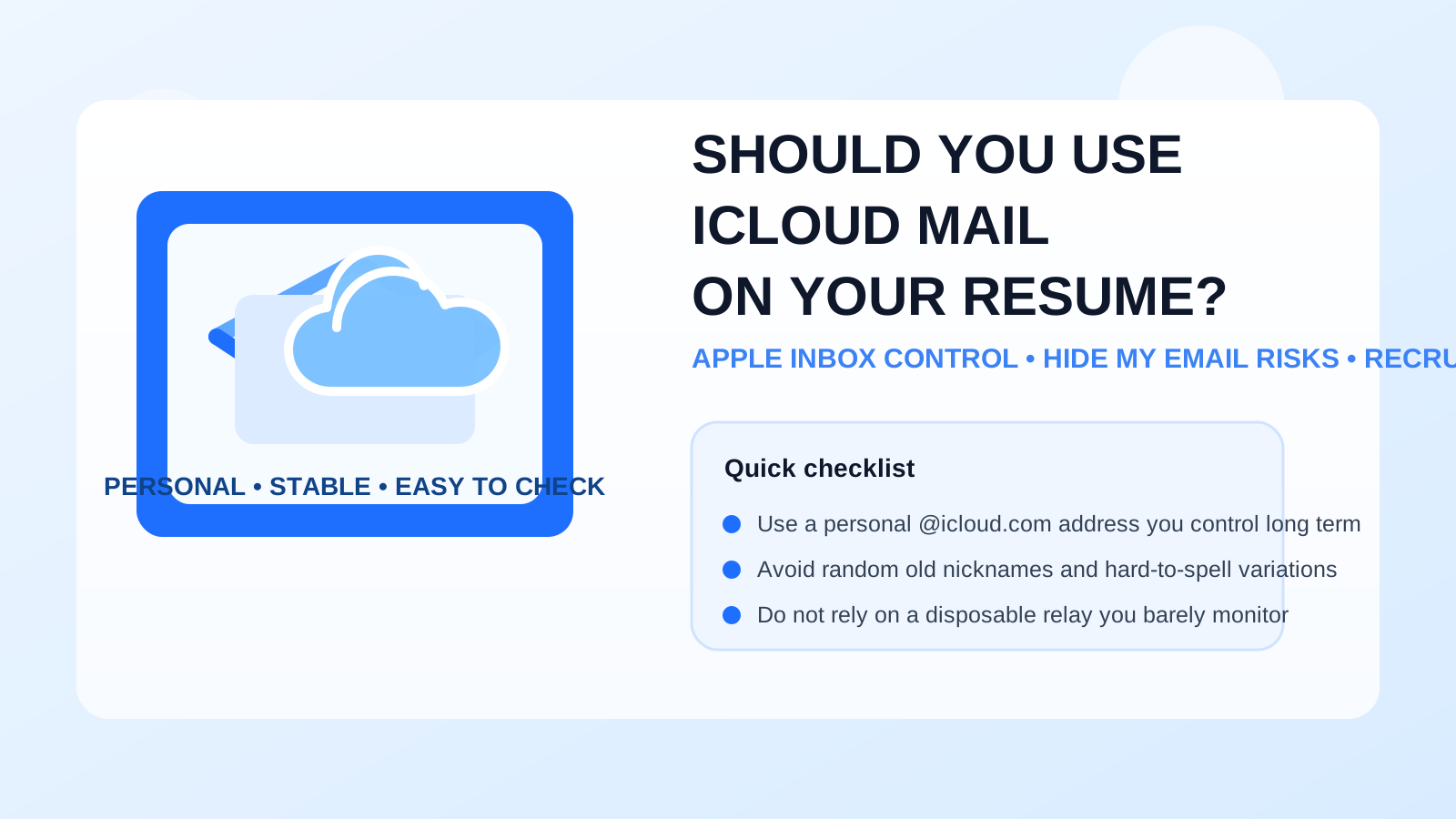
Quick decision checklist
- Is this a personal iCloud inbox I fully control?
- Does the address look clean and professional?
- Do I check it often enough for fast recruiter follow-up?
- Am I using a real mailbox instead of a relay I may forget to manage?
- Would a separate job-search inbox give me better boundaries?
If you can answer yes to most of those, iCloud Mail is probably a good resume choice.
Final answer
Yes, you can use iCloud Mail on your resume if the address is professional, stable, and actively monitored. For many job seekers, a personal @icloud.com inbox is a perfectly reasonable contact method because it is familiar, long-term, and under your control.
The bigger decision is not Apple versus Gmail versus Outlook. It is whether the specific inbox helps recruiters reach you without confusion. If your iCloud account is clean and dependable, use it confidently. If it is too personal, cluttered, or tied to a relay you do not manage closely, create a dedicated job-search inbox and keep your resume contact details simple, durable, and easy to trust.