Yes, LinkedIn Messages can be a good place to start an informational interview conversation.
They work best for the first outreach and light coordination, while scheduling details, follow-up notes, and any longer-term relationship-building are often better handled in email or calendar invites you can manage more reliably.
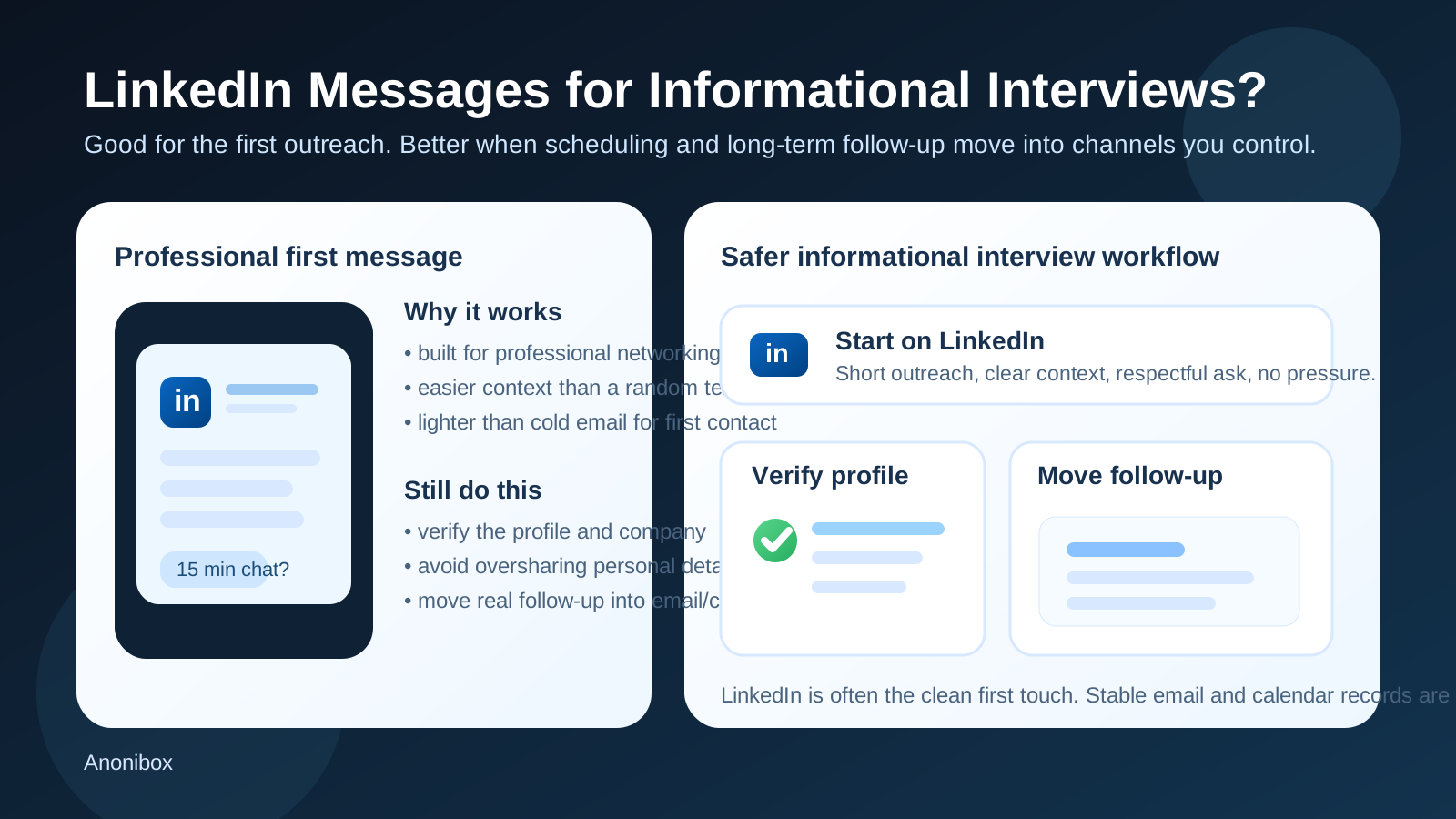
That is the practical answer behind searches for should you use linkedin messages for informational interviews. Informational interviews are different from formal job interviews. You are not usually responding to a structured hiring workflow. You are reaching out to someone in your field, asking for perspective, and trying to learn without sounding transactional or intrusive. LinkedIn fits that dynamic naturally because it already gives both people some professional context.
At the same time, convenience can hide a few trade-offs. LinkedIn Messages are still part of a social platform. They are easy to ignore, easy to lose, and not always the best long-term record for scheduling or ongoing follow-up. If you use them well, they can open doors. If you rely on them too heavily, they can make your outreach feel casual, scattered, or harder to manage than it needs to be.
Why LinkedIn Messages are such a common channel for informational interviews
Informational interviews often start with weak ties. Maybe you found someone through alumni search, a mutual connection, a company page, a conference thread, or a job title you aspire to. In those situations, LinkedIn Messages make sense because the platform answers some basic questions right away:
- Who is this person?
- What do they do?
- How did I find them?
- Why might they be relevant to my career questions?
That context matters. A cold text message feels invasive. A cold email can work, but it may feel heavier if you are not sure the address is current or public-facing. A LinkedIn message often lands in the middle: professional enough to make sense, light enough not to feel like a formal request for labor.
Short answer: yes, but use them like a professional tool
LinkedIn Messages are usually appropriate for asking for an informational interview, especially when you have a real reason for contacting the person and your note is concise and respectful. Where people get into trouble is not the channel itself. It is how they use it.
A message that is thoughtful, specific, and low-pressure can work well. A message that is vague, too long, too personal, or obviously copied to dozens of people usually does not. The platform gives you access. It does not remove the need for judgment.
What makes LinkedIn better than some other channels
1. Built-in professional context
The profile itself gives you a reason for the outreach. If you mention a shared alma mater, a recent post, a career transition, or a role they have held, the message feels grounded in reality instead of random networking spam.
2. Lower friction than email for first contact
Some people ignore cold email because it feels like work. LinkedIn Messages can feel lighter. That matters when the ask is small, like a fifteen-minute conversation or a few quick career questions.
3. Better than personal chat apps for boundaries
LinkedIn is still a platform, but it is at least built around professional identity. That makes it a cleaner place to start than jumping into WhatsApp, Signal, Telegram, or your personal number before trust exists.
4. Useful when you do not have a public email address
Not everyone shares a direct work email, and many people do not want strangers writing to their personal inbox. LinkedIn can be the most realistic first path.
What LinkedIn Messages do poorly
1. They are easy to lose in a crowded inbox
Some people check LinkedIn daily. Others barely open it. A good message can still disappear under recruiter outreach, sales pitches, group notifications, and connection spam.
2. The thread is not always a great long-term system
Once a real conversation begins, you may need scheduling clarity, time-zone details, follow-up notes, and a clean way to reference what was agreed. Email and calendar invites usually handle that better.
3. Privacy boundaries can get blurry
LinkedIn reveals more than just your message. It also exposes your profile, network signals, and activity level. That is not automatically a problem, but you should remember you are not messaging in a vacuum.
4. Informality can make weak outreach worse
Because messaging feels casual, some people send low-effort notes they would never send by email. The result is often generic, entitled outreach that gets ignored.
When LinkedIn Messages are a strong choice
- You found the person directly through LinkedIn and the platform provides the clearest context.
- You share an employer, school, industry niche, certification path, or mutual connection worth mentioning.
- You are making a modest ask, such as a brief informational call or a few career questions.
- You do not yet need to exchange documents, private contact details, or anything sensitive.
- You want a lower-pressure first touch than a cold email to a work address.
In those situations, LinkedIn is often one of the best places to start.
When LinkedIn should probably not be your only channel
- The conversation is moving toward an actual scheduled meeting.
- You need to confirm time zones, calendar links, or rescheduling details.
- The person has responded warmly and offered a more direct contact method.
- You want to build a longer-term relationship and keep a cleaner record of follow-up.
- You need to send something more detailed than a short message.
Once the conversation becomes real, moving some of the logistics into email is usually the cleaner choice. That does not mean abandoning LinkedIn. It means using LinkedIn for what it does well and not forcing it to do everything else.
Privacy considerations before you send the first message
Even though LinkedIn is professional, you should still think about privacy before reaching out.
Review your own profile first
If your profile is incomplete, inconsistent, or full of stale details, your outreach may feel less credible. Before messaging people, make sure your headline, recent experience, location signals, and About section reflect how you want to present yourself.
Be careful with oversharing
You do not need to explain your whole job search, disclose sensitive employment concerns, or tell a stranger that you are secretly trying to leave your employer. Informational interview outreach should be specific, but it should not expose more than necessary.
Do not rush into personal channels
If someone immediately pushes the conversation to text, Telegram, WhatsApp, or another more personal surface, pause and decide whether that is actually needed. Usually it is not, at least not at the start.
How to write a LinkedIn message that actually works
The best informational interview outreach messages are short, specific, and easy to answer. They do not sound like mass networking theater. They sound like one person respectfully asking another for a little perspective.
A strong message usually includes:
- a real reason you chose that person
- one sentence of context about yourself
- a small ask, such as ten to fifteen minutes
- an easy out so the request does not feel demanding
For example, instead of writing a long life story, you might say you are exploring product operations roles, noticed they made a similar transition, and would value ten minutes of perspective if they are open to it. That is clear, respectful, and easy to decline without awkwardness.
What not to do
- Do not send a wall of text.
- Do not ask for a referral in the first message unless there is already a real relationship.
- Do not make the note feel copy-pasted.
- Do not pressure someone for a response.
- Do not immediately dump your résumé into the thread.
- Do not turn an informational interview request into a disguised job ask.
Informational interviews work best when the learning goal is genuine. People can usually tell when “I would love your advice” actually means “please help me skip the line.”
Should you move the conversation to email?
Often, yes. Not always immediately, but often once the person says yes.
Email is usually better for:
- confirming a date and time
- sending a calendar invite
- sharing a meeting link
- sending a thank-you note afterward
- keeping a searchable record of the conversation
This is where broader job-search privacy habits matter. A stable, professional inbox is useful for real networking. A disposable inbox is usually not the right fit for an actual informational interview because you do not want replies to vanish or become hard to monitor. If you use Anonibox or another temp-inbox workflow for noisy signups, gated downloads, or low-trust job-board activity, that can be sensible. But for a real one-to-one career conversation, a permanent, professional email address is usually the better home for follow-up.
Red flags to watch for
Most informational interview outreach on LinkedIn is harmless. Still, a little caution is smart.
- The profile looks thin, inconsistent, or recently created.
- The person quickly pushes you toward private chat apps for no clear reason.
- The conversation shifts from career advice to suspicious recruiting promises.
- You are asked for personal documents, money, or sensitive identity details.
- The person refuses normal professional follow-up like email or calendar invites.
Those are not typical informational-interview dynamics. If the conversation starts feeling like a scam, recruiting funnel, or pressure tactic, step back.
Best practices for handling the next step
Keep the ask small
Fifteen minutes is easier to say yes to than thirty. A few focused questions are better than “pick your brain.”
Be explicit about why you reached out
People respond better when the reason is concrete: their path into sales engineering, their experience at a particular company, their move from operations into product, or their perspective on a niche field.
Offer flexibility
Give them an easy way to decline or suggest another format. Sometimes a person will answer in messages instead of taking a call, and that can still be useful.
Follow up once, then stop
If they do not reply, one polite follow-up is enough. Anything beyond that starts to look pushy.
Thank them properly
If they help you, send a brief thank-you and keep it specific. That leaves a better impression than generic networking gratitude.
A quick decision checklist
- Do I have a real reason for contacting this person?
- Is LinkedIn the clearest and least invasive first channel?
- Does my message make a modest, respectful ask?
- Am I avoiding unnecessary personal details?
- If they say yes, do I have a stable email and calendar workflow for follow-up?
If the answer to most of those is yes, LinkedIn Messages are probably a solid choice.
Final answer
Yes, LinkedIn Messages are usually a good channel for informational interviews when you use them thoughtfully. They give you professional context, make first contact easier, and feel less invasive than many alternatives. But they work best as the front door, not always the full house.
Start there if the platform is the natural reason you found the person. Then, if the conversation becomes real, move scheduling and longer-term follow-up into a more stable channel you control well. That balance gives you the convenience of LinkedIn without turning an important career conversation into a messy thread you might lose later.