Yes—Mail.com can work for job referrals if you use a professional-looking address and monitor it consistently.
It is usually better than a disposable inbox for referrals, but trust, continuity, and fast follow-up matter more here than privacy branding alone.
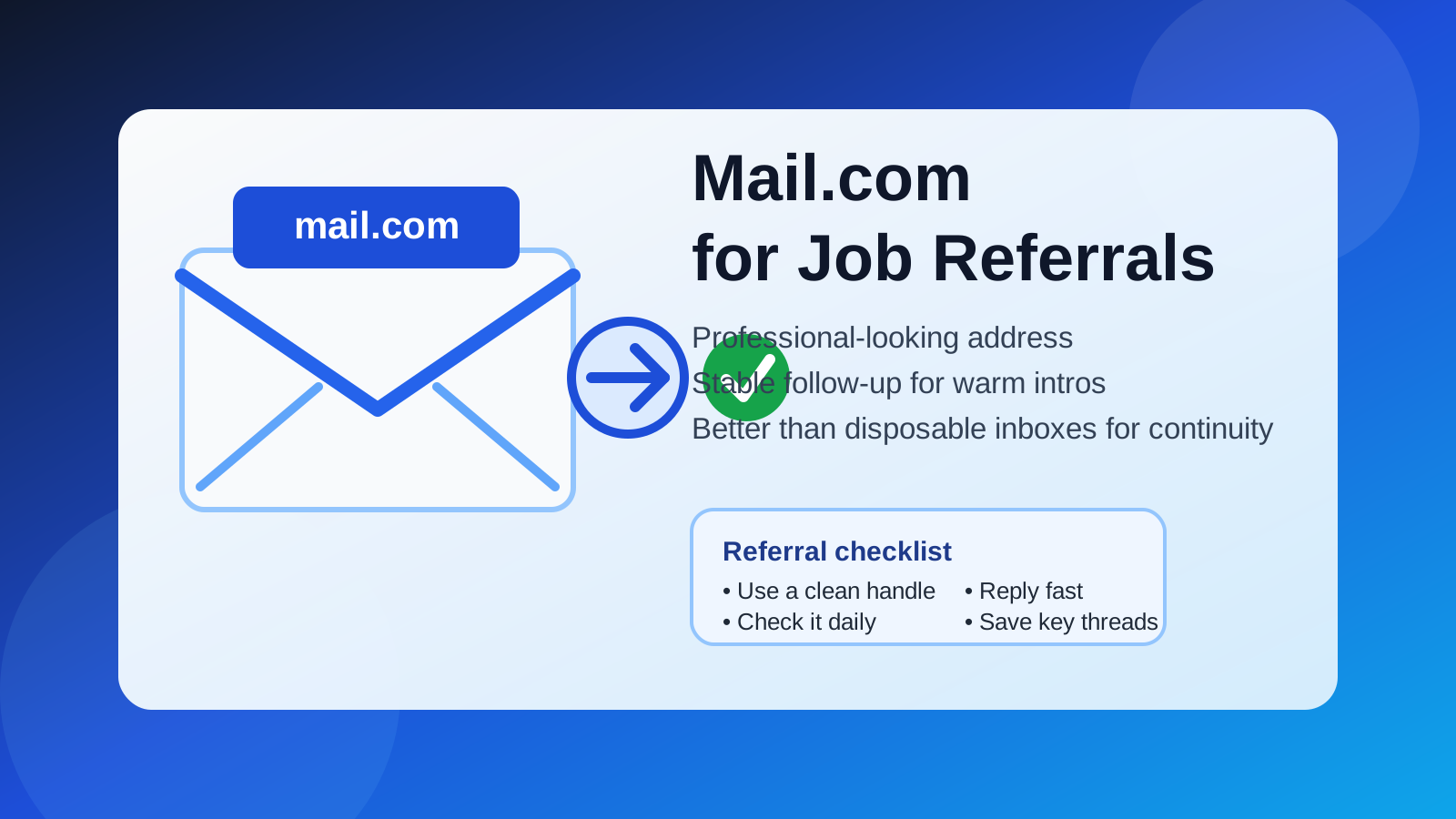
That is the practical answer behind the question should you use Mail.com for job referrals. A referral is not the same as a cold application, a random job board signup, or a one-time account verification. When someone refers you, they are lending you a bit of their own credibility. That means your email address becomes part of the first impression.
Mail.com is a real long-term inbox provider, so it starts from a much stronger position than a burner or temporary email address. Still, a referral workflow depends on smooth communication. If your address looks messy, goes unchecked, or creates avoidable friction, the small privacy benefit stops being helpful.
Why referrals are different from normal job applications
Referrals are warmer than ordinary applications. A recruiter, hiring manager, or internal employee is often paying attention because someone already vouched for you. That usually changes the pace and tone of the conversation.
- Things can move faster: a referred candidate may get a quicker intro call, a direct email, or a request for a resume right away.
- The referrer wants an easy handoff: if your contact information looks awkward or unreliable, it adds friction to a process that is supposed to feel smooth.
- Follow-up matters more: referrals often depend on short bursts of communication around introductions, scheduling, and reminders.
Because of that, the question is not just “is Mail.com private enough?” It is also “does this address help people trust me, reach me, and keep the process moving?”
Short answer: Mail.com is usually fine if it looks professional and stays active
For most legitimate employers, the real tests are simple:
- Can they reach you without problems?
- Does the address look normal enough for business communication?
- Will you actually respond quickly when someone follows up?
If the answer is yes, Mail.com can work well for job referrals. It gives you a separate inbox without the instability of a temporary email service. That makes it much more suitable for referrals than a throwaway address that may expire or sit unread.
The main drawback is familiarity. Gmail and Outlook are instantly recognizable to almost everyone. Mail.com is real and widely known enough to function, but it is still a little less familiar, which means presentation matters more.
What Mail.com does well for job referrals
1. It lets you separate your job search from your main inbox
Referrals can generate more back-and-forth than people expect: introductions, resume requests, recruiter follow-ups, interview scheduling, reminders, and sometimes longer pauses before another message arrives. A dedicated inbox helps you keep all of that in one place instead of mixing it with newsletters, receipts, family mail, and everything else.
That separation also makes it easier to search old threads later. Referrals sometimes come back weeks or months after the original intro. A stable mailbox is a lot more useful than a temporary inbox when the conversation restarts.
2. It offers more continuity than disposable email
This is the biggest reason Mail.com can make sense. Referral communication is not a one-click verification problem. It is an ongoing relationship problem. If a recruiter follows up later, or if your contact forwards your details again, you need an address that still exists and still gets checked.
That is where a permanent inbox beats a temporary one. Tools like Anonibox can be useful when you want to protect your main address during early signups or low-trust situations. But for a real referral, continuity is usually more important than maximum anonymity.
3. It can support a more privacy-conscious workflow
If you do not want to use your oldest personal inbox everywhere, a separate Mail.com address can reduce spillover. It gives you some distance between job-search traffic and the inbox tied to banking, personal accounts, or long-term identity history.
That is a reasonable privacy decision, especially if you expect your referral to lead to recruiter outreach, applicant tracking system notifications, or future hiring emails beyond the immediate introduction.
Where Mail.com can hurt you
1. A weak handle can look less polished than the provider itself
The provider is only part of the impression. The address itself matters just as much. Something like firstname.lastname@mail.com feels normal. Something like nightwolf8842@mail.com or stealthcandidate@mail.com can feel improvised, even if the person behind it is perfectly serious.
In referral situations, small presentation mistakes are more noticeable because the interaction is already warmer and more personal.
2. You may miss important follow-up if you do not check it often
A separate inbox only helps if you treat it like a live communication channel. If you create a Mail.com account, use it for referrals, and then forget to check it for two days, the privacy advantage turns into a practical liability.
Referrals often succeed because the candidate replies quickly and keeps momentum. Slow replies can make a warm intro go cold.
3. Some people still trust mainstream providers more automatically
This will not matter in every situation, but it is real. Some recruiters are used to Gmail, Outlook, or company-domain addresses. A Mail.com address is not a red flag by itself, yet it may prompt slightly more subconscious scrutiny than a very familiar provider. That does not mean you should avoid it. It just means the rest of your setup should look clean and intentional.
How to make Mail.com work better for referrals
Choose a clean, boring address
Boring is good here. Use your name, or a simple variation of it. Avoid slang, jokes, old gaming handles, or anything that looks temporary.
Turn on notifications and check spam folders
Referral emails can include calendar invites, forwarded recruiter messages, or short “are you still interested?” notes that are easy to miss. If you use Mail.com for referrals, keep notifications on and review spam or junk folders regularly.
Reply fast and keep your tone steady
A referral is partly about reducing friction. If someone introduces you and the recruiter replies, answer clearly and promptly. Your email provider matters much less when your communication is organized, polite, and responsive.
Keep your resume and LinkedIn aligned with the same contact details
If your referral email, resume, and LinkedIn profile all point in the same direction, you feel easier to trust. If the referral comes from one address but the rest of your materials point elsewhere with no explanation, it can create small doubts that are easy to avoid.
When Mail.com is a good choice
- You want a separate inbox for job-search communication.
- You plan to monitor it closely every day.
- You can create a professional-looking handle based on your real name.
- You expect referral conversations to continue for weeks or months.
- You want more privacy than using your oldest personal inbox everywhere.
When another address may be better
- You already have a clean professional inbox on a mainstream provider that you check constantly.
- You have a custom-domain email address that looks even more established.
- You know the referral is for a highly conservative industry where familiarity and polish matter a little more.
- You are not confident you will actively monitor a separate Mail.com inbox.
In other words, Mail.com is not the only reasonable option. It is just one workable option if it helps your organization and privacy without hurting reliability.
What not to do
- Do not use a disposable address for a real referral unless you are willing to risk losing follow-up.
- Do not create a separate inbox and then forget to check it.
- Do not use a strange username that makes the address look less credible than it needs to.
- Do not switch addresses midway through the process unless you have a clear reason and explain it simply.
A simple decision rule
If the referral is real, the opportunity is worth pursuing, and you want a separate inbox, Mail.com can be a perfectly reasonable choice. If you mainly need short-term shielding for random signups or low-trust job-board activity, a temporary email workflow may be more appropriate—but that is a different use case from referrals.
The key is matching the tool to the stage of the job search. Referrals need stability. Temporary signups need isolation. Those are not the same problem.
Final answer
So, should you use Mail.com for job referrals? Usually yes, if the address looks professional and you treat it like a serious communication channel. It gives you more continuity than a disposable inbox and more separation than your main personal email, which can be a good balance for privacy-conscious job seekers.
Just remember that referrals run on trust and follow-through. A clean address, fast replies, and consistent monitoring matter more than the provider name alone. If Mail.com helps you stay organized without making you look careless or hard to reach, it can do the job well.