Usually no—if your employer owns or manages the laptop, job offers can expose salary details, offer letters, signatures, and personal documents through browser traces, saved files, and monitoring tools.
A personal device is usually the safer option because the offer stage often includes the most sensitive career paperwork in the whole hiring process.
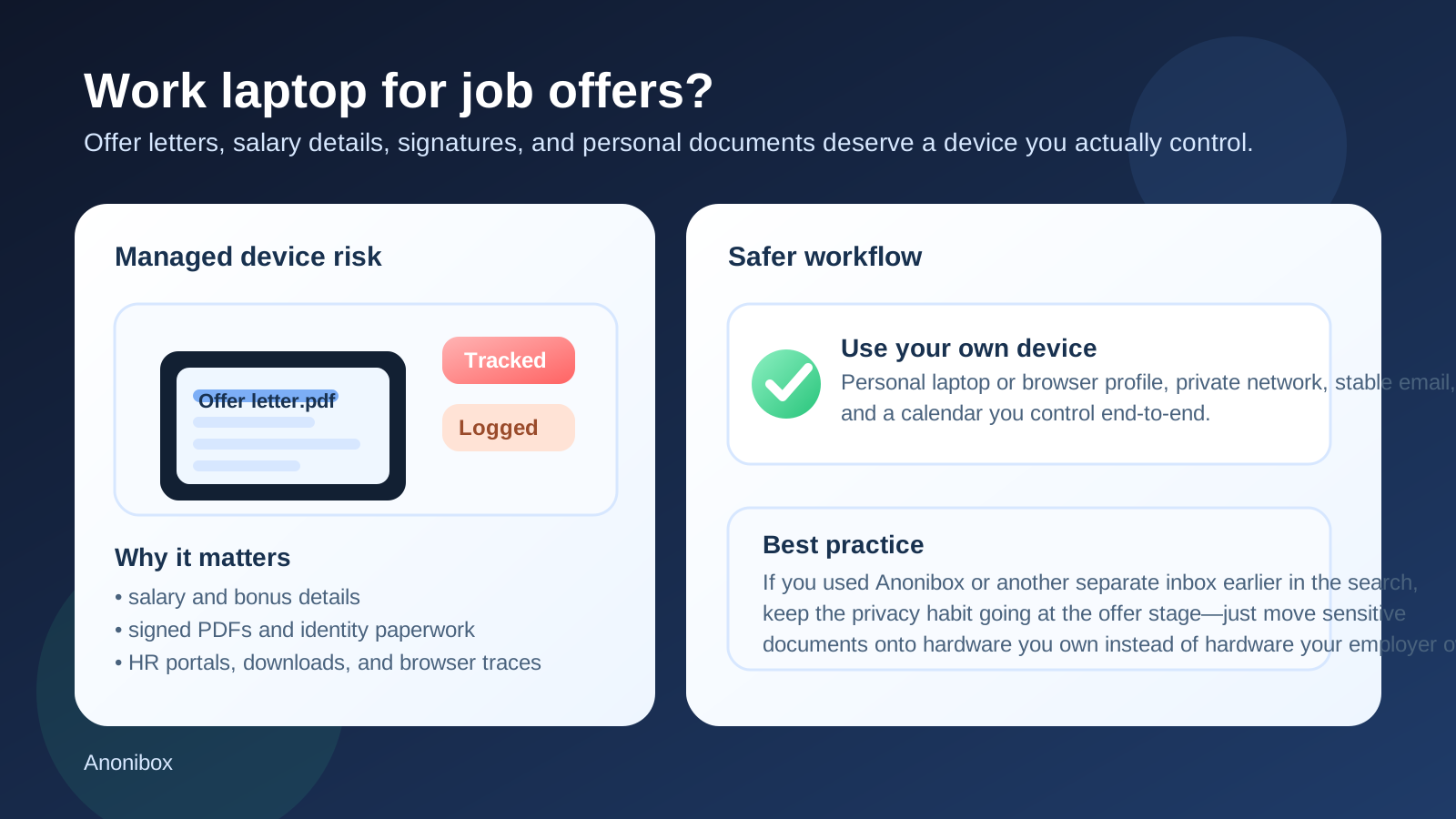
That is the practical answer behind searches for should you use your work laptop for job offers. A lot of job seekers get through early research, applications, and recruiter messages on whatever machine is nearby. But job offers change the stakes. Once an employer wants to hire you, the workflow usually shifts from general conversation to documents, deadlines, and sensitive information. That is exactly when using a work laptop becomes a worse idea, not a better one.
An offer packet can include salary details, bonus terms, equity language, benefits information, start dates, e-signature requests, government forms, and identity documents. Even if nobody is actively watching your screen, employer-owned hardware can still retain traces through browser history, downloads, remote-management tools, sync settings, endpoint logging, and support access. If you want the option to keep a job transition private, that is too much exposure for too little convenience.
Why the offer stage is more sensitive than earlier job-search steps
There is a big difference between reading a job description and handling an actual offer. Earlier in the process, the risk is usually about visibility: a recruiter email, a saved résumé, a calendar invite, or a suspiciously timed browser tab. Once you reach the offer stage, the risk becomes deeper because the content itself is more personal.
An offer package may include your compensation, proposed title, reporting line, location expectations, start date, and legal terms. It may also lead directly into background-check forms, benefit enrollment documents, payroll setup steps, or secure portals that request sensitive personal information. If those files, portals, or notifications touch employer-owned hardware, you are no longer just leaving signs of a job search. You are potentially exposing the details of your exit path.
Short answer: usually avoid your work laptop for job offers
If the laptop belongs to your current employer, the safest default is simple: do not use it for job offers unless you fully accept that the activity may leave traces you cannot control. That does not mean someone is guaranteed to discover what you are doing. It means the device is not yours, the operating environment is not private, and the information involved is often too sensitive to treat casually.
In most cases, the better move is to move the offer workflow onto a personal laptop, a private browser profile on your own device, and a calendar and inbox you control directly.
The biggest risks of using a work laptop for job offers
1. Offer letters and compensation files can be stored locally
Many offer workflows involve downloaded PDFs, attached documents, or temporary files created by a browser preview. Even if you only intend to read the document once, it may still appear in recent files, downloads folders, browser caches, document viewers, printer queues, or system search history.
A file named Offer Letter.pdf, Compensation Plan.pdf, or Benefits Guide.pdf is a much clearer signal than a random job-board page. The later the hiring process gets, the more revealing each artifact becomes.
2. Managed devices can generate logs you never see
Company laptops often run endpoint protection, mobile device management, browser controls, web filtering, VPN policies, data-loss prevention tools, and other security systems. Most of these tools exist for legitimate reasons, not to spy on job seekers. But they still make employer-owned hardware a poor choice for confidential career activity.
That matters because a job offer is not just another website. It may involve portals, uploaded identity documents, secure links, document signing tools, or messages with keywords that are much more obvious in logs and browser traces than casual browsing.
3. Notifications can expose you at the worst moment
Offer-stage messages can arrive with attention-grabbing subject lines: “Your Offer Letter,” “Please Sign by Friday,” “Benefits Enrollment,” or “Complete Your Background Check.” If those alerts appear on a work machine during screen sharing, meetings, or support sessions, the privacy problem is immediate and obvious.
Sometimes the biggest risk is not advanced monitoring at all. It is simply the wrong message appearing on the wrong screen.
4. E-signatures and forms create a stronger paper trail
At the offer stage, you may be asked to sign a letter, acknowledge terms, or fill out personal forms. Those actions can create browser history, downloaded confirmations, email receipts, and authentication records. If the device is company-owned, that trail sits in an environment you do not control.
Even if the signature itself is secure, your access pattern can still be visible.
5. Support access and device reviews become a hidden risk
Work laptops eventually get repaired, reimaged, troubleshot, audited, or replaced. That means activity you forgot about can resurface later in ways you did not intend. A browser tab left pinned, a downloaded attachment, a remembered login, or a recent file can become visible during completely routine IT work.
That is one reason privacy-conscious job seekers often focus too much on email and not enough on hardware. Device control matters just as much.
Why offer-stage privacy deserves extra caution
Offer letters are often the bridge between private exploration and real-life change. Once you are reviewing salary terms or deciding whether to resign, exposure has a different cost. A manager seeing a job board tab is awkward. A manager discovering that you are reviewing another company’s actual offer package can change trust, timing, and internal dynamics immediately.
That is why “I only used the work laptop for convenience” is not a strong trade-off here. Convenience lasts a few minutes. The consequences of avoidable exposure can last much longer.
When using a work laptop might be less risky
There are edge cases where the risk is lower, but they are narrower than many people assume.
- the laptop is effectively personal property even if you also use it for work
- there is no employer management, logging, monitoring, or shared admin access
- you are fully comfortable with the possibility that job-offer traces remain on the machine
- you are not handling sensitive documents, signatures, or personal forms there
Even then, lower risk is not the same as good practice. If you have a personal device available, it is still usually the cleaner option.
Better alternatives for handling job offers
Use a personal laptop or personal desktop
This is the simplest upgrade. A device you own gives you more control over browser profiles, saved files, local security, notifications, and cleanup. It does not eliminate every privacy risk, but it removes the biggest employer-owned-device problem.
Use a separate browser profile on your own device
If you want even more separation, keep offer-stage portals, signing links, recruiter email, and compensation research inside a dedicated browser profile. That reduces mix-ups with work-related browsing and makes cleanup easier.
Keep the offer workflow off employer networks when possible
If you can avoid using a company VPN or corporate network for sensitive offer tasks, do it. A personal connection or trusted private network is usually better than routing offer-stage traffic through systems your employer operates.
Use a stable inbox you control
By the offer stage, you usually want continuity more than disposability. If you used Anonibox earlier to shield your main inbox from spammy job boards or low-trust signups, that was a sensible top-of-funnel move. But when real offer documents arrive, the better setup is a dependable inbox you monitor closely on hardware you own.
The key idea is not that privacy tools stop mattering. It is that the privacy focus shifts. Early-stage privacy is often about limiting spam and exposure. Offer-stage privacy is about keeping sensitive documents, access links, and decisions off employer-controlled systems.
Best practices if you are waiting for an offer right now
- move recruiter email and offer links onto a personal device before the offer arrives
- disable or separate notifications so salary or signing messages do not appear on work hardware
- download offer letters, benefits guides, and related PDFs only on a device you control
- avoid printing sensitive offer materials from employer-owned machines or office printers
- store signed copies and personal documents in your own files, not on employer hardware
- log out of any job-related portals on shared or managed systems
These are small steps, but together they make the offer stage far less messy.
Red flags that mean you should stop using the work laptop immediately
- your company laptop shows heavy monitoring or managed-browser behavior
- you are about to sign an offer or upload identity documents
- you need to review salary, bonus, or equity details privately
- you share your screen often or work in front of other people
- you use a company VPN or have visible work-device notifications enabled
If any of those are true, the risk is no longer theoretical. It is immediate enough that switching devices is the sensible move.
A quick decision checklist
- Who owns and manages this laptop?
- Would I be comfortable if browser history, downloads, or notifications exposed this activity?
- Am I about to handle salary terms, signatures, or identity-related forms?
- Do I have a personal device available instead?
- Have I kept my inbox, browser, and calendar separated enough to avoid obvious mix-ups?
If those questions make you hesitate, that hesitation is useful. It usually means the work laptop is the wrong place for the task.
Final answer
Usually no—you should not use your work laptop for job offers if your employer owns, manages, or can review that device. The offer stage often includes the most sensitive materials in the hiring process, and employer hardware is the wrong place to handle salary details, offer letters, signatures, and personal documents you want to keep private.
The better alternative is simple: move offer-stage communication onto hardware, networks, and inboxes you control. If Anonibox helped you keep earlier job-search noise away from your main inbox, keep that privacy mindset—but do not stop at email. At the offer stage, the device matters just as much as the address.