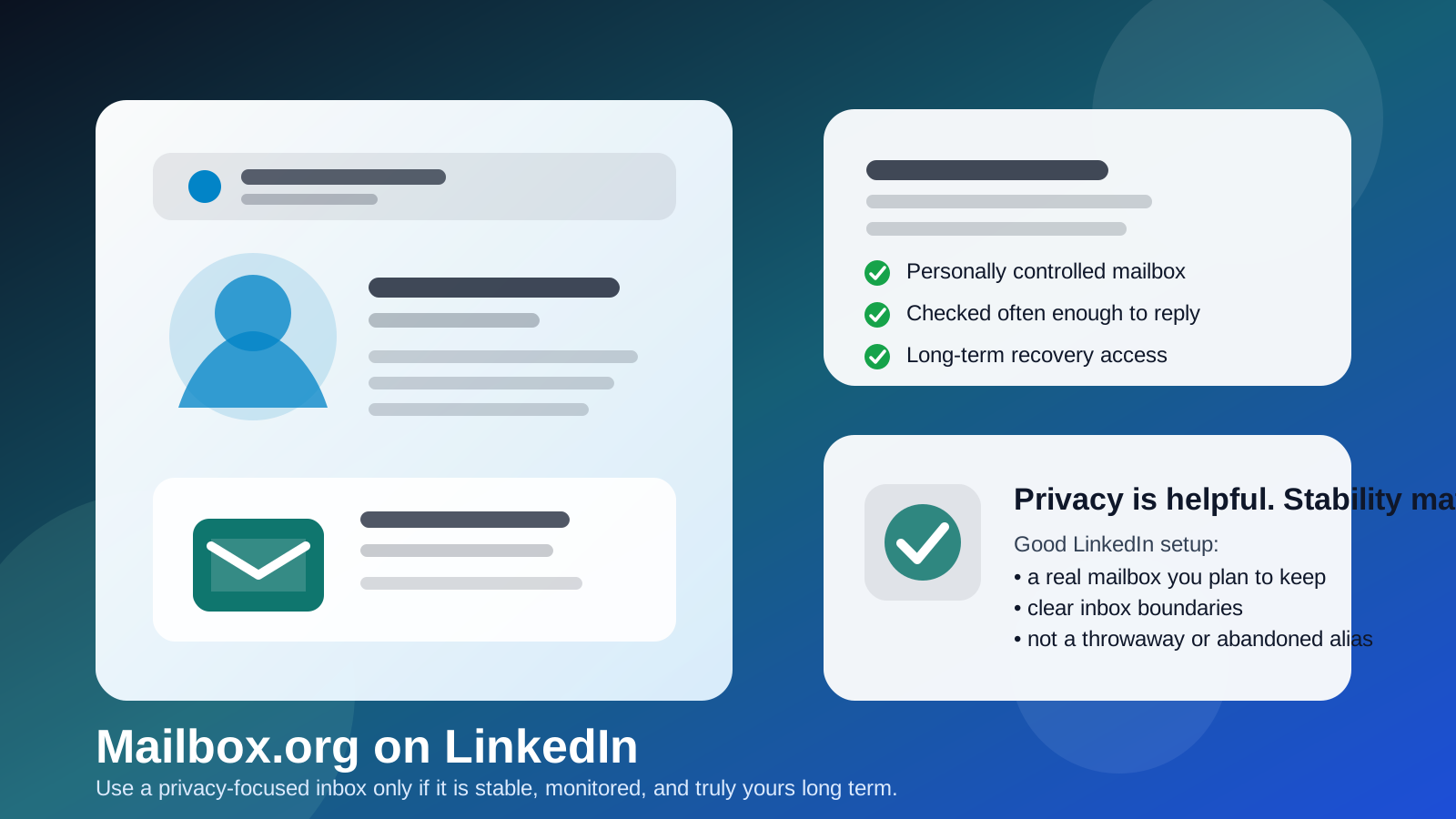
Yes — Mailbox.org can be a good email choice for LinkedIn if you want a privacy-minded inbox you control long term and actually monitor.
It works best as a stable separate mailbox for networking and recruiter replies, not as a throwaway address, a barely checked backup inbox, or a clever alias you might stop using later.
Why people ask about Mailbox.org on LinkedIn
When people ask whether Mailbox.org is a smart email for LinkedIn, they are usually not asking about the technical basics of receiving mail. They are asking whether a privacy-focused provider is a good fit for a long-lived professional profile.
That is a fair question. LinkedIn is different from a quick free trial, a one-off download, or a short signup where a temporary inbox can be useful. Your LinkedIn account may stay active for years. Recruiters may reach out long after you update your résumé. Old coworkers may reconnect after you change companies. Security alerts, account-recovery messages, and job-related follow-ups all depend on the email behind the account still being accessible.
Mailbox.org appeals to people who want a calmer inbox, more privacy, and better separation between professional-platform traffic and everyday personal mail. Those are good reasons. But the real test is not the brand alone. The real test is whether the address is stable, monitored, and under your personal control for the long term.
Short answer: Mailbox.org is fine for LinkedIn if it is a real long-term mailbox
If your Mailbox.org address is one you intend to keep, secure, and check regularly, it can be a strong LinkedIn option. It is especially useful if you want a dedicated networking inbox without mixing LinkedIn into your busiest personal account.
If you are treating it like a semi-disposable inbox, an experiment, or an address you rarely open, it is a weak fit. LinkedIn rewards continuity more than cleverness.
When Mailbox.org works well on LinkedIn
1. You want a separate inbox without using a throwaway
Many people do not want LinkedIn notifications, recruiter messages, and professional follow-up mixed into the same inbox they use for shopping receipts, family travel plans, newsletters, and everything else. A dedicated Mailbox.org account can solve that cleanly. It creates boundaries without forcing you into a disposable-email workflow that is too fragile for a long-term profile.
2. You personally control the account
That matters more than almost anything else. A LinkedIn email should ideally belong to you, not to an employer, school, or organization that can cut off access. If you are using Mailbox.org as a personally maintained account that stays with you when you change roles, it fits LinkedIn far better than a company-owned mailbox.
3. You value a lower-noise, privacy-minded setup
Some people choose Mailbox.org because they want more distance from big mainstream inbox ecosystems, less clutter, or a mail setup that feels more intentional. That can work well on LinkedIn. A cleaner inbox can make it easier to notice the message that matters: an interview request, a recruiter follow-up, or an account-security alert.
4. You check it consistently
Even the most privacy-friendly address is a bad LinkedIn choice if you never open it. Reachability matters. If you use Mailbox.org for LinkedIn, it should be part of your real workflow. That means checking it often enough to reply to human messages in a normal time frame and catch security-related notices before they become problems.
When Mailbox.org is a bad choice for LinkedIn
1. You are using it like a disposable inbox
There is a real difference between a separate inbox and a throwaway one. LinkedIn is not the place to experiment with contact information you may abandon. If your goal is only to keep your main inbox hidden for a few days, that is closer to an Anonibox-style temporary-email use case than a durable professional identity setup. For LinkedIn itself, stability usually matters more than short-term shielding.
2. You rarely monitor the account
A quiet inbox is useful. An ignored inbox is not. If Mailbox.org becomes the address tied to your profile, you need enough habit and discipline to watch it. Otherwise recruiter replies, password-reset messages, and verification notices can sit unread until they are no longer useful.
3. You rely on aliases you might rotate away from
Aliases and forwarding setups can be handy, but they add one more moving part. If your LinkedIn identity depends on an alias that you later disable, rename, or forget to maintain, you create avoidable failure points. For a platform you may use for years, a simple stable address is usually safer than a more elaborate setup you might change later.
4. You expect the provider name to do all the work
Mailbox.org can be a thoughtful choice, but it does not automatically make your LinkedIn setup private, professional, or organized. If the inbox is chaotic, unsecured, or rarely checked, the provider label does not rescue the workflow. Good habits matter more than branding.
Does using Mailbox.org look unprofessional?
Usually, no. Most people who contact you through LinkedIn care far more about whether you reply promptly and communicate clearly than about whether your mailbox provider is famous. Recruiters and hiring managers generally care about accessibility, reliability, and professionalism in the conversation itself.
That said, a lesser-known provider can create tiny bits of friction in rare cases. Someone may be less familiar with it than Gmail or Outlook. But that is usually a minor issue compared with the much bigger benefits of long-term ownership and inbox control. If your address is readable, stable, and working properly, the provider name is rarely a deciding factor.
Mailbox.org vs Gmail, Outlook, and work or school accounts
It helps to compare the real trade-offs instead of thinking in simple good-versus-bad terms.
- Mailbox.org vs Gmail or Outlook: Mailbox.org may feel cleaner and more privacy-minded, while Gmail and Outlook may feel more familiar and universal. Any of them can work if the account is personally controlled and monitored.
- Mailbox.org vs a work account: Mailbox.org is usually the safer LinkedIn choice because your employer does not own it.
- Mailbox.org vs a school account: Mailbox.org is often stronger long term because graduation, policy changes, or access limits do not threaten it the same way.
- Mailbox.org vs a temporary inbox: Mailbox.org is much better for the LinkedIn account itself because it is meant to be maintained, not discarded after a short burst of signups.
That last comparison is especially important. Temporary email tools have a useful role when you want to reduce spam, test a signup flow, or protect your main inbox early in a process. But LinkedIn should usually sit behind an address you can keep for years. If you want short-term shielding for other situations, Anonibox makes sense there. For the actual LinkedIn account, a durable mailbox is the safer move.
Privacy benefits of using Mailbox.org on LinkedIn
Cleaner boundaries
A dedicated Mailbox.org inbox can separate professional networking from your main personal life. That makes LinkedIn activity easier to manage and review later.
Less inbox spillover
If you do not want every networking notification mixed into your everyday email, using a separate provider can reduce clutter and make filters easier to maintain.
Long-term control
Because the account is yours rather than employer-owned, you can keep the same recovery path and contact identity even when jobs, schools, or contracts change.
More intentional exposure
Using a dedicated LinkedIn mailbox can limit how broadly your main personal inbox gets shared. That does not eliminate spam forever, but it can keep your primary account from absorbing every professional-platform interaction.
Risks and downsides to think about
Forgetting the inbox exists
The biggest practical risk is not that Mailbox.org is obscure. It is that a “separate” inbox slowly turns into an “ignored” inbox. If you use it, commit to checking it.
Overcomplicating the setup
If you stack aliases, forwarding rules, and multiple recovery paths on top of the account, you may create a system that feels clever but is harder to maintain under stress. Simpler is often better for LinkedIn.
Using a privacy mindset where continuity matters more
Privacy is valuable, but LinkedIn is also about being reachable by legitimate people. The goal is controlled exposure, not invisibility. If your setup protects you so aggressively that you miss real outreach, it is not helping.
Best practices if you use Mailbox.org on LinkedIn
- Use a stable primary address: choose an address you plan to keep for years, not a temporary experiment.
- Check it on a routine: daily or near-daily is usually reasonable during active networking or job searching.
- Turn on strong security: use a strong password and any appropriate account-protection features.
- Keep the setup simple: avoid building LinkedIn around an alias or forwarding path you may later disable.
- Use folders or filters: keep recruiter mail, LinkedIn alerts, and account-security notices easy to find.
- Think about recovery now: make sure the recovery path and backup access method are current before you need them.
A quick decision checklist
Before you put Mailbox.org on LinkedIn, ask yourself:
- Is this a mailbox I truly control myself?
- Will I still have access years from now?
- Do I check it often enough to catch recruiter messages and security alerts?
- Am I using a real stable address, not just a disposable-style workaround?
- Would this setup give me cleaner boundaries than my main personal inbox?
If most of those answers are yes, Mailbox.org is probably a strong fit. If several are no, a more stable mainstream personal account or a better-maintained dedicated inbox may be the wiser option.
Final answer: should you use Mailbox.org on LinkedIn?
Yes — Mailbox.org can be a smart LinkedIn email choice if you want a separate, privacy-minded inbox that you personally control and plan to maintain long term.
The main rule is simple: LinkedIn needs continuity more than novelty. If your Mailbox.org address is stable, secure, and checked regularly, it can work very well. If it is temporary, overcomplicated, or rarely monitored, it is the wrong tool for a profile that may matter for years.