Yes — Mailfence can be a smart email choice for LinkedIn if you want a separate, long-term inbox that feels more private than your main personal account. It is a better fit than a disposable address, but only if you plan to keep checking it and keep the account active.
If you want recruiter replies without exposing your everyday inbox, a stable secondary mailbox like Mailfence can work well. If you want maximum convenience and you already manage LinkedIn from your main professional email, switching may not be necessary.
Why this question matters
LinkedIn is not a one-time signup you forget about next week. It is often a long-lived professional identity that can stay active for years while you change jobs, explore opportunities, or quietly network in the background. Because of that, the email attached to your LinkedIn account matters more than the email you might use for a quick coupon, webinar, or low-stakes product trial.
People usually ask about Mailfence on LinkedIn for one of three reasons:
- They want more privacy than their main Gmail, Outlook, or iCloud inbox gives them.
- They want a separate mailbox just for job-search and networking activity.
- They do not want recruiter outreach and platform notifications mixed into their everyday personal email.
Those are sensible reasons. The key is understanding what LinkedIn needs from an email address: stability, access, and regular monitoring. Privacy matters, but reachability matters too.
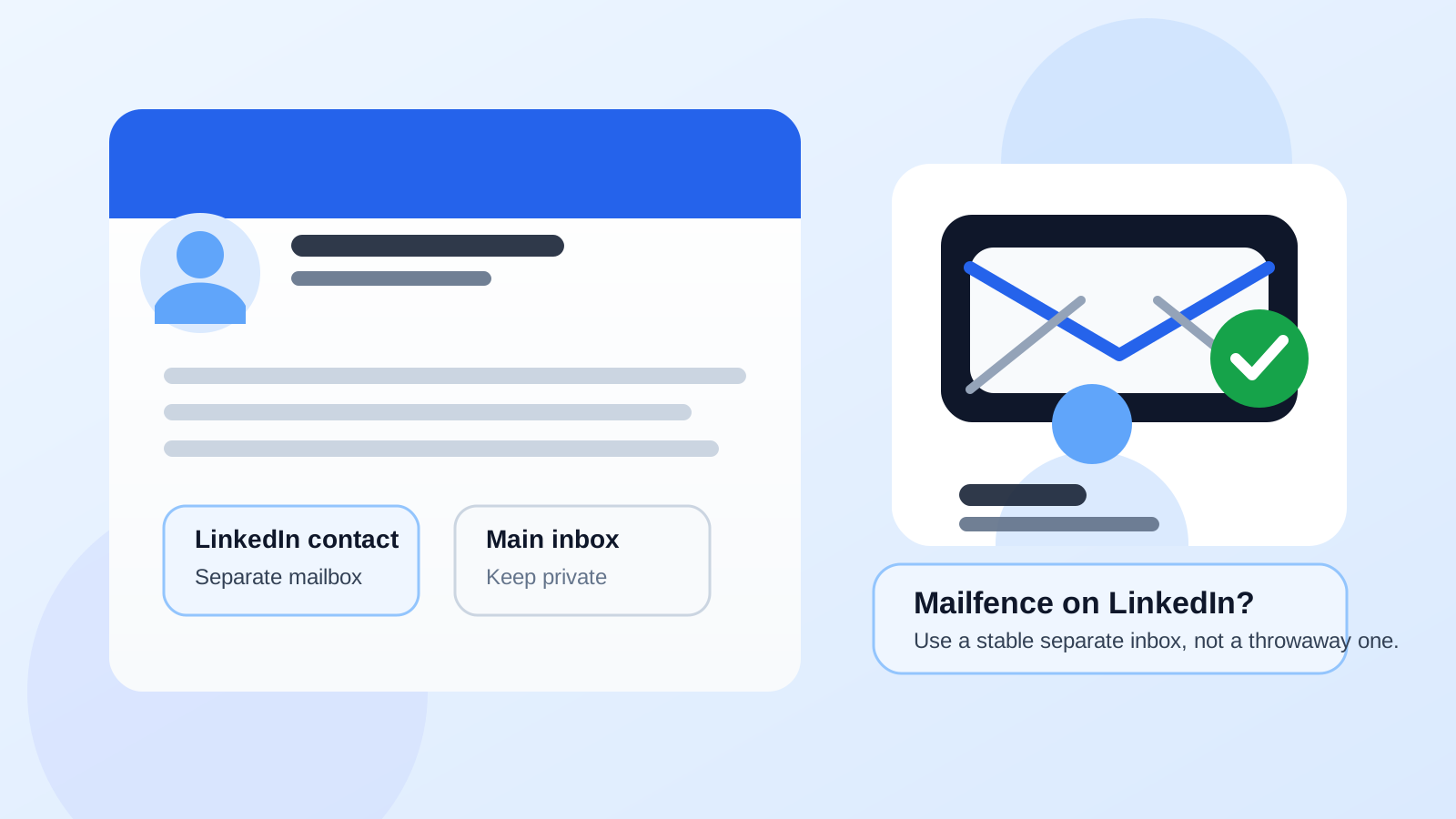
Short answer: Mailfence is usually fine if you want separation without going disposable
Mailfence can be a good middle ground for LinkedIn. It gives you more separation from your main inbox, helps reduce clutter, and can support a privacy-first workflow better than using your everyday address everywhere. But LinkedIn is still a long-term account, so the email you attach should be one you control and check consistently.
That is the real dividing line. A privacy-focused address is helpful. An abandoned address is not.
When Mailfence makes sense for LinkedIn
Mailfence is most useful on LinkedIn when you want a dedicated professional-contact inbox without using your main personal mailbox.
- You want inbox separation: LinkedIn notifications, recruiter follow-ups, and networking replies stay out of your daily personal email.
- You want more control over privacy: using a separate provider can reduce how many platforms have your primary address.
- You are actively job hunting: a dedicated account makes it easier to monitor LinkedIn-related messages without losing them among everything else.
- You plan to keep the account long term: LinkedIn should not point to an inbox you might stop using in a month.
If that sounds like your workflow, Mailfence is a reasonable option. It is far closer to using a separate professional mailbox than it is to using a throwaway inbox.
When Mailfence may not be the best choice
Mailfence is not automatically the right answer for everyone.
- If you already manage LinkedIn well from your main inbox, switching can add unnecessary friction.
- If you rarely check secondary accounts, you may miss password resets, recruiter replies, or account-security notices.
- If you only want a temporary address, LinkedIn is not the place for that strategy because account access needs to last.
- If you want the simplest possible workflow, your established long-term email may be easier to manage.
In other words, Mailfence is helpful when you want intentional separation. It is less helpful if it becomes just another inbox you forget exists.
Mailfence vs your main personal email
Using your main personal email on LinkedIn is common, but it has trade-offs. Your primary address may already be tied to shopping accounts, travel confirmations, family communication, banking alerts, newsletters, and every other part of life. Adding professional networking noise on top of that can make the inbox harder to manage.
A separate Mailfence account can solve that problem. It gives you a cleaner lane for:
- LinkedIn verification and security emails
- Recruiter contact tied to your profile
- Networking follow-ups
- LinkedIn Jobs alerts
- Password reset or suspicious-login notices
The benefit is not magic privacy. The benefit is cleaner boundaries.
Mailfence vs a burner or temporary email
This is where many people make the wrong comparison. Mailfence is not the same as a disposable inbox, and that is a good thing for LinkedIn.
A temporary email can help with short-lived signups, one-off access, or early-stage form testing. But LinkedIn is a durable platform. You may need that same email for years, including for account recovery, identity confirmation, recruiter replies, and security checks.
That is why a stable second mailbox is better than a short-lived one. If you use Anonibox or another temporary email workflow elsewhere, the same logic still applies: disposable addresses are great for low-commitment signups, but LinkedIn usually deserves a maintained inbox you can rely on later.
Will recruiters care if you use Mailfence?
Usually, no. Most recruiters care more about whether you reply promptly and whether your profile looks credible than about which mainstream or privacy-focused email provider sits behind your account. The bigger issue is not brand recognition. It is responsiveness.
If someone messages you through LinkedIn and you miss the follow-up because you never look at the linked mailbox, the provider choice becomes a problem. If you check it consistently, keep the account active, and use a professional display name, most people will not care.
What matters more than provider choice:
- Does your LinkedIn profile look complete and current?
- Do you answer messages in a reasonable timeframe?
- Does the email lead to a mailbox you actually monitor?
- Can you still access it months or years from now?
Privacy benefits of using a separate Mailfence account
The strongest argument for Mailfence on LinkedIn is not secrecy. It is compartmentalization.
With a separate account, you can:
- keep LinkedIn activity out of your main personal inbox
- reduce spillover between professional outreach and everyday life
- change job-search or networking routines without touching your primary email identity
- filter, label, and review LinkedIn-related traffic in one place
That can be especially useful if you are networking actively, testing LinkedIn Jobs alerts, or anticipating more outreach than usual during a job search.
Risks and downsides to think about
There are still a few trade-offs.
1. Another inbox to maintain
Every extra account adds maintenance. If you do not want one more place to check, a second mailbox may become a burden instead of a benefit.
2. Missed security emails
LinkedIn occasionally sends login alerts, verification prompts, and recovery messages. If you do not monitor the attached inbox, account security gets weaker, not stronger.
3. Possible workflow fragmentation
If LinkedIn messages, resume replies, and job-board emails all live in different places, you need a system. Otherwise, you create confusion instead of clarity.
4. False sense of protection
A privacy-focused email provider can improve separation, but it does not guarantee anonymity, safety, or freedom from spam. Your profile activity, public information, and behavior still matter.
Best practices if you use Mailfence on LinkedIn
If you decide to use Mailfence, keep the setup practical.
- Use your real professional name or a consistent version of it on the account.
- Check the inbox regularly, especially if you are job hunting.
- Turn on account-security features and keep recovery information current.
- Do not treat it like a throwaway inbox. LinkedIn is too important for that.
- Keep your workflow simple. If LinkedIn is your networking hub, make sure replies do not disappear into an unattended secondary account.
A simple decision test
Mailfence is probably a good fit for LinkedIn if you can answer yes to most of these:
- Do you want a separate inbox for professional networking?
- Will you keep using and monitoring the account long term?
- Do you want more distance between LinkedIn activity and your everyday personal inbox?
- Are you organized enough to manage one more mailbox without missing important messages?
If the answer is mostly no, your existing long-term email may be the better choice.
Final verdict
Yes, you can use Mailfence on LinkedIn, and for many privacy-conscious people it is a sensible option. It works best as a stable, dedicated inbox for professional networking and recruiter communication — not as a disposable address and not as an account you ignore after setup.
If your goal is cleaner boundaries, less inbox clutter, and more control over where LinkedIn messages land, Mailfence can be a strong fit. If your goal is pure convenience and you already manage everything well through your main inbox, staying with your established address may be simpler.
The best choice is the one you will actually maintain. On LinkedIn, reliability beats cleverness every time.