Yes, you can use Mailfence for career fairs, and it can be a reasonable choice if you want a more private inbox than your main personal or work account.
The bigger question is not whether Mailfence is “allowed,” but whether the address is stable, professional, and checked often enough to catch recruiter follow-up after the event.
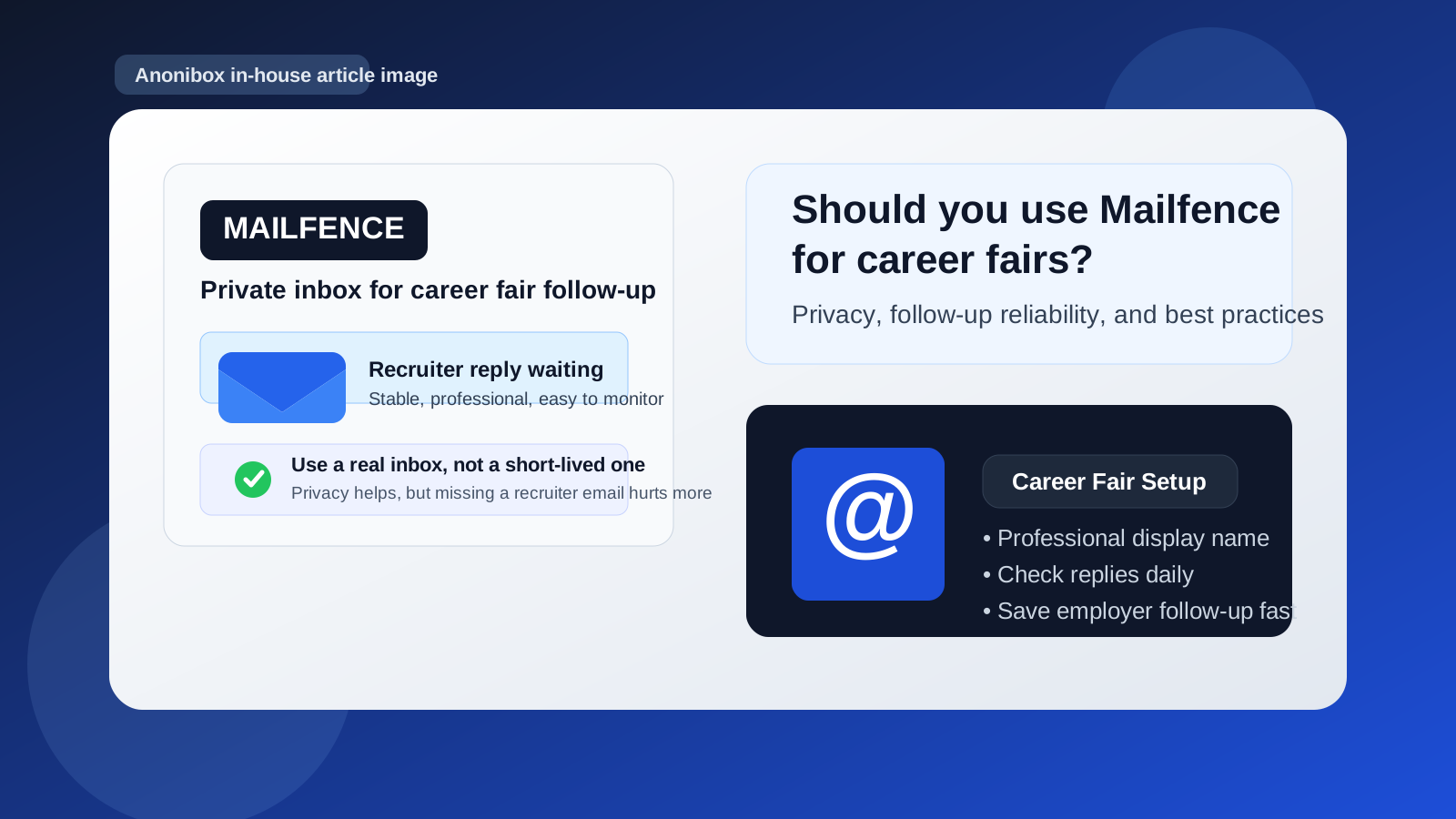
Career fairs create a strange kind of inbox pressure. You may hand your resume to several employers in one afternoon, scan QR codes for talent communities, sign up for alerts, and trade contact details with recruiters who promise to send next steps later. That means one event can turn into weeks of email. If you use your main inbox for everything, the messages mix with daily life, newsletters, receipts, and spam. If you use an expiring or throwaway inbox, you may miss the one message that actually matters.
That is where a service like Mailfence can make sense. It can give you a separate address for career-fair activity without forcing you to use your long-term personal address or your current work email. But the privacy benefit only helps if the account is easy to manage and reliable enough for employer replies. For job-search communication, reachability usually matters more than having the “most private” setup on paper.
Short answer: Mailfence can work well if you treat it like a real job-search inbox
If you already use Mailfence or want a dedicated address for recruiting conversations, it can be a solid middle-ground option for career fairs. It is more professional than a disposable inbox, more private than using your everyday address everywhere, and easier to separate from your normal digital life.
What you should not do is use any alternate email account casually and then forget to monitor it. Career-fair follow-up often happens within a few days. A recruiter may send a scheduling link, ask for your portfolio, request a better resume format, or point you to the official application page. If you miss that window, the privacy win does not help much.
Why someone would consider Mailfence for career fairs
Most people looking at Mailfence for career-fair use are trying to solve one of four problems:
- They do not want their main personal inbox spread across every booth, signup form, and QR code.
- They do not want to use a current employer email while exploring new roles.
- They want cleaner separation between job-search communication and everyday email.
- They expect a mix of real recruiter follow-up and lower-value marketing email after the event.
Those are all sensible reasons. Career fairs are noisy by design. Some recruiters send thoughtful next steps. Some companies add you to broad employer-branding campaigns. Some event platforms trigger automated reminders, surveys, or “stay connected” messages for weeks. Using a separate inbox can make that easier to manage.
When Mailfence is a good fit for career fairs
Mailfence is usually a good fit when you want a dedicated, non-disposable address that still feels professional. That is especially useful in situations like these:
- You are attending a large university or industry fair and expect a lot of follow-up from many employers.
- You are early in your search and want to keep exploratory conversations away from your main inbox.
- You are changing industries or roles and want a clean communication channel just for that transition.
- You are privacy-conscious but still need an address that can hold threaded conversations over days or weeks.
- You want a stable inbox for resumes, scheduling links, and recruiter replies without exposing your everyday account everywhere.
In those cases, a dedicated Mailfence address can be better than using your primary inbox and much safer than using a short-lived temporary address for serious follow-up.
When Mailfence is the wrong choice
It is not automatically the best answer for every career fair. You should think twice if any of these apply:
- You rarely check secondary inboxes. A forgotten inbox is worse than an exposed inbox if employers are waiting on you.
- You already have a clean professional address you trust and use daily. Adding another inbox may create unnecessary friction.
- You plan to use an address only for one afternoon and abandon it. Career-fair conversations often continue well after the event.
- You want a true disposable workflow for low-trust forms only. In that case, a tool like Anonibox may fit the earliest signup stage better, but you should still move serious recruiter conversations to a stable inbox you control.
The key distinction is simple: career-fair follow-up is usually not throwaway communication. Even if the first interaction is brief, the useful messages often come later.
Mailfence vs your personal email
Your personal email is convenient because you already check it. That alone solves a lot of missed-message risk. But it also means every event signup, recruiter follow-up, and employer drip campaign lands in the same place as the rest of your life.
A separate Mailfence address gives you better boundaries. You can search only career-related messages, archive the entire event later, and limit how widely your primary address circulates. For many job seekers, that organizational benefit matters even more than the privacy angle.
If your personal email already has your full name, a professional signature, and good filtering, it may still be the easiest option. But if your main inbox is overloaded or tied to a lot of non-career activity, using Mailfence as a dedicated career-fair channel can be cleaner.
Mailfence vs your work email
Using your work email for career fairs is usually the worse option. It can blur boundaries, create employer visibility concerns, and send the wrong signal if you are actively exploring new opportunities. Even when nothing dramatic happens, mixing job-search outreach with company-owned communication is a bad habit.
If your real alternative is “Mailfence or my current work email,” the separate personal inbox is normally the safer choice.
Mailfence vs temporary or disposable email
This is where people often get tripped up. Temporary email can be useful when you want to protect your main inbox from low-trust forms, one-off downloads, or early-stage signups that may turn into spam. But career fairs are different because you often want later follow-up.
If you give a recruiter a fully disposable address and the inbox disappears before they write back, you lose the opportunity. That is why a stable dedicated inbox is usually a better choice for career fairs than a short-lived temp address.
A reasonable approach is to separate the use cases:
- Use a disposable workflow only for lower-trust event forms or broad newsletter gates you do not fully trust yet.
- Use a stable inbox like Mailfence for actual recruiter conversations, resume submissions, and follow-up you care about.
How to set up Mailfence for career-fair success
If you decide to use Mailfence for career fairs, setup matters. A sloppy alternate inbox can look amateurish or create missed-message problems. A clean setup makes the address feel intentional and reliable.
1. Use a professional display name
Your name should look normal and easy to recognize. Avoid weird handles, numbers, or anything that looks like a burner account.
2. Check the inbox aggressively after the event
The first few days matter most. Check at least once or twice daily right after the career fair, especially if recruiters mentioned applications, interviews, or follow-up materials.
3. Create simple folders or labels
Organize messages by company, event, or action type. That keeps “apply here,” “interview scheduling,” and “thanks for stopping by our booth” messages from blending together.
4. Keep your reply habits fast and consistent
Career-fair momentum fades quickly. If a recruiter sends a next-step email, respond promptly even if the answer is short.
5. Add a short professional signature
Your name, LinkedIn URL if relevant, and maybe your portfolio link are usually enough. Keep it simple.
A practical decision checklist
Before you use Mailfence at a career fair, ask yourself:
- Will I reliably monitor this inbox for the next few weeks?
- Does the address look professional enough on a resume, form, or follow-up reply?
- Am I using it for real recruiter communication rather than only throwaway event spam?
- Would a dedicated inbox help me stay organized compared with my main personal account?
- Do I have a backup plan if a recruiter asks for phone contact or a more permanent application channel?
If the answer to those questions is mostly yes, Mailfence is probably a reasonable choice.
Best practice: separate privacy from availability
The smartest career-fair setup is usually not “most private at all costs.” It is private enough without becoming hard to reach. That means using an address you control, keeping it professional, checking it often, and moving serious opportunities through a stable workflow.
For some people, that will be Mailfence. For others, it will be a dedicated Gmail, custom-domain address, or another separate inbox. The exact provider matters less than the operating principle: keep career-fair communication segmented, but never at the expense of missing real employer follow-up.
Final answer
Yes, you can use Mailfence for career fairs, and for many job seekers it is a sensible middle-ground option. It offers more separation than using your everyday personal inbox and avoids the obvious risks of using a current work address.
Just make sure you treat it like a real recruiting inbox, not a disposable one. If you monitor it closely, keep it professional, and use it for genuine follow-up rather than one-click throwaway signups, it can help you stay organized and protect your privacy without hurting your chances of hearing back.