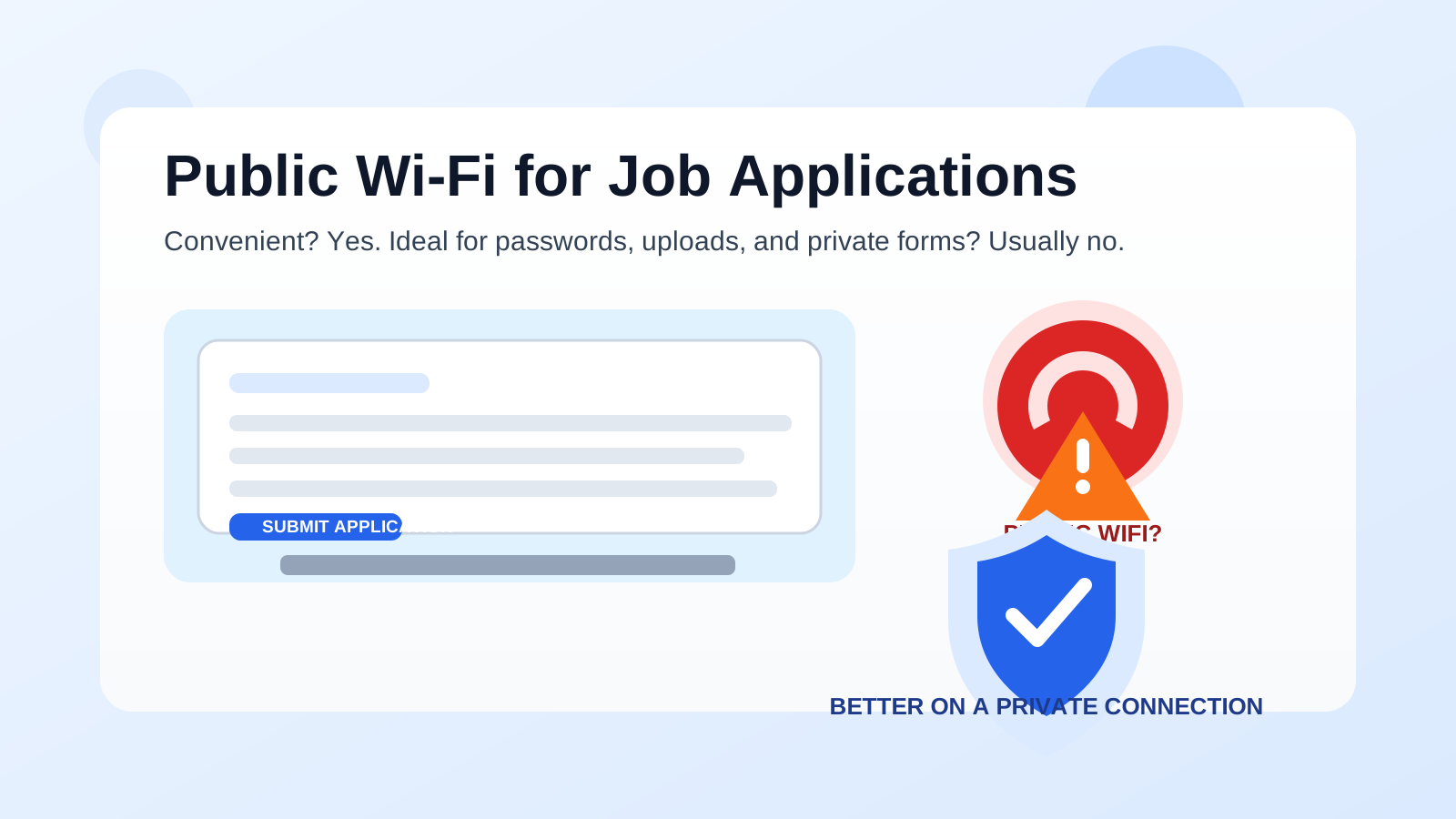
No, public Wi-Fi is usually not the best choice for job applications. If you can avoid it, use a private network, a personal hotspot, or another connection you control before submitting forms, passwords, résumés, and contact details.
You can sometimes browse listings on public Wi-Fi, but completing a full application there is a different question. Job applications often involve account logins, personal contact information, uploaded documents, and repeated follow-up access, which makes public networks a poor place to handle the most sensitive part of your search.
Why this question matters more than it seems
A lot of people apply for jobs from coffee shops, hotels, airports, coworking spaces, libraries, and other places with free internet. That is understandable. Public Wi-Fi is convenient, and job searching often happens in spare moments between work, errands, or travel.
The problem is that job applications are not just casual browsing. You are often doing one or more of the following:
- Creating or reusing login credentials on an employer or job-board account
- Uploading a résumé, cover letter, or portfolio
- Entering your phone number, address, work history, and references
- Linking LinkedIn, GitHub, or other identity-related profiles
- Opening email verification links or password reset messages
That combination makes the network environment matter. Even if the application itself looks ordinary, the session may still expose more about your identity and job search than you intended.
Short answer: browsing is one thing, submitting is another
If you are only reading job descriptions or saving links for later, public Wi-Fi is usually less of a concern. Once you start entering personal information, creating accounts, uploading files, or reusing passwords, the risk rises.
That does not mean every public network is automatically compromised. It means you are depending on infrastructure you do not control, around people you do not know, while handling information that can affect both your privacy and your job search.
The main risks of using public Wi-Fi for job applications
1. Network trust is low by default
On your home network or your own mobile hotspot, you at least know which connection you intended to use. On public Wi-Fi, you are trusting a shared environment with changing devices, unknown administration, and inconsistent security practices.
Some public networks are managed responsibly. Some are barely maintained. Some are simple open networks with little separation between users. You usually do not know which situation you are walking into.
2. Fake or confusing network names are common
Public places often have multiple similarly named networks, and not all of them are legitimate. A network called something like Cafe_Guest_Free may look believable even if it is not the one the venue intended you to use.
If you accidentally join a lookalike hotspot, your risk goes up immediately. That matters when you are entering recruiter contact details, opening account setup links, or typing passwords into job portals.
3. Job applications involve identity-rich data
A job application is not just an email field. It often includes your full name, employment history, city, phone number, education details, and sometimes your salary expectations or work authorization status. Even when a site uses HTTPS, public-network use still increases your exposure to phishing, fake captive portals, shoulder surfing, browser-session confusion, and sloppy device behavior.
In other words, the risk is not only “can someone read every byte in transit?” It is also “am I handling sensitive identity information in a low-trust environment where mistakes are easier?”
4. Public Wi-Fi is often unreliable
Security is only half the story. Reliability matters too. Many job portals time out, fail during uploads, drop session state, or force you to repeat a long form if the connection wobbles. That is frustrating anywhere, but it is especially bad when you are uploading a tailored résumé, entering work history manually, or racing a same-day deadline.
A flaky connection can lead to duplicate submissions, broken attachments, incomplete forms, or uncertainty about whether the employer received your materials at all.
5. Your job search may become more visible than you want
If you are trying to keep your job search private, public environments create extra exposure. Someone nearby can glance at your screen. A shared space may put you in earshot if a recruiter calls while you are applying. Browser autofill may surface personal details at awkward moments. A public network does not just create technical risk; it can also create practical visibility risk.
What HTTPS does and does not solve
It is true that many legitimate job sites use HTTPS, and that is important. HTTPS helps protect the connection between your browser and the website. But it does not turn public Wi-Fi into a great environment for sensitive job-search activity.
HTTPS does not fix every problem that matters here. It does not stop you from joining the wrong hotspot, opening a fake login page, exposing your screen in a crowded room, saving credentials on a shared-feeling setup, or losing progress when the network drops. It is a strong baseline, not a permission slip to do everything everywhere.
When public Wi-Fi might be acceptable
There is a difference between low-stakes research and high-stakes submission. Public Wi-Fi may be fine for:
- Reading job descriptions
- Saving companies to a shortlist
- Researching compensation ranges or team information
- Drafting notes in an offline document before you submit later
Those tasks still deserve basic caution, but they usually carry less risk than creating accounts or sending full application data through a long live session.
When you should avoid it
Try not to use public Wi-Fi when you are:
- Creating or resetting passwords for job-board or employer accounts
- Uploading résumés, cover letters, or identity-heavy application materials
- Opening email verification links for applications
- Entering phone numbers, addresses, or detailed work history on unfamiliar portals
- Applying for roles while trying to keep your search confidential from your current employer or people around you
If the role matters, the safer move is usually to wait a little and submit from a connection you control.
Better alternatives to public Wi-Fi
Use your personal hotspot
If your mobile plan allows it, a personal hotspot is usually the cleanest backup option when you are away from home. You control the connection, you know which network you joined, and you can finish the application without depending on a crowded shared setup.
Use a trusted private network
Your home Wi-Fi, a family network you trust, or another controlled private network is usually better than a public guest connection. It gives you a more stable environment for uploads, account creation, and follow-up access.
Prepare offline, submit later
If timing is tight, use the public connection only to find the role and save the link. Then draft your answers, update your résumé, and submit once you are on a better network. This works especially well for applications with long custom questions.
Keep your job-search identity separated
Network privacy is only one piece of the picture. It also helps to separate the channels you use for job searching. A dedicated inbox or alias can reduce long-term spam and keep recruiter traffic out of your main inbox. Anonibox fits naturally into that workflow when you want an extra layer of separation during early-stage signups, account tests, or lower-trust application funnels.
If you absolutely must apply on public Wi-Fi
Sometimes the deadline is real, you are traveling, and waiting is not practical. If you truly have to apply on public Wi-Fi, treat it as damage control, not a best practice.
- Confirm the exact network name with venue staff or posted signage before joining.
- Use your own device, not a shared public terminal.
- Avoid password resets or sensitive account recovery steps if you can postpone them.
- Do not save passwords in a rushed session if you are worried about where and how you are applying.
- Log out when you finish, especially from job boards and email.
- Double-check uploads and confirmation screens so you know the application actually went through.
- Move follow-up activity back to a better network later for account cleanup, profile edits, and message review.
These steps reduce risk, but they do not make public Wi-Fi ideal. They just make a bad setup less careless.
A practical checklist before you submit
- Am I only browsing, or am I about to enter personal information?
- Do I trust this network, or am I just using it because it is convenient?
- Would a hotspot or later submission be easy enough instead?
- Am I logging into email, LinkedIn, GitHub, or other identity-linked accounts during this session?
- Will I be annoyed or exposed if this connection drops mid-application?
If those questions make you hesitate, that is usually your answer.
Final answer
Public Wi-Fi is usually fine for light research, but it is not the best place to complete job applications. The mix of personal data, account access, uploaded files, and network uncertainty makes it a poor default choice for anything important.
If you can, wait for a private connection or switch to a personal hotspot. You will usually get better privacy, fewer login headaches, and a more reliable submission experience. And if you want even more separation during a job search, pair that network caution with a cleaner email strategy so your applications stay organized without turning into long-term inbox clutter.