Yes—Runbox can work for background checks if you use it as a stable, monitored inbox that you plan to keep active for the full screening process. It is a much better fit than a disposable address, but only if you stay reachable and keep your contact details consistent.
The real question is not whether Runbox is “private enough” in the abstract. It is whether using Runbox helps you protect your inbox without making it harder for employers, screeners, or references to reach you when something time-sensitive comes up.
Why email choice matters during background checks
Background checks are different from early-stage job browsing. At the application stage, job seekers sometimes use a separate inbox to reduce spam, keep recruiter traffic out of a personal account, or test whether an opportunity is worth deeper engagement. By the time a formal background check starts, the stakes are higher.
You may receive identity-verification links, consent forms, appointment notices, requests to confirm previous employers, or follow-up questions from a screening vendor. Missing one of those messages can slow down your start date or make you look unresponsive when the real problem was just inbox management.
That is why background checks usually call for a stable email address rather than a temporary one. A service like Runbox can make sense here because it is a real long-term inbox you control, not a throwaway mailbox designed to expire.
Short answer: Runbox is usually fine if you treat it like your real screening inbox
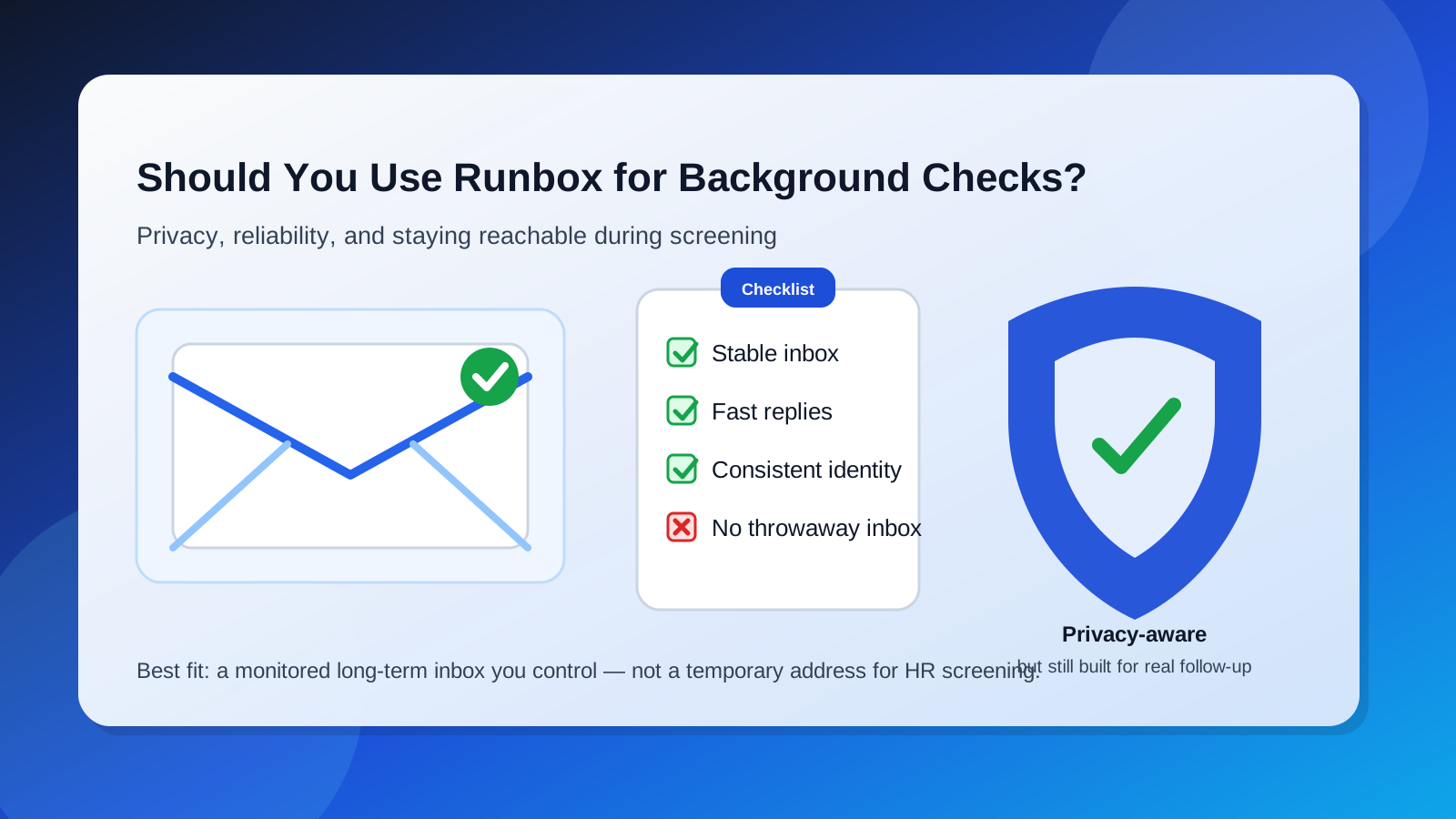
If you already use Runbox as a normal email account, or you want a separate long-term inbox for job-search activity, it can be a perfectly reasonable choice for background checks. What matters most is not the brand name alone. It is whether the inbox is:
- checked frequently, including during active screening windows
- set up with a professional display name and sensible reply behavior
- consistent with the email you already used in the hiring process, or at least explained clearly if it changed
- stable enough that you will not lose access halfway through screening
When those basics are in place, Runbox is far more defensible than a short-lived temp inbox. It gives you separation from your main personal email without creating the same obvious reliability problems that disposable mail creates.
When using Runbox for background checks makes sense
You want job-search separation without using throwaway email
Many people do not want screening notices, recruiter follow-ups, and HR paperwork mixed into the same inbox they use for family, bills, travel, and everyday life. Using a dedicated inbox can make the process easier to track. Runbox can fit that role if you intend to keep it active and monitor it closely.
You started the hiring process with Runbox already
If your résumé, application, or interview scheduling already used the same Runbox address, staying consistent is often the best move. Changing your contact email right when the employer hands you off to a screening provider can create unnecessary confusion.
You care about privacy and long-term control
Background checks can involve a surprising amount of email traffic. Even when the process is legitimate, you may prefer not to route every hiring-related message through your oldest personal address. A separate inbox gives you more control over organization and exposure.
When Runbox can create friction
If you switch to it too late
The biggest problem is usually not the mailbox itself. It is switching addresses midway through the process. If the employer has one email on file, the recruiter has another, and the screening vendor has a third, delays become much more likely. Before you change anything, ask whether the employer or screening company needs you to keep the same address on every form.
If you treat it like a low-attention side inbox
A separate inbox only helps if you actually watch it. Background-check vendors sometimes send messages that look routine but have deadlines hidden inside them. If Runbox is the address you use, it should be an inbox you check deliberately, not something you remember once every few days.
If your naming or setup looks sloppy
You do not need a flashy address, but you do want one that looks normal and professional. An inbox used for background checks should make it easy for a screener to match your name and respond to you without wondering whether the address belongs to the right person.
Runbox vs temporary email for background checks
This is where many job seekers make the wrong comparison. The real choice is usually not “Runbox or my main inbox forever.” It is “Runbox or a temporary/disposable solution.”
For background checks, a temporary inbox is usually the worse option because:
- you may lose access before the process is finished
- important messages can arrive days later, not just minutes later
- screening vendors may view obviously disposable addresses as less reliable
- you need continuity if there are delays, clarifications, or repeat requests
This is where Anonibox fits naturally into the broader workflow. A temporary inbox can be useful earlier in the funnel for low-stakes signups, job-board experiments, or noisy lead forms. But once a real employer moves you into background checks, the safer move is usually to use a durable inbox you control and can keep monitoring for as long as the process takes.
Best practices if you use Runbox for background checks
1. Use one email across the screening chain whenever possible
If your application, recruiter correspondence, and background-check forms can all use the same address, do that. Consistency prevents missed updates and identity mix-ups. If you absolutely must switch, tell the employer and the screening provider clearly and early.
2. Check the inbox daily during active screening
During a live background-check window, “eventually” is not a good email strategy. Check the inbox at least daily, and more often if you are expecting a consent link or follow-up request. Also watch spam, junk, and other filtered folders.
3. Keep the account simple and professional
Use a display name that matches the name employers know. Avoid novelty usernames, confusing aliases, or anything that makes a screener hesitate before replying. Professional does not mean corporate-sounding; it just means clear and easy to identify.
4. Save key documents outside the mailbox
Email is a transport channel, not your only record. If you receive instructions, copies of signed forms, or appointment details, save what matters somewhere you can find quickly. That way a foldering mistake or search problem does not become a screening delay.
5. Do not over-optimize for privacy at the expense of responsiveness
Some job seekers get so focused on reducing exposure that they create too much friction for themselves. The goal is not perfect isolation from every employer message. The goal is controlled reachability. If your setup makes you miss deadlines, it is not helping.
Common mistakes to avoid
- Using a temp inbox for final-stage screening: background checks often outlast the life of disposable mail.
- Changing addresses without warning: that can scatter messages across recruiter, HR, and vendor systems.
- Ignoring spam or filtered folders: screening emails do not always land where you expect.
- Using a rarely monitored side account: a separate inbox only works if it gets real attention.
- Assuming privacy-friendly branding guarantees a smooth process: the operational details still matter more than the label.
Will employers or background-check vendors care that you use Runbox?
In most cases, they care much more about whether they can reach you than about whether you use Runbox specifically. A background-check vendor usually wants completed forms, prompt confirmations, and a reliable way to contact you if something is missing. A stable inbox that you monitor is what matters.
That said, if the hiring team has already been contacting you through another address, consistency still matters. The easiest way to reduce confusion is to keep the same working contact method throughout the process unless there is a strong reason to change it.
A quick decision checklist
Runbox is probably a good choice for background checks if most of these are true:
- you plan to keep the inbox active for the entire screening and onboarding period
- you can check it reliably every day
- the address looks professional and matches your identity clearly
- you want better separation from your main personal inbox
- you are not relying on an expiring or obviously disposable mailbox
It may be a poor choice if you are only using it temporarily, you already created confusion with multiple addresses, or you know you will not monitor it closely during a time-sensitive screening process.
Final answer
Yes, you can use Runbox for background checks, and for many job seekers it is a reasonable middle ground between oversharing a primary personal inbox and using an unreliable disposable one. The key is to use Runbox like a real communication channel: keep it active, check it often, and stay consistent across recruiter, HR, and vendor touchpoints.
If you want privacy plus organization, Runbox can work well. If you want something disposable and low-commitment, background checks are usually the wrong stage for that. Save temporary inboxes for early, low-risk signup situations and use a durable mailbox once the hiring process becomes real.