Yes, you can use Runbox for employment verification, and it is usually a better fit than a temporary inbox if you want a private address that still feels stable and professional.
The catch is that employment verification often involves time-sensitive follow-ups, document requests, and long-term records, so Runbox works best when you monitor it consistently and treat it like a real job-search inbox rather than a throwaway address.
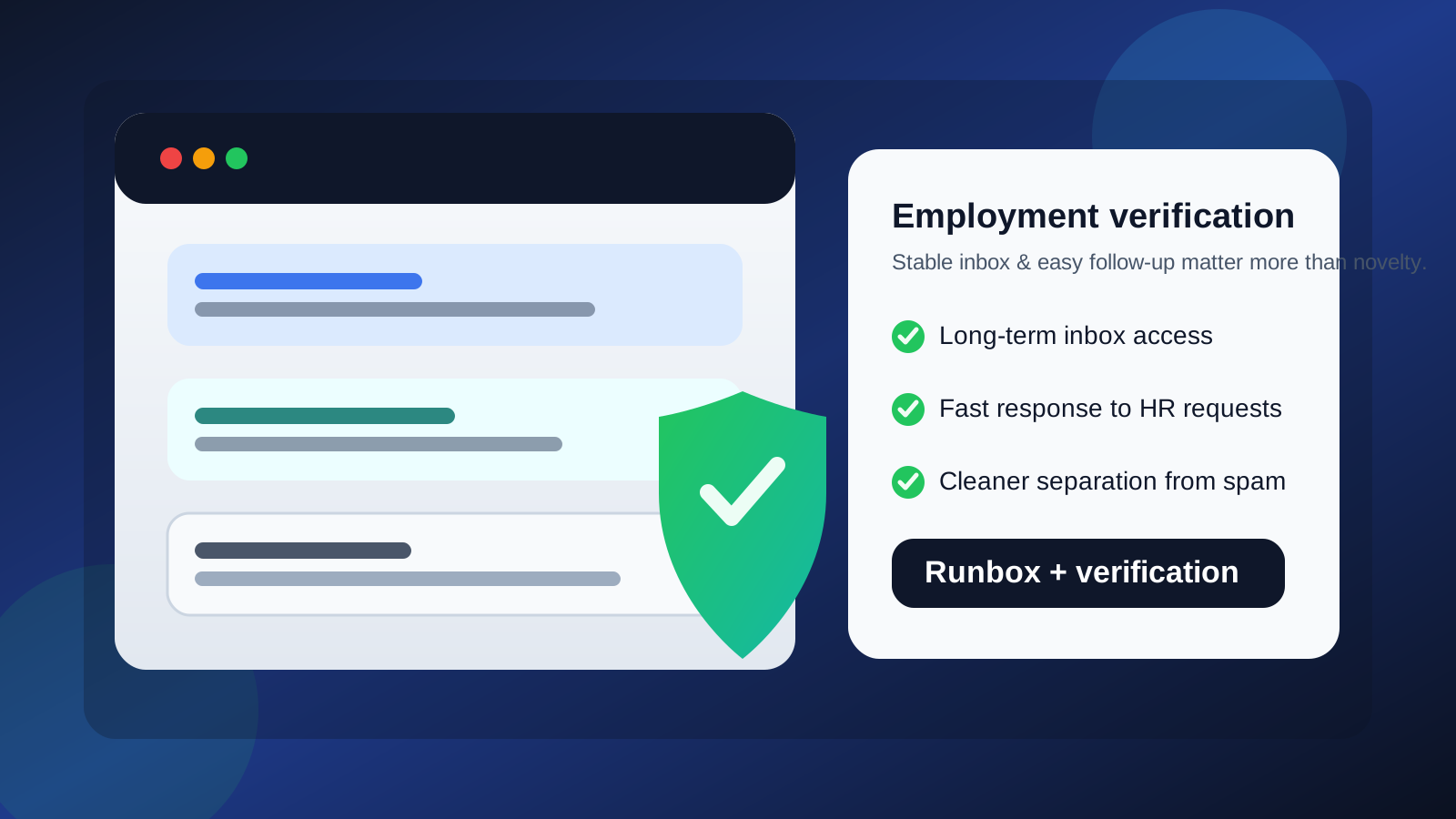
Employment verification is one of those job-search stages where the wrong email choice can create avoidable friction. Earlier in a job hunt, you can sometimes get away with disposable or short-lived contact details for low-stakes signups, newsletter gates, or broad market research. Employment verification is different. By the time an employer, recruiter, or verification vendor is checking your information, you usually need a contact method that is reliable, easy to access, and unlikely to disappear halfway through the process.
That is where Runbox can make sense. It is a real email provider with long-term access, not a temporary inbox. If you want to keep employment-related communication separate from your personal mailbox, a dedicated Runbox address can give you more privacy and organization without looking as disposable as a burner inbox. Still, it is not automatically the right choice in every case. The best answer depends on how formal the employer is, how long the process may continue, and whether you can stay on top of the messages that arrive there.
Why employment verification is different from earlier job-search steps
Employment verification usually happens later in the hiring funnel, when the employer is checking facts instead of just collecting applicants. That changes what matters.
- Timing matters more: HR teams or third-party screening vendors may need quick clarification on dates, titles, or documents.
- Message reliability matters more: missing one follow-up can delay a start date, background screen, or final onboarding step.
- Record-keeping matters more: you may need to refer back to the same thread weeks later if there is a correction or dispute.
- Professional presentation matters more: by this stage, you want your contact details to feel stable and intentional.
That is why a temporary inbox is usually the wrong tool here. A service like Anonibox is useful when you want to avoid spam during low-commitment signups or one-off trials, but employment verification normally calls for an address you control over time. Runbox fits that need far better than a disposable inbox because it is built for ongoing access rather than short-lived receipt of one code or link.
What makes Runbox a reasonable option?
Runbox can work well for employment verification because it solves a very common privacy problem: you want separation without looking flaky. Many job seekers do not want HR messages, screening vendors, and follow-up paperwork mixed into the same mailbox they use for family, banking, travel, and everything else. A separate address can make the process much easier to manage.
Runbox gives you a few practical advantages:
- It is a persistent inbox: you can keep the address active for as long as the hiring cycle lasts.
- It feels more deliberate than disposable: a normal provider-backed address is less likely to raise eyebrows than a clearly temporary domain.
- It supports organization: folders, filters, and labels can help you separate verification messages from interviews, offers, and job-board noise.
- It helps contain spam: if the employer, recruiter, or vendor later adds you to less-useful follow-up lists, your primary inbox stays cleaner.
For privacy-minded job seekers, that balance is appealing. You get a real email account with long-term access while keeping your main address out of one more workflow.
When Runbox is a particularly good fit
Using Runbox for employment verification makes the most sense when you are trying to keep your job search compartmentalized and professional at the same time.
It is usually a strong choice if:
- you already use a dedicated mailbox for job hunting and want verification messages in the same system;
- you expect a long hiring cycle with possible follow-up questions;
- you are applying across multiple companies and want to keep your main inbox cleaner;
- you want more control over privacy than your everyday address gives you; or
- you are comfortable checking that inbox regularly and replying quickly.
In those cases, Runbox can be a smart middle ground between “use your main personal mailbox for everything” and “try to get through hiring with a disposable address.”
When Runbox may not be the best choice
Runbox is not wrong for employment verification, but it is not automatically ideal either.
You may want a different approach if:
- you rarely check the account: a separate mailbox only helps if you actually monitor it.
- your address format looks hard to read: if the local part is confusing, overly clever, or full of random characters, it can create unnecessary friction.
- you already have a polished professional inbox you trust: creating another mailbox may add complexity without much benefit.
- the employer is extremely conservative: most employers will not care, but some very traditional environments may respond best to the simplest possible professional address.
The biggest risk is not that Runbox is “too private.” The bigger risk is operational: if you forget to check it, miss a time-sensitive request, or split your hiring communication across too many inboxes, you can slow your own process down.
How Runbox compares with temporary or burner inboxes
This is where people often make the wrong comparison. Runbox is not really competing with a disposable inbox for the same exact job.
A temporary inbox is useful when the goal is to receive a one-time confirmation, test a service, or avoid marketing clutter from something you may never use again. Employment verification is usually more serious than that. A verification vendor might need clarifications, attached forms, resubmissions, or later follow-ups. You do not want those depending on an inbox that disappears, is hard to search, or was only meant to survive one afternoon.
So if the question is “Should I use Runbox or a temporary inbox for employment verification?” the answer is usually Runbox. If the question is “Should I use Runbox or my main personal address?” then the answer depends more on how much separation and privacy you want.
Best practices if you use Runbox for employment verification
If you decide to use Runbox, the goal is to make the address look and behave like a professional contact point.
1. Use a clean address format
Choose something readable and normal, ideally based on your name. Avoid joke handles, extra punctuation, or strings that look auto-generated. Even when the provider is less mainstream than Gmail or Outlook, the address itself should still look serious.
2. Check the inbox often
During active hiring, check it daily at a minimum. If you know verification is in progress, check more often. Delays in replying can create needless back-and-forth with HR or screening vendors.
3. Set notifications or forwarding carefully
If you do not want to miss messages, set up alerts or a controlled forwarding workflow. Just be sure the system does not defeat the privacy reason you created the separate inbox in the first place.
4. Keep the mailbox organized
Use folders or filters for “verification,” “background check,” “offer,” and “onboarding.” That sounds basic, but it reduces the chance that an important request gets buried under routine recruiter mail.
5. Save critical attachments locally
If you receive important forms, instructions, or final confirmations, save copies outside the mailbox too. That gives you a backup if you need the records later.
Will employers or screening vendors see Runbox as suspicious?
Usually, no. Most employers care more about whether they can reach you and whether you reply promptly than about the exact provider behind the address. A Runbox email is still a real inbox, not an obviously disposable one. In practice, professionalism is communicated more by your responsiveness and your address format than by whether you use the most common mainstream provider.
That said, if you are worried about perception, keep everything else simple. Use your real name, reply clearly, and avoid bouncing between multiple addresses mid-process unless there is a good reason.
A simple decision rule
If you want privacy and inbox separation without relying on a disposable address, Runbox is a sensible option for employment verification. If you already have a polished long-term professional mailbox and you do not mind using it for hiring, you may not need the extra layer. If you only wanted something temporary, this is probably the wrong stage of the process for that.
Final answer
Runbox can be a good choice for employment verification because it gives you a stable, privacy-conscious inbox that is better suited to follow-ups than a temporary email address. It is especially useful if you want a separate job-search identity without making yourself hard to reach.
The important part is not the brand name alone. What matters is that the inbox is permanent enough for the whole process, easy for you to monitor, and professional in presentation. If you can do that, Runbox is a reasonable and often smart way to keep employment verification organized while protecting your main mailbox from extra clutter.