Yes, you can use Telegram for recruiter outreach, but it is usually best as a secondary channel rather than the first one.
It can reduce inbox clutter and keep conversations separate from your main email, but privacy settings, identity-verification gaps, and professionalism concerns mean you should use it carefully.
If a recruiter reaches out through Telegram, or asks whether you are comfortable moving a conversation there, the right answer is not an automatic yes or no. The better question is whether Telegram makes the conversation safer, clearer, and more manageable than email, LinkedIn, or a phone call. In some cases it does. In plenty of others, it introduces avoidable risk.
Telegram appeals to privacy-minded job seekers because it feels less exposed than using a main inbox for every conversation. It is fast, easy to organize, and familiar in many countries. But recruiter outreach is not just about convenience. It is about trust, first impressions, keeping your contact details under control, and avoiding fake opportunities. That is why Telegram can be useful in the right stage of a hiring conversation, but weak as the default channel for first contact.
Short answer: acceptable for some follow-up, weaker for first contact
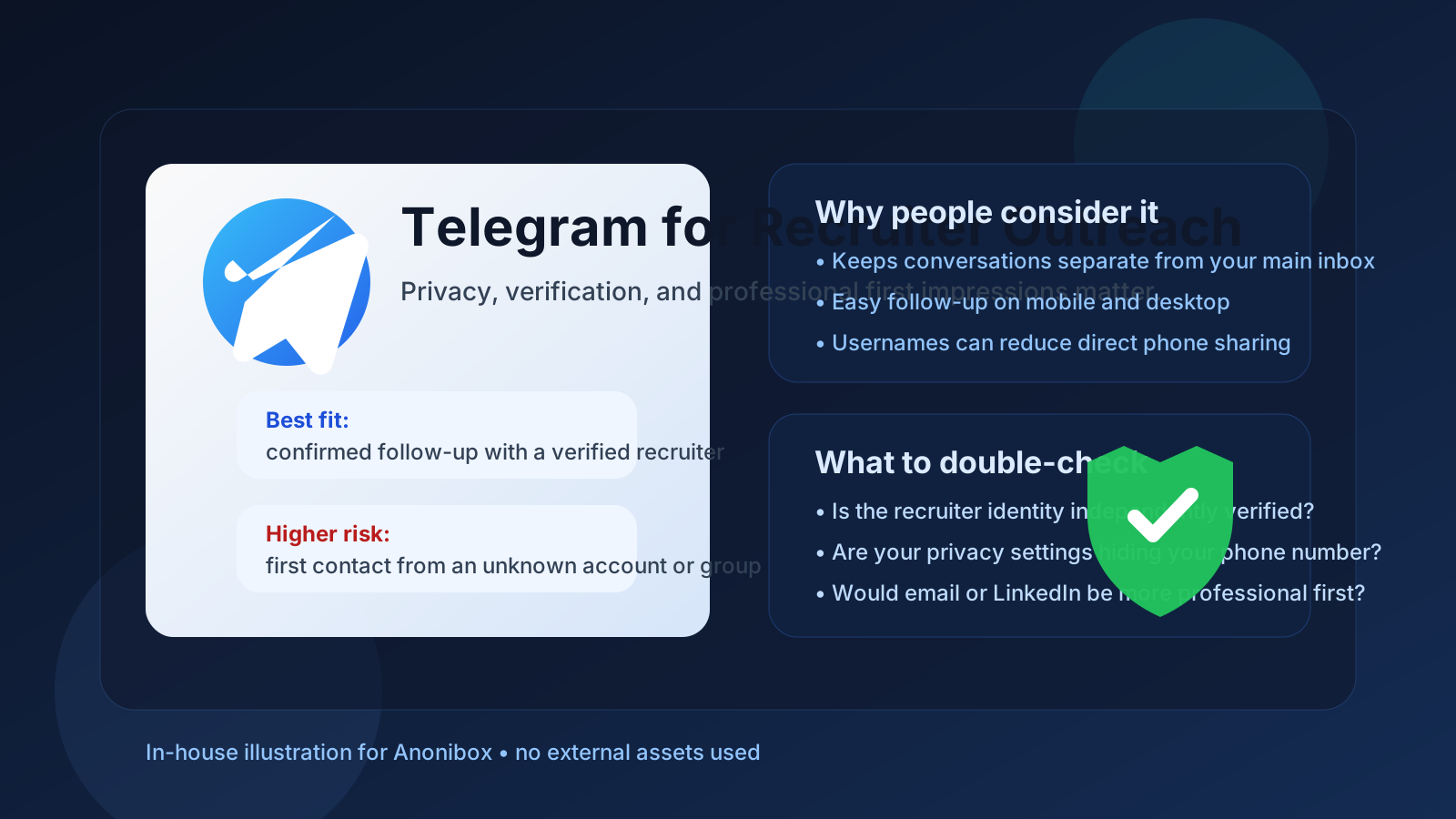
For most job seekers, Telegram is better as a follow-up channel than a discovery channel. If you already know the recruiter is real, already understand the role, and want a quick way to confirm times, exchange short updates, or keep your main inbox cleaner, Telegram can work. If an unknown recruiter appears out of nowhere on Telegram and wants to move fast, that is a very different story.
Recruiter outreach is usually strongest when the first contact arrives somewhere that is easier to verify: a company email address, a real LinkedIn profile, an official careers page, or a phone number connected to a real organization. Telegram can support the conversation after that, but it should not replace basic legitimacy checks.
Why some job seekers consider Telegram in the first place
There are a few practical reasons people like Telegram for job-search conversations:
- Speed: messages are fast, lightweight, and easy to answer from mobile or desktop.
- Separation: it can keep recruiter chats away from your everyday inbox.
- Notification control: folders, muting, and pinned chats can make active outreach easier to manage.
- Username-based contact: depending on your settings and workflow, you may not have to expose your number immediately.
- International familiarity: in some regions, recruiters and candidates already use messaging apps more casually than email.
Those are real benefits. The problem is that the same features that make Telegram feel convenient can also make it easier for impersonators, low-quality recruiters, or overly casual outreach to slip through.
When Telegram can work well for recruiter outreach
Telegram is most reasonable when the conversation has already passed the basic trust test. For example:
- You applied through a legitimate company site and the recruiter wants a faster follow-up channel.
- You already verified the recruiter’s identity on LinkedIn or the company website.
- You are coordinating interview times across time zones and want quicker responses than email.
- You want a temporary, organized communication lane that is separate from your primary inbox.
- You are discussing logistics, not sending highly sensitive identity or payroll information.
In those situations, Telegram can be useful. It works especially well for short messages like “I received the calendar invite,” “I am running five minutes late,” or “Could we shift the call by thirty minutes?” That is a better use case than using Telegram as the only proof that a recruiter or company is real.
Where Telegram creates friction
Telegram is not automatically unprofessional, but it can feel less formal than email or LinkedIn in markets where hiring still runs on standard business channels. Some recruiters will be fine with that. Others may prefer communication that is easier to archive, forward internally, or attach to an applicant tracking workflow.
It also creates a presentation issue. A polished LinkedIn message or clear email from a professional address usually makes a stronger first impression than a short chat request from a messaging app. If you are the one initiating recruiter outreach, that matters. You want to be easy to trust, not simply easy to message.
That is why Telegram tends to be better for ongoing coordination than for cold outreach. If you are contacting a recruiter for the first time, email or LinkedIn is usually the cleaner move.
Privacy issues to think about before using Telegram
Phone-number exposure
Telegram accounts are often tied to phone numbers, even if your visible profile uses a username. Depending on your privacy settings, the other person may be able to see more than you intended. Before using Telegram for recruiter outreach, check what a non-contact can see, whether your number is hidden, and whether your profile photo or bio reveals more personal context than you want in a hiring conversation.
Username traceability
If you use the same Telegram handle across communities, hobby groups, side projects, or public channels, a recruiter may be able to connect more dots about you than you expected. That is not always a problem, but it is worth thinking through. Privacy is not just about hiding information. It is also about deciding which version of your identity belongs in which context.
Contact syncing and shared-device habits
If your Telegram account is mixed into your everyday personal life, recruiter messages can easily sit next to family chats, group threads, and unrelated notifications. That is manageable, but less tidy than keeping job-search communication in a more intentional lane.
The verification problem: fake recruiters love low-friction channels
The biggest issue with Telegram for recruiter outreach is not messaging style. It is verification. A fake recruiter can create a plausible-looking Telegram profile in minutes. They can borrow a company name, copy a real employee photo, and start pushing urgency immediately. If Telegram is the first place they contact you, you have very little built-in context.
That does not mean every Telegram recruiter is suspicious. It means the burden of verification shifts onto you. Before you treat the opportunity as real, confirm:
- the recruiter exists on the company’s public website or LinkedIn presence;
- the role is listed somewhere credible;
- the recruiter can also communicate from an official company domain if needed;
- the conversation is consistent with a normal hiring process rather than a rush-to-close scam.
If someone on Telegram jumps straight to “You are selected,” asks for personal documents too early, or pushes you toward payment, gift cards, crypto, software installation, or account verification codes, stop there. That is not normal recruiter behavior.
A better workflow for privacy-minded job seekers
If your goal is to reduce spam and keep your search organized, Telegram does not have to do all the work by itself. A cleaner approach is to separate channels by purpose:
- Use email or LinkedIn for first contact and legitimacy checks.
- Use a separate inbox for early-stage outreach. If you want to protect your primary address while signing up for job boards or replying to uncertain leads, a separate workflow with Anonibox can be cleaner than forcing every first interaction into a messaging app.
- Move to Telegram only after trust is established. Once the recruiter is verified, Telegram can be fine for fast scheduling and lightweight follow-up.
- Keep sensitive documents off casual chat whenever possible.
That workflow gives you the convenience of Telegram without making it the only layer between you and a fake opportunity.
Best practices if you do use Telegram for recruiter outreach
- Review privacy settings first: check phone-number visibility, profile photo visibility, last-seen settings, and who can add you to groups.
- Use a professional display name: if a recruiter sees your profile, it should feel appropriate for a hiring conversation.
- Do not rely on chat identity alone: verify the recruiter independently.
- Keep documents in safer channels: resumes are usually fine, but sensitive identity or payroll documents should wait for a verified process.
- Watch for pressure tactics: urgency, secrecy, and refusal to verify are bad signs.
- Use Telegram as a supplement, not a substitute: the strongest hiring workflows still include email, calendar invites, official domains, or formal interview systems.
When you probably should not use Telegram
Telegram is a weak choice when:
- the recruiter contacted you first and you cannot verify who they are;
- the job is highly formal and expected to run through standard enterprise HR channels;
- you would need to expose more personal account details than you are comfortable with;
- the conversation is moving toward background checks, tax forms, payroll, or identity verification;
- the recruiter refuses to provide an official company email or public profile.
In those cases, Telegram adds more ambiguity than value. That is the opposite of what you want in recruiter outreach.
A quick decision checklist
Before using Telegram for recruiter outreach, ask yourself:
- Do I already know this recruiter is real?
- Is Telegram helping with convenience, or replacing proper verification?
- Are my privacy settings actually configured the way I think they are?
- Would email or LinkedIn make a better first impression here?
- Am I sharing only scheduling and conversation details, or something more sensitive?
If the answers look solid, Telegram can be a reasonable support channel. If several answers make you hesitate, use a more formal route first.
Final answer
Yes, you can use Telegram for recruiter outreach, but it is usually best after initial trust has been established, not before. It can be convenient, organized, and privacy-friendlier than spraying your main inbox across every opportunity. But it is not automatically safer, and it is definitely not self-verifying.
For first contact, email or LinkedIn is usually stronger. For follow-up, Telegram can work if you verify the recruiter, review your privacy settings, and keep the conversation in the right lane. Used that way, it becomes a practical tool instead of a shortcut that exposes you to unnecessary risk.