Yes, sometimes — but only for quick coordination with someone you already know or can verify. Text messages can open a referral conversation, but they are a weak place to run the full referral process, share a résumé, or handle sensitive follow-up.
If a referral starts by text, the safest move is to use the text thread for the introduction, then shift the real details to email, LinkedIn, or the employer’s normal application flow. That keeps the conversation fast without turning an informal phone thread into the single source of truth for your job search.
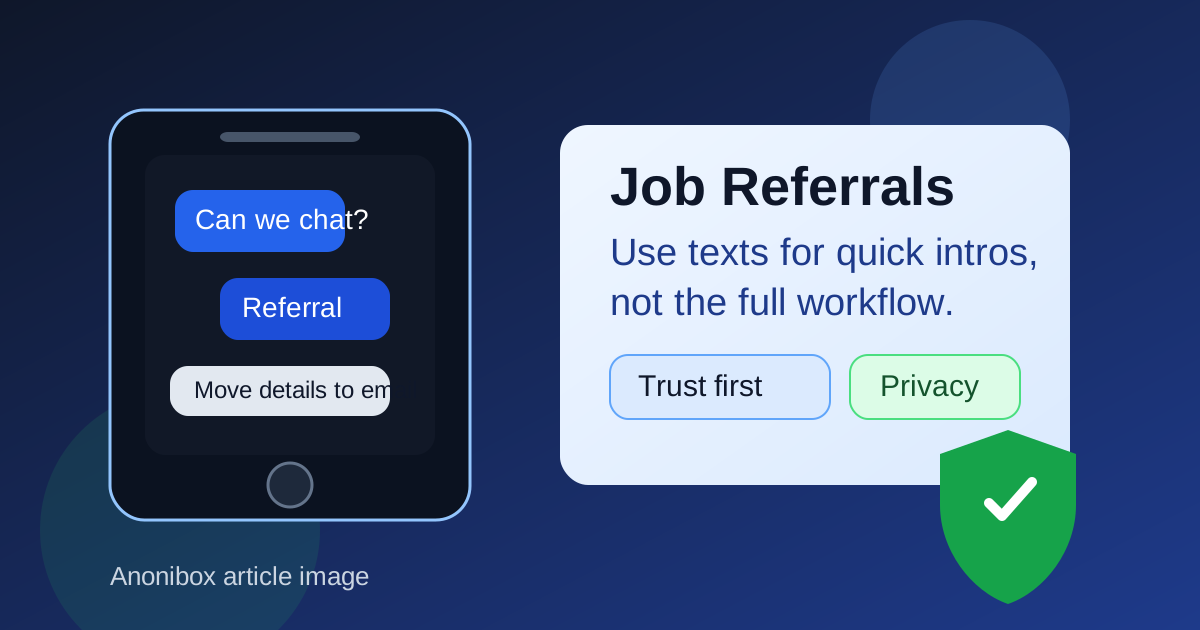
That is what makes this question more nuanced than a simple yes or no. Texting is not automatically unprofessional. Plenty of genuine referrals begin with a short message from a former coworker, a friend, an alumni contact, or someone in your network who says a role just opened up. The problem is not that texting exists. The problem is that texts are fast, informal, easy to spoof, and tied closely to your personal phone number.
So if you are wondering whether you should use text messages for job referrals, the best answer is this: use texts for light contact and quick confirmation, not for the whole workflow.
Why this question comes up in the first place
Referrals often start in a slightly informal way. Maybe a friend texts you, “My team is hiring — want me to refer you?” Maybe a former manager reaches out after seeing your résumé update. Maybe you ask someone you trust if they would be comfortable submitting your name internally. In all of those situations, text feels easy because it is already part of your everyday communication.
That convenience is real. Texting is quick, people actually see it, and it can move faster than waiting on a long email thread. But referrals also become more structured very quickly. Once the conversation moves beyond “Are you interested?” you now have a role link, a deadline, résumé versions, maybe a portfolio, maybe a recruiter handoff, and often personal context about why you are a fit. That is where a text thread starts to show its limits.
When text messages are actually useful for job referrals
There are a few cases where texting works well.
1. A warm introduction from someone you already know
If the text comes from a real friend, former coworker, classmate, or someone you already trust, a message can be a perfectly normal starting point. It is low-friction and lets you respond quickly without forcing a formal email exchange right away.
2. Quick yes-or-no coordination
Texts are fine for simple questions like:
- “Are you interested in this role?”
- “Can you send me the link?”
- “Did you already apply?”
- “Can I connect you with our recruiter?”
Those are lightweight messages. They are useful because they move the conversation forward without asking the thread to carry too much detail.
3. Fast follow-up when timing matters
Referrals sometimes move quickly. A role may close in a day or two, or a referrer may only have a short window to submit your information internally. In that kind of situation, a text can help you avoid unnecessary delay. A short “Yes, I’m interested — I’ll send the résumé by email in 10 minutes” is often exactly the right use of the channel.
4. Light status checks
If the formal materials have already moved elsewhere, texting can still help with simple follow-up. A quick “Thanks again — just checking whether the internal submission went through” is usually fine when it stays brief and professional.
Where text messages become a bad primary channel
The trouble starts when the text thread becomes the main place where everything happens.
Important details get buried
A referral often needs more than one piece of information: the exact job title, the location, the job link, your current résumé, perhaps a short summary of your experience, and any note the referrer wants to include internally. In a text thread, those details get scattered quickly. Someone may lose the right version of your résumé, forget which role you meant, or miss your follow-up completely.
Texts are weak proof of identity
A phone number alone does not prove much. If the message comes from someone you do not really know, texting is one of the easiest channels to fake. A person can claim to work for a company, claim to know a hiring manager, or claim they can “push your application through” without giving you much verifiable information at all.
That risk matters because referrals depend on trust. You are not just asking whether a conversation is real. You are deciding whether to share your résumé, career goals, contact information, and sometimes your current job-search status.
Your personal number becomes part of the process
Unlike a clean email introduction, texting usually means exposing your phone number directly. That may be fine with someone you trust, but less ideal with weak contacts, recruiter databases, community groups, or referral offers that feel half-legitimate. Once your number starts circulating, it can lead to spam texts, cold recruiter follow-ups, or scam attempts later.
It is a poor home for anything sensitive
Referrals can lead to interview scheduling, salary discussions, immigration questions, or document sharing. Even when the referral itself is real, a text thread is not the best place for anything sensitive or formal. Email is easier to search, easier to forward, and easier to keep organized. The employer’s official application system is even better for the steps that truly matter.
The biggest privacy and trust risks to watch for
1. Fake referrals from weak connections
One of the more common mistakes in job searching is treating any referral-style message as a favor from a real insider. A stranger saying “I can refer you” is not the same as a trusted former coworker saying it. If you cannot easily verify who the person is, where they work, and why they are contacting you, treat the text as unconfirmed until you check it properly.
2. Pressure to move fast without enough context
Texts create urgency almost by default. A short message can make you feel like you need to answer immediately, especially if it mentions a closing role or a fast-moving team. Sometimes that urgency is genuine. Sometimes it is just social pressure. Slow down long enough to confirm the role is real and the person is who they say they are.
3. Too much personal exposure too early
You do not need to hand over your whole search story in a text thread. If a referral is legitimate, the other person usually needs only a few things at first: whether you are interested, which role you mean, and where to send the next step. Detailed personal information can wait for a more stable channel.
4. Screenshots, forwarding, and loose context
Texts feel private because they happen on a phone, but they are also easy to screenshot, forward, misread, or pull out of context. That does not mean you should be paranoid about every friendly message. It does mean you should write as if the message could travel farther than you expect.
A better workflow: text for the opener, email for the referral packet
If you want a simple rule, use this one: text to start, email to organize, official systems to finish.
That workflow gives you the speed of texting without forcing a fragile channel to carry the full weight of the referral.
Step 1: Confirm the relationship and the role
If someone texts you about a referral, first make sure you know who they are and what role they mean. If needed, ask for the company name, the job link, and whether they prefer that you apply first or send materials directly.
Step 2: Move the real materials to a stable channel
Once the person says they are willing to help, send the useful package in one place: the job link, your current résumé, maybe your portfolio or LinkedIn profile, and a short summary of why you fit the role. Email is usually the cleanest place for that because it keeps the materials together and makes them easy to forward internally.
Step 3: Use the employer’s official application path
A real referral usually complements the official process rather than replacing it. If the employer has a careers page, application portal, or recruiter contact, use it. The referral should make the introduction warmer or more credible — not bypass all normal hiring steps.
Step 4: Keep text for light follow-up only
Once the core materials are sent, text is still useful for quick check-ins, thank-yous, or timing questions. It just should not be the place where your whole candidacy lives.
What a good referral text exchange looks like
Healthy referral texting usually sounds simple and specific.
- “Thanks for reaching out. Yes, I’m interested. Can you send me the role link?”
- “I’d appreciate the referral. What’s the best email to send my résumé to?”
- “I applied already — happy to send you the job ID and my latest résumé if that helps.”
- “Thanks again. I sent everything by email so it’s easier to forward internally.”
Those replies keep the tone cooperative while steering the important part of the process somewhere more organized.
What a bad referral text exchange looks like
Be careful when the conversation starts sounding vague, pushy, or oddly secretive.
- “Send me all your details here and I’ll get you hired.”
- “Don’t apply through the company site — just send your info to this random number.”
- “Move to another app first and we’ll talk there.”
- “I can guarantee an interview if you send your documents right now.”
Real referrals rarely need that kind of pressure. Genuine contacts are usually comfortable being specific, verifiable, and normal about the next step.
How Anonibox fits into the privacy side
Text messages are only one part of the privacy equation. The other part is where the follow-up goes. In early-stage networking, lower-trust communities, or signups that might create long-tail inbox clutter, it can make sense to protect your primary email and use a separate job-search inbox. That is where a tool like Anonibox can help: it gives you cleaner separation when you want to explore opportunities without handing your main address to every low-value form or community thread.
But a real referral is usually a higher-trust interaction than a random gated resource or recruiter newsletter. Once a genuine person is willing to put their name behind you, it is often smarter to move the actual referral materials to a stable inbox you monitor closely. In other words, use privacy tools intentionally, not mechanically. The goal is not to make every contact disposable. The goal is to keep low-trust noise away from the higher-trust parts of your search.
Red flags that mean you should slow down
- You do not really know the person and cannot verify their connection to the company.
- The role has no clear posting, no real company page, or inconsistent details.
- The person refuses to move the process to email, LinkedIn, or the employer’s system.
- You are asked for sensitive personal information too early.
- The conversation immediately shifts toward money, equipment purchases, or fees.
- The tone feels rushed, vague, or more like a sales pitch than a professional favor.
Any one of those signals may have an innocent explanation, but several together are a strong reason to pause.
A quick checklist before you rely on text for a referral
- Do I know this person or can I verify who they are?
- Is the role visible on a real company site or trusted listing?
- Am I only using text for coordination, not the full process?
- Have I moved my résumé and details to a cleaner channel?
- Would I still feel comfortable with this conversation if I reviewed it slowly instead of reacting instantly?
Final answer
So, should you use text messages for job referrals? Yes, sometimes — but mostly as a convenience layer. Texting works well for warm intros, quick interest checks, and light follow-up. It works poorly as the main place to handle résumés, sensitive details, or the full referral workflow.
The best approach is simple: verify the person, move the useful materials to email or another professional channel, and keep your contact strategy as intentional as your job-search strategy. That way you get the speed of texting without giving up privacy, clarity, or control.