If you are asking should you use Tutanota for background checks? the short answer is yes, usually — as long as it is a stable inbox you control, check often, and keep consistent throughout the screening process.
Tutanota is usually a better fit than a disposable inbox once background checks begin, because employers and screening vendors may send consent forms, portal invites, follow-up questions, and deadline reminders that need to stay available for days or weeks, not just long enough to click one link.
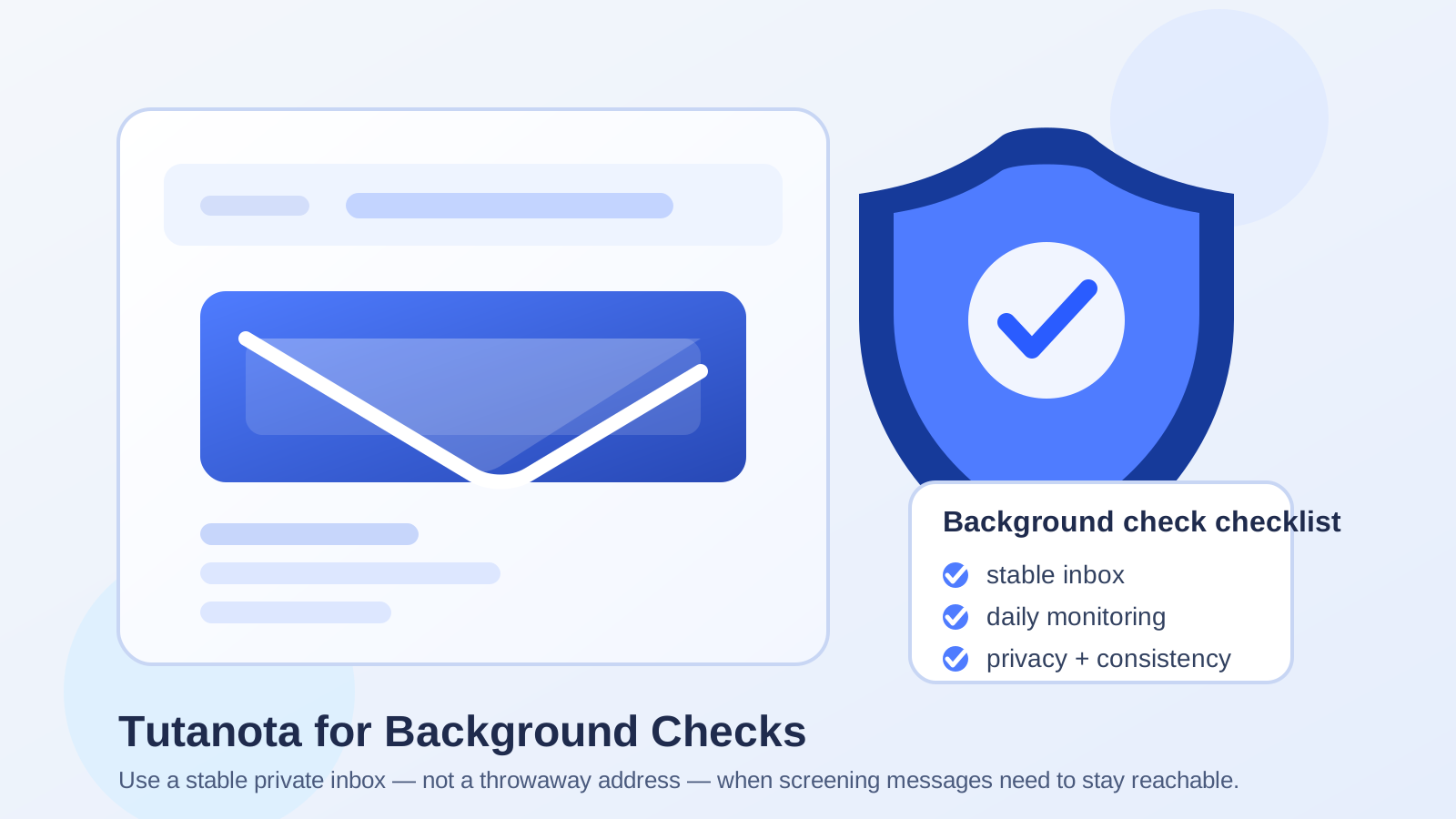
Short answer: Tutanota is usually fine for background checks
Most employers and background-check providers do not care whether your email is Gmail, Outlook, Proton Mail, or Tutanota. What they care about is whether it works, whether you respond on time, and whether important messages do not disappear in the middle of the process.
That makes Tutanota a reasonable option for privacy-conscious job seekers. It can help you keep hiring-related communication away from your oldest everyday inbox, and it does not carry the same temporary feel as a throwaway address. But it still needs to behave like a professional inbox. Background checks are not the stage where you want to look disposable, lose access, or forget which address you used.
Why background-check email is different from early-stage job-search email
Earlier in a job search, some people use temporary email tools to reduce spam, test job boards, or keep lower-trust signups away from a primary inbox. That can be sensible when you are browsing listings, comparing platforms, or deciding which sites deserve real contact information.
Background checks are different. By the time a company starts one, communication is no longer casual. Your email may be used for:
- disclosure and consent forms
- screening portal invitations
- requests to confirm dates, addresses, or employer details
- deadline reminders
- follow-up questions if something is incomplete
- status updates tied to the hiring timeline
That means the best inbox at this stage is not just private. It also needs to be stable, searchable, and easy to monitor. Tutanota can work well for that if you use it as a real communication channel instead of a one-off shield.
Why Tutanota can be a good choice for background checks
1. It gives you privacy without looking disposable
A big reason job seekers consider Tutanota is control. You may not want every recruiter, screening vendor, and HR portal using the same inbox tied to newsletters, shopping accounts, and years of personal logins. Tutanota gives you a cleaner lane for sensitive hiring communication without looking like a throwaway address.
That matters because background checks often sit in an awkward middle ground: private enough that you want separation, but formal enough that you still need to look reachable and serious. A stable Tutanota inbox can strike that balance.
2. It can keep hiring messages organized
Background checks often generate scattered communication from more than one sender. You may hear from the employer, a third-party screening company, and an automated portal. Keeping that traffic in a dedicated inbox makes it easier to spot what is actually important.
If you already use Anonibox earlier in your search to protect your main email from job-board clutter, that can still be useful. But once an opportunity becomes real and a screening process starts, a stable inbox like Tutanota is usually the better handoff point.
3. It can reduce spillover into your main inbox
Even legitimate hiring workflows can create follow-up messages you do not necessarily want mixed into your oldest personal account. A separate mailbox can make your search feel less noisy and help you review hiring-related records later if you need them.
That is especially helpful if you are interviewing with several companies at once and want to avoid mixing screening messages with unrelated personal communication.
Where Tutanota can create problems if you use it carelessly
1. Switching addresses in the middle of the process
If you applied with one email and suddenly start using another during screening, confusion can follow. A recruiter may write to the first inbox while the screening vendor writes to the second. The safest move is consistency. If you want to use Tutanota for background checks, decide early and keep the same address attached to the process whenever possible.
2. Not checking it often enough
The biggest risk is usually not the provider. It is neglect. If you open a separate private inbox and then forget to check it, you can miss time-sensitive forms or clarification requests. Background checks often move on deadlines, and an inbox that feels tidy is only useful if you actually monitor it.
3. Treating it like a temporary inbox
A background check may involve records you want to reference later, especially if a start date changes, a portal needs to be reopened, or you need to confirm what was requested. Do not use Tutanota as if it were disposable. Use it as a normal mailbox you plan to keep accessible through the full hiring cycle.
Is Tutanota better than a temporary email for background checks?
Usually, yes. Temporary email has a place, but that place is mostly earlier in the funnel. It can be useful when you want to reduce spam from job boards, low-trust signups, or one-time downloads. It is much less ideal when a real employer or screening company needs an address that stays reachable.
Background checks involve identity confirmation, document flow, reminders, and occasional back-and-forth. That is why a stable provider like Tutanota usually makes more sense than a disposable inbox once the hiring process becomes real.
A practical approach is simple:
- use a temporary or separate inbox for noisier early-stage signups if needed
- move serious hiring communication to a stable mailbox you control
- stay consistent once the background-check stage begins
That gives you some privacy without creating avoidable friction.
Best practices if you use Tutanota for background checks
Use one address consistently
Do not bounce between multiple inboxes unless you have a very clear reason. If the employer knows you by one email address, keep the screening process tied to that same address whenever possible.
Check it daily, and more often when deadlines are active
Screening requests can be surprisingly time-sensitive. If a disclosure form, identity-confirmation step, or address clarification sits unopened for too long, the delay can slow your hiring timeline.
Save important emails and portal links
Keep the key messages easy to find. Portal invites, case numbers, consent links, and help contacts should not get buried. A simple label or folder system is often enough.
Whitelist legitimate senders if needed
If the employer tells you which screening company they use, keep an eye out for that domain and make sure their emails are not overlooked. The exact process varies, but the principle is universal: know what you are waiting for and monitor it closely.
Verify before sending sensitive documents
Background checks can involve sensitive information. Before you upload forms or reply with personal details, confirm that the message is tied to the real employer or real screening vendor. Privacy-conscious inbox choices help, but they do not replace normal phishing caution.
When you might want a different inbox instead
Tutanota is not automatically the best choice for every person. Another stable inbox may be better if:
- you already applied and interviewed through a different professional address
- you rarely check your Tutanota inbox
- you share a Tutanota address across too many unrelated projects
- you want all hiring communication to stay in one established job-search mailbox
The rule is simple: the best email for background checks is the one that stays private and dependable. Privacy without consistency creates stress. Consistency without privacy may create clutter. Aim for both.
A quick decision checklist
- Will you check this inbox at least daily?
- Can you keep using the same address through the whole screening process?
- Will important messages stay accessible for weeks if needed?
- Are you using it as a real mailbox rather than a throwaway?
- Have you confirmed which employer or screening vendor should be contacting you?
If the answer to those questions is yes, Tutanota is usually a reasonable choice.
Final answer
Tutanota can be a good option for background checks if you want a more private inbox without relying on something disposable. It is usually much better than a temporary address once screening starts, because background checks depend on follow-up messages, stable access, and quick responses.
The important part is not the brand name by itself. It is how you use it. Keep the inbox active, monitor it closely, stay consistent across the process, and verify unexpected requests before sending sensitive information. Do that, and a Tutanota address can give you useful privacy without making a legitimate background-check workflow harder than it needs to be.