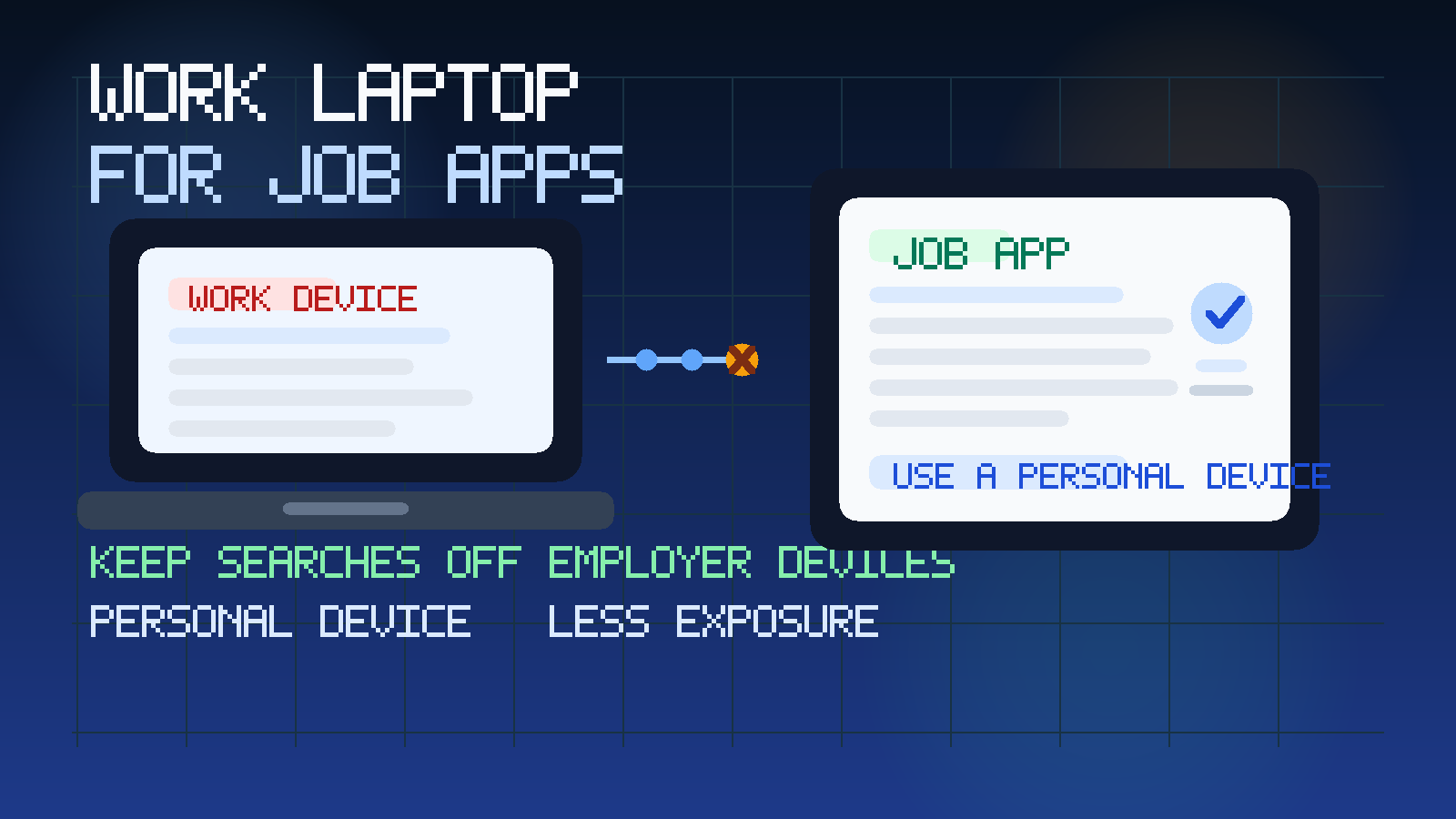
Usually no — you should not use your work laptop for job applications if your current employer owns, manages, or monitors that device. Even if nobody is actively watching you, applications can leave traces in browser history, downloads, autofill, login sessions, security tools, and network logs.
A personal laptop, personal browser profile, or other device you control is usually the safer option. If you want a confidential job search, keeping applications off employer hardware matters just as much as using the right email address or phone number.
People use a work laptop for job searching all the time because it feels convenient. The device is already open, the browser is already signed in, and it is often the machine you use most during the day. But convenience is exactly what creates the risk. A confidential job search is not only about what you send to employers. It is also about the digital trail you leave behind while researching companies, uploading résumés, opening recruiter emails, completing assessments, and scheduling interviews.
If the laptop belongs to your employer, you should assume that it is part of the company environment, not a private space. That does not mean a manager is reading every click in real time. It means the device may be monitored, logged, backed up, scanned, or reviewed later in ways you cannot fully see or control. Once you frame it that way, using it for job applications starts looking much less harmless.
Why this is different from just browsing casually
Looking at one job listing on your lunch break is not the same thing as running a real application workflow. A real job search can involve:
- saving résumés, cover letters, and work samples
- logging into job boards and applicant portals
- opening verification links and recruiter messages
- uploading documents with your personal details
- copying interview dates into your calendar
- researching compensation, references, and background-check requirements
Every one of those actions can create traces on a managed device. The issue is not paranoia. It is that employer-owned hardware is the wrong place for career activity you want to keep private.
The biggest risks of using your work laptop for job applications
1. Browser history and search traces
If you use the company laptop, your searches, visited job pages, and logged-in job board sessions may remain in local browser history, synced browser accounts, remote-management tools, or security telemetry. Even if nobody ever checks manually, the data can still exist. That matters if the laptop is audited, reimaged, handed to IT, or reviewed during a support issue.
2. Downloads and saved files
Résumés, cover letters, portfolio PDFs, and take-home assignments do not just vanish because you close the browser tab. They may be saved in downloads folders, recent files lists, cloud sync directories, printer queues, or backup snapshots. A file called Resume-Updated-June.pdf on your work machine is the kind of clue you do not want to leave behind.
3. Employer monitoring and security tools
Many workplaces run endpoint protection, web filtering, data loss prevention, browser extensions, VPN logging, or device management tools. These are often there for legitimate security reasons, not to spy on job seekers specifically. But the effect is the same: activity on the machine may be more visible than you think. A company does not need a special “job search detector” for your activity to become discoverable later.
4. Autocomplete, saved passwords, and login persistence
Browsers love convenience. They store email addresses, autofill values, passwords, and recently entered form fields. If you use a work device once, a later prompt might reveal job-board URLs, personal contact details, or saved credentials in front of you or someone helping you with the machine.
5. Notifications and accidental exposure
A recruiter email, interview reminder, or job-board message popping up on a shared screen is an obvious problem. So is a calendar reminder or SMS relay notification appearing during a meeting. Sometimes the risk is not advanced monitoring. It is just the wrong message appearing at the wrong time.
6. Network and printer breadcrumbs
If you print a résumé, upload documents over a corporate VPN, or access external forms from a managed network, those actions can leave logs outside the laptop itself. Again, the question is not whether someone is hunting for you specifically. The question is whether you are creating avoidable exposure on systems you do not control.
Does private browsing solve it?
Not really. Incognito or private mode can reduce some local history on the browser profile, but it does not turn an employer-owned device into a private device. It does not stop network logs, endpoint monitoring, browser extensions, downloaded files, screenshots, clipboard tools, or whatever security controls your company already uses. Private mode is useful for limiting local clutter, not for guaranteeing confidentiality on managed hardware.
What about using a work laptop after hours or on your home Wi-Fi?
That helps less than people assume. The key issue is not the time of day. It is ownership and management of the device. If the company controls the laptop, the company may still control the software on it, the browser environment, the security stack, and sometimes the account tied to the machine. Using it at home may feel more private, but the underlying risk does not disappear.
When is it ever acceptable?
There are a few edge cases where the answer is less strict.
- You own the laptop personally and just happen to use it for freelance or remote work.
- Your employer does not manage the device at all and it is functionally your own machine.
- You are only glancing at public listings without logging in, downloading files, or applying.
Even then, the safest habit is still to keep real applications on a personal device and personal browser profile. Once you start uploading documents or exchanging recruiter messages, the standard should get stricter.
A better setup for a confidential job search
Use a personal device you control
This is the simplest and best answer for most people. A personal laptop or phone keeps your applications, accounts, and documents off employer hardware entirely. It also reduces the chance of accidental exposure through corporate login systems or workplace support processes.
Use a separate browser profile
Even on a personal device, it helps to separate job-search activity from everything else. A dedicated browser profile keeps bookmarks, saved logins, downloads, and tabs more organized. It also makes it less likely that a recruiter message gets lost among unrelated browsing.
Use a stable personal email for serious applications
A good device setup should match a good contact setup. The site already covers why a work email is usually the wrong choice for job applications. The same logic applies here: you want tools you control, not employer-owned systems.
Consider a separate phone number if privacy matters
If you are trying to keep the search discreet, a separate number can help you avoid recruiter calls appearing on the same line your current employer already knows. That complements the advice in Should You Use Your Work Phone Number on Job Applications?
Use temporary email only where it actually fits
Anonibox can be useful for low-stakes job alerts, one-off portal tests, or early research when you want to avoid long-term inbox clutter. But serious applications still need a dependable inbox you can keep for months. Temporary email is a screening tool, not a replacement for a stable application identity.
Practical signs you should stop using the work laptop immediately
- You save résumés or cover letters to the device.
- You are logging into job boards from the company browser.
- You open recruiter emails or interview links on it.
- You complete assessments or upload work samples there.
- You use the corporate VPN while job searching.
- You share the screen, desk, or workspace with coworkers often.
If any of those are happening, the safer move is to switch now instead of waiting for an awkward moment later.
What if you already applied from a work laptop?
Do not panic. One application from the wrong machine is not the end of the world. But it is worth cleaning up the situation quickly.
- Move future applications to a personal device.
- Delete downloaded copies of résumés, cover letters, and work samples if policy allows.
- Log out of job boards and recruiter portals on the work machine.
- Turn off browser notifications tied to job-search accounts.
- Switch important recruiter conversations to a personal device and stable personal inbox.
You may not be able to erase every trace, especially on a managed device, but you can stop making the trail bigger.
A quick decision checklist
Before you apply, ask yourself:
- Who owns this device?
- Could IT inspect, reimage, or monitor it without warning?
- Would I be comfortable if my browser history, downloads, or notifications were reviewed?
- Am I about to upload documents with personal details?
- Do I have a personal device available instead?
If those questions make you hesitate, that hesitation is useful. It usually means the work laptop is the wrong tool for the job.
Final answer: should you use your work laptop for job applications?
Usually no. If the laptop belongs to your employer or is managed like employer property, job applications on that device can expose your search through ordinary logs, saved files, monitoring tools, and accidental notifications.
The better approach is simple: use a personal device, a personal or alias-based email for serious applications, and privacy tools like Anonibox only where they make sense in the early low-stakes part of the process. If your goal is a confidential job search, keeping employer hardware out of it is one of the easiest wins.