Yes — Zoho Mail can be a good address for job offers if the inbox is stable, professional, and fully under your control.
It is a poor choice if the address is tied to a shared workspace, an employer-managed domain, or any setup you could lose before the offer process is finished.
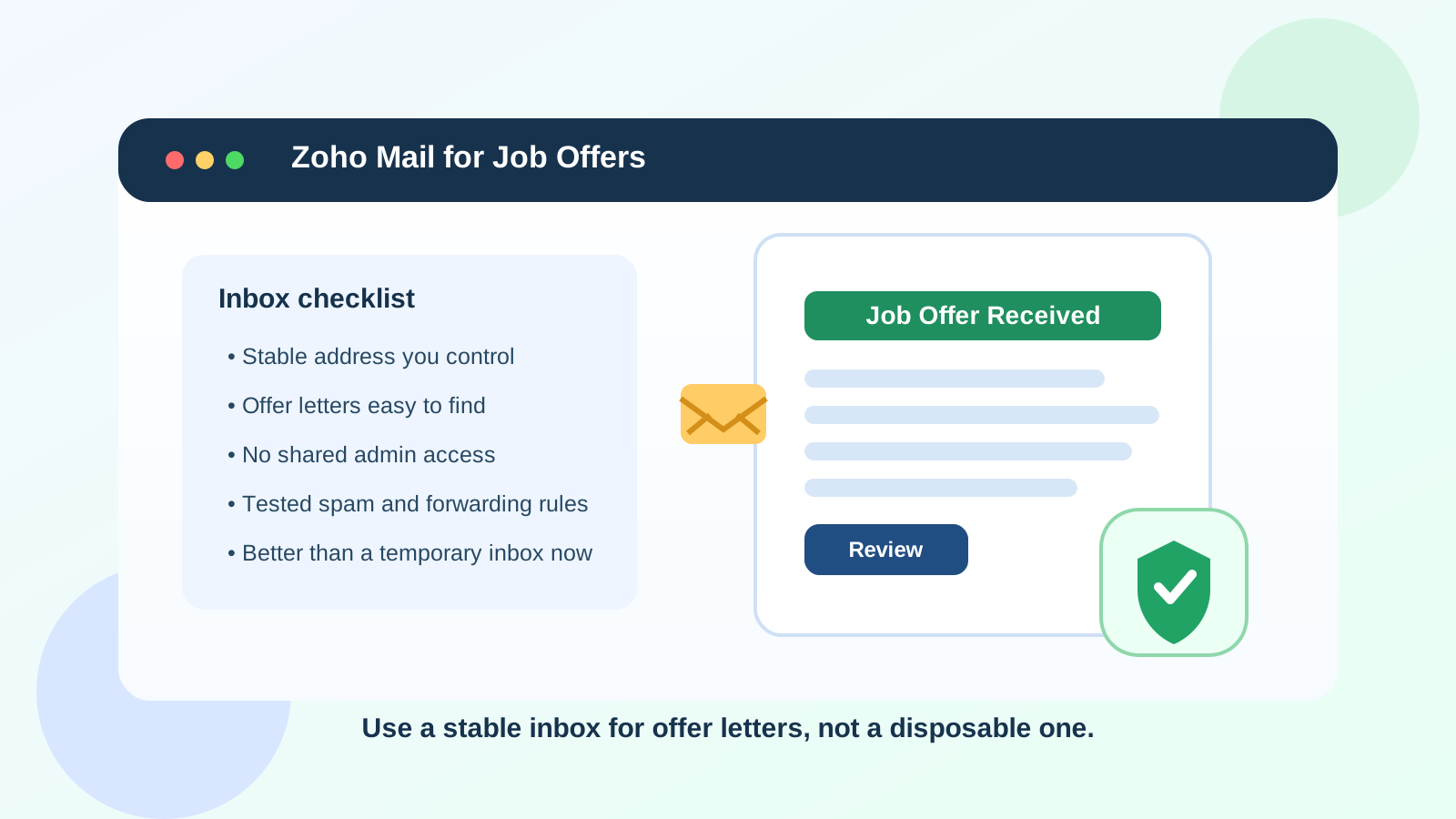
Why the offer stage is different from the application stage
Job offers are more sensitive than early applications. At this point, recruiters may send salary details, start dates, benefits summaries, background-check instructions, tax or onboarding paperwork, signing links, and requests for timely confirmation. That means your offer-stage inbox needs to be more than just presentable. It needs to be reliable, easy for you to monitor, and unlikely to disappear in the middle of an important decision.
That is why the question is not simply whether Zoho Mail looks professional enough. The better question is whether the specific Zoho Mail address you plan to use gives you long-term control, easy access, and enough separation from spam or personal clutter to handle important messages safely.
When Zoho Mail is a good choice for job offers
Zoho Mail is usually a reasonable option when you control the inbox yourself and expect to keep it active throughout the entire hiring process. That can work well in a few common situations.
1. You use a personal Zoho Mail inbox that only you manage
If the address belongs to you personally and you check it regularly, it can work just as well as many mainstream email providers. Recruiters care more about whether they can reliably reach you than whether your inbox comes from the biggest consumer email brand on earth.
2. You use a custom domain you plan to keep long term
One of Zoho Mail’s more practical advantages is custom-domain support. If you use a clean personal domain that you control, that can look polished and help separate your job search from your everyday inbox. The key phrase there is that you control. If you own the domain, manage renewals, and can keep the mailbox active through signing and onboarding, it can be a strong setup.
3. You want a quieter inbox than your main personal address
Offer-stage communication is easy to miss if it lands in a noisy inbox full of newsletters, shopping receipts, social alerts, and old job-board spam. A dedicated Zoho Mail inbox can make it easier to see recruiter follow-ups quickly and respond without digging through clutter.
When Zoho Mail becomes risky
Zoho Mail itself is not the problem. The risk usually comes from how the mailbox is configured.
1. The inbox is tied to a current employer or client-controlled domain
If your Zoho Mail address sits on a domain connected to your current employer, freelance client, or side project team, do not use it for job offers unless you are absolutely sure you control that mailbox independently. Offer-stage emails should not depend on access that another person or organization could suspend, audit, or accidentally disrupt.
2. The address is a shared or admin-managed mailbox
Some people use Zoho Mail in a family, small-business, or team environment with shared administrative control. That may be fine for routine operations, but it is not ideal for private job-offer communication. You do not want important recruiter messages routed through shared aliases, admin rules, or a mailbox that someone else can inspect or reconfigure.
3. You are experimenting with multiple aliases and forwarding rules
If your setup relies on several aliases, forwarding chains, auto-labeling rules, or a partially tested custom-domain configuration, the offer stage is not the moment to discover a broken rule. A message about a deadline, signing link, or compensation conversation should reach you directly without guesswork.
4. You might stop checking it once the search slows down
Some candidates create a separate inbox, use it heavily for a few weeks, then stop monitoring it closely. That is fine for low-priority job-board noise. It is not fine for an offer that may require same-day confirmation, a revised PDF, or follow-up questions from HR.
Will recruiters see Zoho Mail as unprofessional?
Usually, no. Most recruiters are not scoring candidates based on whether they use Gmail, Outlook, Fastmail, or Zoho Mail. What matters more is whether the address looks normal, readable, and stable. A clean address such as yourname@domain.com or a straightforward personal Zoho address is generally more important than the provider behind it.
Where things get awkward is not the Zoho brand itself — it is the impression created by an odd alias, a stale domain, or an address that looks tied to a business that is unrelated to your job search. If your address creates confusion about who you are or whether the inbox is temporary, that can slow communication down.
What makes the offer stage especially sensitive
Once an employer decides to move forward, the email conversation often becomes more detailed and more private. You may receive:
- offer letters and compensation summaries
- benefits or start-date options
- requests to confirm your legal name, address, or preferred contact details
- links for e-signature tools or onboarding portals
- instructions for background checks or identity verification
That is why a throwaway mindset stops working here. A mailbox used for real offers needs continuity. It should still exist next week, next month, and ideally after you accept, because hiring teams sometimes continue using the same thread into preboarding.
Zoho Mail vs temporary email at the job-offer stage
This is where Zoho Mail is clearly better than a disposable inbox. Temporary email tools are useful earlier in the process when you want to test job boards, shield your main inbox, or limit spam from low-trust forms. Anonibox fits that early-stage privacy use case well. But once a real employer is sending an offer, you should move to a stable inbox you actually control long term.
In other words: use temporary email to reduce unnecessary exposure while you are exploring. Use a permanent mailbox like a personal Zoho Mail address when the conversation becomes important, document-heavy, and time-sensitive.
Best practices if you want to use Zoho Mail for job offers
Use one stable address from start to finish
If possible, do not switch addresses halfway through the offer stage. Changing contact details after interviews can create avoidable confusion, especially if multiple people are copied on the thread.
Check spam, forwarding, and storage before you need them
Make sure the inbox is receiving mail properly, that filters are not over-aggressive, and that forwarded messages are actually arriving. Test this before a deadline matters.
Keep recruiter domains visible and easy to find
Create a simple label or folder for active employer conversations. That makes it much easier to separate real offers from general job-search clutter.
Use a calm, professional sender name
The inbox name attached to your outgoing messages should match the name you use in applications and interviews. Consistency reduces friction.
Store important documents outside the inbox too
Email is where the conversation happens, but it should not be the only place offer-related documents live. Save copies of offer letters and related paperwork in a secure folder you control so you are not dependent on finding them later in one mailbox search.
A practical checklist before giving a recruiter your Zoho Mail address
- Do I control this mailbox and its recovery options myself?
- Will I still have access to this domain and inbox a month from now?
- Is the address clean and easy for a recruiter to recognize?
- Have I tested that important messages are not landing in spam?
- Am I checking this inbox often enough for time-sensitive replies?
- Is this better than using a work-managed or shared mailbox?
If you can answer yes to those questions, Zoho Mail is probably a reasonable choice.
Common mistakes to avoid
- using a custom-domain inbox that you have not fully set up or renewed properly
- using a mailbox connected to your current employer or a shared business account
- assuming a forwarding rule is enough without testing it
- keeping offer-stage mail mixed into a chaotic inbox you rarely review
- sticking with a disposable or semi-temporary address after the process becomes serious
So, should you use Zoho Mail for job offers?
Yes, if it is a stable inbox you personally control and you are comfortable managing important documents there. Zoho Mail can be a practical offer-stage address, especially if you want a dedicated inbox or a professional custom domain.
No, if the address depends on a shared workspace, someone else’s admin access, or a setup you might lose during hiring. At the offer stage, reliability matters more than experimentation. Choose the inbox that gives you the clearest ownership, the fewest delivery surprises, and the best chance of catching important messages on time.
Conclusion
Zoho Mail is not inherently a bad choice for job offers. In fact, it can be a very good one when it is personal, organized, and long-term. The real test is control. If the inbox belongs fully to you and you monitor it carefully, it is a perfectly workable place to receive offer letters and next-step instructions. If it is tied to a team, a client, or a shaky forwarding setup, use something more stable before the stakes get higher.
That way you keep the privacy benefits of a separate job-search inbox without risking missed deadlines or lost paperwork when a real opportunity finally arrives.