Usually not as a cold first-contact default. Webex can work for recruiter outreach after a recruiter is verified or when both sides already expect a live conversation.
For first outreach, email or LinkedIn is usually safer, easier to verify, and less awkward than leading with a Webex meeting invite.
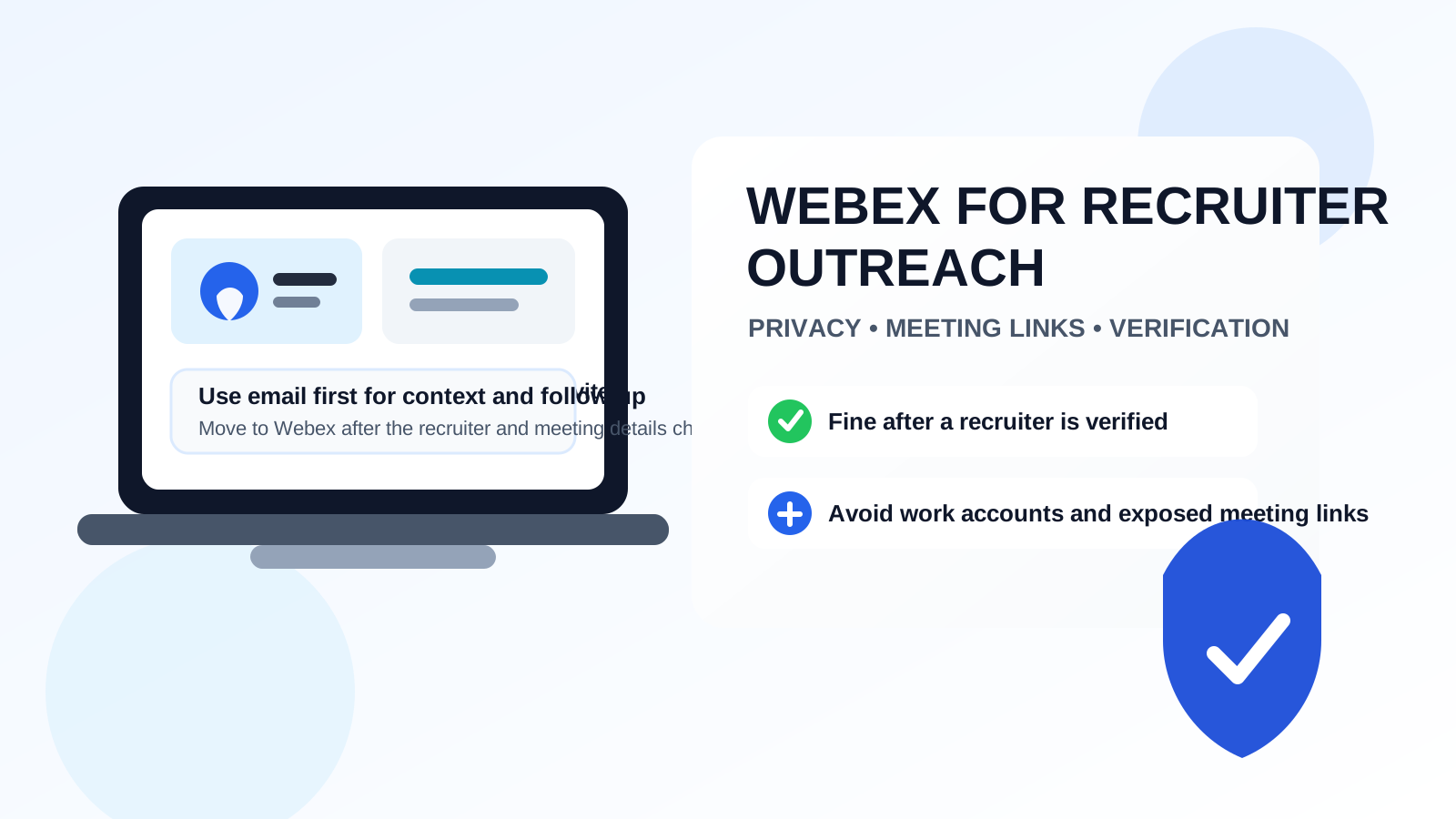
That does not mean Webex is a bad tool. It just means its role in recruiter outreach is narrower than email, phone, or LinkedIn messages. A video meeting platform is best once there is enough context to justify a call. Before that point, a Webex link can create friction, raise legitimacy questions, or expose more account and calendar detail than you intended.
If a recruiter wants to move quickly, Webex may become part of the conversation for an intro call, a hiring-manager screen, or a short exploratory chat. The smart move is to treat Webex as a second-step channel rather than your default front door. That way you keep the speed benefits of a live conversation without giving up easy verification and privacy control too early.
When Webex makes sense for recruiter outreach
Webex is most useful when there is already some basis for trust. For example, a recruiter may email you from a company domain, reference a real role, and ask whether you would be open to a brief call. In that situation, a Webex meeting can be a reasonable next step.
It can also make sense when:
- you were introduced through a mutual contact and the conversation is already warm
- a recruiter works inside a company or industry where Webex is normal
- the meeting is meant to be a short scheduled conversation, not a surprise drop-in
- you want face-to-face context before deciding whether a process is worth continuing
- you need a simple live conversation across regions or time zones
In other words, Webex is not inherently unprofessional. It is just usually better after a bit of trust and context already exist.
Why Webex is usually not ideal for the first touch
Recruiter outreach works best when the initial channel makes identity checks easy. Email and LinkedIn do that well because you can review the sender, inspect the company, look at the role, and reply on your own timeline. A Webex link by itself is thinner context. It asks for a bigger commitment faster.
That creates a few problems:
- Verification is weaker: a meeting invite does not automatically prove the recruiter or role is legitimate.
- The ask is heavier: scheduling or joining a live meeting takes more effort than replying to a short message.
- Privacy exposure can happen earlier: display names, account details, avatars, and calendar metadata may reveal more than a simple message would.
- It can feel premature: many candidates do not want a live video conversation before they even know whether the role is relevant.
That is why a good recruiter usually uses email or LinkedIn first and only suggests Webex once there is mutual interest.
Privacy considerations people forget about
Meeting links can travel farther than you expect
A meeting invite may be forwarded, copied into calendars, or left sitting in inboxes longer than you expect. That does not automatically create a security disaster, but it does mean you should treat meeting links as something worth controlling. If a recruiter sends a generic room link before basic verification, it is reasonable to slow down and ask for more context first.
Your account identity may reveal extra information
Depending on how you join, Webex may surface your display name, email-linked identity, profile image, or organizational affiliation. If you join from a current employer account or an account tied to a current employer domain, you may reveal more about your situation than you intended.
Calendar details can leak context
Even a normal invite can expose naming choices, default calendar behavior, or time-blocking patterns. Again, this is usually not catastrophic, but it is part of the broader privacy picture. A lightweight email exchange gives you more control over what information appears before a live meeting is necessary.
Recorded meetings need extra caution
Some organizations record meetings by default or save chat, attendance, and call metadata more aggressively than people realize. Before discussing sensitive job-search details, it is fair to understand whether the call is being recorded and whether you are joining under a work-managed environment.
Do not use your current employer’s Webex account
This is one of the clearest rules. If you are currently employed, avoid using your employer-managed Webex account for recruiter outreach. Even if nobody is actively watching you, work accounts often come with admin visibility, retention policies, logged identities, enterprise settings, and naming conventions you do not fully control.
A work-managed account can also make the interaction look strange from the recruiter side. It signals that you are mixing an active employer environment into an external hiring conversation. That is rarely the cleanest choice.
If Webex becomes necessary, use a personal setup or join as a guest if the workflow allows it.
Guest join vs signed-in account
When possible, guest join is often the cleaner option for early recruiter conversations. It can reduce the amount of persistent account information attached to the interaction, and it avoids accidentally exposing a work-managed identity. A signed-in personal account can still be fine, but only if the display name, avatar, and email-connected details are appropriate for a professional conversation.
The key question is simple: what will the recruiter see, and are you comfortable with that?
How to use Webex safely if a recruiter suggests it
1. Verify the recruiter before you accept the meeting
Look for a real company domain, a specific job title, and a role description that actually makes sense. Check whether the recruiter has a credible LinkedIn presence or appears on the company site. If the outreach feels vague, generic, or pushy, do not let the presence of a Webex invite create false legitimacy.
2. Keep the first exchange in writing
Even if the conversation quickly moves to a live call, start with an email or message thread. Written context makes it easier to confirm who contacted you, what role is involved, and why the call is happening. It also gives you a paper trail for follow-up.
3. Use a separate job-search email when appropriate
A dedicated inbox can keep recruiter conversations organized and reduce long-term spam if the opportunity goes nowhere. For very early-stage outreach, job boards, or forms tied to recruiting workflows, many people prefer a separate address instead of putting their main personal inbox everywhere. That is where a tool like Anonibox can fit naturally: not as a magic privacy shield, but as a practical way to segment early job-search traffic before you decide which conversations deserve your long-term contact details.
4. Review your display name and profile image first
Before you join, check what the other side will see. A neutral professional name and a normal profile image are enough. You do not need to overengineer it. You just do not want your account to expose an old employer, an inside joke, or something informal that would feel out of place.
5. Join from a controlled environment
Use a quiet space, a neutral background, and a device you trust. If screen sharing becomes relevant later, you will be glad you started from a setup that does not expose unrelated work tabs, notifications, or personal clutter.
6. Ask basic questions before the call if needed
If the role, compensation range, location, or process is still unclear, it is fine to ask before agreeing to a meeting. A ten-minute live call is not a substitute for basic clarity.
Signs the Webex invite is moving too fast
- There is no clear written explanation of the role.
- The recruiter wants an immediate meeting without answering basic questions.
- The email address does not match the company story.
- You are asked to join from a personal device in a rushed or secretive way.
- The invite looks generic, forwarded, or disconnected from a real hiring process.
- The conversation jumps to video before you have even confirmed you are interested.
Any one of those is not automatically a scam, but together they are a good reason to slow the pace and keep the next step in writing.
A practical workflow that usually works better
For most people, the best sequence is simple:
- Receive first contact by email or LinkedIn.
- Verify the recruiter, company, and role.
- Reply with a few written questions if needed.
- Move to Webex only after the basics are clear.
- Use a personal or guest setup instead of a work-managed account.
- Keep follow-up in writing after the meeting.
That workflow gives you both speed and control. You get the value of a live conversation without making live video the place where verification starts.
When another channel is the better choice
If the recruiter is still cold, the role is only vaguely described, or the timing feels rushed, another channel is better. Email is usually the safest default because it is searchable, slower in a good way, and easy to verify. LinkedIn can also work well when you want visible professional context before moving further.
Phone can be reasonable too if you prefer voice over video, especially for a short screening conversation. Webex shines later, not earlier.
Bottom line
Yes, you can use Webex for recruiter outreach, but it is usually better as a second-step conversation tool than a first-contact channel.
When the recruiter is verified, the role is real, and the meeting has a clear purpose, Webex can work perfectly well. Just protect your privacy by keeping the first exchange in writing, avoiding work-managed accounts, reviewing what your identity reveals, and treating meeting links with the same caution you would give any other job-search contact detail.
That balance usually gives you the best outcome: you stay approachable for legitimate opportunities without letting a video platform become the first place where trust is assumed instead of earned.