A temp email for Adobe Experience Manager is useful for early CMS testing, short-lived authoring trials, and one-off team invites, but it is a poor choice for production admins, long-term ownership, and account recovery.
Use it to keep evaluation noise out of your main inbox during an AEM proof of concept, then switch to a stable address before the project becomes shared, client-facing, or operationally important.
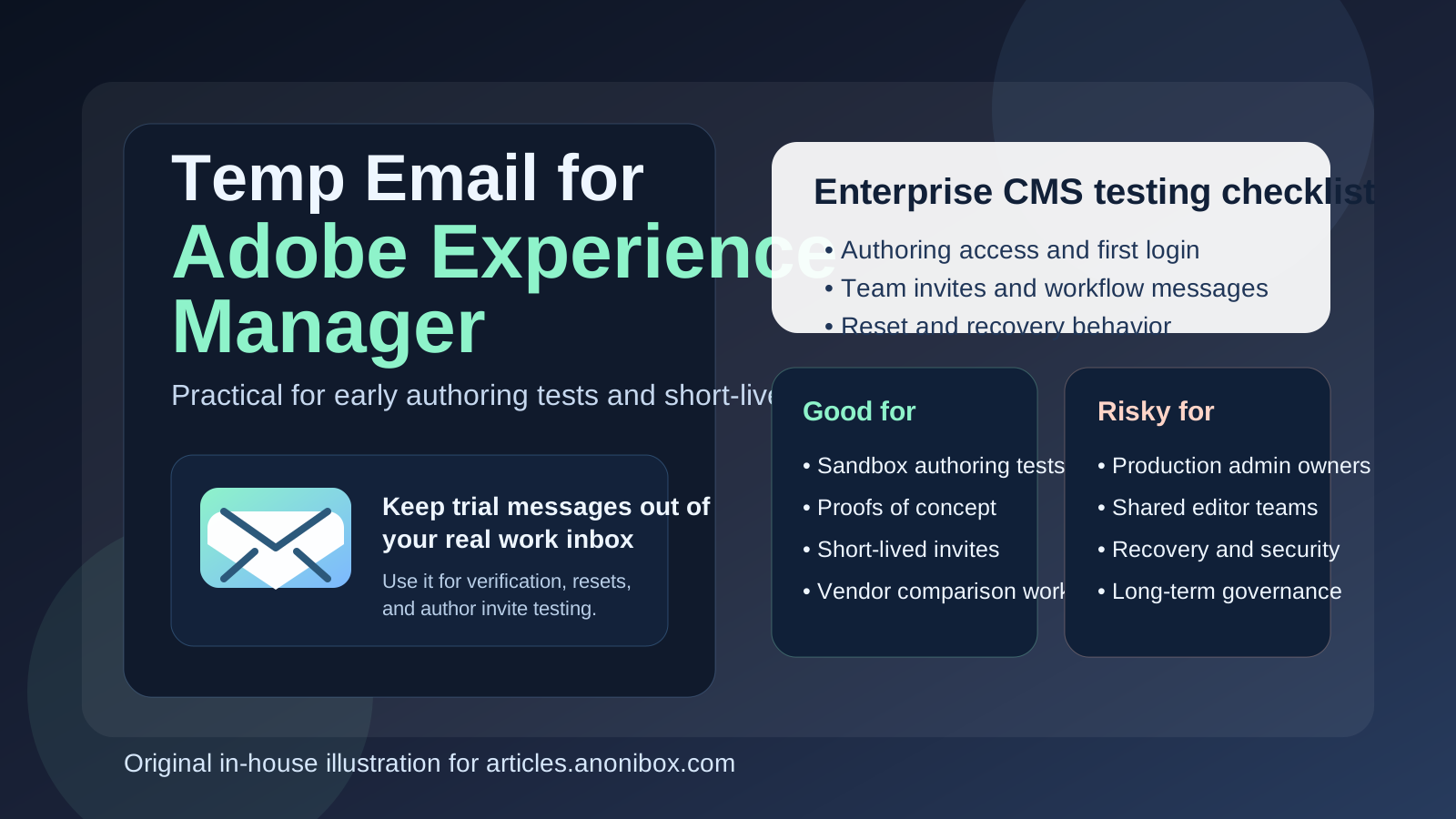
Why this question comes up with Adobe Experience Manager
Adobe Experience Manager is rarely the kind of product people touch once and forget. Teams usually explore it through hands-on tests: trying an authoring environment, reviewing workflow behavior, checking user access, validating content approval steps, or comparing it against other enterprise CMS options. That process often involves account creation, verification messages, invite emails, password resets, and other email-driven steps before the platform is ever approved for real use.
If you are doing that kind of evaluation across several vendors or sandbox environments, your primary inbox can get messy fast. Welcome emails, setup prompts, trial follow-ups, meeting nudges, and internal test invites can linger long after the proof of concept is over. A temporary inbox gives you a cleaner way to complete the early-stage tasks without turning your day-to-day email into a graveyard of abandoned platform trials.
That is where a tool like Anonibox fits nicely. It can catch the verification and setup messages you need for a short-lived test while keeping those messages separate from the mailbox you rely on for real work. The important part is not mistaking convenience during evaluation for a good long-term ownership strategy.
When a temp email makes sense for AEM
1. Early proof-of-concept work
If your team is still deciding whether Adobe Experience Manager belongs on the shortlist, a temp email can be perfectly reasonable for the first round of evaluation. You may only need to confirm access, open a few onboarding messages, and test basic authoring or permission flows. That does not always justify handing your permanent business inbox to every platform you are exploring.
2. Short-lived sandbox or demo environments
Sometimes the goal is not to build anything permanent. You may be testing workflow emails, seeing how author access behaves, or checking whether a specific content model or review process is workable. If the environment itself is disposable, the inbox attached to that setup can be disposable too.
3. Agency or pre-sales experimentation
Agencies, consultants, and internal solution teams often create fast demo environments before a project is formally approved. In that pre-commitment stage, a temp inbox helps reduce long-term inbox exposure while still letting you receive the emails needed to make the test useful.
4. Comparing multiple enterprise CMS platforms at once
AEM is often evaluated next to other serious CMS or digital experience platforms. If you are reviewing several tools in parallel, using a separate temporary inbox for each test keeps vendor follow-up more organized and makes it easier to see which messages belong to which environment.
Where a temp email becomes risky
Production admin ownership
The biggest mistake is letting a temporary inbox become attached to a real production owner account. If you lose access to the inbox, password resets, security notices, and ownership recovery become painful at exactly the moment you need reliability most.
Shared authoring teams
Once editors, marketers, developers, or clients depend on an environment, mailbox stability matters. Shared workflows break down when key access or notification emails go to an address that is no longer available or no longer monitored.
Workflow and approval operations
AEM projects can involve approval chains, publishing processes, and internal review habits that rely on consistent communication. Even if the temporary inbox worked during setup, it is the wrong foundation for ongoing operations where someone needs to receive messages predictably over time.
Support, billing, and account continuity
Anything tied to a real business relationship should move off a throwaway inbox early. Contracts, support cases, vendor notices, and account-level changes belong on a stable address controlled by the organization rather than a short-lived address used for experimentation.
A simple rule that avoids most problems
If the account exists to test something, a temp email can be useful. If the account exists to own something, protect something, or run something important, use a permanent controlled address instead.
That rule sounds obvious, but it prevents the classic failure mode: a sandbox account quietly turns into the real project, and nobody thinks about inbox ownership until recovery is suddenly needed.
How to use a temp email for Adobe Experience Manager safely
Start with a disposable inbox only for the evaluation phase
Create the temporary inbox before you begin the test so all related messages stay isolated from the start. Use it specifically for the AEM proof of concept rather than reusing one address across several unrelated tools.
Save the few messages that actually matter
In most AEM trials, you do not need to keep every email forever. The critical pieces are usually the verification message, the first invite, any workflow-related test email you want to inspect, and perhaps a reset message if you are validating recovery behavior. Capture what you need while the inbox is active.
Deliberately test the email-driven workflows
Do not stop at basic signup. If your evaluation includes invite flows, author onboarding, workflow notification checks, or reset behavior, test those paths on purpose. A temporary inbox is especially helpful when you want to see what the recipient side feels like without exposing your regular mailbox to every experiment.
Switch to a permanent address before the project becomes real
This is the step people delay too long. Move to a stable inbox before production launch, before client handoff, before more users depend on the environment, and definitely before the mailbox becomes central to recovery or ownership. The earlier you clean that up, the less painful the transition is later.
What temporary email is good for in an AEM-related workflow
- Checking initial verification messages
- Testing one-off invites in a proof of concept
- Reviewing sandbox onboarding without exposing your main inbox too early
- Comparing early platform communication across multiple CMS vendors
- Separating short-lived technical experiments from long-term business email
What it is not good for
- Permanent admin ownership
- Shared production authoring teams
- Password recovery and security-sensitive access
- Support, billing, or vendor continuity
- Anything the business cannot afford to lose later
Common mistakes to avoid
Forgetting to replace the inbox after a successful pilot
This is the most common problem. A project starts as a harmless evaluation and gradually becomes important. If nobody formally swaps the account to a stable address, the temporary inbox stays in place until an urgent reset or ownership issue exposes the mistake.
Using one disposable inbox for several platform tests
That creates confusion fast. Messages from different tools blur together, and it becomes harder to remember which invite or reset belongs to which environment. One inbox per test is much cleaner.
Treating temporary email as a complete privacy or security strategy
A temp inbox helps with clutter and reduces early exposure, but it does not replace good governance. You still need sensible user roles, secure account management, documented ownership, and a stable communication path once the environment matters.
Testing only login, not recovery
The first login is easy. Recovery is where weak account choices cause real pain. If your evaluation involves access management, test reset and recovery behavior before you decide the workflow is acceptable.
A practical decision checklist
- Is this only a short trial, demo, or proof of concept?
- Will more than one person depend on the account later?
- Could this inbox become tied to account recovery or ownership?
- Are you testing only signup and invites, or building something long-lived?
- Do you already know which permanent address should replace it if the project moves forward?
If the setup is temporary and low-stakes, a disposable inbox is usually fine. If the environment may support real operations later, plan the switch to a stable address early rather than treating it like cleanup for another day.
Final answer
A temp email for Adobe Experience Manager is a smart tool for early-stage CMS evaluation, invite testing, and short-lived workflow checks. It helps keep trial noise out of your main inbox while still letting you complete the parts of setup that depend on email.
But once the AEM environment becomes production-facing, shared, or important to recovery and governance, a temporary inbox becomes more risky than useful. Use the disposable inbox for the test, then move to a stable business-controlled address before the project becomes something you need to trust long term.