A temp email for Kentico is useful for early CMS testing, short-lived admin signups, and invite-flow checks, but it is a poor choice for production admins, long-term ownership, and account recovery.
Use it to keep evaluation noise out of your main inbox, then switch to a stable address before a Kentico project becomes shared, client-facing, or business-critical.
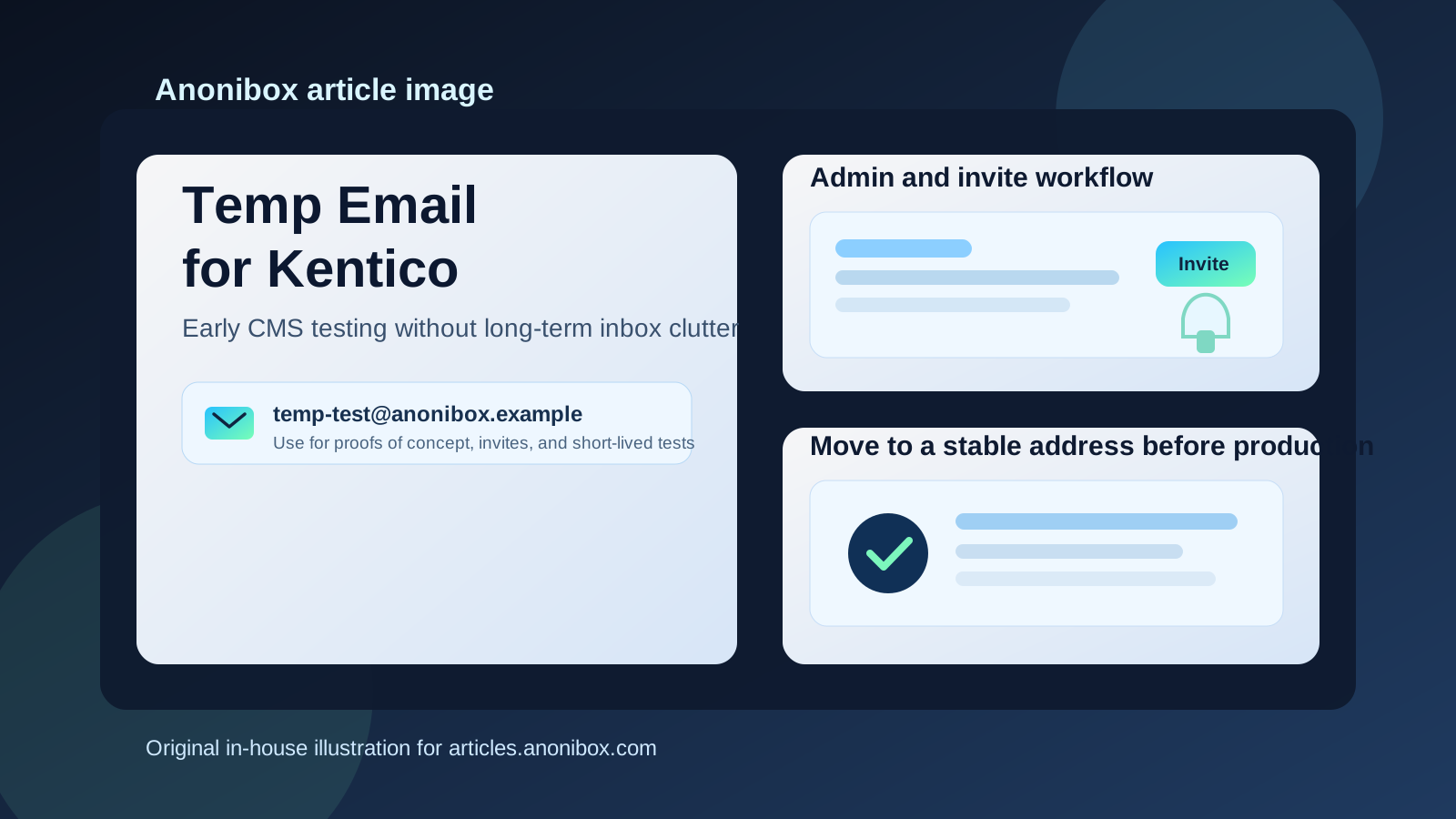
Why someone would use a temp email for Kentico
Kentico projects often involve more than a simple website login. Even a small proof of concept can include editor accounts, admin setup, form notifications, workflow messages, agency collaboration, and test environments. If you are only exploring the platform, comparing CMS options, or checking how email-driven flows behave, handing out your main address too early can create clutter that lasts much longer than the test itself.
That is where a temporary inbox helps. It gives you a throwaway address for the early stage: account verification, one-off invites, sandbox access, or a quick look at how the platform behaves. A service like Anonibox is handy for this because it keeps those trial messages separate from the inbox you rely on for real work.
The important part is knowing where the line is. A temp email can be convenient for short-lived testing, but Kentico is not the kind of system where you want a critical production account tied to an address you may lose tomorrow.
When a temporary email makes sense
1. Early platform evaluation
If you are still deciding whether Kentico fits your team, a temporary inbox is reasonable for the first round of exploration. You may only need to confirm an account, review a welcome email, or test a demo environment. That does not always justify giving a permanent company mailbox to every platform under consideration.
2. One-off sandbox or staging tests
Some teams create short-lived environments to check content workflows, user roles, or email-triggered actions. When the environment itself is disposable, the inbox attached to that test can be disposable too. This is especially useful when you want to verify that a signup, approval, or notification flow actually sends mail without mixing those messages into your day-to-day inbox.
3. Agency or contractor proofs of concept
Agencies and freelancers sometimes spin up rough prototypes before a project is formally approved. In that situation, a temp email can reduce exposure while you are still in the “is this worth pursuing?” phase. If the work becomes real, move everything to a stable client or team-owned address.
4. Comparing multiple CMS tools at once
When Kentico is just one option in a broader comparison alongside other CMS or digital experience platforms, a temporary inbox helps keep vendor follow-up isolated. You still get the messages you need to start, but you avoid turning a simple evaluation into months of product emails.
Where a temp email becomes risky
Production admin accounts
A production admin account should never depend on an inbox that may disappear. If the address stops working, password resets, security notices, and account verification steps can become painful fast. For long-term access, use a stable mailbox that the right people can manage.
Team invites and shared ownership
Once more than one person depends on the account, the temp-email phase should be over. Team workflows need continuity. Editors, developers, marketers, and clients may all need reliable access to notifications and recovery messages. A disposable inbox breaks that chain.
Billing, contracts, and vendor communication
If the relationship moves beyond experimentation, important communication may include invoices, renewals, support updates, security alerts, or legal and account notices. Those should go to a monitored address that belongs to the business, not a throwaway mailbox used for quick testing.
Password recovery and security checks
Even if a temp email worked fine at signup, it becomes a liability the moment you need recovery. If you cannot receive reset links or confirmation codes later, the convenience of using a disposable inbox disappears instantly.
A practical workflow that keeps testing safe
Start with a disposable inbox for the trial phase
Create the temporary address before you begin. Use it only for the early Kentico test so the messages stay separated from your regular inbox from the first step onward.
Save the messages that actually matter
Do not assume you will need every email forever. In most tests, the useful messages are limited: the verification link, the first onboarding message, maybe an invite or environment note, and any instructions you want to reference later. Save what matters while the inbox is active.
Test email-driven flows deliberately
If your goal is to check forms, approvals, or invitation behavior, use the temp inbox for exactly that. Verify whether the mail arrives, how long it takes, what the formatting looks like, and whether the links behave correctly. That is a good use case because it is limited, practical, and low-risk.
Promote to a stable address before the project becomes real
The moment the Kentico setup stops being temporary, switch the account to a real address. Do that before launch, before client handoff, before production editor access, and definitely before the mailbox becomes a recovery or ownership dependency.
What a temp email is good for in Kentico-related testing
- Checking initial signup or verification messages
- Testing invite emails in a proof of concept
- Reviewing sandbox onboarding without exposing your main inbox
- Comparing early vendor or platform communication across multiple CMS options
- Separating short-term experiments from long-term business email
What it is not good for
- Permanent admin ownership
- Shared production teams
- Recovery, security, or compliance-sensitive access
- Client handoff and long-lived projects
- Anything tied to revenue, publishing continuity, or operational accountability
Common mistakes to avoid
Forgetting to change the email later
The biggest mistake is not using the temp address in the first place. It is forgetting to replace it after the experiment becomes a real project. Teams often move quickly from trial to implementation, and loose ends like account ownership get ignored until recovery is needed.
Using the same throwaway inbox for too many tools
If you are testing several products, using one disposable inbox for all of them can create confusion. Separate inboxes make it easier to understand which messages belong to which platform and reduce the chance of missing something important.
Treating disposable email like a privacy shield for everything
A temp inbox reduces inbox clutter and limits early exposure, but it does not solve every privacy or security issue. You still need good account hygiene, sensible access control, and a plan for stable ownership once a system matters.
Quick checklist before you use a temp email for Kentico
- Is this just a short trial, demo, or proof of concept?
- Will anyone else need access to the account later?
- Could this inbox become tied to recovery or long-term ownership?
- Do you need the mail only for verification and testing, or for ongoing operations?
- Do you already know which stable address should replace it if the project moves forward?
If the setup is temporary and low-stakes, a disposable inbox is usually fine. If the account will matter next month, next quarter, or during a launch, start migrating to a real address early.
Final answer
A temp email for Kentico is a smart tool for early-stage testing, invite checks, and short-lived CMS evaluation. It helps reduce inbox clutter and keeps low-commitment experiments from spilling into the mailbox you use for real work.
But once a Kentico environment becomes production-facing, shared, or important to account recovery, a temporary address becomes more risky than useful. Use the disposable inbox for the test, then switch to a stable business-owned address before the project becomes something you cannot afford to lose.