Yes — a temp email for Amplenote is reasonable if you only want a quick private test and do not want another product signup landing in your main inbox right away.
It becomes risky once your notes, tasks, calendar workflow, billing, or account recovery depend on that temporary address.
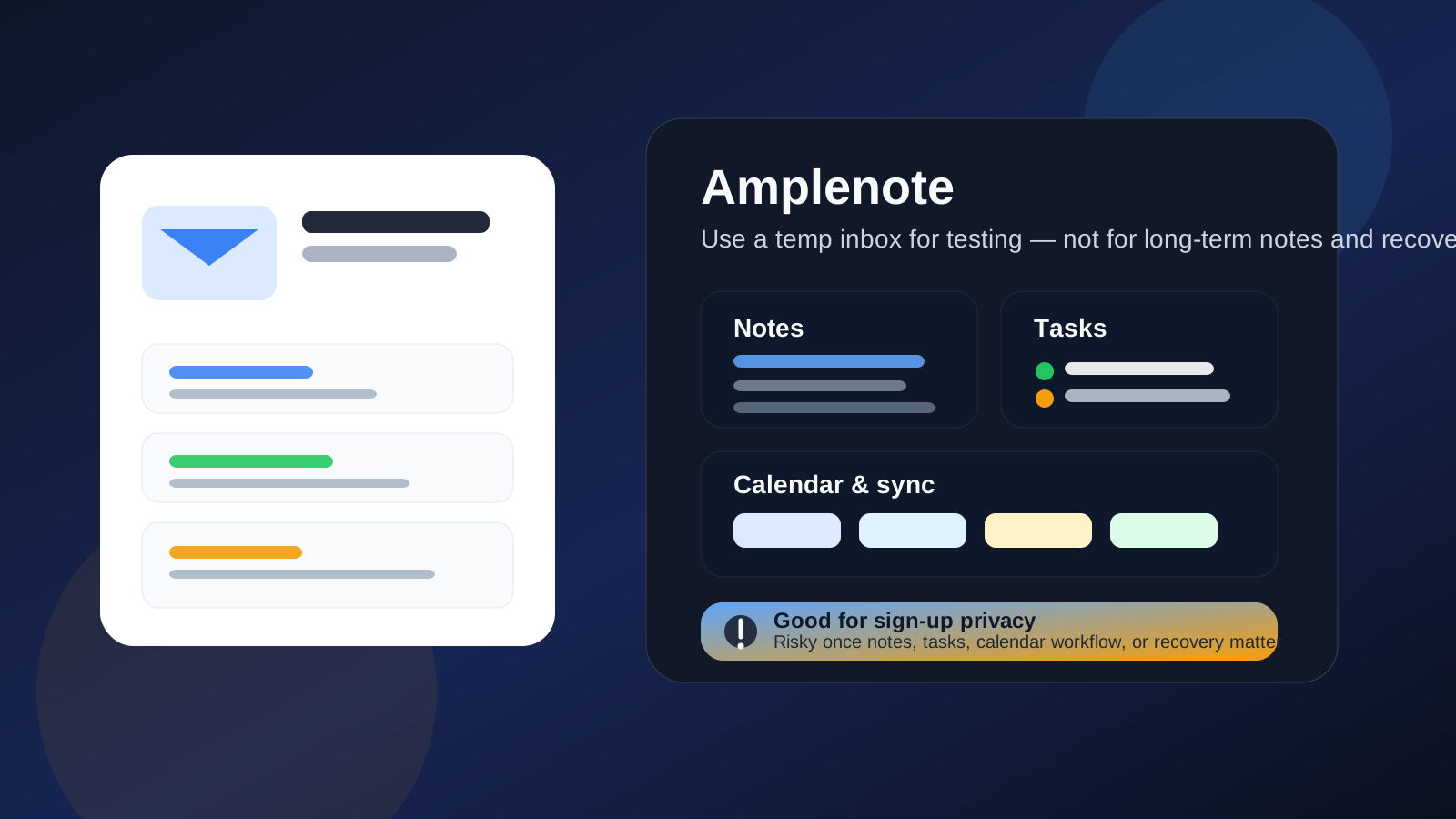
That is the practical answer most people need. Amplenote sits in the category where a “test account” can turn into a real productivity system faster than expected. You might start by checking the interface, exploring note organization, or seeing how tasks and calendars fit together. A few days later, the account may already contain project notes, reminders, recurring tasks, and planning details you would not want to lose. That shift is exactly why temporary email can be helpful at the beginning but brittle later.
Why people look for a temp email for Amplenote
Most users are not trying to do anything shady. They are trying to stay organized and protect their inbox. Productivity tools often send onboarding emails, feature updates, trial reminders, upgrade nudges, and account notices. If you regularly test note apps, task managers, or planning tools, your email can get cluttered fast.
A temporary inbox offers a simple buffer. You can verify the signup, look around the product, and decide whether it is worth keeping without immediately tying your permanent address to another long-term software account. For someone comparing Amplenote with other note-taking or PKM tools, that can be a sensible first step.
When a temp email makes sense for Amplenote
A disposable inbox is strongest during the earliest, lowest-stakes stage of evaluation.
- Quick interface testing: you want to inspect the dashboard, note editor, task flow, or calendar view.
- Inbox protection: you do not want welcome emails and product prompts mixed into your everyday mailbox yet.
- Side-by-side product comparison: you are evaluating Amplenote next to apps like Obsidian, Joplin, Readwise, UpNote, Workflowy, or similar tools.
- Short-term curiosity: you want to know whether the product fits your workflow before giving it a permanent place in your digital setup.
In those cases, a temporary inbox from a service like Anonibox can do exactly what you need. It gives you the verification message and keeps early experimentation separate from your main email identity.
Why temp email becomes risky once you actually like the app
The biggest mistake is assuming a test account will stay a test account. Productivity software rarely works that way. If the tool is useful, value accumulates quickly.
1. Your notes stop being disposable
The moment you capture meeting notes, personal planning, research outlines, or idea drafts, the account stops being a toy. If those notes matter next week or next month, the email behind the account matters too.
2. Tasks and reminders create continuity
Task systems only help when they remain accessible. If you start relying on recurring tasks, due dates, or a connected planning rhythm, you do not want the account tied to an inbox you may lose access to later.
3. Calendar-related workflow raises the stakes
Anything that touches planning or scheduling usually becomes more important over time, not less. Even if Amplenote is only one part of your workflow, stable access matters once the account supports real commitments and timelines.
4. Password resets and security notices matter later, not just today
Temporary inboxes are good at receiving the first verification email. They are much worse as a long-term recovery channel. People rarely think about recovery until a browser reset, device change, or sign-in issue makes it urgent.
5. Billing and subscription messages are not throwaway
If you move beyond a free trial or decide to pay for features, invoices, renewal notices, failed-payment warnings, and account messages belong in a mailbox you actually control long term.
A better way to think about it: trial phase vs keeper phase
The cleanest approach is not “always use temp email” and not “always use your main inbox.” It is better to treat these as two separate stages.
- Trial phase: use a temporary inbox while you evaluate whether Amplenote deserves space in your workflow.
- Keeper phase: once the app starts holding real notes, tasks, or planning data, switch to a stable address you control.
That gives you the privacy benefits of a disposable inbox without letting a fragile email choice quietly become part of your long-term productivity system.
Good use cases for a temp email for Amplenote
Here are the cases where a temporary address is usually a smart fit:
- You only want to browse the onboarding and basic workflow.
- You are testing several productivity tools in one week and want each trial separated.
- You do not yet know whether Amplenote is worth keeping.
- You want to reduce long-term promotional email from tools you may never use again.
- You plan to decide quickly and move to a permanent address if the app proves useful.
All of those have one thing in common: low commitment. Temporary email is a strong choice when the relationship itself is temporary.
Bad use cases for a temp email for Amplenote
Now the opposite. A disposable inbox is usually the wrong move if any of these are true:
- You already know you will keep the app.
- You are storing notes you would hate to rebuild.
- You depend on tasks, reminders, or planning tied to that account.
- You may pay for the service.
- You want easy password recovery or long-term account ownership.
- You are using the account for real work, study, or personal organization.
If that sounds like you, a stable inbox is the better tool. Saving a few onboarding emails is not worth weakening access to an account that supports real output.
Separate permanent email vs temp email: which is better?
For many people, the best compromise is not a fully disposable inbox. It is a separate permanent email used for software trials, note apps, and side-tool accounts.
That setup gives you most of the privacy benefit while avoiding recovery problems:
- Your main personal or work inbox stays cleaner.
- You still control password resets and security notices.
- You can keep productivity-tool accounts grouped in one place.
- You avoid the common trap of building a useful account on top of an address that disappears.
If you suspect there is even a moderate chance you will keep Amplenote, a separate permanent inbox is often the smarter default than a short-lived temp address.
How to use a temp email for Amplenote more safely
If you do want to start with a temporary inbox, keep the process disciplined.
1. Keep the test narrow
Use the temp address for basic exploration, not for building your full note system on day one. The more valuable data you add, the less suitable a disposable inbox becomes.
2. Avoid loading it with important material immediately
Do not start by importing critical notes, long project plans, or personal reference material if the account is still attached to an inbox you may not keep.
3. Decide quickly whether the tool is worth keeping
Temporary email works best for short evaluation windows. If you find yourself returning to the app and using it for real work, treat that as the signal to switch.
4. Move to a stable email before the account becomes essential
Do not wait for the first recovery problem. Make the change while everything still works normally.
5. Keep a simple record of what you signed up for
If you test many tools, note which email was used where. That avoids confusion later if you decide one of the accounts is worth saving.
A quick decision checklist
Before signing up, ask yourself:
- Am I only testing Amplenote, or do I expect to keep using it next month?
- Will this account store notes or tasks I care about?
- Would losing easy password recovery be annoying or serious?
- Is my real goal privacy during evaluation, or do I actually need long-term separation?
- Would a separate permanent inbox solve this better than a temporary one?
If your answers point toward ongoing use, move away from the temp-email idea sooner rather than later.
What if you already signed up with a temporary inbox?
If you already created the account with a disposable address, the best move is simple: update the account email while you still can. Do that before the account becomes deeply embedded in your note system. It is much easier to fix now than after you have months of notes, tasks, and habits built around it.
Final answer
A temp email for Amplenote is a perfectly reasonable choice for a quick private evaluation. It can help you test the signup flow, inspect the interface, and keep one more software trial out of your main inbox.
It becomes a poor long-term choice once the account holds real notes, ongoing tasks, calendar-related workflow, or paid access. If you only want short-term sign-up privacy, a temporary inbox can help. If you think the app may become part of your real productivity system, switch early to a stable address you control. That gives you the privacy upside without creating an avoidable recovery problem later.